
This page is not an official page of the app or its developer, but an independent editorial publication created for informational and commentary purposes. Unless expressly stated otherwise, neither the app nor its developer is affiliated with, endorsed by, sponsored by, authorized by, or otherwise officially connected with MWM, Apple, Google Play, the app publisher, or the app's developer, and nothing on this page implies that the app was developed using MWM's services. Any trademarks, logos, screenshots, and other content remain the property of their respective owners.


Stream - Network Debug Tool
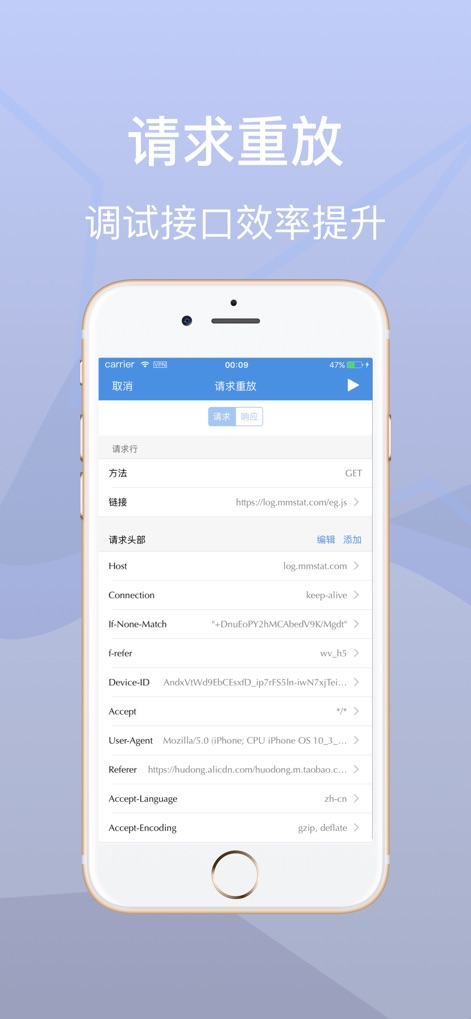
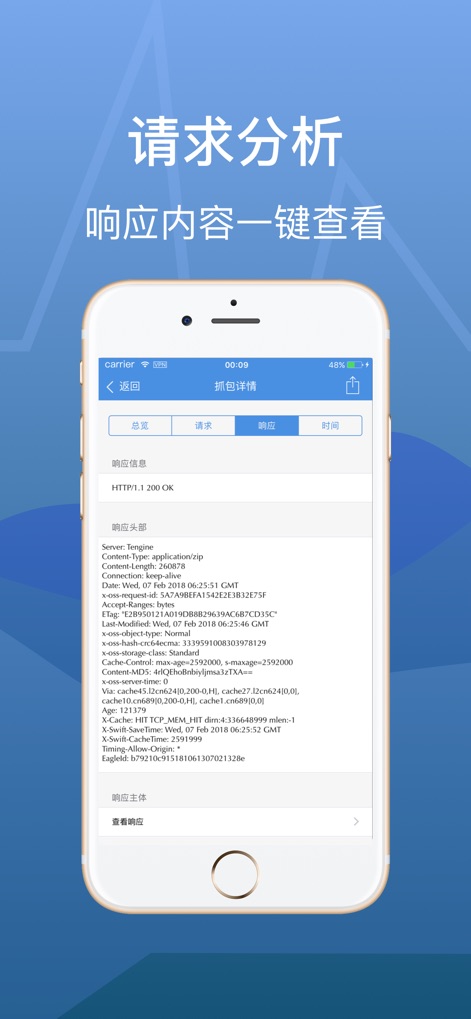
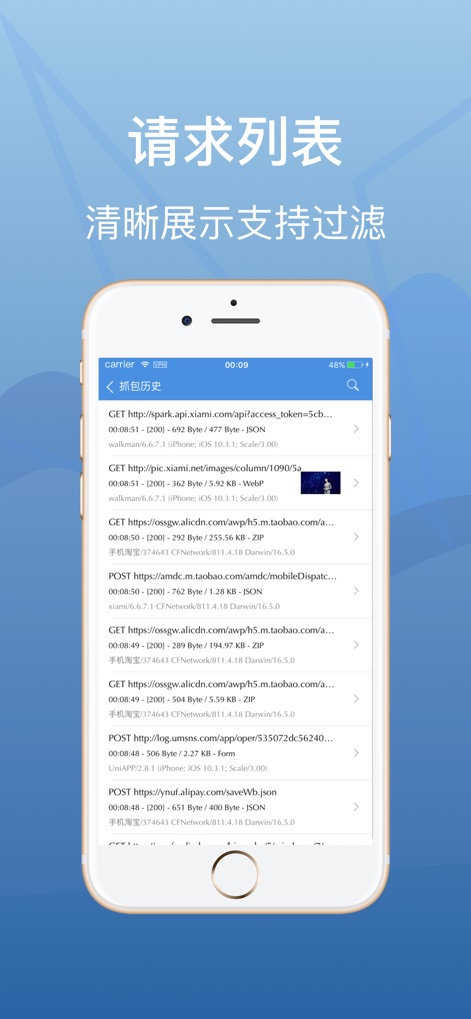
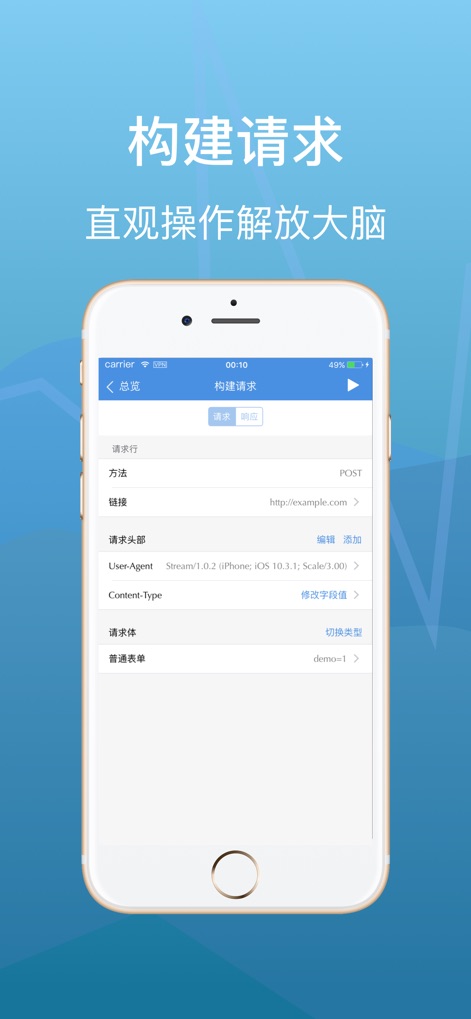
The powerful on-device traffic analyzer for developers and QA engineers. Capture, inspect, and replay requests locally with total privacy—no PC tethering required.
Downloads
1M+User Rating
Total Ratings
3K+Publisher
Category
Developer ToolsLocales
3Latest Version
1.0.6Size
32.8 MBFirst Released
Jan 4, 2018Professional Network Debugging, Anywhere
Stream gives mobile developers and QA engineers a full-featured network toolkit that runs entirely on-device, eliminating the need for complex desktop proxy setups.
Local Traffic Sniffing
Inspect HTTP and HTTPS requests in real-time directly on your iOS device without tethering to a workstation.
Seamless Environment Switching
Manage custom Hosts to toggle between Dev, Staging, and Production environments with desktop-level control.
The following screenshots and description are sourced directly from the app's official store listing and are the property of the app developer.
App Store
Screenshots

Description
Download
More Like This
Apps with similar features and user experience
Proxyman - Capture HTTPS
Proxyman LLC

LightBlue®
Punch Through Design LLC

ProxyPin - Open Source Capture
Minimalist Network Co., Ltd.

BluetoothAssistant
Hangzhou OrangeJuice Technology Co., Ltd.

StikDebug
Stephen Bove

Onmi: Networking & API Request
Vuong Anh

Shizuku
Ahammam Lahcen

Web Inspector
And a Dinosaur

Surge 5
Surge Networks Inc.
This page is not an official page of the app or its developer, but an independent editorial publication created for informational and commentary purposes. Unless expressly stated otherwise, neither the app nor its developer is affiliated with, endorsed by, sponsored by, authorized by, or otherwise officially connected with MWM, Apple, Google Play, the app publisher, or the app's developer, and nothing on this page implies that the app was developed using MWM's services. Any trademarks, logos, screenshots, and other content remain the property of their respective owners.