
This page is not an official page of the app or its developer, but an independent editorial publication created for informational and commentary purposes. Unless expressly stated otherwise, neither the app nor its developer is affiliated with, endorsed by, sponsored by, authorized by, or otherwise officially connected with MWM, Apple, Google Play, the app publisher, or the app's developer, and nothing on this page implies that the app was developed using MWM's services. Any trademarks, logos, screenshots, and other content remain the property of their respective owners.


Proxyman - Capture HTTPS
The native, high-performance web proxy for modern developers. Inspect, decrypt, and debug network traffic in real-time with Map Local, Breakpoints, and JSON syntax highlighting—no MacBook required.
Downloads
213K+User Rating
Total Ratings
2K+Publisher
Category
Developer ToolsLocales
1Latest Version
3.8.0Size
43.7 MBFirst Released
Mar 10, 2021Professional Tools for Modern Developers
Eliminate the friction of network debugging. Proxyman brings high-performance, native inspection tools directly to your iPhone and iPad.
Zero-Config Interception
Capture and decrypt HTTPS traffic instantly over Wi-Fi and Cellular via a local VPN tunnel. No MacBook or manual proxy settings required.
Desktop-Class Inspection
Analyze payloads with JSON syntax highlighting, TreeViews, and multi-column layouts designed for high-resolution mobile screens.
The following screenshots and description are sourced directly from the app's official store listing and are the property of the app developer.
App Store
Screenshots

Proxyman app promotional screen with the text Capture HTTPS on your iPhone and a laurel wreath stating Loved by Developers
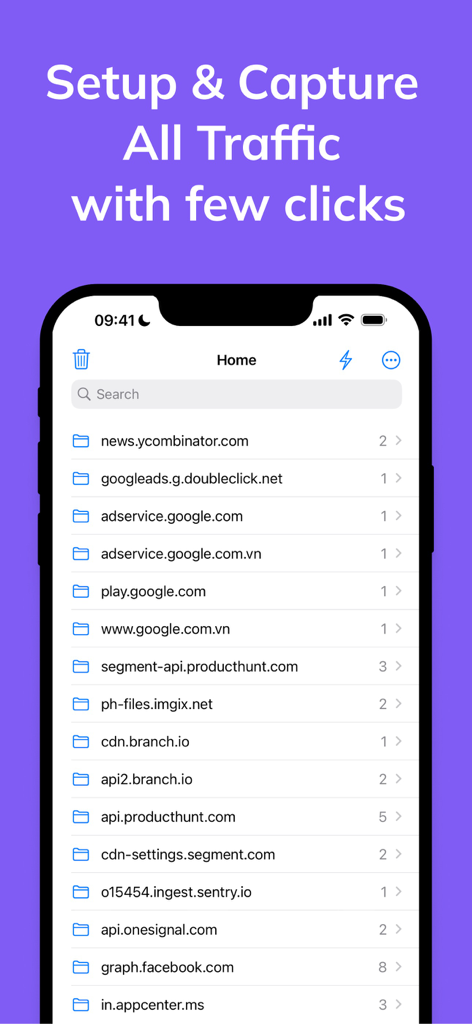
Proxyman app interface showing a list of captured network domains for debugging.
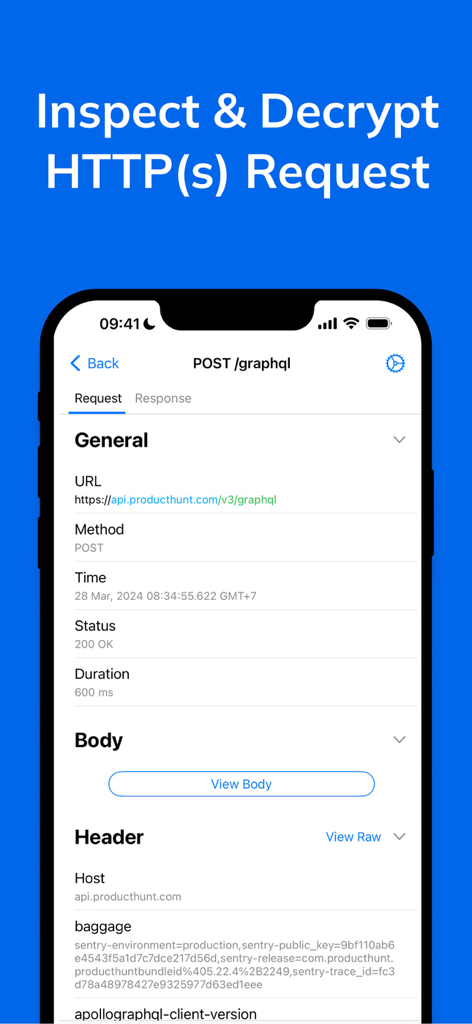
Proxyman mobile app interface showing detailed HTTPS request inspection and decryption on an iPhone
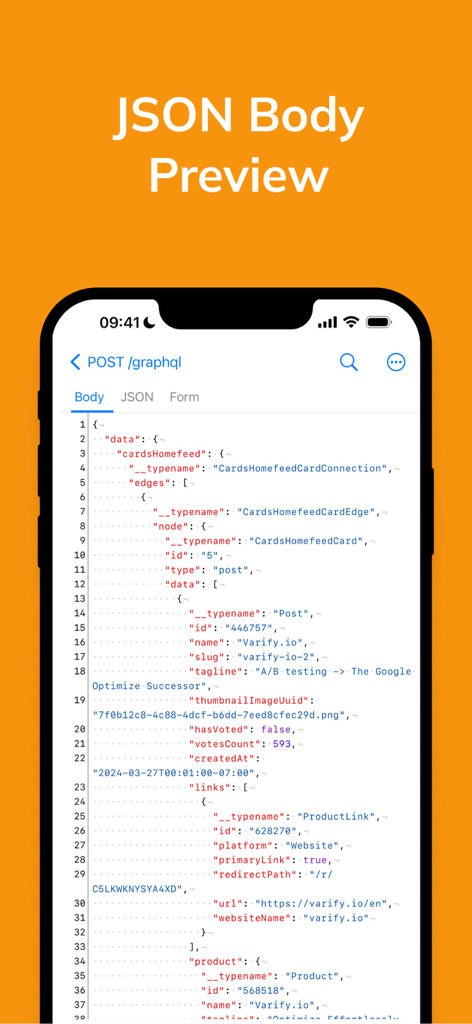
Proxyman app showing a JSON body preview with syntax highlighting for a GraphQL request on an iPhone screen.
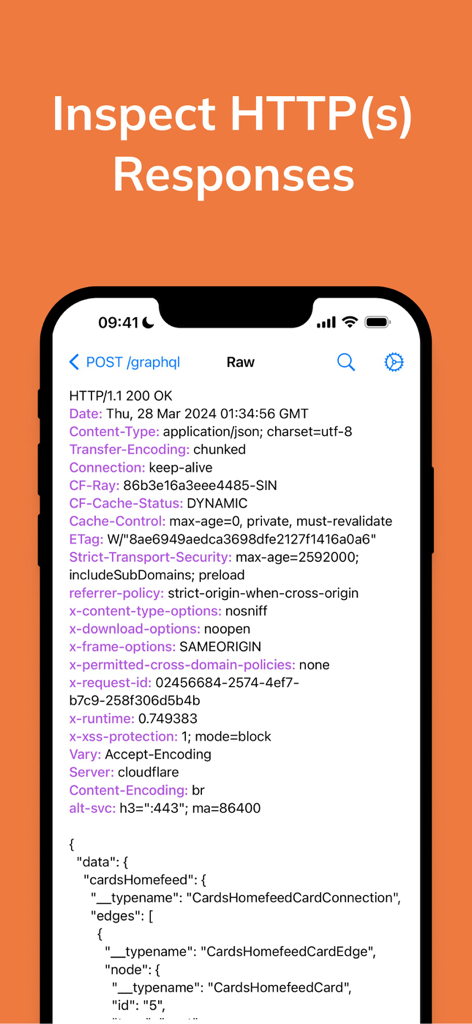
iPhone screen displaying HTTP response headers and GraphQL JSON data inside the Proxyman app
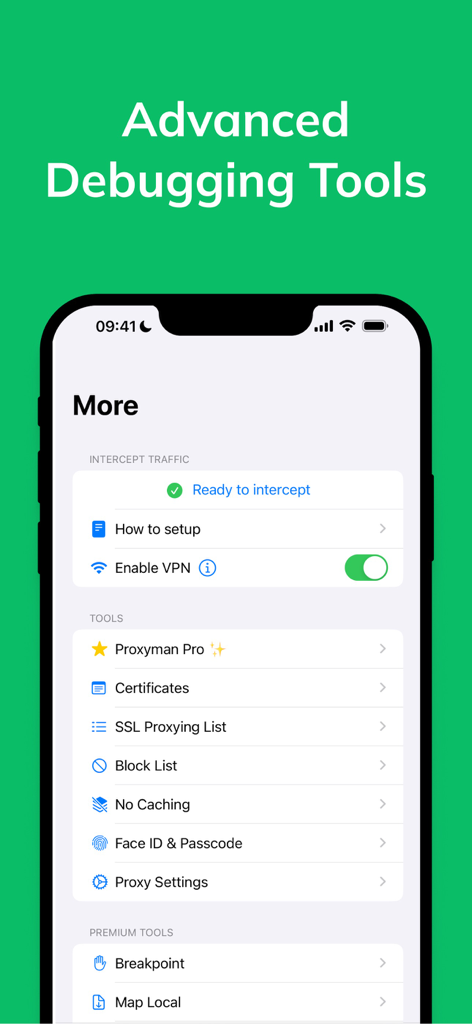
Interface of Proxyman iOS app showing the More menu with options for VPN interception and advanced debugging tools like SSL proxying and local mapping.
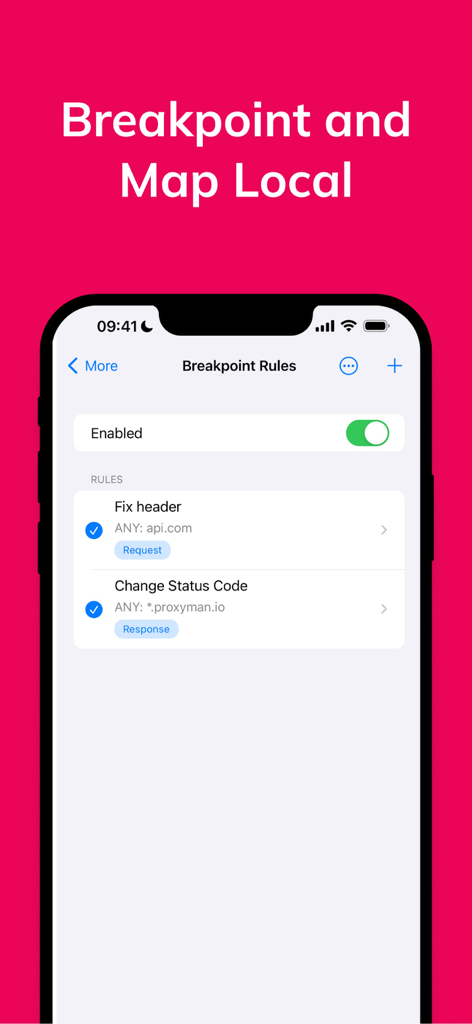
Proxyman app interface showing breakpoint rules for mobile debugging.
Description
Download
More Like This
Apps with similar features and user experience

LightBlue®
Punch Through Design LLC

ProxyPin - Open Source Capture
Minimalist Network Co., Ltd.

BluetoothAssistant
Hangzhou OrangeJuice Technology Co., Ltd.

StikDebug
Stephen Bove

Onmi: Networking & API Request
Vuong Anh

Shizuku
Ahammam Lahcen

Stream - Network Debug Tool
Stream Lab Inc.

Web Inspector
And a Dinosaur

Surge 5
Surge Networks Inc.
This page is not an official page of the app or its developer, but an independent editorial publication created for informational and commentary purposes. Unless expressly stated otherwise, neither the app nor its developer is affiliated with, endorsed by, sponsored by, authorized by, or otherwise officially connected with MWM, Apple, Google Play, the app publisher, or the app's developer, and nothing on this page implies that the app was developed using MWM's services. Any trademarks, logos, screenshots, and other content remain the property of their respective owners.