
This page is not an official page of the app or its developer, but an independent editorial publication created for informational and commentary purposes. Unless expressly stated otherwise, neither the app nor its developer is affiliated with, endorsed by, sponsored by, authorized by, or otherwise officially connected with MWM, Apple, Google Play, the app publisher, or the app's developer, and nothing on this page implies that the app was developed using MWM's services. Any trademarks, logos, screenshots, and other content remain the property of their respective owners.


Samsung Smart Switch Mobile
The jump from iPhone to Galaxy typically sparks data anxiety. This app provides the crucial ability to instantly clone a user's digital world, ensuring zero loss and total continuity.
Downloads
12.5M+User Rating
Total Ratings
988Publisher
Category
UtilitiesLocales
81Latest Version
1.0.15Size
24.6 MBFirst Released
Jun 10, 2021Samsung Smart Switch Mobile: Key Migration Features
An analytical overview of features designed for a smooth transition from Apple iPhone to Samsung Galaxy devices.
Comprehensive Data Transfer
It allows users to transfer essential personal data including contacts, calendar events, reminders, photos, and videos from an iPhone to a new Samsung Galaxy device.
Seamless iPhone to Galaxy Migration
The app provides a straightforward and guided process specifically designed for easy content transmission when moving from an iPhone to a Samsung Galaxy smartphone or tablet.
Data Preservation Guarantee
This tool ensures that the original data on the sender device (iPhone) remains intact and is not deleted after the transfer to the Samsung Galaxy device is completed, offering peace of mind.
Cross-Platform Availability
It is readily available for download on the Apple App Store, enabling iPhone users to easily access and initiate the transfer process to their new Samsung device.
Expanded Transfer Options
The app supports the use of a USB connector to facilitate the transfer of an even wider range of data items beyond the basic set, providing more comprehensive migration capabilities.
Integrated Galaxy Setup
This tool can be easily accessed and initiated directly from the settings of a Samsung Galaxy device, streamlining the setup experience for new users.
The following screenshots and description are sourced directly from the app's official store listing and are the property of the app developer.
App Store
Screenshots
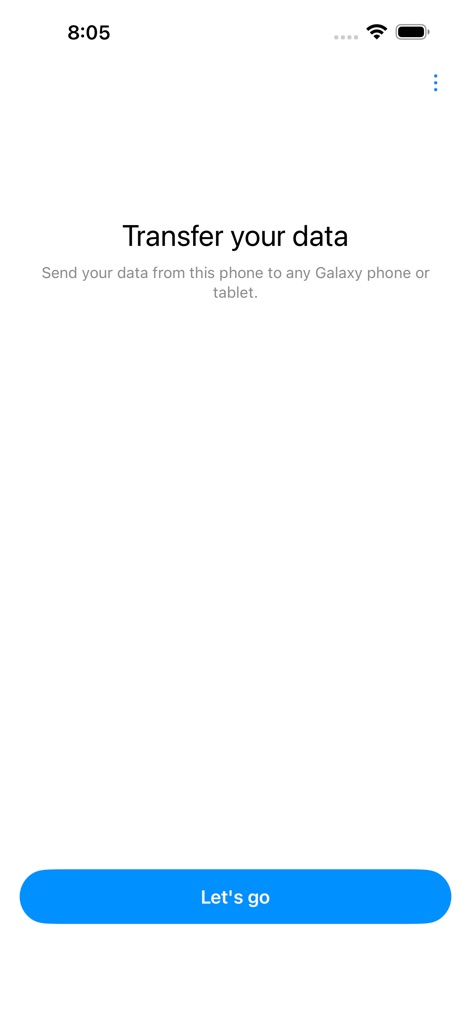
Initiate Data Transfer
The app's clear "Transfer your data" prompt and inviting "Let's go" button initiate a seamless migration process for users.

Connection Method Selection
Users can choose between "Cable" and "Wireless" connection methods, with clear descriptions detailing the scope of data transfer for each option.

Streamlined Device Pairing
This screen illustrates the "Scan the QR code" instruction, showing the integrated camera view for quick device pairing.
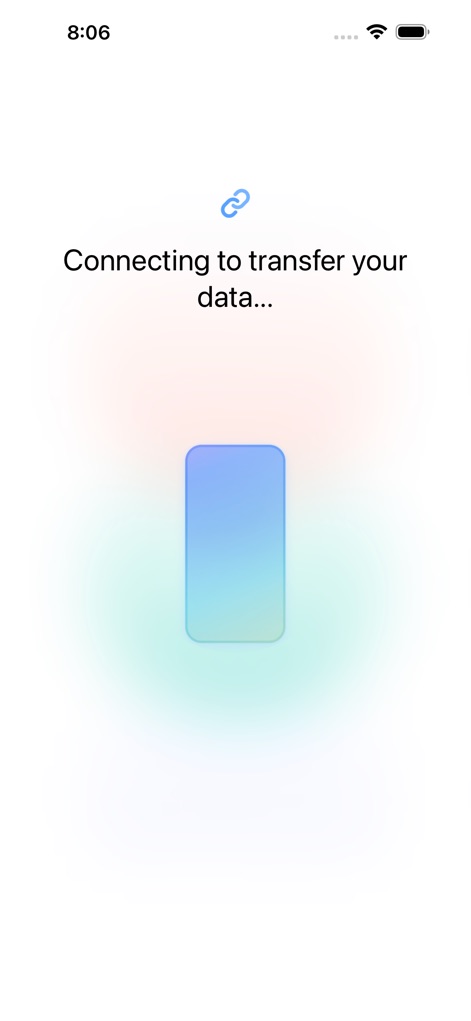
Establishing Connection
The app displays a "Connecting to transfer your data..." message, accompanied by animated phone icons to visually confirm the ongoing pairing process.
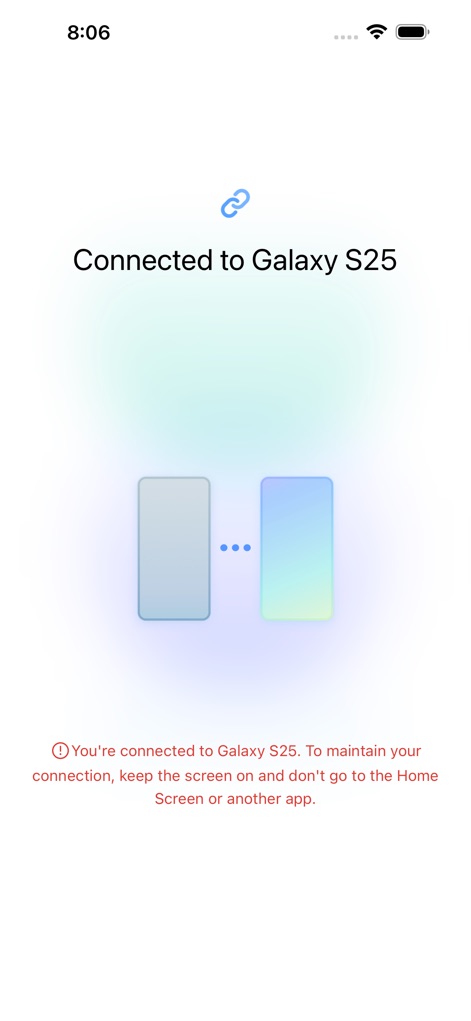
Connection Success
A successful connection is confirmed by the "Connected to Galaxy S25" message and an important warning advising users to keep the screen on during transfer.
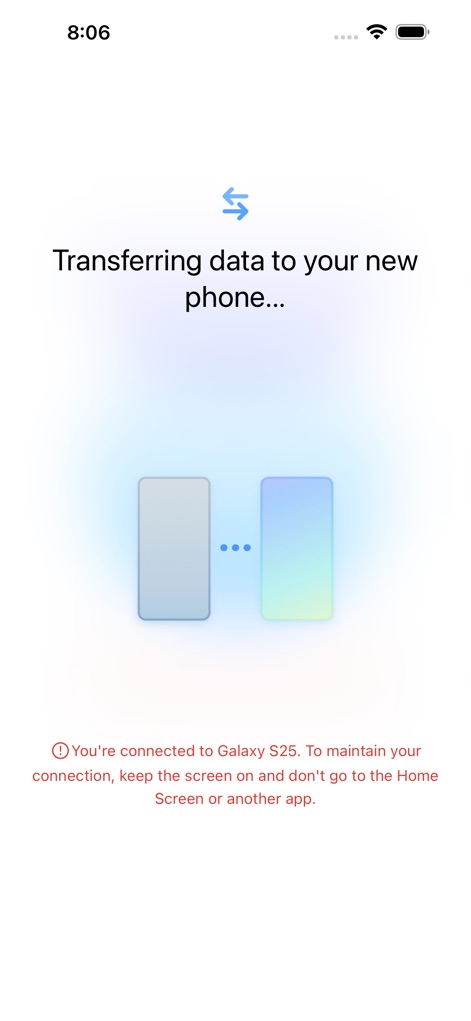
Data Migration Progress
This screen shows the "Transferring data to your new phone..." message, with a visual representation of data flowing between the two connected devices.

Transfer Completed
The app concludes with a prominent checkmark icon and an "All done" confirmation message, reassuring users their data transfer is complete.
Description
Download
More Like This
Apps with similar features and user experience
Smart Switch - Copy My Data
学斌 林

Data Transfer - Copy My Data
Simple Health Limited

手机克隆 - 新旧手机资料免流量快速迁移
福林 胡

互传 - 快速换机数据迁移智能助手
家呈 郭

Copy My Data - Smart Transfer
Red Sky Labs, SOCIEDAD LIMITADA
Copy My Data - Mobile Transfer
KHD Plaza LLC

Phone Clone - Smart Switch .
俊杰 刘

Smart Switch: Data Transfer
Zadore Tracy
Smart Switch: Copy & Move Data
JW Marketing group s.r.o.
This page is not an official page of the app or its developer, but an independent editorial publication created for informational and commentary purposes. Unless expressly stated otherwise, neither the app nor its developer is affiliated with, endorsed by, sponsored by, authorized by, or otherwise officially connected with MWM, Apple, Google Play, the app publisher, or the app's developer, and nothing on this page implies that the app was developed using MWM's services. Any trademarks, logos, screenshots, and other content remain the property of their respective owners.