
This page is not an official page of the app or its developer, but an independent editorial publication created for informational and commentary purposes. Unless expressly stated otherwise, neither the app nor its developer is affiliated with, endorsed by, sponsored by, authorized by, or otherwise officially connected with MWM, Apple, Google Play, the app publisher, or the app's developer, and nothing on this page implies that the app was developed using MWM's services. Any trademarks, logos, screenshots, and other content remain the property of their respective owners.

Copy My Data - Smart Transfer
Device upgrades were messy. Users now instantly mirror their data, no friction.
Downloads
25M+User Rating
Total Ratings
69.5KPublisher
Category
UtilitiesLocales
10Latest Version
4.0.3Size
65.1 MBFirst Released
May 2, 2014Key Features of Copy My Data - Smart Transfer
An analysis of the application's core functionalities designed for seamless data migration across mobile devices.
Cross-Platform Data Migration
It allows users to seamlessly transfer data between devices running different mobile operating systems, addressing a critical need for those upgrading or switching platforms.
Fast & Easy Data Transfer
The app provides a quick and effortless method for migrating essential personal data, prioritizing user convenience and efficiency.
Guided Transfer Process
This tool features a step-by-step walkthrough, simplifying the data transfer process and making it accessible to all users, regardless of technical proficiency.
Secure Local WiFi Transfer
It facilitates data transfers securely over a local WiFi network, avoiding cloud uploads and often providing faster and more private data movement.
Frequently Asked Questions
Everything you need to know about Copy My Data - Smart Transfer
What is Copy My Data - Smart Transfer?
Copy My Data is an app that facilitates the fast and easy transfer of contacts, calendar entries, and photos between devices over a WiFi network. It guides users through the process in a few easy steps.
How does Copy My Data - Smart Transfer transfer data between devices?
Copy My Data transfers data between devices using a WiFi network. Both devices must be connected to the same WiFi network, and the network must allow device communication.
What types of data can Copy My Data - Smart Transfer transfer?
Copy My Data transfers contacts, calendar entries, and photos. It also supports transferring music, videos, and other files. Users can select specific data types to transfer.
Can Copy My Data - Smart Transfer transfer data between different operating systems?
Yes, Copy My Data can transfer data or files from one operating system to another. It also supports transfers between devices with the same operating system.
Is Copy My Data - Smart Transfer secure for data transfer?
Yes, Copy My Data is secure for data transfer. The app includes security features such as PIN confirmation to protect files during the transfer process.
What are the network requirements for Copy My Data - Smart Transfer?
Both devices must connect to the same WiFi network. The network configuration must not prevent devices from communicating. Most home networks are compatible, but some corporate or public networks may not be.
Can I select specific data to transfer with Copy My Data - Smart Transfer?
Yes, the Copy My Data app allows users to select specific data. Options include choosing selected contacts, calendar entries, photos, or videos instead of all of them.
Does Copy My Data - Smart Transfer offer cloud backup options?
Yes, Copy My Data integrates with cloud services like G-Drive. This allows users to potentially backup or transfer data via cloud storage.
The following screenshots and description are sourced directly from the app's official store listing and are the property of the app developer.
App Store
Screenshots
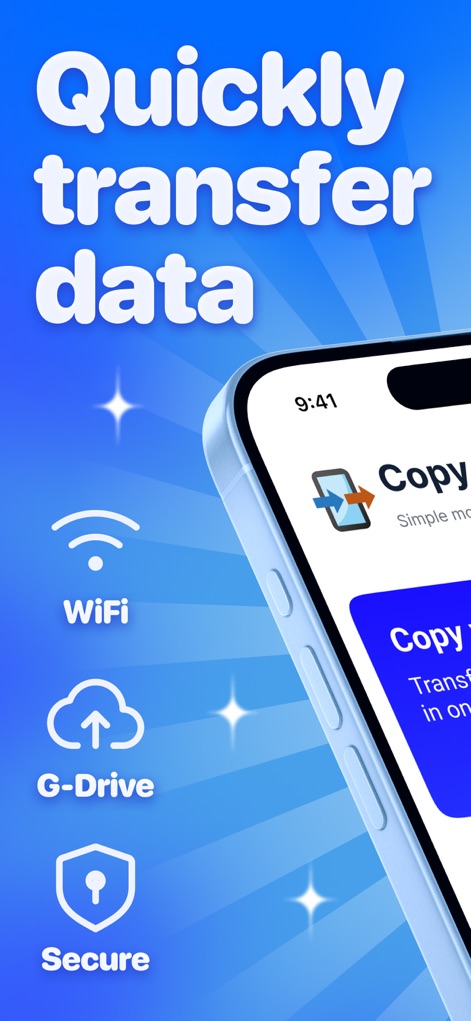
Effortless Data Migration
This screenshot highlights the app's core promise of quickly transferring data, featuring essential options like WiFi connectivity and secure data handling.
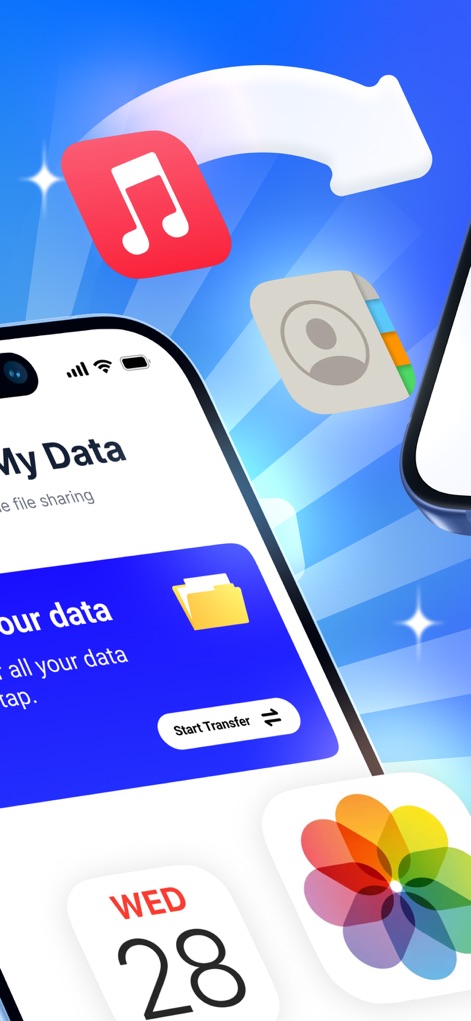
Seamless Content Transfer
Users can observe the app's ability to transfer diverse content types, including crucial contacts and treasured photos, all from a single, intuitive interface.
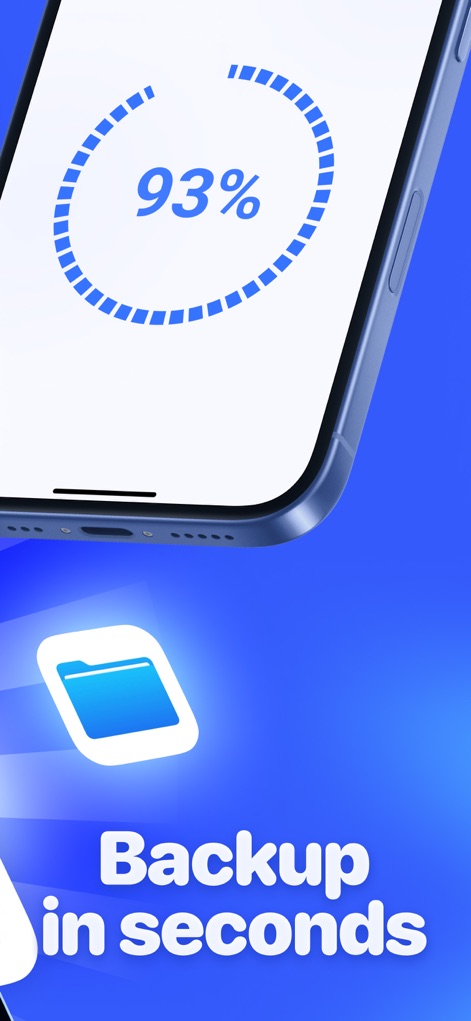
Real-time Backup
This visual demonstrates the efficiency of the data backup process, showing a clear progress percentage indicator and the recognizable folder icon for transferred files.
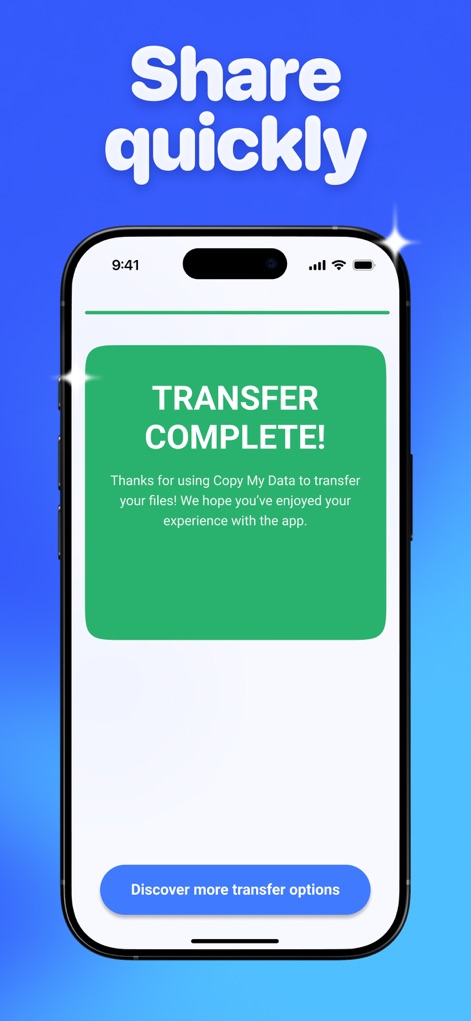
Completion Confirmed
The app provides immediate feedback upon successful data transfer, clearly displaying a "TRANSFER COMPLETE!" message and an option to discover additional transfer features.
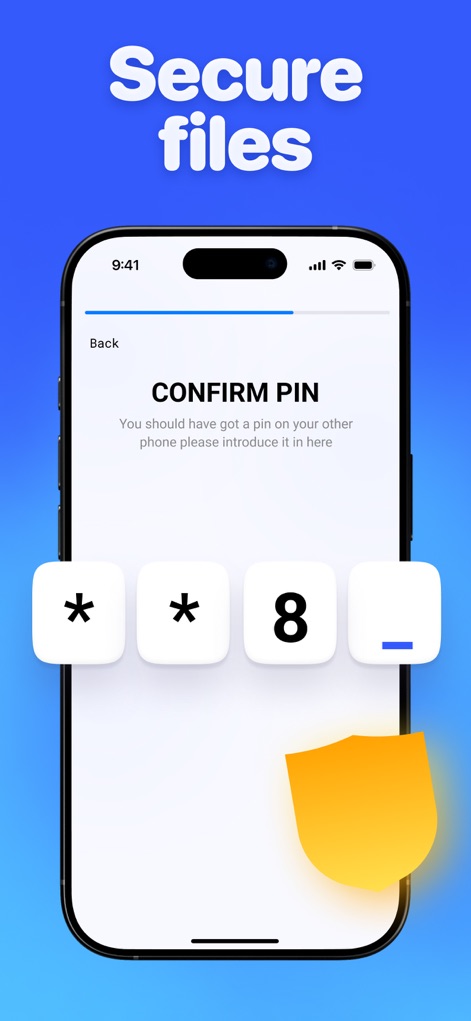
Enhanced Data Security
Security is paramount, as illustrated by the PIN confirmation screen and the prominent shield icon, ensuring protected data transfers for users.
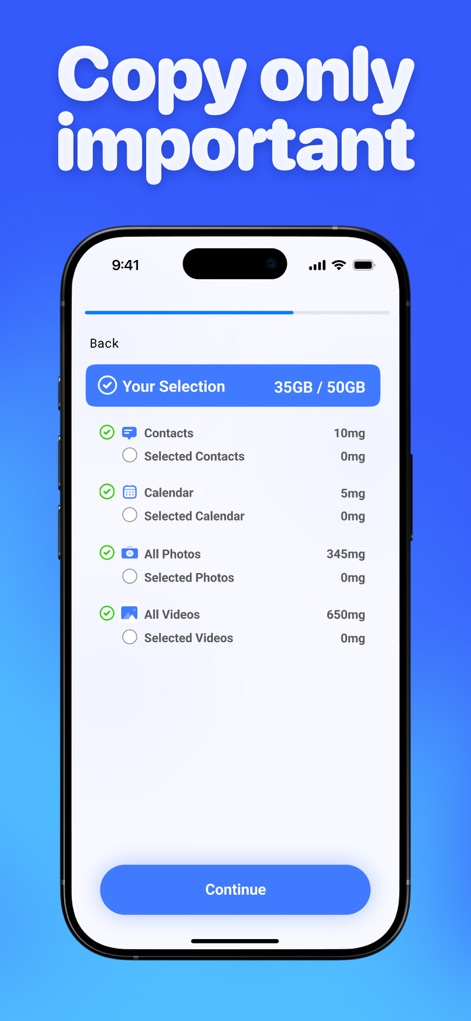
Custom Data Selection
Users gain full control over their data transfer by selectively choosing specific items like contacts and calendar entries, alongside a clear display of selection size.
Description
Download
More Like This
Apps with similar features and user experience

Data Transfer - Copy My Data
Simple Health Limited

互传 - 快速换机数据迁移智能助手
家呈 郭
Smart Switch - Copy My Data
学斌 林
Copy My Data - Mobile Transfer
KHD Plaza LLC

Phone Clone - Smart Switch .
俊杰 刘

Smart Switch: Data Transfer
Zadore Tracy
Smart Switch: Copy & Move Data
JW Marketing group s.r.o.
手机同步传输-同步转移数据文件
冰 杜

Smart Switch - Phone Clone .
晓珍 胡
This page is not an official page of the app or its developer, but an independent editorial publication created for informational and commentary purposes. Unless expressly stated otherwise, neither the app nor its developer is affiliated with, endorsed by, sponsored by, authorized by, or otherwise officially connected with MWM, Apple, Google Play, the app publisher, or the app's developer, and nothing on this page implies that the app was developed using MWM's services. Any trademarks, logos, screenshots, and other content remain the property of their respective owners.