
This page is not an official page of the app or its developer, but an independent editorial publication created for informational and commentary purposes. Unless expressly stated otherwise, neither the app nor its developer is affiliated with, endorsed by, sponsored by, authorized by, or otherwise officially connected with MWM, Apple, Google Play, the app publisher, or the app's developer, and nothing on this page implies that the app was developed using MWM's services. Any trademarks, logos, screenshots, and other content remain the property of their respective owners.

SanDisk Memory Zone
Free up space instantly, back up your memories automatically, and secure your files with encryption—all without the need for a monthly cloud subscription.
Downloads
2M+User Rating
Total Ratings
50K+Publisher
Category
ProductivityLocales
18Latest Version
2.3.1Size
111.8 MBFirst Released
Aug 12, 2024Take Total Control of Your Digital Space
The ultimate companion for your iPhone and SanDisk Drive. Effortlessly back up, organize, and protect your files without the need for monthly cloud subscriptions.
Instantly Free Up Phone Space
Move large 4K videos and high-res photos to your drive in seconds. Stop worrying about 'Storage Full' alerts during your most important moments.
Smart Automatic Backups
Set it and forget it. Your photos, videos, and contacts are automatically saved every time you connect your SanDisk device, keeping your memories safe.
Frequently Asked Questions
Everything you need to know about SanDisk Memory Zone
What is the SanDisk Memory Zone app used for?
The SanDisk Memory Zone app helps users back up, manage, and protect digital content on iOS devices. It allows freeing up space, organizing files, and safeguarding memories with password protection.
Is an external SanDisk drive required to use the SanDisk Memory Zone app?
Yes, the SanDisk Memory Zone app requires a compatible SanDisk phone drive product to work. These drives are not included with the app and are sold separately.
How can I free up space on my iPhone using the SanDisk Memory Zone app?
The SanDisk Memory Zone app enables quick transfer of photos, videos, and other files from your iPhone to a compatible SanDisk storage device. This action frees up space on your phone.
Does the SanDisk Memory Zone app support automatic backups?
Yes, the SanDisk Memory Zone app supports automatic backups. Users can set it once to automatically back up photos, videos, and contacts when their compatible SanDisk device is connected.
How does SanDisk Memory Zone secure my digital files?
The SanDisk Memory Zone app secures digital files through encryption and password-secured storage. This feature provides an extra layer of protection for important content.
What iOS version is required for the SanDisk Memory Zone app?
The SanDisk Memory Zone app requires iOS 15 or higher to function. This ensures compatibility with the necessary operating system features.
Can I browse and organize files within the SanDisk Memory Zone app?
Yes, the SanDisk Memory Zone app allows users to browse, move, copy, and delete files. It features a clean interface with media timeline and grid views for easy content organization.
The following screenshots and description are sourced directly from the app's official store listing and are the property of the app developer.
App Store
Screenshots
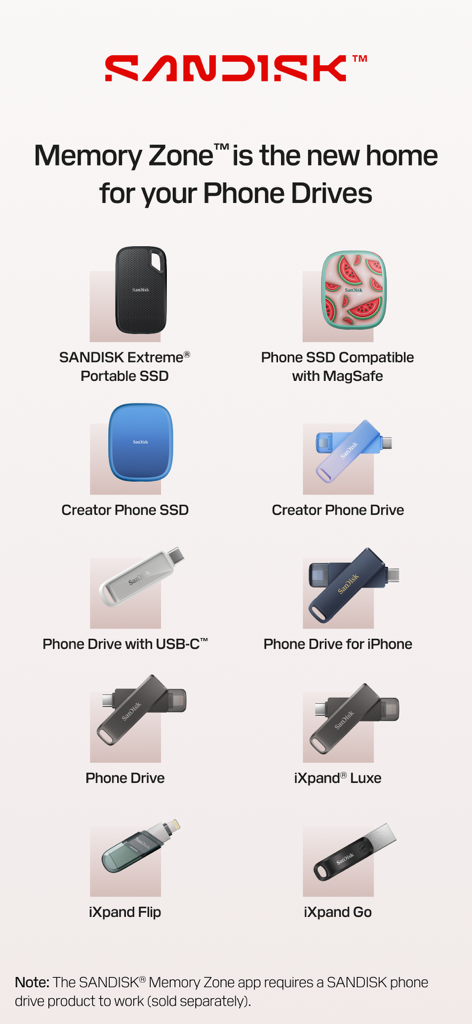
A list of SanDisk portable SSDs and phone drives compatible with the Memory Zone app
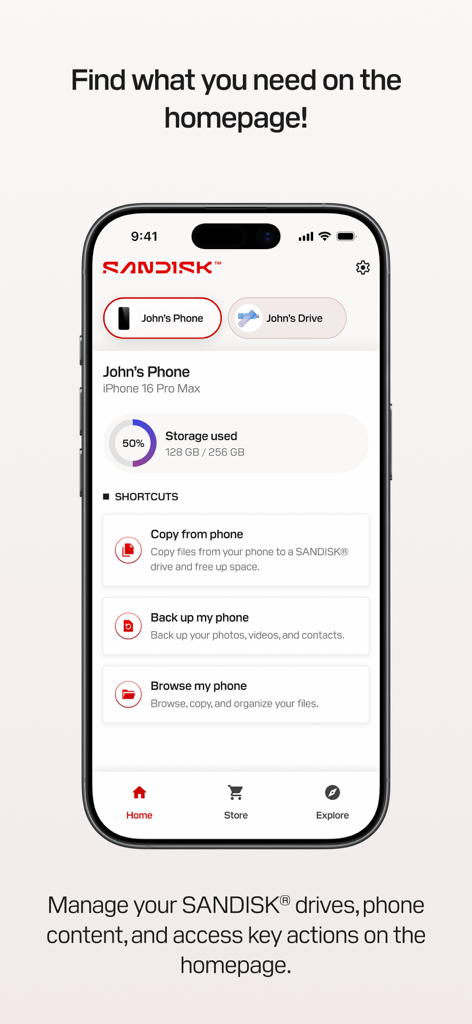
The home screen of the SanDisk Memory Zone app on an iPhone displaying storage usage and quick action shortcuts for backup and file management.
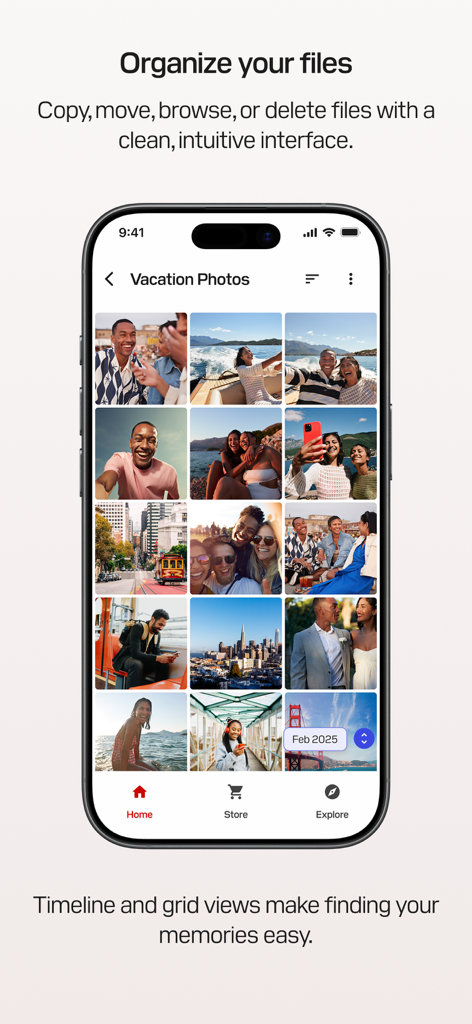
SanDisk Memory Zone app interface showing organized vacation photos in a grid view
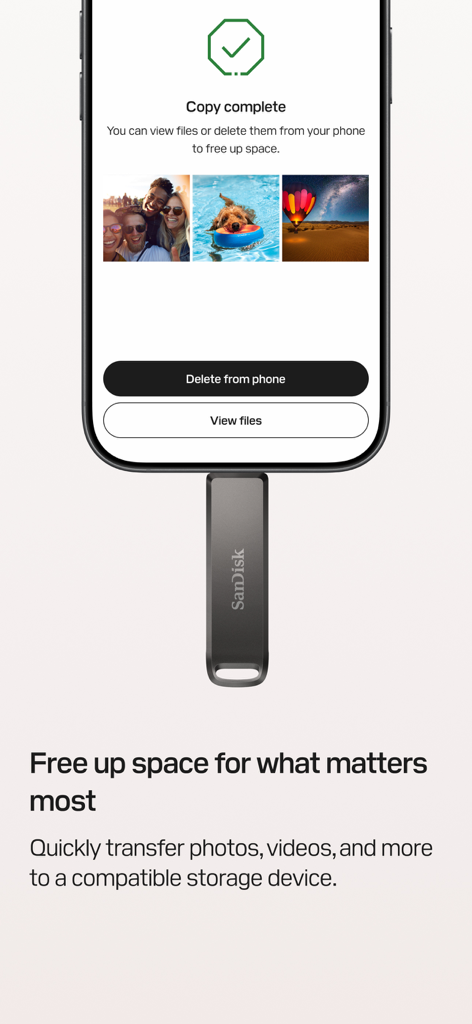
SanDisk Memory Zone app interface showing a copy complete screen after transferring photos to a physical drive
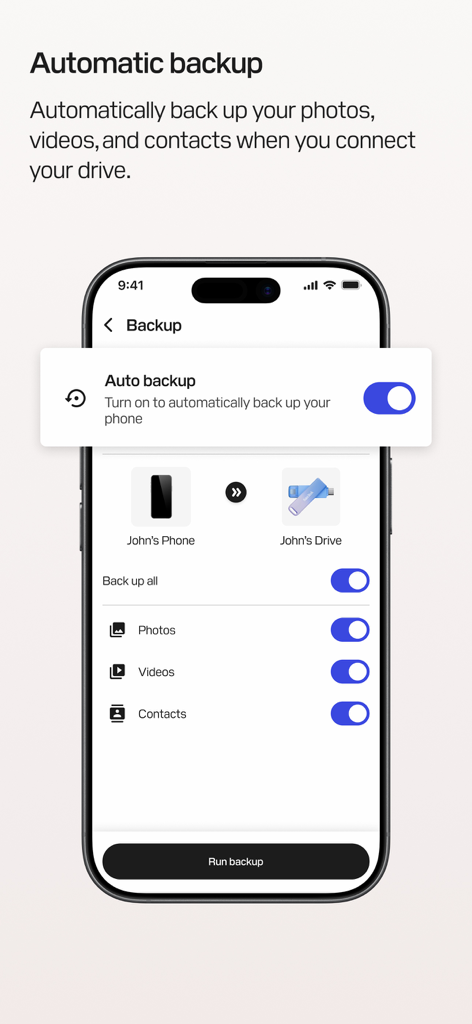
SanDisk Memory Zone app showing automatic backup settings for photos videos and contacts on an iPhone
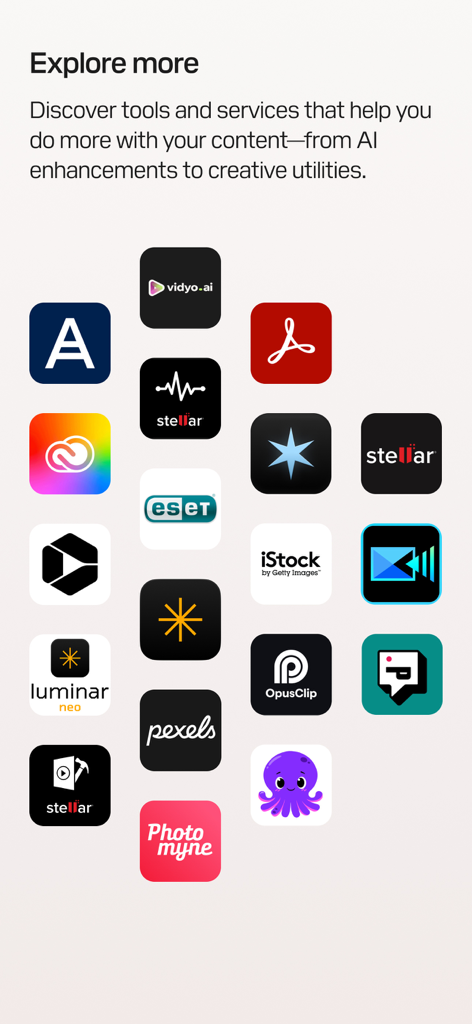
A screen from the SanDisk Memory Zone app showing a grid of third-party app icons for creative tools and AI enhancements under the heading Explore more
Description
Download
More Like This
Apps with similar features and user experience

Qubii Pro
Maktar Inc.

SanDisk Ixpand™ Charger
SanDisk Corporation

UBackup
Shenzhen Dianzhui Culture Technology Co., Ltd.
i-FlashDevice HD
ShenZhen 0101 Technology Co.,Ltd

Y-Disk
Shenzhen Dianzhui Culture Technology Co., Ltd.

PhotoFast ONE
ALL BOND TECHNOLOGY CO., LTD

CooDisk
天海 何

LinkBack
金铃 梁

iUSB
伟才 韦
This page is not an official page of the app or its developer, but an independent editorial publication created for informational and commentary purposes. Unless expressly stated otherwise, neither the app nor its developer is affiliated with, endorsed by, sponsored by, authorized by, or otherwise officially connected with MWM, Apple, Google Play, the app publisher, or the app's developer, and nothing on this page implies that the app was developed using MWM's services. Any trademarks, logos, screenshots, and other content remain the property of their respective owners.