
This page is not an official page of the app or its developer, but an independent editorial publication created for informational and commentary purposes. Unless expressly stated otherwise, neither the app nor its developer is affiliated with, endorsed by, sponsored by, authorized by, or otherwise officially connected with MWM, Apple, Google Play, the app publisher, or the app's developer, and nothing on this page implies that the app was developed using MWM's services. Any trademarks, logos, screenshots, and other content remain the property of their respective owners.


Sankey Diagram
Transform complex CSV data into stunning, proportional flow charts. Create, edit, and export professional-grade diagrams for finance, logistics, and energy systems directly from your iPhone or iPad.
Downloads
8K+User Rating
Total Ratings
0Publisher
Category
ProductivityLocales
1Latest Version
3.03Size
1.4 MBFirst Released
Jun 29, 2014Visualize Complex Flows with Precision
Transform raw data into intuitive, proportional Sankey diagrams. Designed for analysts, engineers, and optimizers who need to map finances, energy, or logistics with professional clarity.
Mathematically Precise Scaling
Ensure accuracy with flow widths that automatically scale to your data rates, providing an immediate visual understanding of resource distribution.
Instant CSV Automation
Bridge the gap between spreadsheets and visual storytelling. Import .CSV files from iCloud or email to generate complex diagrams in seconds without manual entry.
Frequently Asked Questions
Everything you need to know about Sankey Diagram
What is the Sankey Diagram app?
The Sankey Diagram app is a professional drawing tool used to create interactive Sankey Diagrams. These diagrams visualize flows where width is proportional to the rate of flow.
How can users create diagrams in the Sankey Diagram app?
Users can create diagrams interactively by adding sources, sinks, moving nodes, and editing colors. The app also supports creating diagrams by importing .CSV files or loading sample diagrams.
Can I import data into the Sankey Diagram app?
Yes, the Sankey Diagram app allows users to import data by opening a .CSV file from an email attachment or iCloud. The app automatically creates the diagram from this spreadsheet data.
What export options are available in the Sankey Diagram app?
The Sankey Diagram app exports diagrams as .PDF or .PNG files. Users can also share diagrams via email, messaging, save to Camera Roll, or save as a .SNK file.
Does the Sankey Diagram app support sharing diagrams for collaborative editing?
Yes, users can share a .SNK file version of their diagram via email. Other Sankey Diagram app users can load and edit this shared diagram.
Can Sankey Diagram app users edit diagrams across multiple devices?
Yes, the Sankey Diagram app supports editing diagrams on any of the user's devices using iCloud. This enables seamless cross-device workflow.
What elements of a Sankey diagram can be customized in the app?
Users can customize node names, font family, text color, text size, line style, line color, and fill color. They can also move nodes and flows around interactively.
Does the Sankey Diagram app include sample diagrams?
Yes, the Sankey Diagram app provides options to load sample diagrams. This feature assists users in understanding and starting new projects.
What types of flows can Sankey Diagram app visualize?
The Sankey Diagram app visualizes various flows where width is proportional to the rate. Examples include energy, trade, water usage, and consumer expenditures, as shown in sample diagrams.
The following screenshots and description are sourced directly from the app's official store listing and are the property of the app developer.
App Store
Screenshots
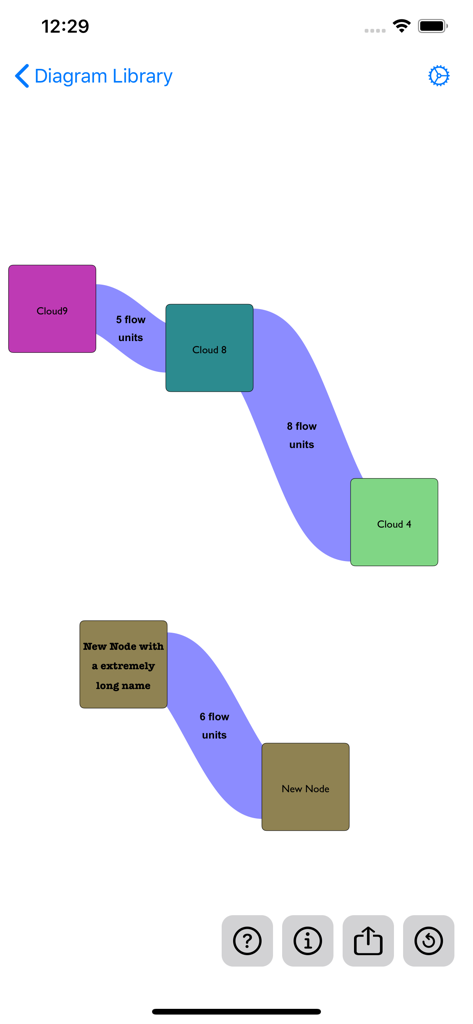
Mobile app interface showing an interactive Sankey diagram with colorful nodes and proportional flow units
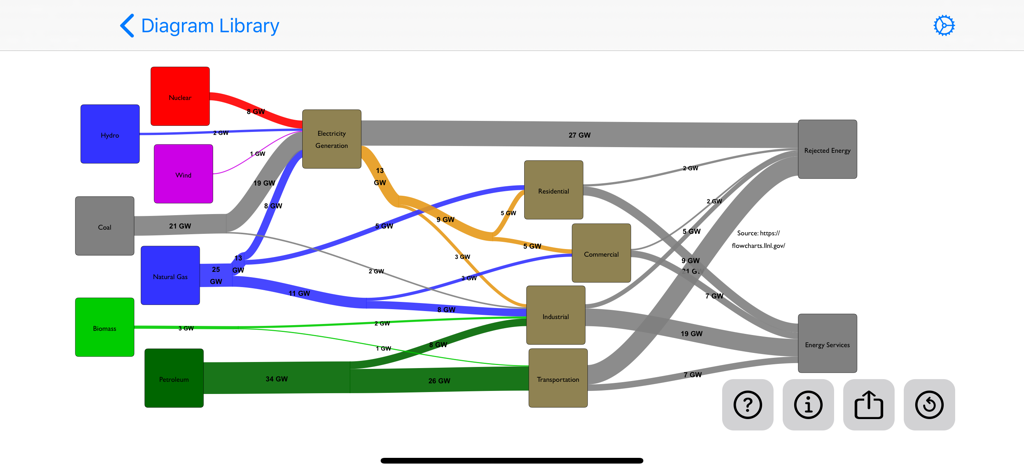
A complex Sankey diagram showing energy flow from various sources to end-use sectors like residential and industrial.
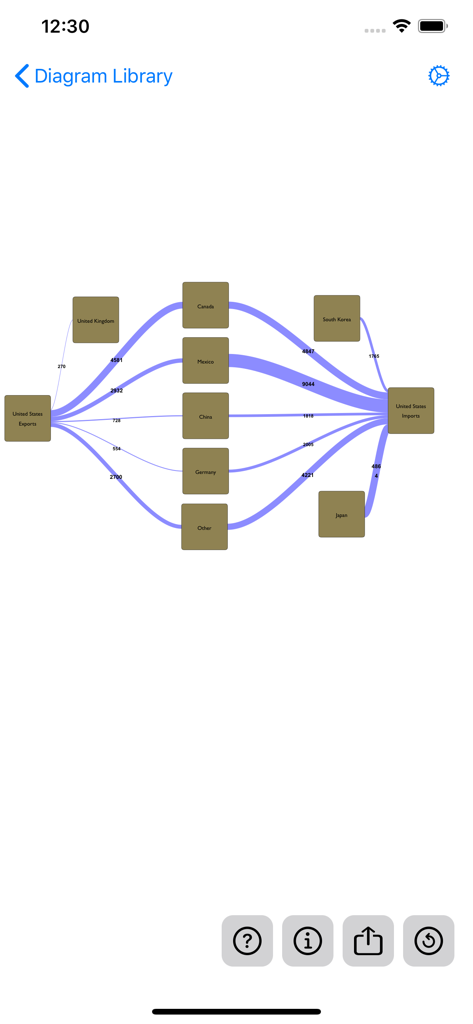
A professional Sankey diagram showing trade flows between the United States and global partners
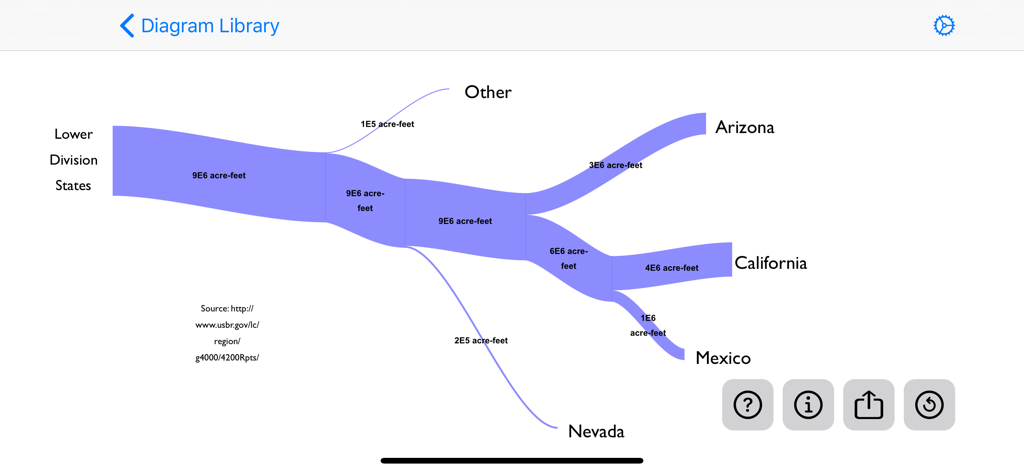
A Sankey diagram illustrating water flow from Lower Division States to Arizona California Nevada and Mexico
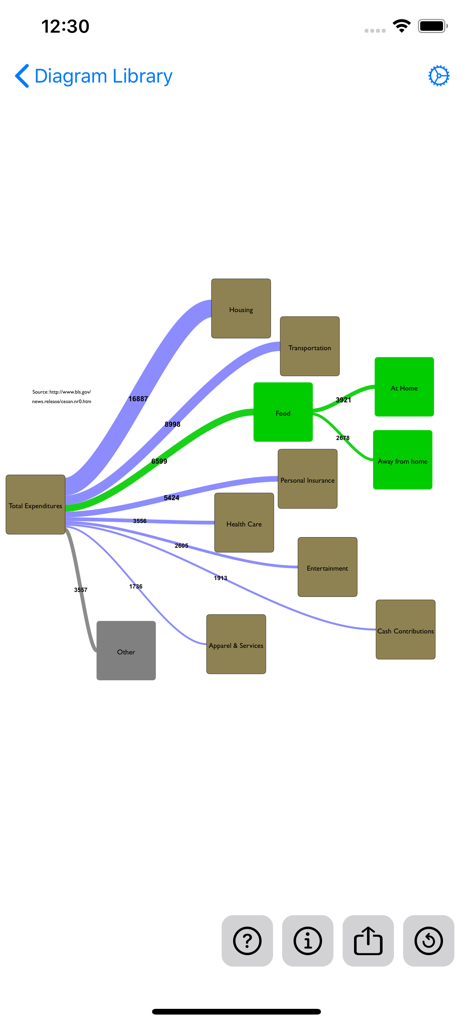
A Sankey diagram on a mobile screen visualizing total expenditures flowing into categories like housing, transportation, and food.
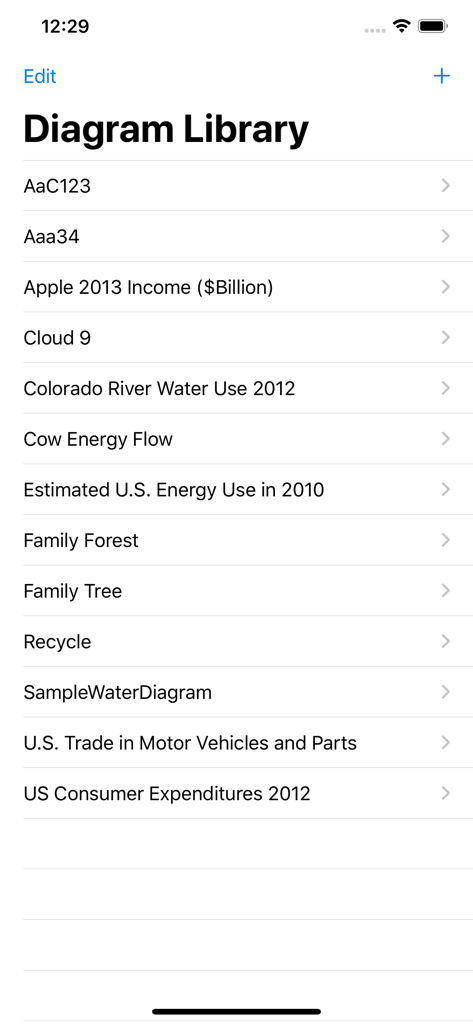
The Diagram Library interface showing various saved flow projects
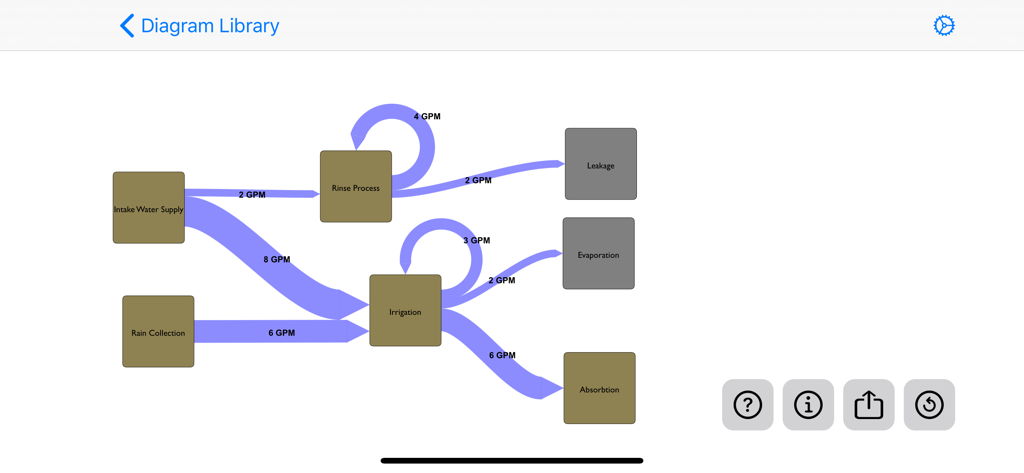
A Sankey diagram showing the flow of water from supply sources to irrigation and evaporation processes.
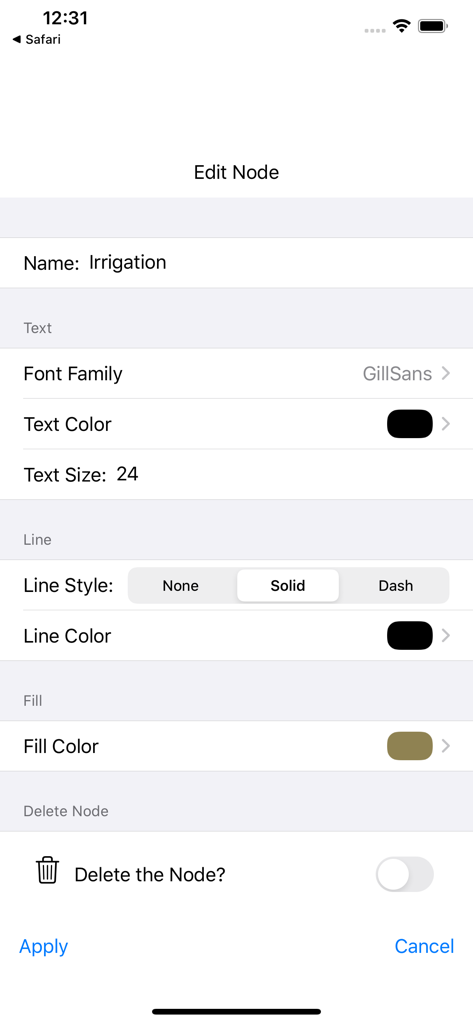
The edit node screen in the Sankey Diagram app showing text and color customization options
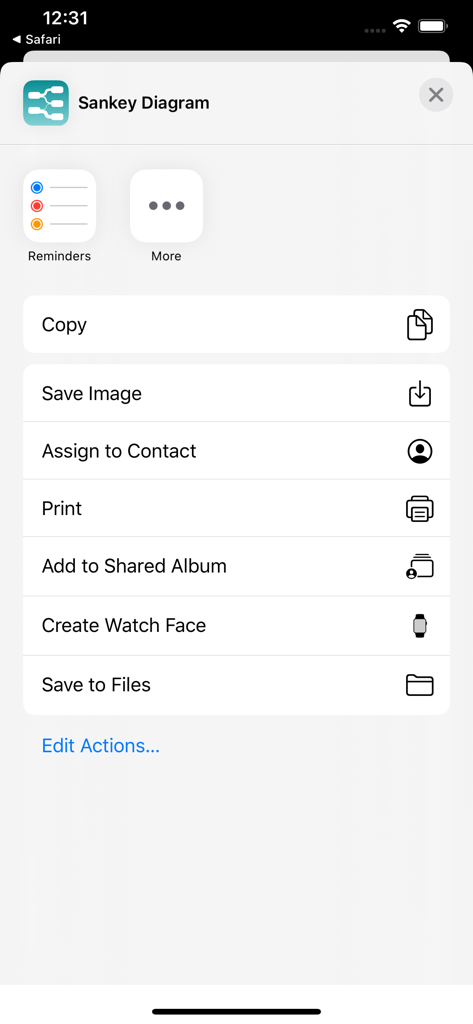
iOS share sheet for Sankey Diagram app showing export options like save image and print
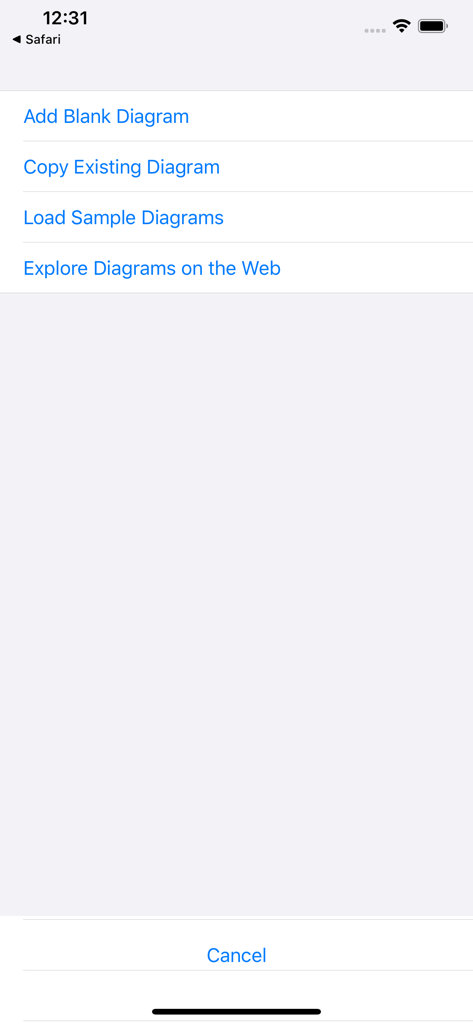
Sankey Diagram app start menu with options to add a blank diagram or load sample diagrams
Description
Download
More Like This
Top-ranked apps in the same category

ChatGPT
OpenAI OpCo, LLC

Google Gemini
Google LLC

Grok
X.AI Corporation

Gmail - Email by Google
Google LLC

千问 - 阿里最强大模型官方AI助手
Shanghai Zhixin Puhui Technology Co., Ltd.

Google Drive
Google LLC

Microsoft Authenticator
Microsoft Corporation

Google Sheets
Google LLC

Google Docs
Google LLC
This page is not an official page of the app or its developer, but an independent editorial publication created for informational and commentary purposes. Unless expressly stated otherwise, neither the app nor its developer is affiliated with, endorsed by, sponsored by, authorized by, or otherwise officially connected with MWM, Apple, Google Play, the app publisher, or the app's developer, and nothing on this page implies that the app was developed using MWM's services. Any trademarks, logos, screenshots, and other content remain the property of their respective owners.