Scale For Grams: Weight Scales

This page is not an official page of the app or its developer, but an independent editorial publication created for informational and commentary purposes. Unless expressly stated otherwise, neither the app nor its developer is affiliated with, endorsed by, sponsored by, authorized by, or otherwise officially connected with MWM, Apple, Google Play, the app publisher, or the app's developer, and nothing on this page implies that the app was developed using MWM's services. Any trademarks, logos, screenshots, and other content remain the property of their respective owners.
Logo of Scale For Grams: Weight Scales

Scale For Grams: Weight Scales

Transform your camera into a professional utility suite. Instantly measure dimensions, estimate weights, identify plants, and count items with the all-in-one tool designed for DIYers and creators.

Key Figures

Downloads

5K+

User Rating

4.5/5

Total Ratings

100

Publisher

Artmvstd SIA

Category

Utilities

Locales

31

Latest Version

1.0.7

Size

39.2 MB

First Released

Oct 9, 2025
Features

Your All-in-One Digital Toolbox

Stop carrying bulky tools. Scale For Grams uses AI and AR to measure, count, and identify everything around you—right from your iPhone.

Precision AR Measuring

Ditch the tape measure. Estimate dimensions and object weights instantly for your next home project or store visit.

Instant Visual Counting

Snap a photo to count hundreds of small items in seconds. Perfect for inventory management and DIY enthusiasts.

The following screenshots and description are sourced directly from the app's official store listing and are the property of the app developer.

App Store

Screenshots
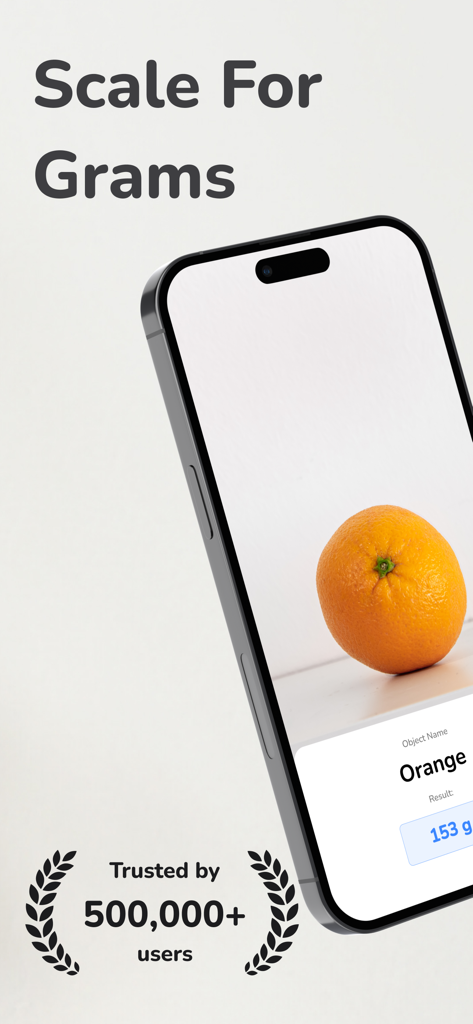
Scale For Grams: Weight Scales - Scale For Grams app estimating the weight of an orange using AI
Scale For Grams app estimating the weight of an orange using AI

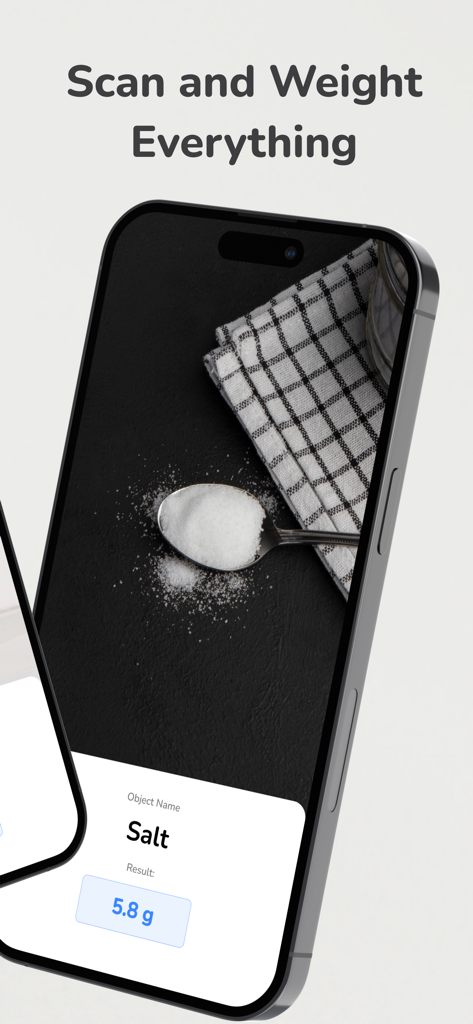
Scale For Grams: Weight Scales - iPhone showing the Scale For Grams app estimating the weight of salt on a spoon using AI

iPhone showing the Scale For Grams app estimating the weight of salt on a spoon using AI
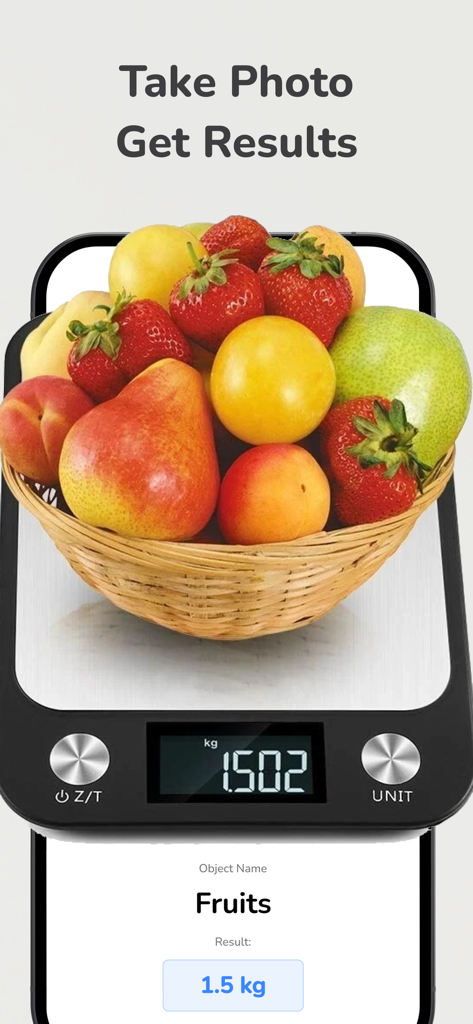
Scale For Grams: Weight Scales - Scale For Grams app estimating fruit basket weight using AI
Scale For Grams app estimating fruit basket weight using AI

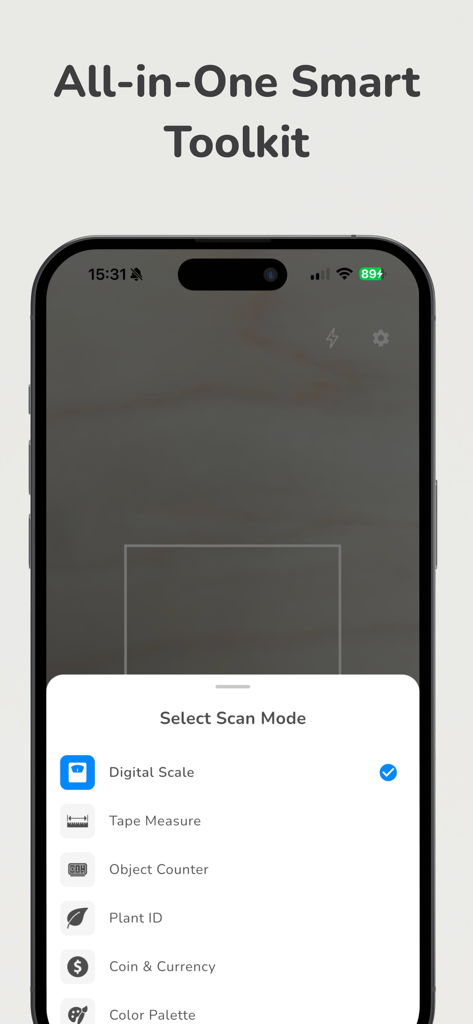
Scale For Grams: Weight Scales - The Scale For Grams app showing a selection menu for scan modes like digital scale, tape measure, and object counter.

The Scale For Grams app showing a selection menu for scan modes like digital scale, tape measure, and object counter.

Description

Ever wished your phone could do more than just take pictures? With Scale For Grams, your camera transforms into a powerful all-in-one measurement and identification tool. No tape measure? No problem. Whether you want to estimate furniture dimensions at the store, identify an unknown plant in your garden, count objects quickly, or capture a color palette for your next design project — Scale For Grams makes it simple and instant. Your everyday pocket companion for measuring, identifying, and discovering the world around you. Key Features: √ Estimate Dimensions in Seconds Leave your measuring tape at home. Use your phone camera to get approximate size, length, or height estimates — helpful for general reference. Perfect for rough estimates during furniture shopping, DIY projects, or quick size checks. √ AI Weight Estimation Instantly get approximate weight estimates of everyday objects with just a photo. Ideal for general curiosity, rough estimates, or when you want a quick reference and don't have a physical scale nearby. √ Identify Objects & Plants Instantly Curious about the plant in your neighbor's garden? Or the coin you found in a drawer? Just snap a picture — the app gives you instant recognition and useful details. √ Count Items Automatically Forget manual counting of screws, buttons, or small objects. Let the app detect and count items in seconds — simple, fast, and reliable. √ Capture & Save Color Palettes Designers, artists, and creatives can extract colors directly from the real world. Build custom palettes from nature, outfits, or home interiors to use in your next project. √ All-in-One Smart Toolkit Why juggle multiple apps when one does it all? Scale For Grams brings together measuring, identification, counting, and color tools into a single easy-to-use app. WHY OUR APP? - Save Time & Money: No need to buy multiple gadgets or apps. Get everything in one place. - Always With You: Your phone is enough. Measure objects, identify plants, or capture inspiration anywhere, anytime. - Perfect for Everyone: Students, hobbyists, DIY fans, or professional designers — everyone can benefit. - Simple & Smart: No complicated steps. Just point your camera, and let the app handle the rest. - Curiosity Made Easy: Turn everyday questions into instant answers. Summary Scale For Grams is more than just an app — it's your ultimate pocket-sized toolkit. Measure, identify, count, and discover the world around you in ways that were never possible before. Whether you're solving everyday problems, satisfying curiosity, or finding inspiration for your next project, Scale For Grams is the smart tool you'll always want in your pocket. If you opt to purchase a Premium or Boost subscription, the subscription fee will be charged to your iTunes account. The yearly subscription automatically renews, but you can disable auto-renewal at least 24 hours before the end of the subscription period in your iTunes account settings. After purchase, any unused portion of the free trial is forfeited. You can manage your premium subscription and turn off the auto-renewal feature in your iTunes account settings. Read our full Terms of Use: https://artmvstd.com/terms/

Download

This page is not an official page of the app or its developer, but an independent editorial publication created for informational and commentary purposes. Unless expressly stated otherwise, neither the app nor its developer is affiliated with, endorsed by, sponsored by, authorized by, or otherwise officially connected with MWM, Apple, Google Play, the app publisher, or the app's developer, and nothing on this page implies that the app was developed using MWM's services. Any trademarks, logos, screenshots, and other content remain the property of their respective owners.