
This page is not an official page of the app or its developer, but an independent editorial publication created for informational and commentary purposes. Unless expressly stated otherwise, neither the app nor its developer is affiliated with, endorsed by, sponsored by, authorized by, or otherwise officially connected with MWM, Apple, Google Play, the app publisher, or the app's developer, and nothing on this page implies that the app was developed using MWM's services. Any trademarks, logos, screenshots, and other content remain the property of their respective owners.


SCamera Pro
Document your world with total privacy. Record high-quality video while simulating a locked screen or web browsing, protected by Face ID security.
Downloads
13K+User Rating
Total Ratings
400Publisher
Category
Photo & VideoLocales
21Latest Version
1.6.5Size
8.9 MBFirst Released
Dec 19, 2023The Ultimate Stealth Documentation Tool
Capture high-definition 4K footage and photos with total discretion. SCamera Pro is designed for safety seekers, professional investigators, and creators who value privacy and quality.
Total Disguise Modes
Capture photos and videos while mimicking a turned-off device or a live web browser, allowing you to record naturally in any environment.
Pro-Grade 4K Clarity
Record in ultra-high definition at 60 FPS with advanced stabilization, ensuring every detail is documented with professional precision.
The following screenshots and description are sourced directly from the app's official store listing and are the property of the app developer.
App Store
Screenshots
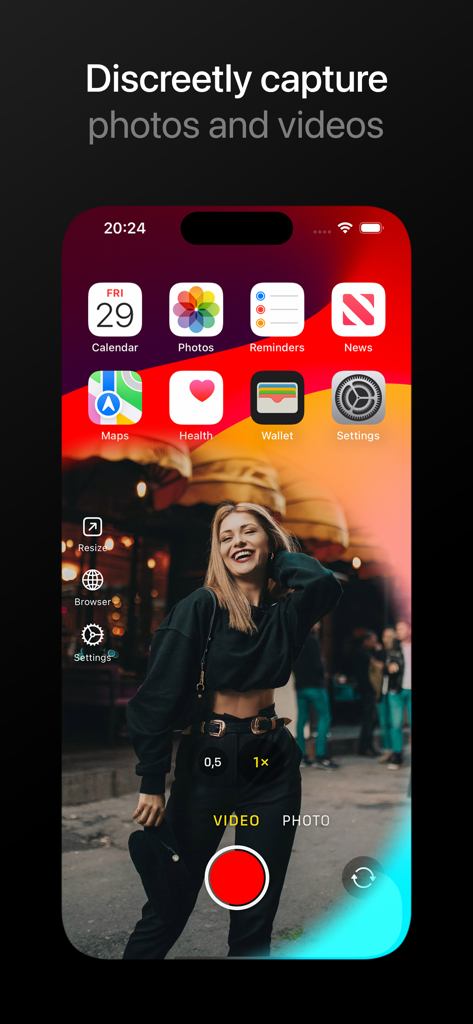
SCamera Pro mobile app interface with a discreet video capture window overlaid on a standard smartphone home screen
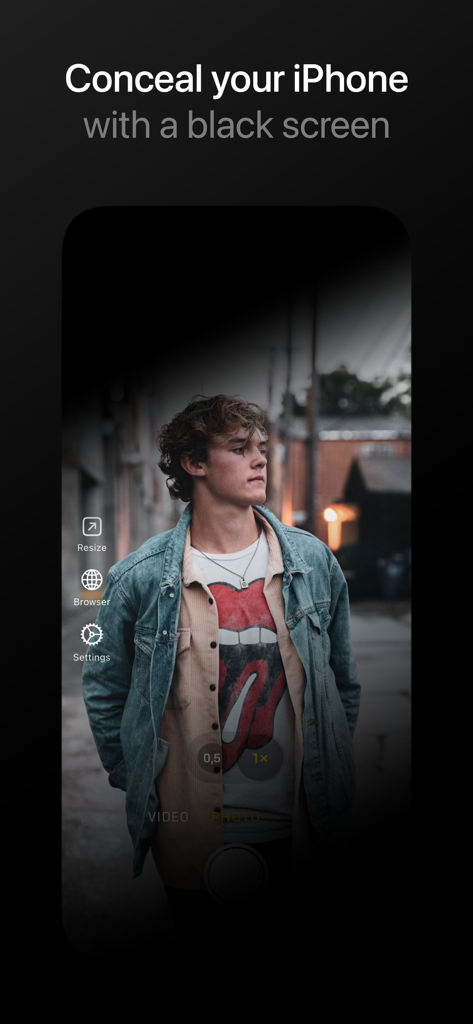
SCamera Pro app showing a black screen overlay for discreet video capture on iPhone
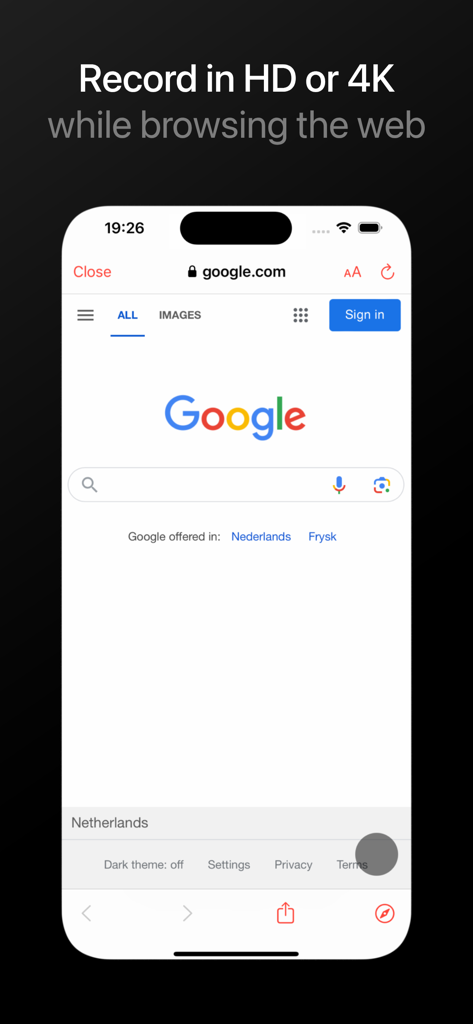
iPhone screen showing a simulated web browsing interface used as a disguise while recording video with SCamera Pro
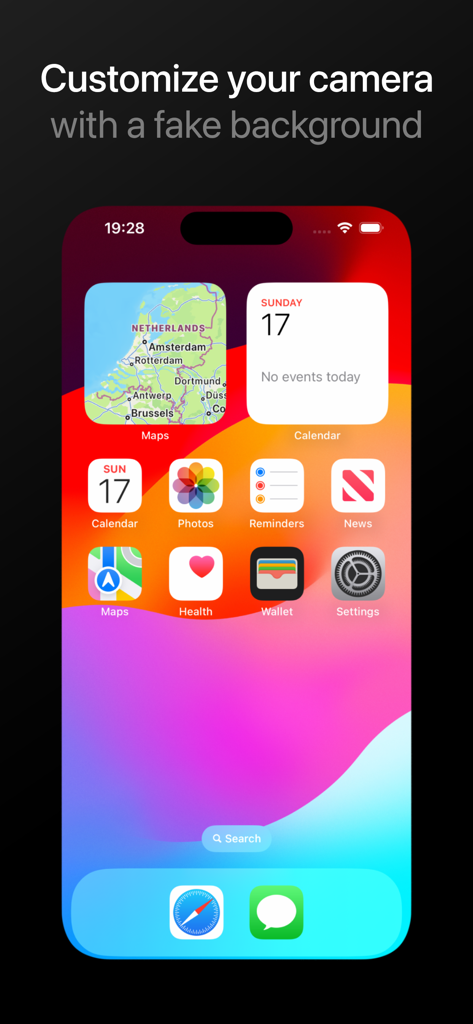
SCamera Pro app featuring a fake iOS home screen background to record video discreetly
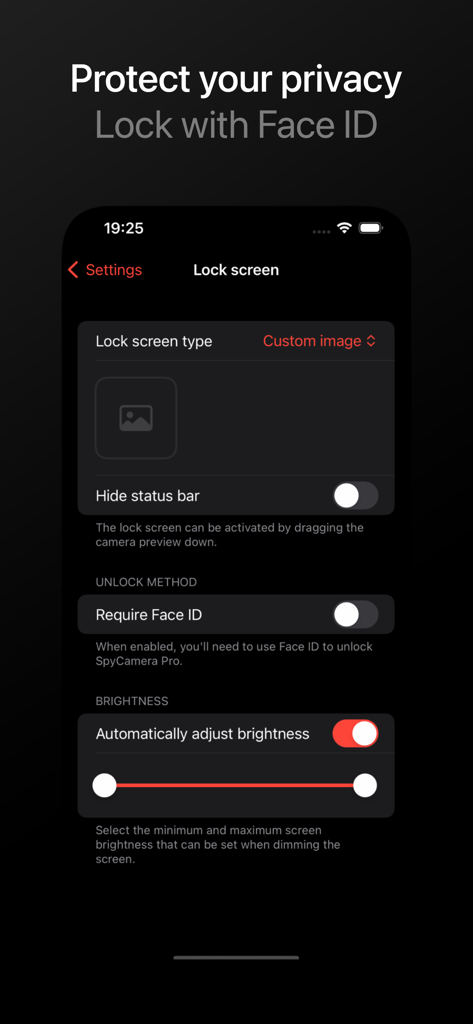
SCamera Pro app interface showing privacy settings with options to require Face ID and customize the lock screen
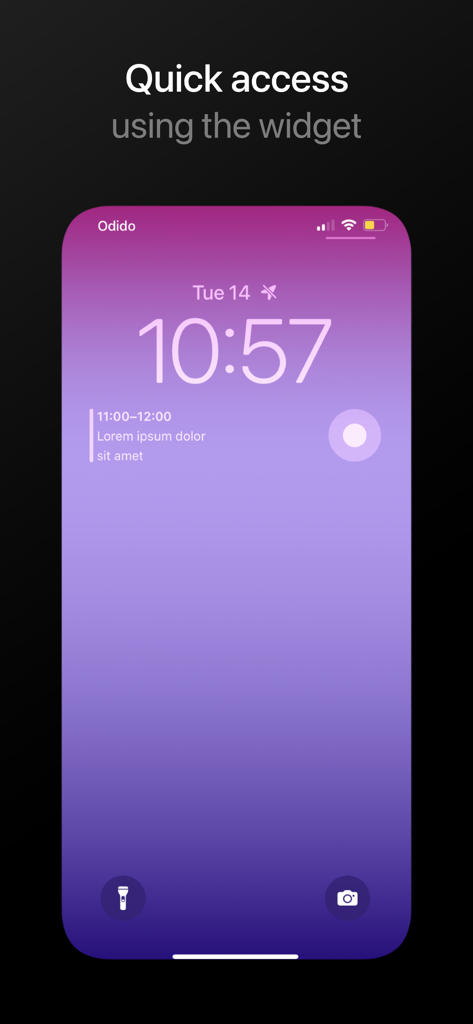
iPhone lock screen showing a quick access widget for SCamera Pro.
Description
Download
More Like This
Top-ranked apps in the same category

CapCut: Photo & Video Editor
BYTEDANCE PTE. LTD.

Instagram, Inc.

YouTube
Google LLC

Canva: AI Photo & Video Editor
Canva Pty Ltd

Snapchat
Snap, Inc.

快手
Beijing Kwai Technology Co., Ltd.

Edits: Video Editor
Instagram, Inc.

Meitu- AI Photo & Video Editor
Xiamen Meitu Technology Co., Ltd.

Google Photos: Backup & Edit
Google LLC
This page is not an official page of the app or its developer, but an independent editorial publication created for informational and commentary purposes. Unless expressly stated otherwise, neither the app nor its developer is affiliated with, endorsed by, sponsored by, authorized by, or otherwise officially connected with MWM, Apple, Google Play, the app publisher, or the app's developer, and nothing on this page implies that the app was developed using MWM's services. Any trademarks, logos, screenshots, and other content remain the property of their respective owners.