Scanly - AI Scanner Pro Scan
Download on App Store

This page is not an official page of the app or its developer, but an independent editorial publication created for informational and commentary purposes. Unless expressly stated otherwise, neither the app nor its developer is affiliated with, endorsed by, sponsored by, authorized by, or otherwise officially connected with MWM, Apple, Google Play, the app publisher, or the app's developer, and nothing on this page implies that the app was developed using MWM's services. Any trademarks, logos, screenshots, and other content remain the property of their respective owners.


Logo of Scanly - AI Scanner Pro Scan
Download on App Store

Scanly - AI Scanner Pro Scan

Scan, sign, and transcribe in seconds. Transform your iPhone into a powerful mobile office with intelligent OCR, secure digital signatures, and AI-driven insights designed for the modern professional.

Key Figures

Downloads

0

User Rating

1.0/5

Total Ratings

0

Publisher

Serkan Kara

Category

Productivity

Locales

9

Latest Version

6.0

Size

18.3 MB

First Released

Aug 1, 2024
Features

Your AI-Powered Mobile Office

Stop wasting time on manual paperwork. Scanly leverages advanced AI to digitize, organize, and automate your document workflow in seconds.

Intelligent OCR & Scanning

Convert paper to editable text with high-accuracy OCR. Search, copy, and translate documents instantly to keep your workflow digital and searchable.

Secure E-Signatures

Close deals anywhere without a printer. Add legally binding signatures to contracts and NDAs with a single tap, keeping your business moving on the go.

The following screenshots and description are sourced directly from the app's official store listing and are the property of the app developer.

App Store

Screenshots
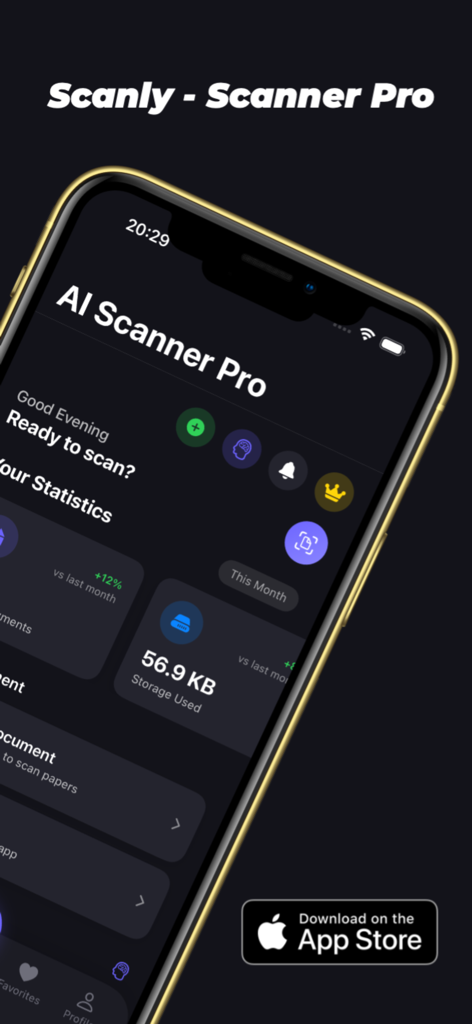
Scanly - AI Scanner Pro Scan - Scanly AI Scanner Pro app interface showing storage usage and document scanning options on iPhone

Scanly AI Scanner Pro app interface showing storage usage and document scanning options on iPhone
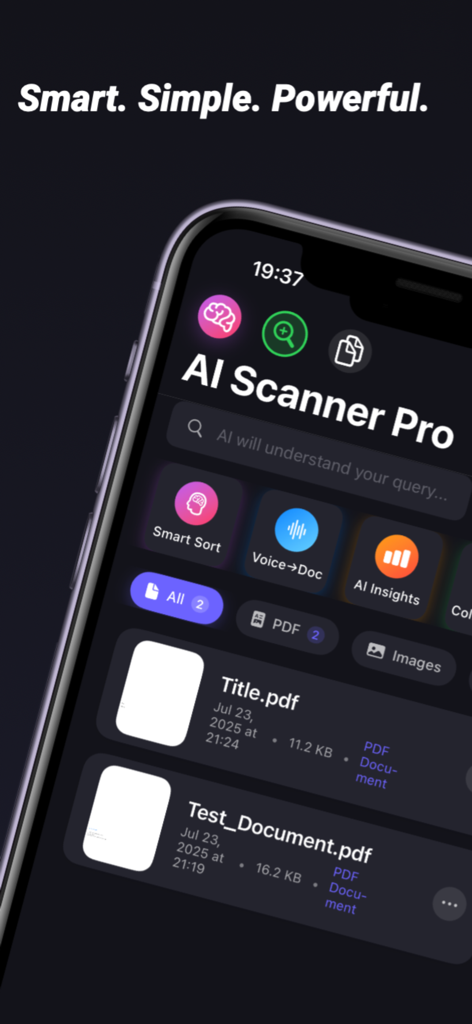
Scanly - AI Scanner Pro Scan - Scanly AI Scanner Pro app dashboard featuring Smart Sort and Voice to Doc tools
Scanly AI Scanner Pro app dashboard featuring Smart Sort and Voice to Doc tools

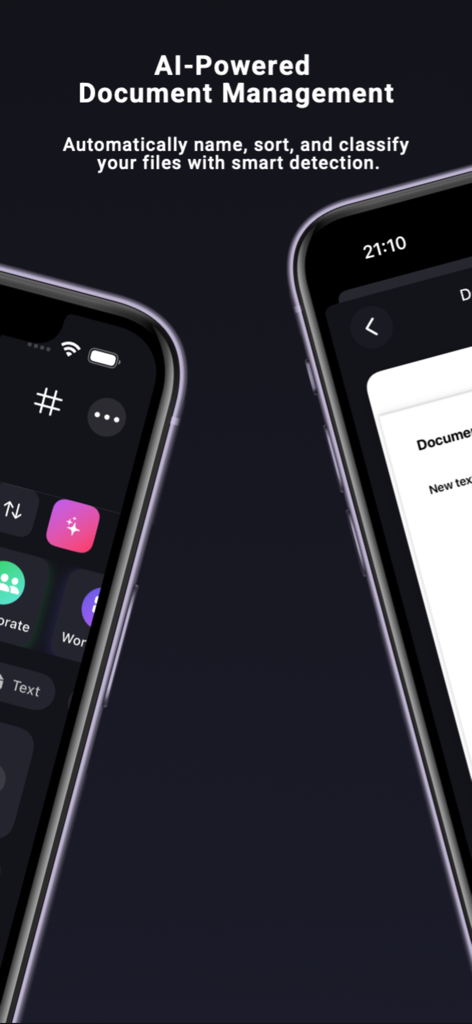
Scanly - AI Scanner Pro Scan - iPhone screens displaying Scanly app interface for AI powered document management and smart file classification
iPhone screens displaying Scanly app interface for AI powered document management and smart file classification

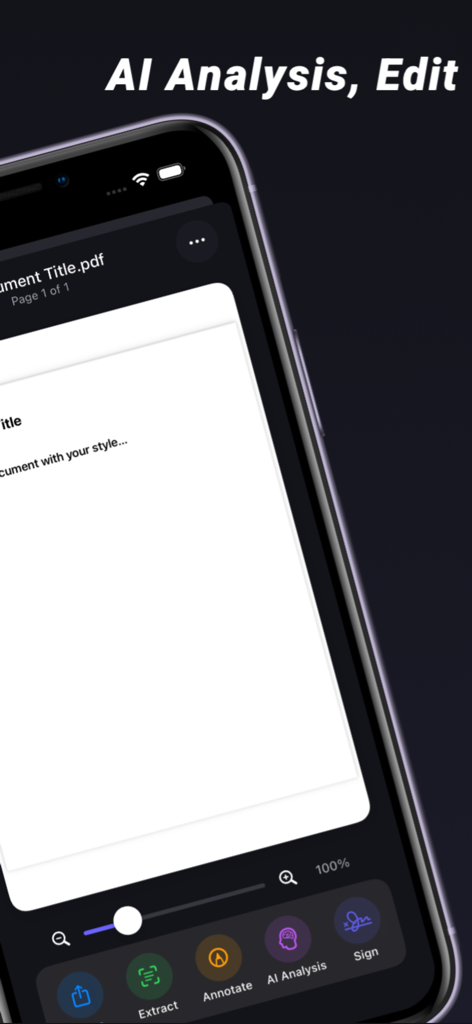
Scanly - AI Scanner Pro Scan - Mobile interface of Scanly app displaying AI analysis and document editing tools like extract and sign
Mobile interface of Scanly app displaying AI analysis and document editing tools like extract and sign

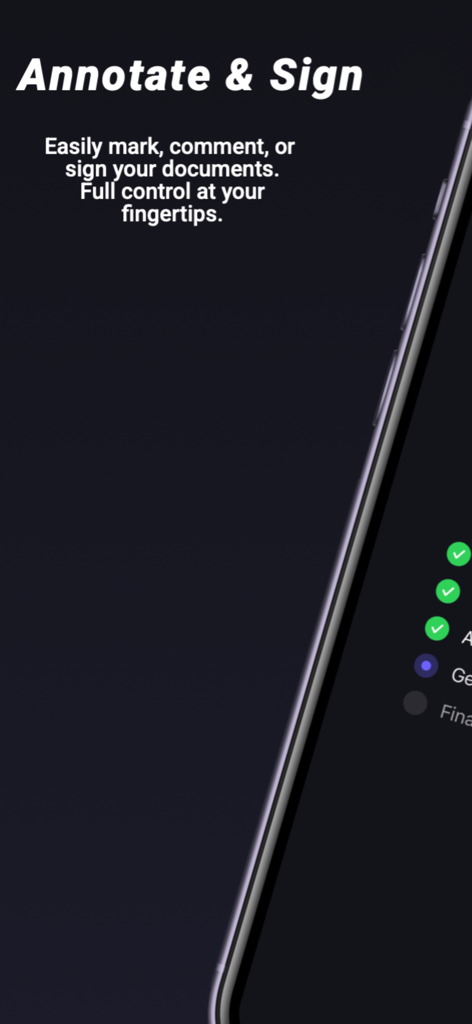
Scanly - AI Scanner Pro Scan - A mobile screen showing the annotate and sign features of the Scanly AI scanner app with a document checklist.
A mobile screen showing the annotate and sign features of the Scanly AI scanner app with a document checklist.

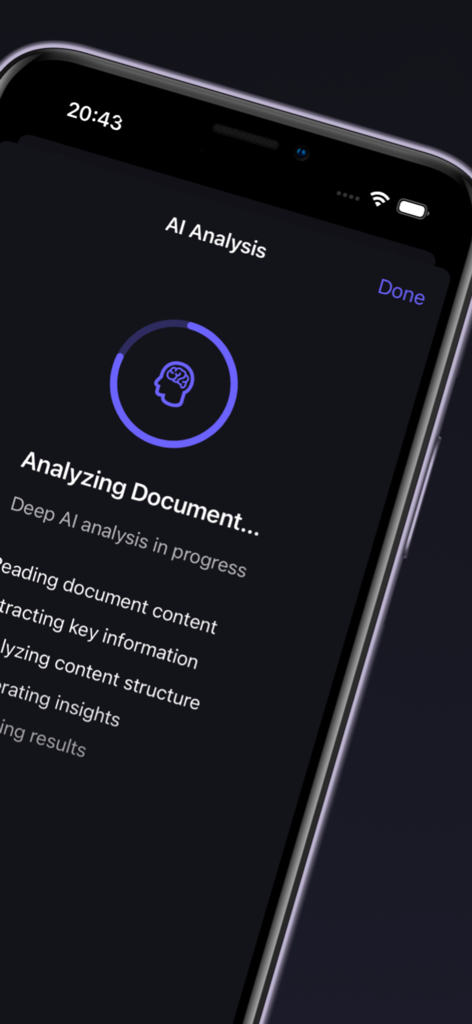
Scanly - AI Scanner Pro Scan - Scanly app interface showing a deep AI document analysis in progress with a circular progress bar and feature checklist
Scanly app interface showing a deep AI document analysis in progress with a circular progress bar and feature checklist

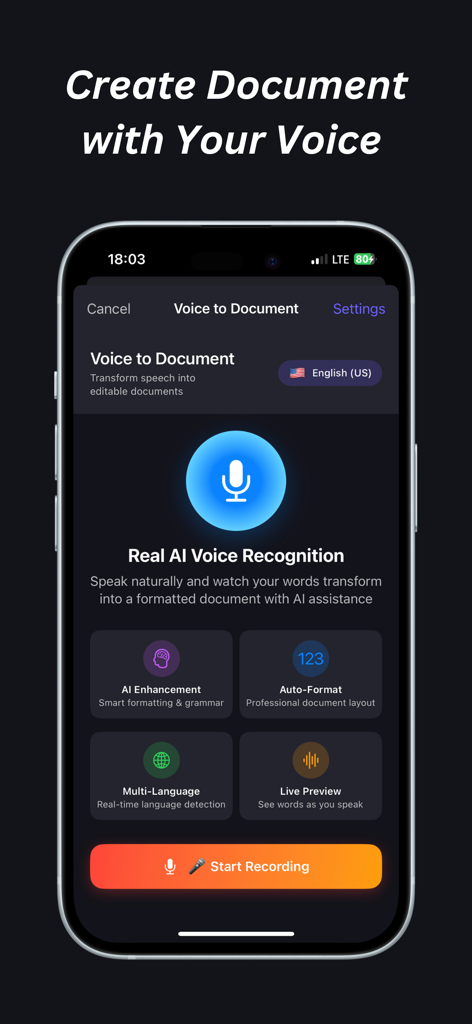
Scanly - AI Scanner Pro Scan - The Voice to Document interface of the Scanly AI Scanner app showing AI voice recognition and recording options.

The Voice to Document interface of the Scanly AI Scanner app showing AI voice recognition and recording options.

Description

AI Scanner Pro – Your All-in-One Smart Document Assistant AI Scanner Pro transforms your iPhone into a powerful, AI-driven document hub. From fast scanning and OCR text recognition to digital signatures, voice-to-text transcription, and AI smart insights, everything you need to manage, edit, and secure your documents is in one seamless app. Scan Anything, Anywhere Scan receipts, contracts, books, notes, whiteboards, IDs, or multi-page documents with stunning clarity. Automatic edge detection, perspective correction, and enhancement ensure every scan looks professional. Save as PDF, JPG, or DOCX in seconds. OCR – Text Recognition Turn paper into editable text with advanced OCR (Optical Character Recognition). Extract text from images or scanned PDFs with high accuracy. Export in TXT, PDF, DOCX, or even image format. Copy, share, or translate instantly – perfect for study, business, or everyday tasks. Annotate & Edit Easily Draw, highlight, add text, or mark up documents directly inside the app. Whether you’re reviewing a contract, highlighting study notes, or adding quick comments, annotations make collaboration effortless. Digital Signatures – Secure & Fast Say goodbye to printing and scanning. Add legally binding e-signatures directly on your documents. Tap to place your signature, draw naturally, and save instantly. Perfect for contracts, agreements, and forms – secure, simple, and paperless. Voice to Document – Speak, Don’t Type Turn your voice into documents. Record meetings, lectures, or personal notes and let AI transcribe them into structured, editable text. Save as PDF, DOCX, or TXT. Capture ideas hands-free and boost productivity instantly. AI Analysis – Smarter Documents AI Scanner Pro doesn’t just scan – it understands. AI analyzes sentence patterns, content structure, and key insights from your documents. From speech recognition to content analysis, document enhancement, and final review, everything is handled automatically with AI precision. Smart Insights – Recommendations That Work for You Unlock AI-powered insights for your files. Auto-organize documents with smart categories Detect risks and improve security Boost productivity with intelligent scoring Collaborate better with team sharing recommendations With Smart Insights, your documents don’t just sit in folders – they work for you. Productivity for Everyone Students: Scan textbooks, highlight notes, convert images to editable text, and record lectures. Professionals: Sign contracts, digitize receipts, scan ID documents, and auto-organize projects. Teams: Collaborate with AI recommendations, share scanned files, and streamline workflows. Everyday Users: Save recipes, bills, tickets, and personal notes with one tap. Security You Can Trust Your privacy matters. AI Scanner Pro ensures your scans, signatures, and notes stay secure. Files are saved on your device or your preferred cloud service with full control. Why Users Love AI Scanner Pro “Best all-in-one scanner with OCR and digital signature support.” “Voice to text is a game changer – I capture my meetings in seconds.” “AI recommendations make file organization so much easier.” Key Features at a Glance Fast scanning with auto-crop & enhancement Accurate OCR text recognition in multiple formats Secure e-signature for documents & contracts Voice-to-document transcription with AI Smart annotations: draw, highlight, add text AI content analysis with productivity insights Auto-organization & team collaboration tools Export to PDF, TXT, DOCX, JPG & more AI Scanner Pro is your complete document solution. Faster, smarter, and powered by AI – it’s the only scanning app you’ll ever need. Download now and experience smarter document management, seamless productivity, and AI intelligence in your pocket.

Download

Download on App Store

This page is not an official page of the app or its developer, but an independent editorial publication created for informational and commentary purposes. Unless expressly stated otherwise, neither the app nor its developer is affiliated with, endorsed by, sponsored by, authorized by, or otherwise officially connected with MWM, Apple, Google Play, the app publisher, or the app's developer, and nothing on this page implies that the app was developed using MWM's services. Any trademarks, logos, screenshots, and other content remain the property of their respective owners.