Scanner App Scan PDF by Camera

Scanner App Scan PDF by Camera

Download on App Store
Logo of Scanner App Scan PDF by Camera

Scanner App Scan PDF by Camera: Your All-in-One Mobile Workspace

Effortlessly scan, e-sign, and organize documents with professional-grade precision. Transform your iPhone into a powerful paperless office for your business on the go.

Download on App Store

Publisher

Getpractice LLC

Category

Business

Downloads

0

User Rating

4.7/5

Total Ratings

0

Locales

3

Efficiency in Focus

Discover the interface used by 0 users.
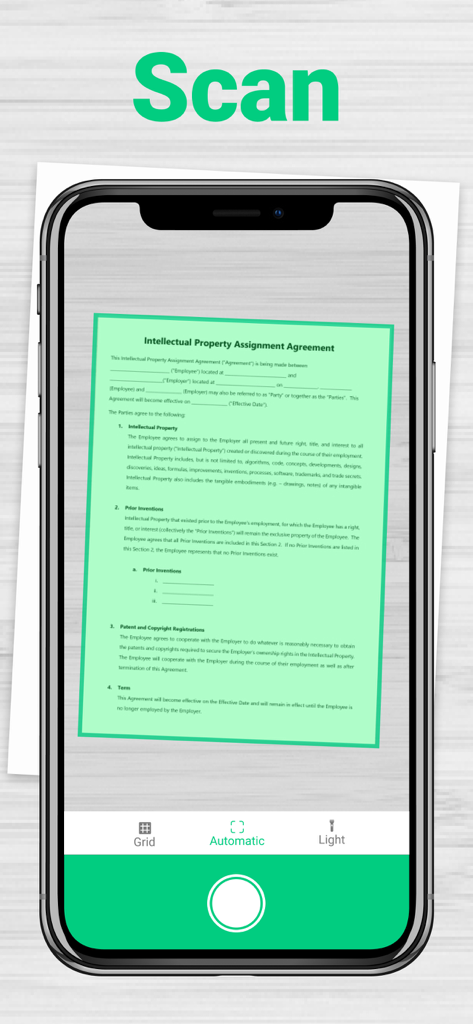
iPhone screen displaying the automatic document scanning feature capturing a legal contract

iPhone screen displaying the automatic document scanning feature capturing a legal contract

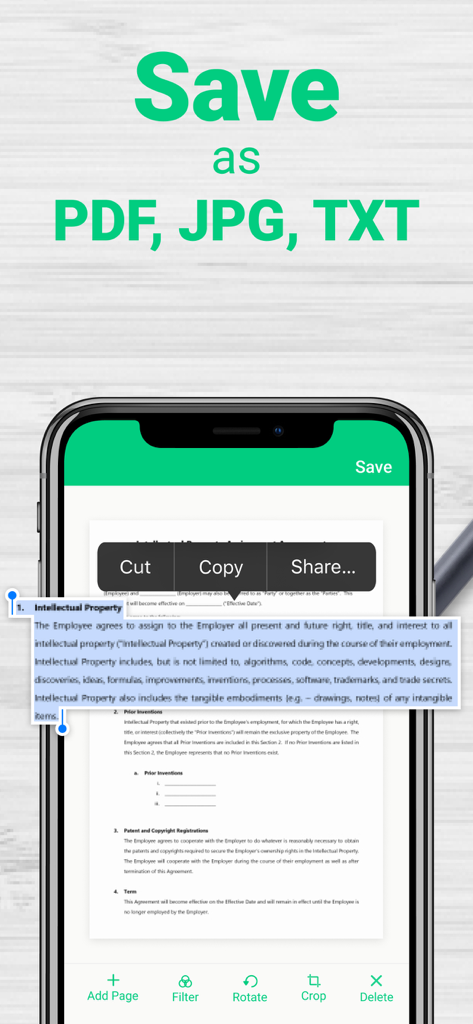
iPhone showing scanner app with options to save as PDF JPG or TXT

iPhone showing scanner app with options to save as PDF JPG or TXT

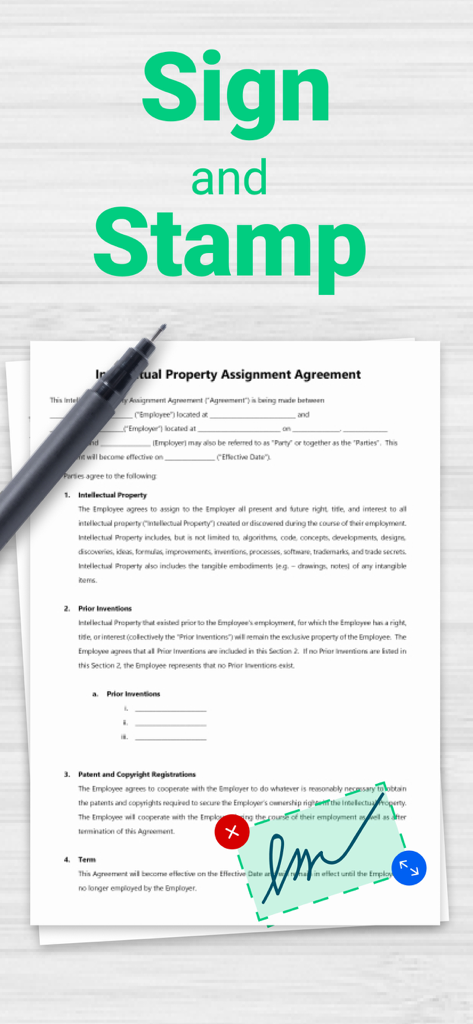
Interface showing how to sign and stamp a digital PDF document

Interface showing how to sign and stamp a digital PDF document

Your Entire Office, Right in Your Pocket

The tools that make this app stand out, trusted by 0 users.

🚀

Instant High-Def Scanning

Turn messy paper into crystal-clear PDFs or JPGs with automated cropping and professional image filters.

✍️

Seamless E-Signatures

Close deals faster by signing and sending legal contracts, NDAs, and leases directly from your iPhone.

🔍

Smart OCR Text Conversion

Convert paper notes and printed documents into editable digital text to search, edit, and share in seconds.

About the app

Everything you need to know about Scanner App Scan PDF by Camera.

Description

Scan, sign, edit and manage your documents with iPhone! DIGITIZE ALL DOCUMENTS. • Contracts; • Business cards; • Paper notes; • Book pages; • Passports and tickets. Also, you can digitize your photos and recipes. WORK WITH DOCUMENTS. ANYWHERE. ANYTIME. • Scan and import pages to make multi-page or single-page documents; • E-Sign scanned documents on the go; • Edit. Crop, apply filters, rotate or add notes; • Convert your documents to PDF, JPG; • Convert your documents into editable text. MANAGE DOCUMENTS. • Create folders • Manage folders Scanner app is free to download. If you choose to get premium features, you will be charged the price, according to the country list and chosen plan. Payment will be charged to iTunes Account at confirmation of purchase. An account will be charged for renewal within 24-hours prior to the end of the current subscription period. You can manage and cancel your subscriptions by going to your App Store account settings after purchase. Any unused portion of a free trial period, if offered, will be forfeited when the user purchases a subscription to that publication, where applicable. Privacy policy: https://loonshot.app/privacy-policy/ Terms & Conditions: https://loonshot.app/terms-of-use/

Latest Version

1.1.2

Size

164.4 MB

First Released

Oct 25, 2020

Your Entire Filing Cabinet, Right in Your Pocket

Join thousands of professionals who scan, e-sign, and organize on the go. Start your paperless workflow today.

Download on App Store

App information, icons, screenshots, and descriptions displayed on this page are sourced from the Apple App Store and are the property of their respective developers. Download estimates and rankings are based on MWM's proprietary models and may not reflect actual figures. This page is provided for informational and analytical purposes only.

Believe this page infringes your intellectual property? File a dispute