Scheduler: Sling Schedule
Download on App Store

This page is not an official page of the app or its developer, but an independent editorial publication created for informational and commentary purposes. Unless expressly stated otherwise, neither the app nor its developer is affiliated with, endorsed by, sponsored by, authorized by, or otherwise officially connected with MWM, Apple, Google Play, the app publisher, or the app's developer, and nothing on this page implies that the app was developed using MWM's services. Any trademarks, logos, screenshots, and other content remain the property of their respective owners.


Logo of Scheduler: Sling Schedule
Download on App Store

Scheduler: Sling Schedule

Master your workforce with smart algorithmic scheduling. Say goodbye to manual planning and streamline shifts, team communication, and real-time tracking in one intuitive mobile app.

Key Figures

Downloads

0

User Rating

3.7/5

Total Ratings

0

Publisher

Scheduler Systems

Category

Productivity

Locales

3

Latest Version

3.7.2

Size

84.2 MB

First Released

Sep 12, 2023
Features

Take the Stress Out of Shift Scheduling

Empower your team and reclaim your time with the smartest workforce management tool designed for modern businesses.

Automated Shift Generation

Stop playing scheduling Tetris. Our advanced algorithm creates optimal shift patterns instantly, saving managers hours of manual work every week.

Integrated Team Work Chat

Eliminate fragmented text chains and messy WhatsApp groups. Centralize all shift swaps, announcements, and professional communication in one secure app.

The following screenshots and description are sourced directly from the app's official store listing and are the property of the app developer.

App Store

Screenshots
Scheduler: Sling Schedule - Automatic scheduling illustration with calendar and logo for Scheduler Sling mobile app
Automatic scheduling illustration with calendar and logo for Scheduler Sling mobile app

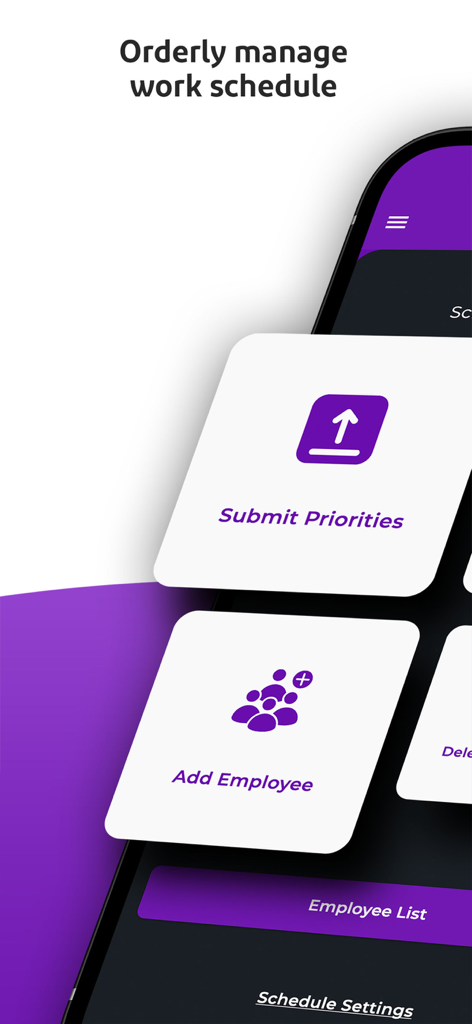
Scheduler: Sling Schedule - Interface of the Sling Schedule app showing options to add employees and submit priorities
Interface of the Sling Schedule app showing options to add employees and submit priorities

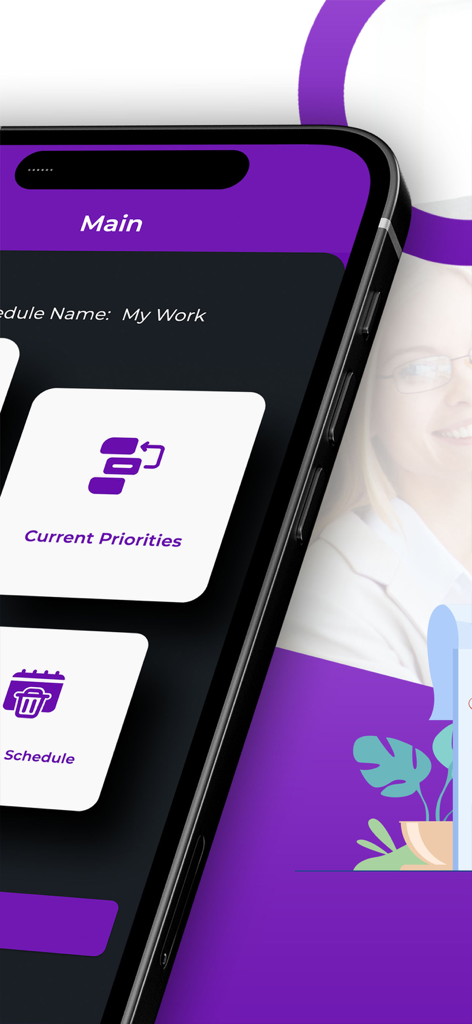
Scheduler: Sling Schedule - Main dashboard of the Scheduler Sling app showing current work priorities and schedule options
Main dashboard of the Scheduler Sling app showing current work priorities and schedule options

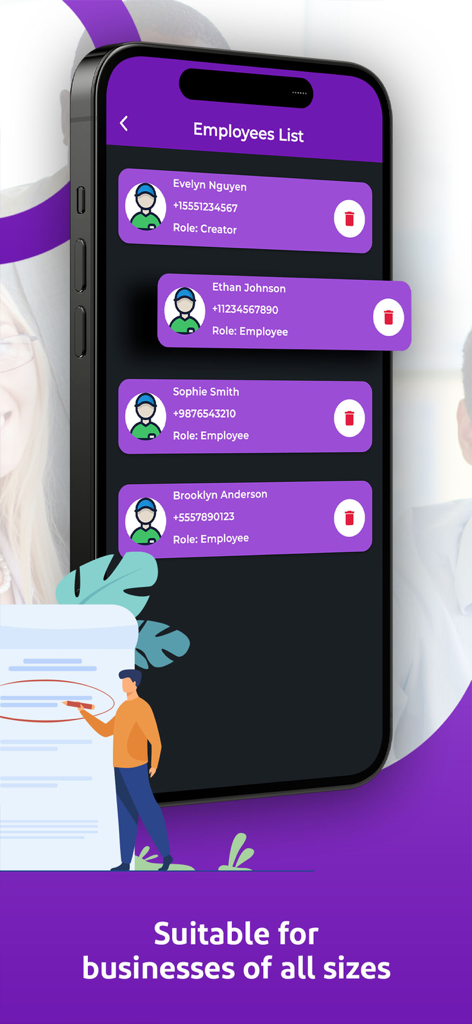
Scheduler: Sling Schedule - A mobile app screen showing a list of employees with names and roles in a purple theme for business scheduling.

A mobile app screen showing a list of employees with names and roles in a purple theme for business scheduling.

Scheduler: Sling Schedule - A business professional using the Scheduler Sling Schedule app with a positive user review about shift management
A business professional using the Scheduler Sling Schedule app with a positive user review about shift management

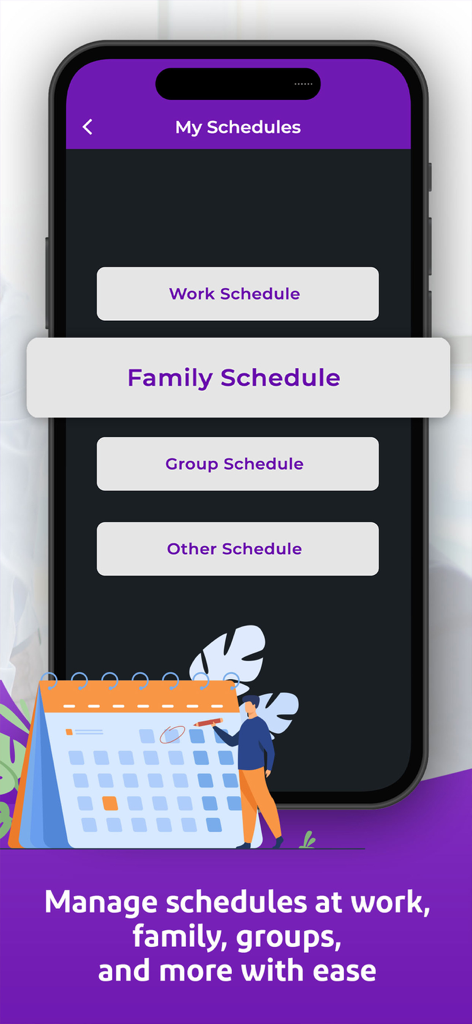
Scheduler: Sling Schedule - Mobile app screen showing options to manage work family and group schedules
Mobile app screen showing options to manage work family and group schedules

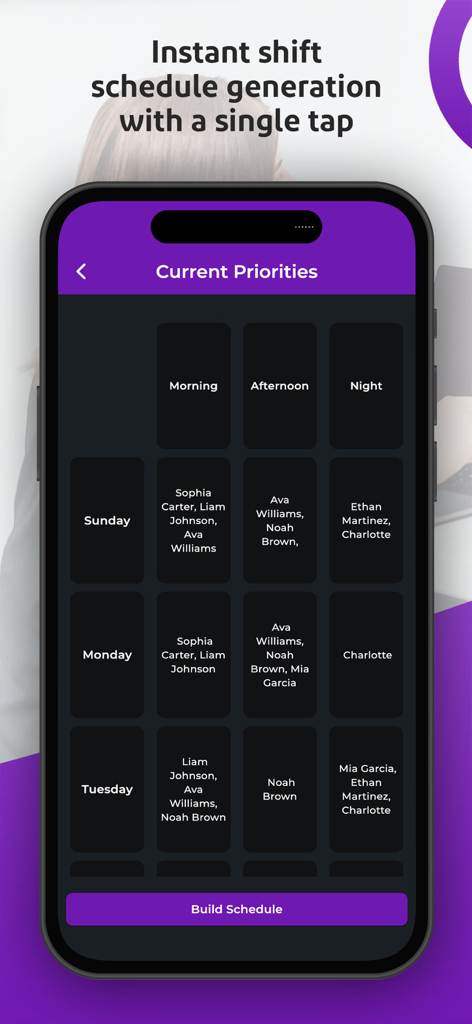
Scheduler: Sling Schedule - A mobile screen showing the Current Priorities view in the Sling Scheduler app with a grid of employee shifts.
A mobile screen showing the Current Priorities view in the Sling Scheduler app with a grid of employee shifts.

Scheduler: Sling Schedule - Professional man using a mobile app to schedule employee shifts and boost productivity
Professional man using a mobile app to schedule employee shifts and boost productivity

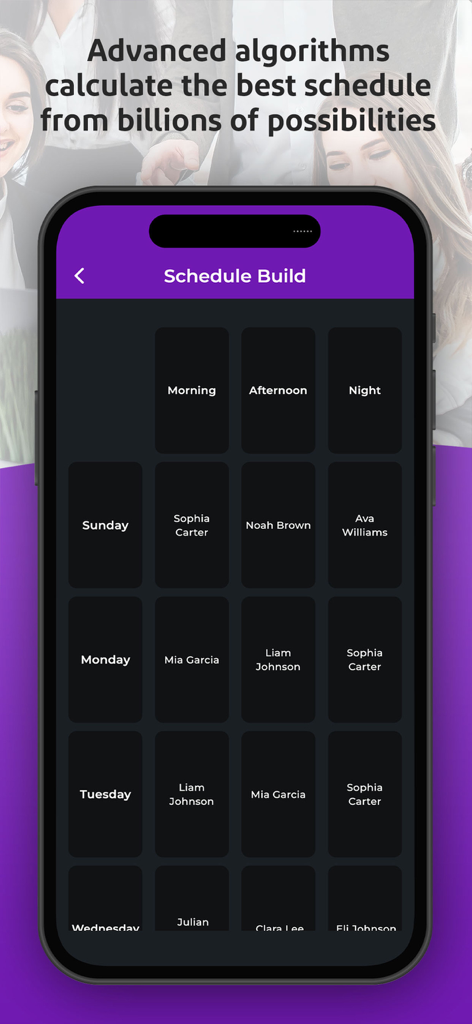
Scheduler: Sling Schedule - A mobile interface showing an automated weekly employee schedule with morning afternoon and night shifts
A mobile interface showing an automated weekly employee schedule with morning afternoon and night shifts

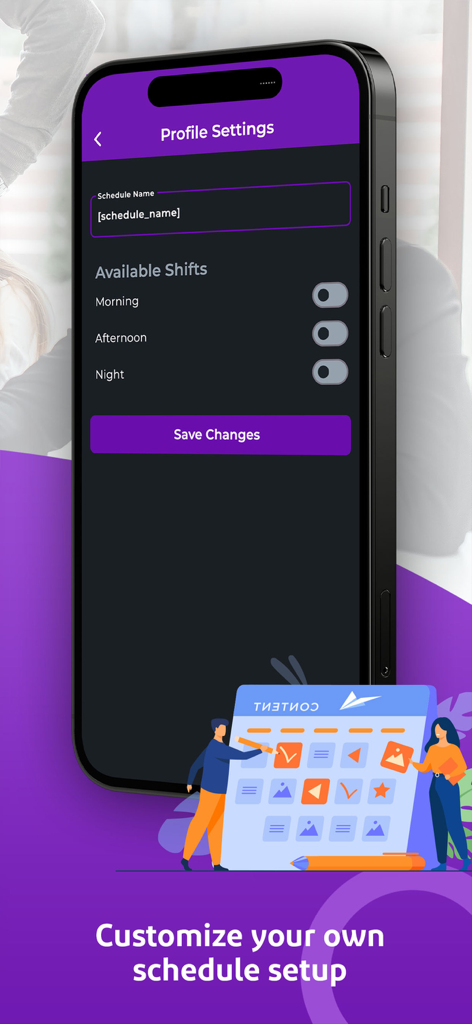
Scheduler: Sling Schedule - iPhone screenshot of the Scheduler Sling app showing profile settings to customize schedule names and shift availability for morning, afternoon, and night

iPhone screenshot of the Scheduler Sling app showing profile settings to customize schedule names and shift availability for morning, afternoon, and night

Description

Organize Employee Shifts Effortlessly with Scheduler Sling Employee Scheduling App Simplify your business operations with Scheduler the sling schedule app that transforms shift management for employees and managers alike. Say goodbye to manual planning and hello to streamlined shift scheduling. Scheduler the sling employee scheduling app makes organizing your workforce efficient accurate and stress-free. Why Choose Scheduler Scheduler combines advanced features and a user-friendly interface to ensure seamless employee scheduling. Whether you’re a small business owner or managing a large workforce Scheduler is the sling schedule tool you need. Trusted by thousands of businesses Scheduler optimizes shift scheduling to save time and enhance workplace satisfaction. Key Features of Scheduler Sling Employee Scheduling App Sling Employee Scheduling App for businesses of all sizes Create manage and adjust shifts with ease using our sling schedule interface Advanced algorithms generate optimal shift schedules Add employees assign roles and track work hours in real time Submit shift preferences and view priorities instantly Sync with external calendars for integrated schedule management Generate detailed reports on employee activities and shifts Support for tools like 7shifts Acuity Scheduling and Shiftboard Enhance team communication with work chat features Plan your day with the ultimate scheduler for businesses Streamlined Workforce Management Scheduler supports flexible shift planning with customization options to fit your needs. Add employees input shift details and watch Scheduler’s algorithm do the heavy lifting. View shifts on a detailed calendar and stay informed with notifications for changes or updates. Employee Benefits Employees can log in and view their sling schedule anytime. Update preferences submit priorities and access shift details from any device. Scheduler’s intuitive interface ensures everyone stays on the same page. Boost Productivity with Scheduler Save time with efficient scheduling and focus on growing your business. Scheduler is more than a scheduling tool it’s your partner in workforce management. Compatible with Leading Scheduling Tools Scheduler integrates with popular tools like When I Work W2W and ZoomShift to further enhance your scheduling capabilities. Whether you’re transitioning from other platforms or looking for a standalone solution Scheduler is ready to meet your needs. Download Scheduler Today Experience the best sling employee scheduling app for free. Try Scheduler with all its features and see how it simplifies your workday. Terms and Conditions https://scheduler-systems.com/terms-and-conditions-app/ Privacy Policy https://scheduler-systems.com/privacy-policy-app/

Download

Download on App Store

This page is not an official page of the app or its developer, but an independent editorial publication created for informational and commentary purposes. Unless expressly stated otherwise, neither the app nor its developer is affiliated with, endorsed by, sponsored by, authorized by, or otherwise officially connected with MWM, Apple, Google Play, the app publisher, or the app's developer, and nothing on this page implies that the app was developed using MWM's services. Any trademarks, logos, screenshots, and other content remain the property of their respective owners.