
This page is not an official page of the app or its developer, but an independent editorial publication created for informational and commentary purposes. Unless expressly stated otherwise, neither the app nor its developer is affiliated with, endorsed by, sponsored by, authorized by, or otherwise officially connected with MWM, Apple, Google Play, the app publisher, or the app's developer, and nothing on this page implies that the app was developed using MWM's services. Any trademarks, logos, screenshots, and other content remain the property of their respective owners.


SchoolCafé
The all-in-one platform for parents and students to manage cafeteria accounts, make secure payments, and track allergen information. Stay ahead with low-balance alerts and real-time menu updates for a healthier school day.
Downloads
1M+User Rating
Total Ratings
99K+Publisher
Category
EducationLocales
1Latest Version
15.14.0Size
35.4 MBFirst Released
Jul 30, 2016Take the Stress Out of School Meals
The all-in-one platform for parents and students to manage cafeteria accounts, track nutrition, and simplify daily school logistics.
Effortless Account Management
Securely add funds, set up automatic payments, and receive low-balance alerts so your child never misses a meal.
Nutrition & Allergy Transparency
Access detailed menus with full nutritional data and allergen filters to ensure every meal is safe and healthy.
Frequently Asked Questions
Everything you need to know about SchoolCafé
How can parents add funds to their child's cafeteria account using SchoolCafé?
Parents use SchoolCafé to make payments and add funds to their child's cafeteria account. The app supports adding various amounts, with a payment subtotal between $0.01 and $100.00.
Can parents apply for free or reduced meals through the SchoolCafé app?
Yes, parents can apply for free or reduced meals directly through the SchoolCafé app. The application process is available within the user interface.
Does SchoolCafé provide nutritional information for school menus?
Yes, SchoolCafé provides detailed nutritional and allergen information for school menus. Users can view calories, carbohydrates, and specific allergens like fish, wheat, or gluten for each item.
Can students and staff use SchoolCafé as a digital ID card?
Yes, students and staff can use the SchoolCafé app as their digital ID card. The app displays a barcode for scanning, enabling a "Scan and Go" experience.
Does SchoolCafé notify parents about low cafeteria account balances?
Yes, SchoolCafé sends low balance alerts to parents. This feature helps parents monitor and manage their child's cafeteria funds effectively.
What is the "Make a Tray" feature in SchoolCafé for students and staff?
The "Make a Tray" feature in SchoolCafé allows students and staff to build their meal from available daily items. It then displays the combined nutrient information for their selected meal.
Is the SchoolCafé app available for all K-12 schools?
No, the SchoolCafé app is only available for participating schools. Its services are offered to K-12 school districts and food service providers in the United States.
Can SchoolCafé users favorite specific menu items?
Yes, parents, students, and staff can favorite specific menu items in SchoolCafé. Parents receive push notifications when their favorited items are on the menu.
Does SchoolCafé support automatic payments for cafeteria funds?
Yes, SchoolCafé supports setting up automatic payments. This feature allows parents to conveniently replenish their child's cafeteria funds without manual intervention.
What features does SchoolCafé offer to District Administrators?
SchoolCafé provides District Administrators with helpful reports and useful analytics. These tools assist them in managing user accounts across their districts.
The following screenshots and description are sourced directly from the app's official store listing and are the property of the app developer.
App Store
Screenshots
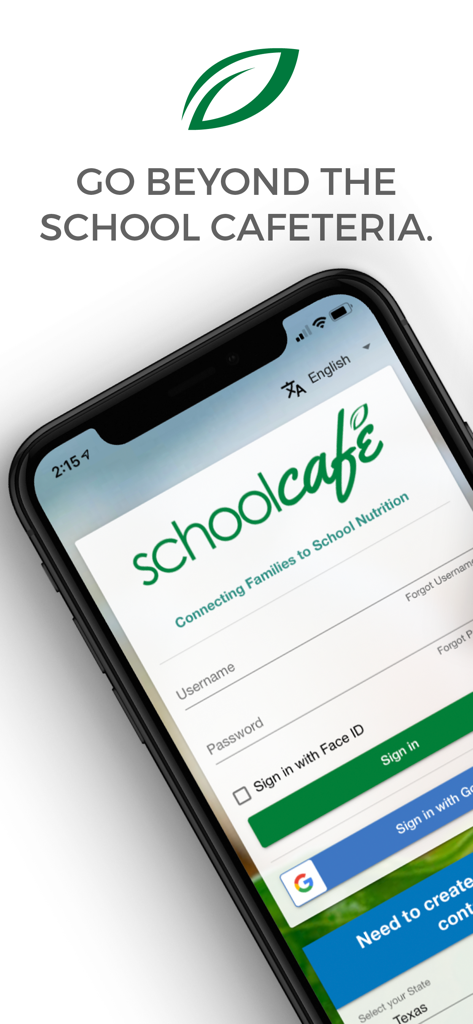
Login screen of the SchoolCafe mobile app on a smartphone showing username and password fields
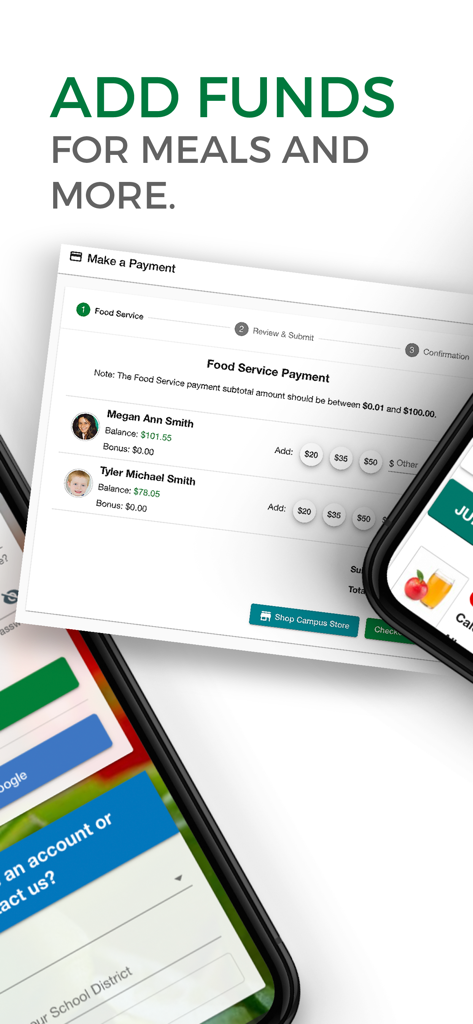
SchoolCafe mobile app interface for adding meal funds to student accounts
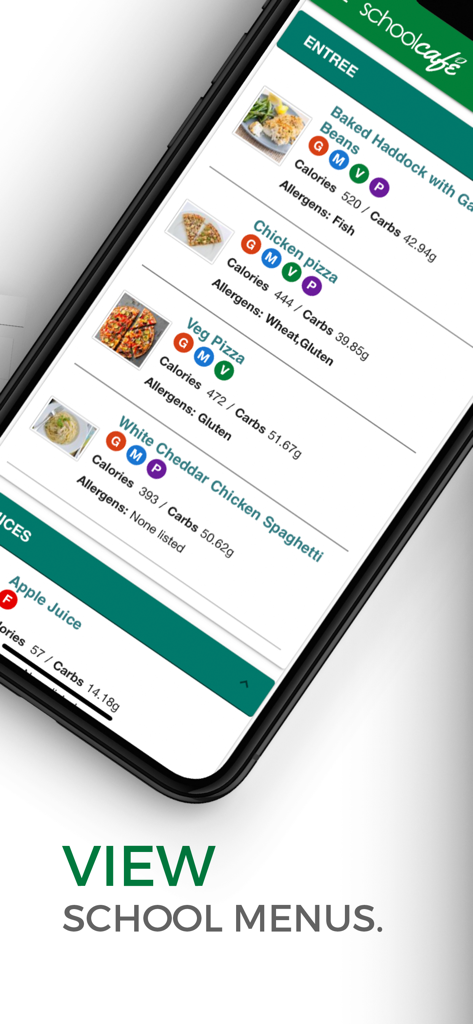
A smartphone displaying the SchoolCafe app menu screen with lunch options including nutritional facts and allergen alerts
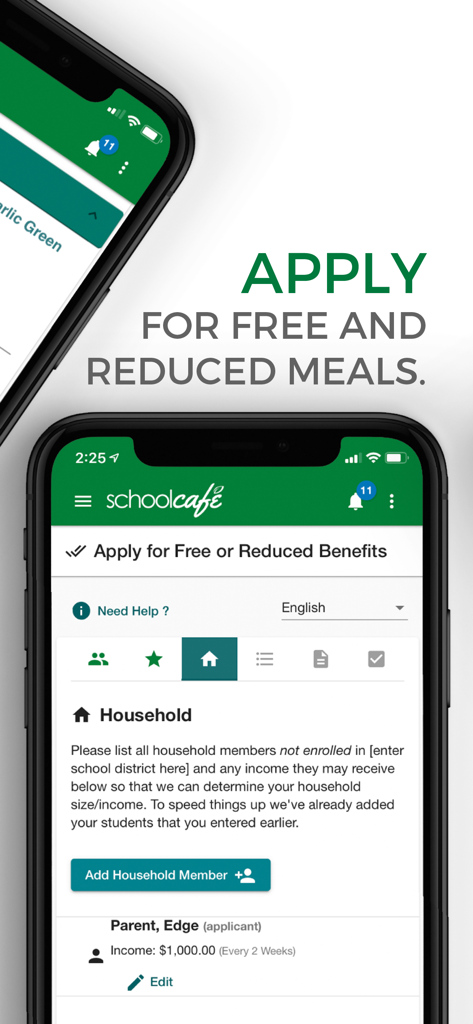
A smartphone displaying the SchoolCafé application page for free or reduced school meals.
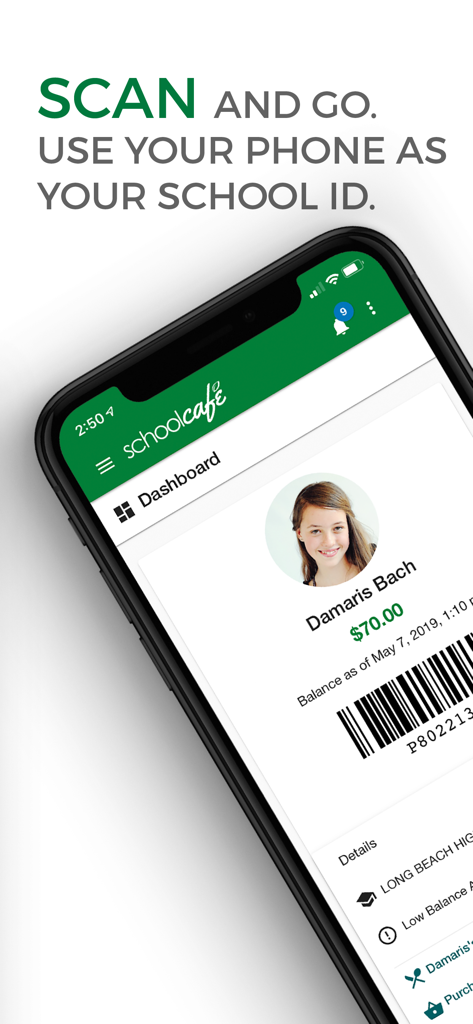
Smartphone displaying the SchoolCafe app digital school ID feature with a scannable barcode
SchoolCafe app screen showing the slogan connecting families to school nutrition
Description
Download
More Like This
Apps with similar features and user experience

Transact eAccounts
Transact Campus, LLC

Transact Mobile Ordering
Transact Campus, LLC

ID123 Digital ID Card App
ID123 Inc.

Facepass Pessoal
FACEPASS SOLUCOES DE ACESSO LTDA

MSB Parent, USA
Heartland Payment Systems, Inc.

GET Mobile
The CBORD Group, Inc

LINQ Connect
EMS LINQ Inc

Carteirinha
Inova Tecnologia LTDA
Civica
Metro Medellin
This page is not an official page of the app or its developer, but an independent editorial publication created for informational and commentary purposes. Unless expressly stated otherwise, neither the app nor its developer is affiliated with, endorsed by, sponsored by, authorized by, or otherwise officially connected with MWM, Apple, Google Play, the app publisher, or the app's developer, and nothing on this page implies that the app was developed using MWM's services. Any trademarks, logos, screenshots, and other content remain the property of their respective owners.