
Scrcpy Remote


Turn your mobile device into a high-performance workstation. Securely control Linux, macOS, and Windows with zero-config Tailscale integration, VNC support, and low-latency screen mirroring designed for the power user.
Publisher
Category
UtilitiesDownloads
22K+User Rating
Total Ratings
100Locales
4Discover the interface used by 22K+ users.
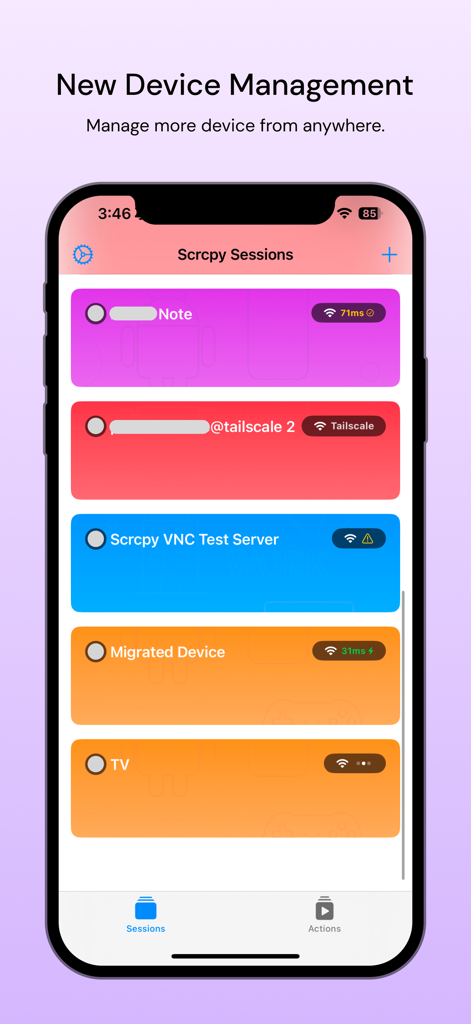
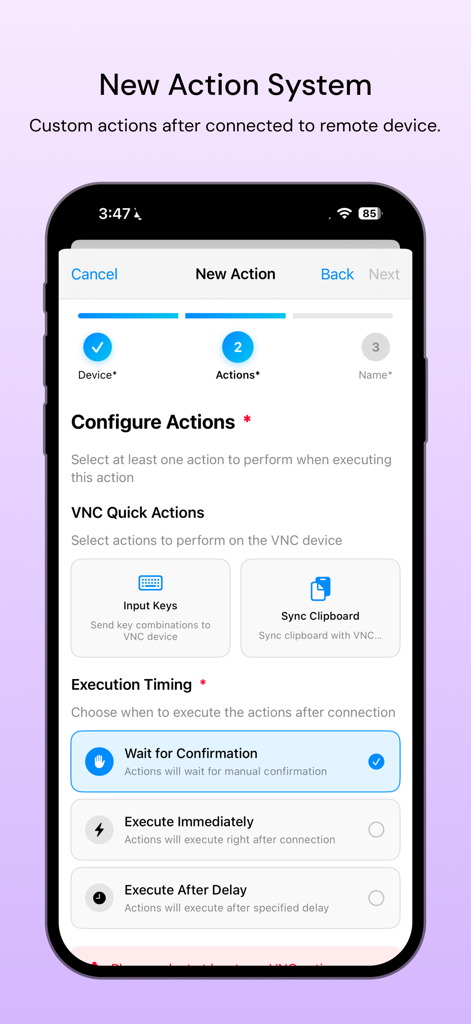
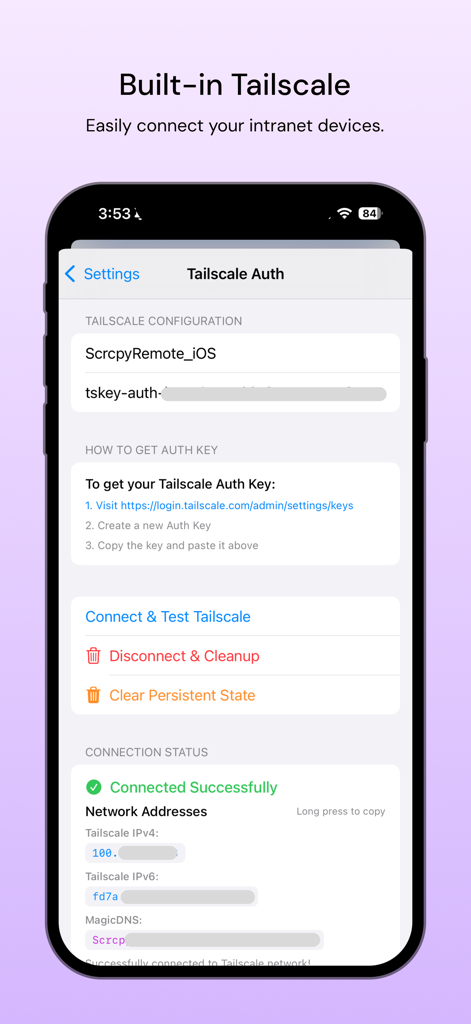
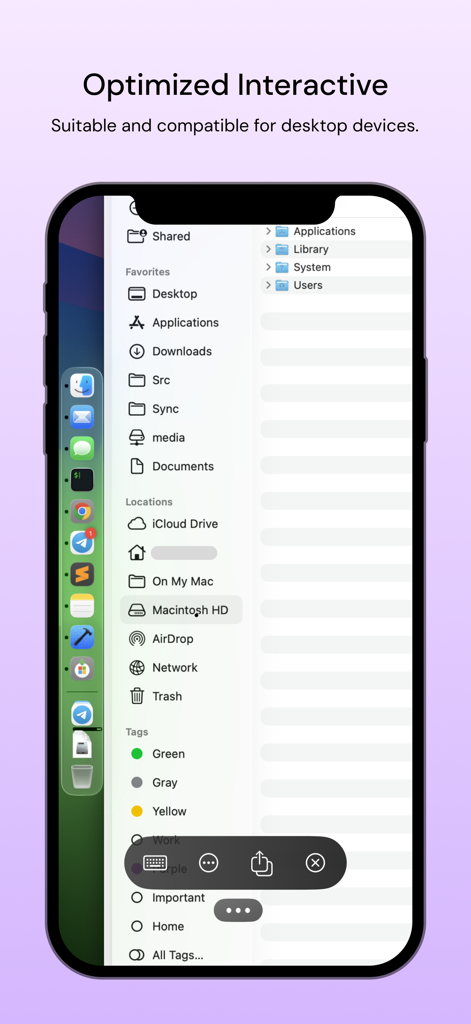
The tools that make this app stand out, trusted by 22K+ users.
Leverage native Tailscale integration for encrypted peer-to-peer connections. Access your home lab or office workstation without the security risks of port forwarding.
Break down OS silos with full support for Linux, macOS, and Windows. One app to control your entire multi-device environment with low-latency VNC performance.
Turn your iPad or iPhone into a mobile thin client. Experience high-quality screen mirroring with precise mouse and keyboard support for complex dev and management tasks.
Everything you need to know about Scrcpy Remote.
Description
Latest Version
4.4.0
Size
65.6 MB
First Released
Jun 19, 2022
Join 22,000+ tech professionals and experience secure, high-performance control of your Linux, Windows, and macOS machines from your iPad or iPhone.
Top-ranked apps in the same category

Google LLC

Google LLC

China Mobile Online Services Co., Ltd.

Google LLC

Servicos e Informacoes do Brasil

DEEP FLOW SOFTWARE SERVICES - FZCO

Servicos e Informacoes do Brasil

CHINA TELECOM Corporation Ltd.

Microsoft Corporation
App information, icons, screenshots, and descriptions displayed on this page are sourced from the Apple App Store and are the property of their respective developers. Download estimates and rankings are based on MWM's proprietary models and may not reflect actual figures. This page is provided for informational and analytical purposes only.
Believe this page infringes your intellectual property? File a dispute