
Screen Mirroring Samsung TV


No cables, no dongles, and no extra hardware required. Instantly share your photos, videos, and apps from your Apple devices to any Samsung Smart TV with one simple tap.
 LG TV Screen Mirroring Cast
 Screen Mirroring Panasonic TV
 Sony TV Screen Mirroring Cast
 Firestick Remote & Cast FireTV
 Roku Remote Control・Cast to TV
 AirMote: Universal TV Remote
 Fire TV Screen Mirroring Cast
 Hisense TV Screen Mirroring
 LG TV Cast & Screen Mirroring
 Panasonic TV Screen Mirroring
 Universal TV Remote Control
 Roku Screen Mirroring + Cast
 Screen Mirroring Samsung TV
Publisher
Category
Photo & VideoDownloads
2M+User Rating
Total Ratings
27K+Locales
17Discover the interface used by 2M+ users.
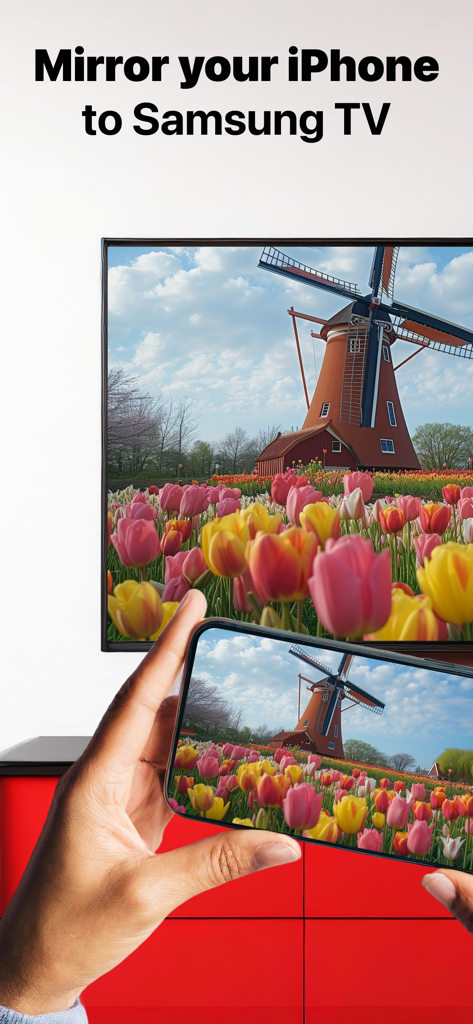
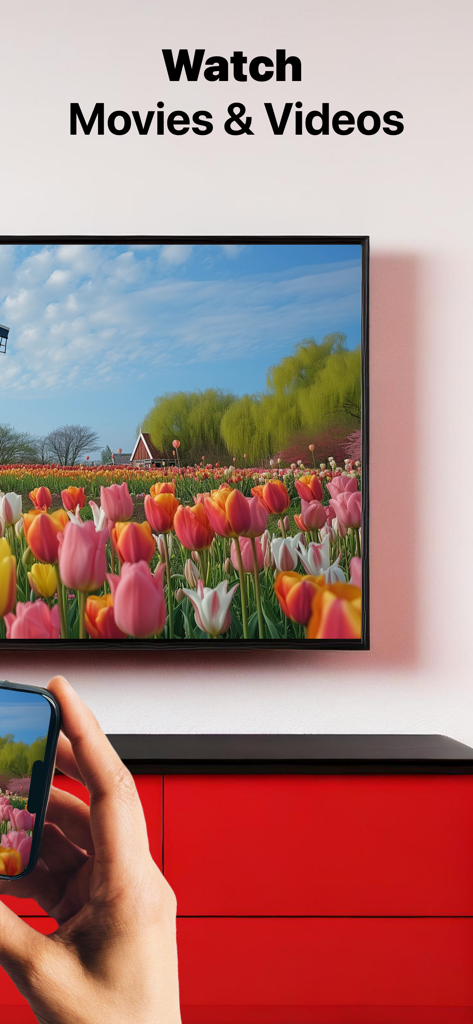
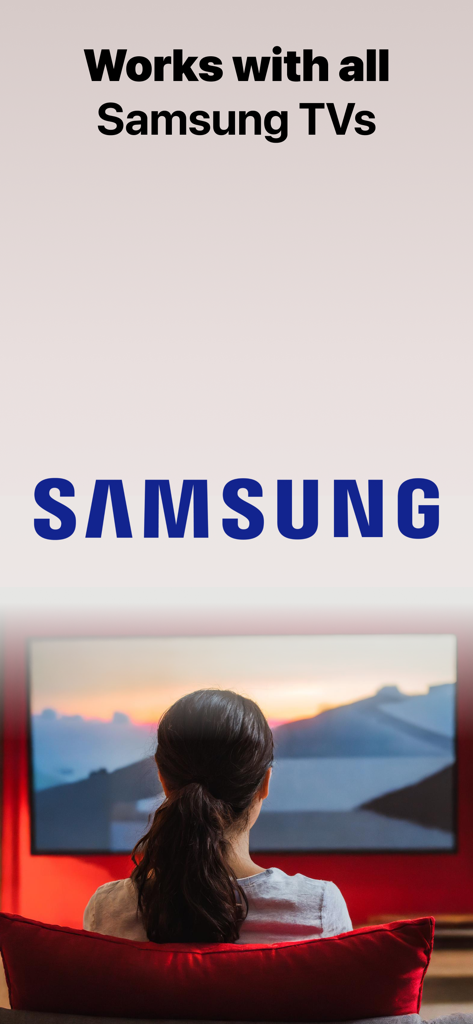
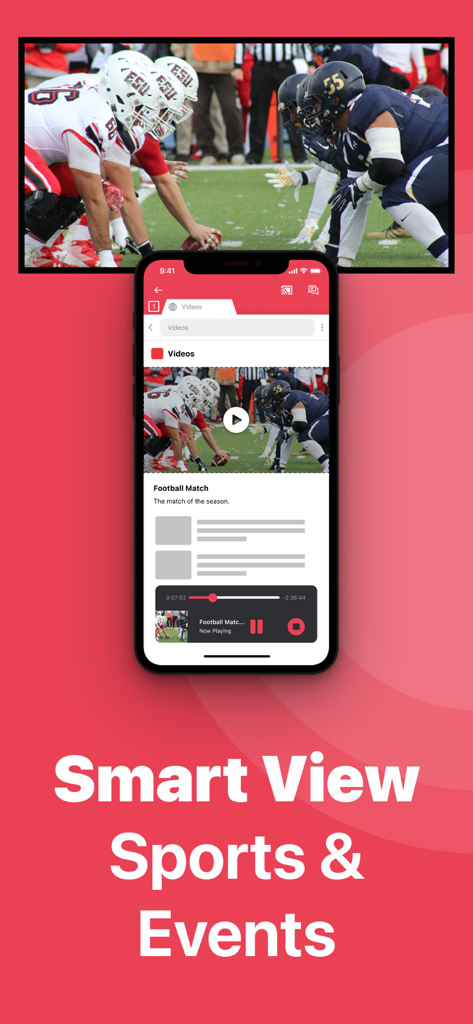
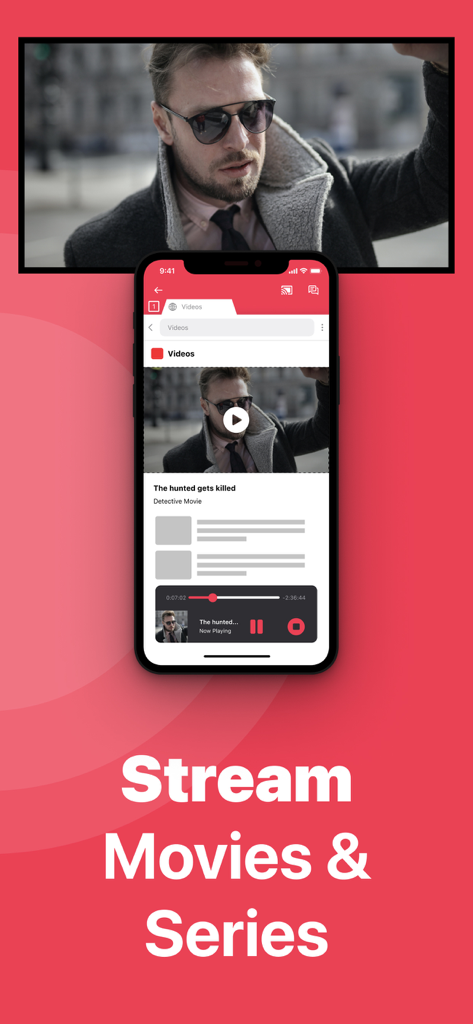
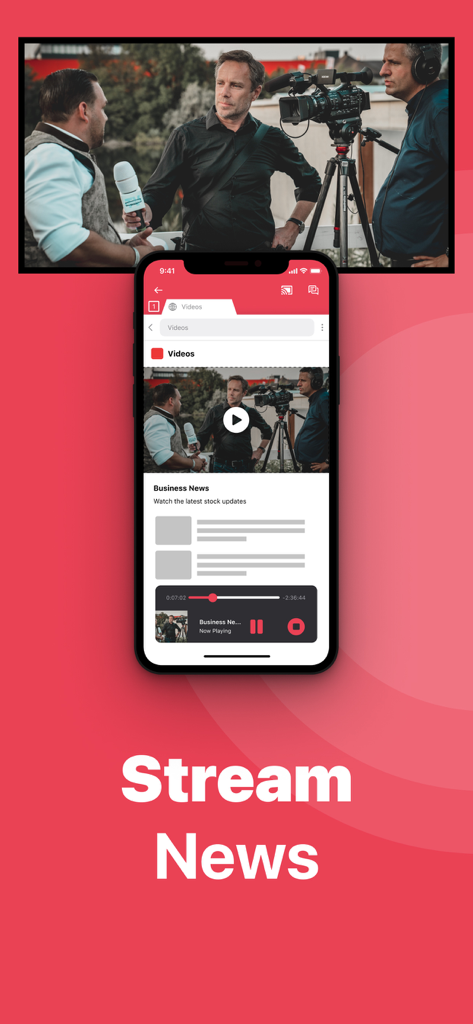
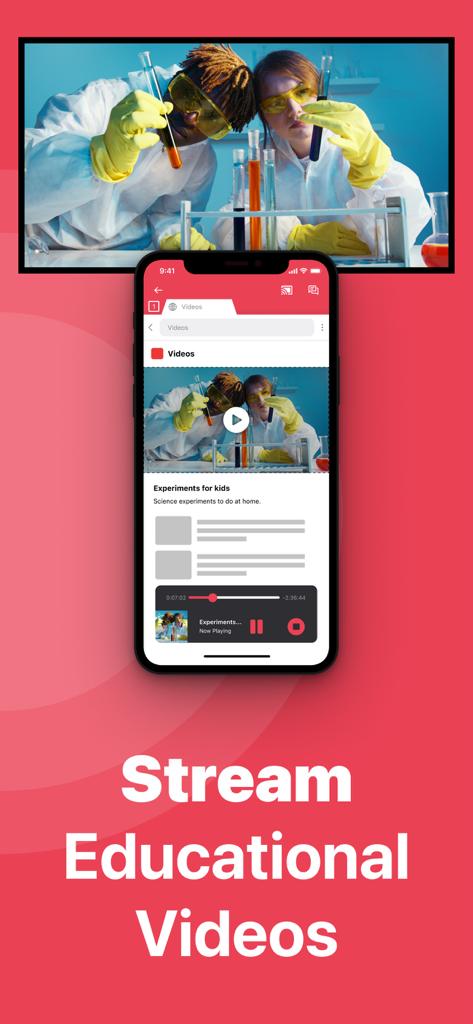
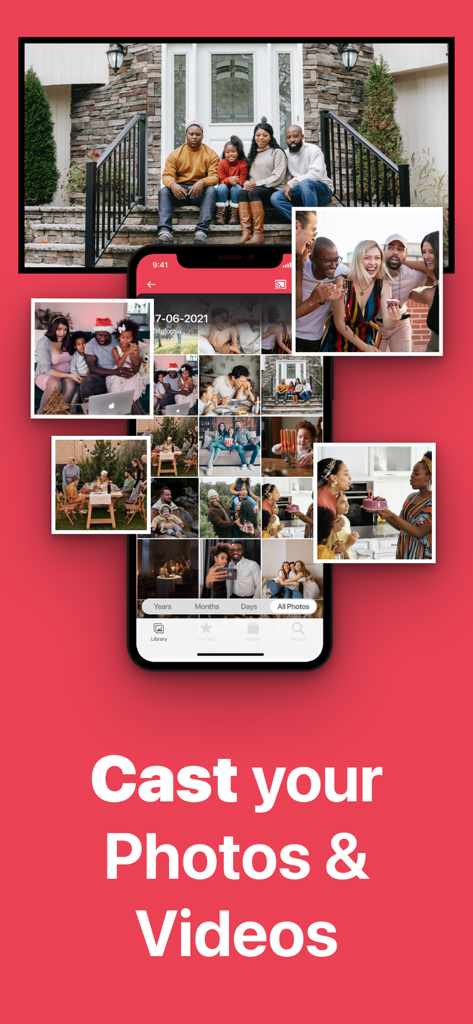
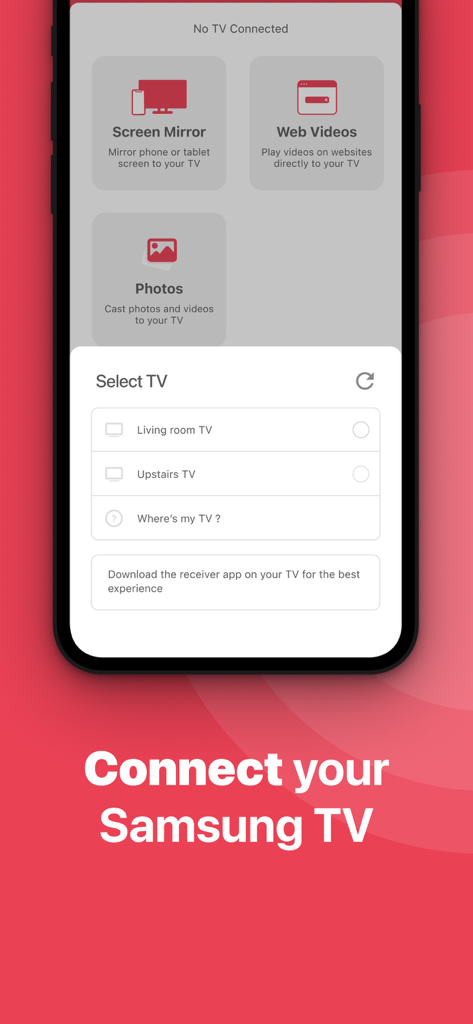
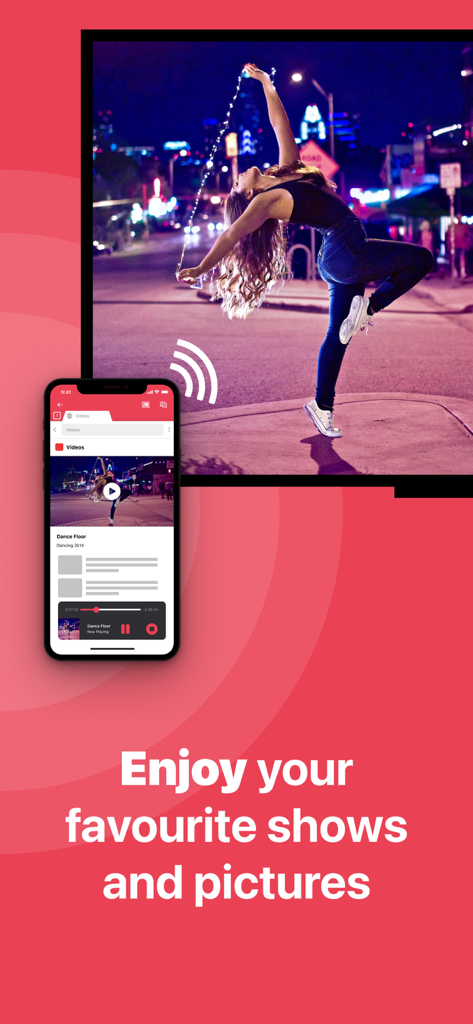
The tools that make this app stand out, trusted by 2M+ users.
Forget about $130 Apple TV boxes or expensive adapters. Mirror your entire screen using only your existing Wi-Fi network.
Showcase high-resolution photos, stream fitness apps, or lead presentations. Perfect for family gatherings and home office setups.
Breathe new life into older Samsung TVs. Our app is compatible with models dating back to 2012, ensuring no screen is left behind.
Everything you need to know about Screen Mirroring Samsung TV.
Description
Latest Version
5.2.14
Size
187.9 MB
First Released
Oct 10, 2017
Join over 2 million users who have ditched the cables and expensive hardware. Download now and start mirroring your iPhone or iPad to your Samsung TV in seconds.
Everything you need to know about Screen Mirroring Samsung TV
Screen Mirroring Samsung TV is an application that mirrors the screen of an iPhone or iPad to any Samsung Smart TV, providing a wireless connection without additional hardware.
The Screen Mirroring Samsung TV app supports iPhone and iPad devices for mirroring to Samsung Smart TVs. It works with Samsung Smart TVs from 2012 models onward.
You determine compatibility by checking the middle letter in your Samsung TV's model type, located on the back of the TV. For instance, 'E' indicates 2012, and 'Q' is QLED.
No, Screen Mirroring Samsung TV is not suitable for gaming. The app has a latency of 1 to 3 seconds, which makes it unsuitable for interactive gaming experiences.
Screen Mirroring Samsung TV is suitable for watching movies, giving presentations, viewing photos, streaming sports, events, news, and educational videos.
First, ensure your device and TV are on the same local network. Launch the app, allow the TV connection if prompted, enable notifications, then click "Start Mirroring".
To stop mirroring, click the red top bar on your iPhone or iPad, or return to the Screen Mirroring Samsung TV app and click "Stop Mirroring."
Yes, the Pro Version of Screen Mirroring Samsung TV adds audio to the screen mirroring functionality. The basic version mirrors audio if you start mirroring from the source app.
Some applications like Netflix, Disney, and AppleTV+ block screen mirroring due to DRM restrictions. Application developers decide whether to allow or block this feature.
The Pro Version of Screen Mirroring Samsung TV includes audio mirroring, free lifetime updates, and options for higher screen resolutions like 720p and 1080p.
You can purchase the Screen Mirroring Samsung TV Pro Version through an in-app purchase. Payment charges to your iTunes Account upon confirmation.
Yes, the Pro Version involves a subscription that automatically renews. Users can manage subscriptions and turn off auto-renewal in their Account Settings after purchase.
The Privacy Policy for Screen Mirroring Samsung TV is available at the provided URL: https://www.airbeam.tv/privacy-policy/.
For support, you can send an e-mail to support@airbeam.tv or chat with them on their Facebook page.
No, Screen Mirroring Samsung TV does not require any wires or additional hardware. It provides a wireless mirroring solution for your iPhone or iPad to Samsung Smart TV.
Apps with similar features and user experience

InstantBits Inc

Sichuan FalconAI Technology Co., Ltd.

Mihkel Pikk

Ozuna Limited

TOGGLE APPS SP Z O O

AER SOFTWARE COMPANY LIMITED

SAND STUDIO CORPORATION LIMITED

Hainan Delta Software Co., Ltd

Dalma Innovation Solutions d.o.o.
App information, icons, screenshots, and descriptions displayed on this page are sourced from the Apple App Store and are the property of their respective developers. Download estimates and rankings are based on MWM's proprietary models and may not reflect actual figures. This page is provided for informational and analytical purposes only.
Believe this page infringes your intellectual property? File a dispute