Screen mirroring - smart view

Screen mirroring - smart view


Download on App Store
Logo of Screen mirroring - smart view

Screen mirroring - smart view: Wireless Casting to Any Device with a Browser

Effortlessly mirror your iPhone screen to your Smart TV, PC, or Mac without cables or extra software. Perfect for sharing family moments, giving presentations, or enjoying a bigger view on the go.

Download on App Store

Publisher

Arthur Dubois

Category

Utilities

Downloads

7K+

User Rating

3.9/5

Total Ratings

0

Locales

1

Your Screen, Anywhere

Discover the interface used by 7K+ users.
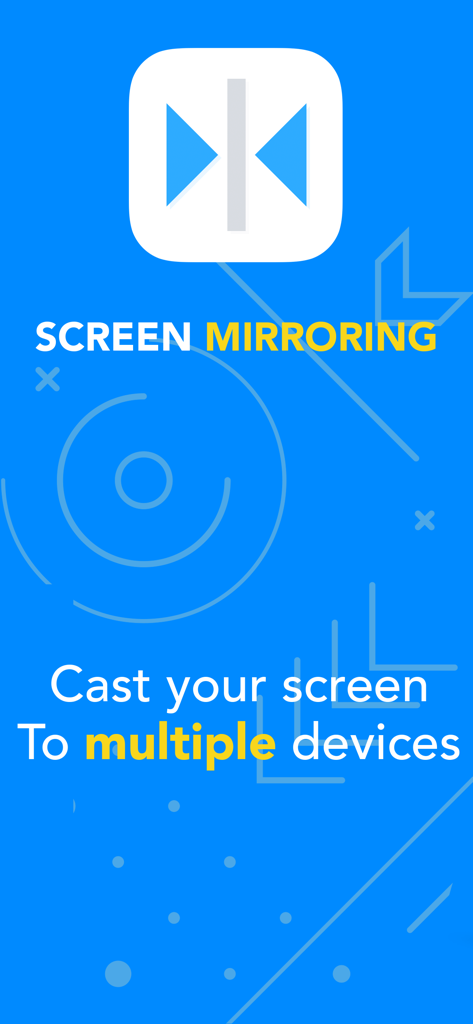
Screen mirroring app splash screen with text about casting to multiple devices

Screen mirroring app splash screen with text about casting to multiple devices

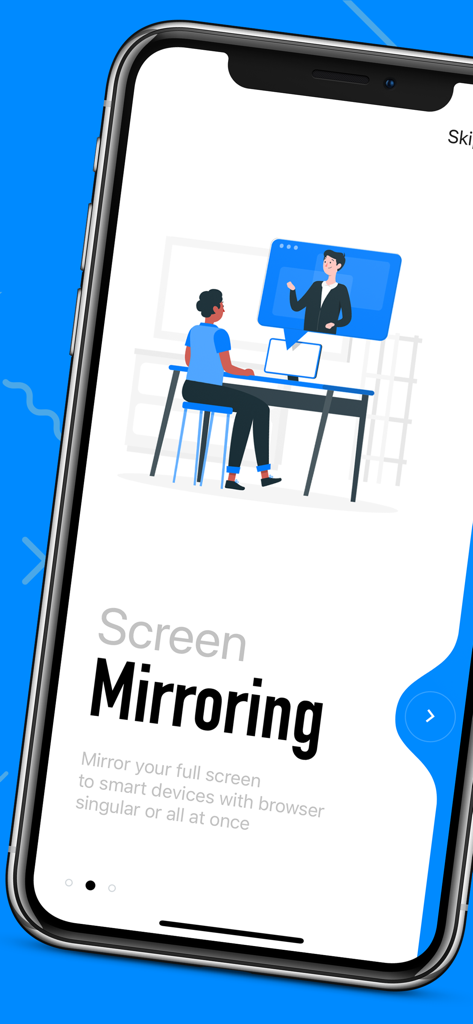
Onboarding screen of the screen mirroring app showing a person casting their phone screen to a monitor

Onboarding screen of the screen mirroring app showing a person casting their phone screen to a monitor

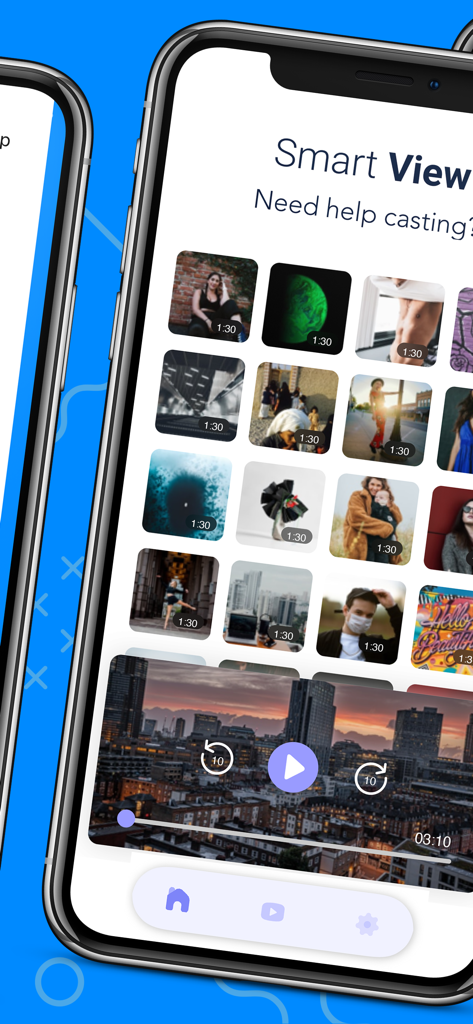
Smartphone screen showing the video library and playback interface of the Screen mirroring smart view app.

Smartphone screen showing the video library and playback interface of the Screen mirroring smart view app.

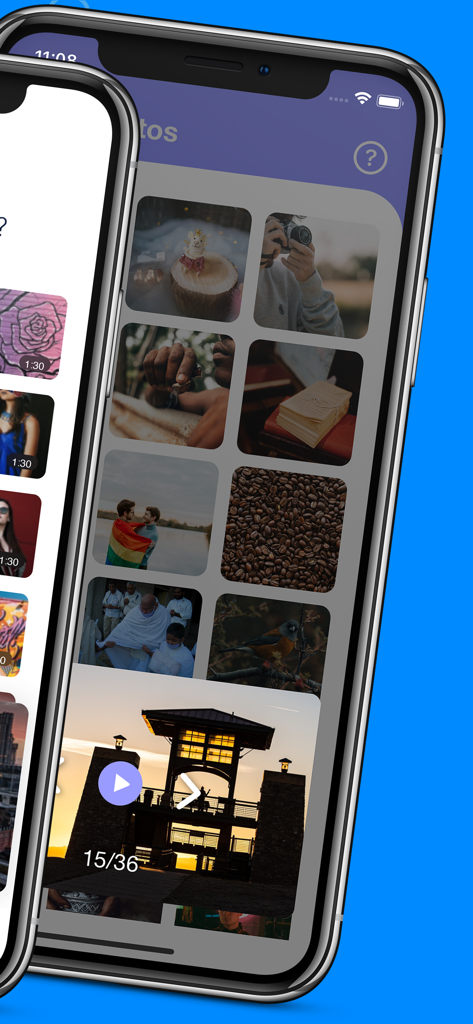
iPhone screen displaying a photo and video gallery in the screen mirroring app

iPhone screen displaying a photo and video gallery in the screen mirroring app

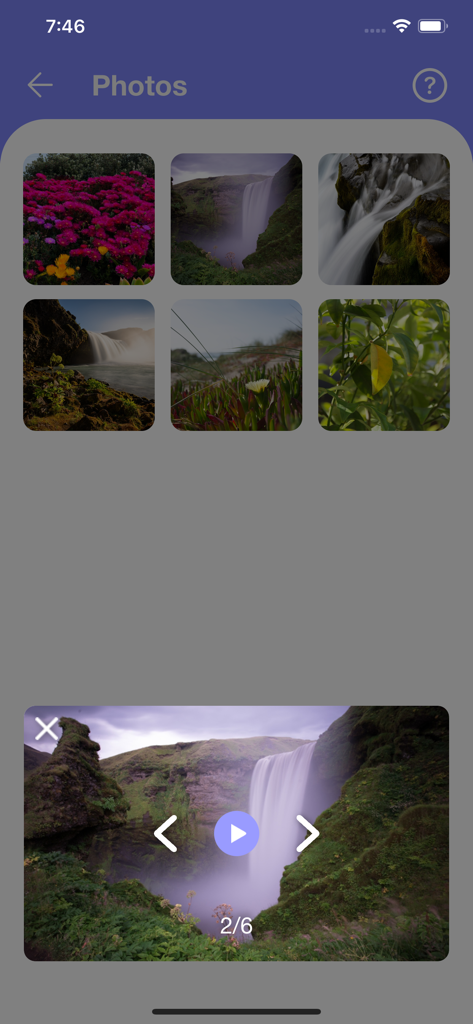
Photo gallery interface in the screen mirroring app showing nature landscapes and a waterfall preview

Photo gallery interface in the screen mirroring app showing nature landscapes and a waterfall preview

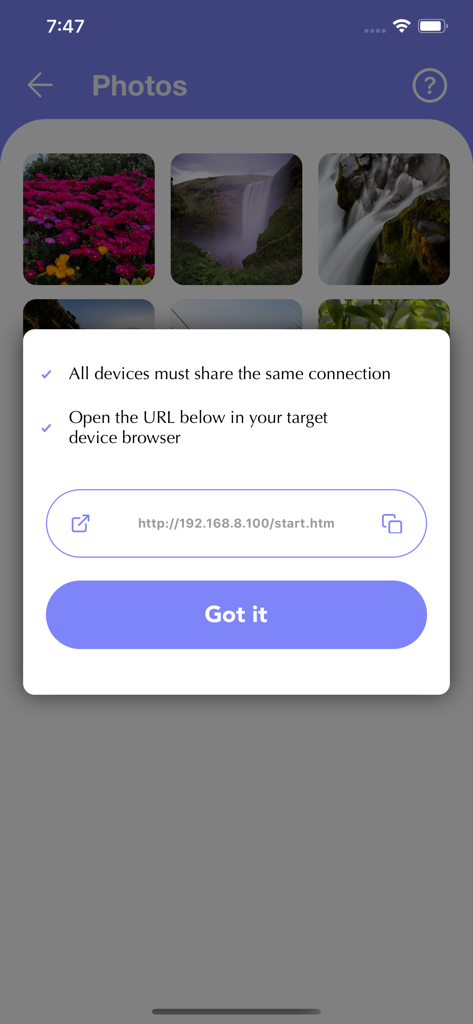
Screen mirroring app instruction modal showing a local URL for browser-based device connection

Screen mirroring app instruction modal showing a local URL for browser-based device connection

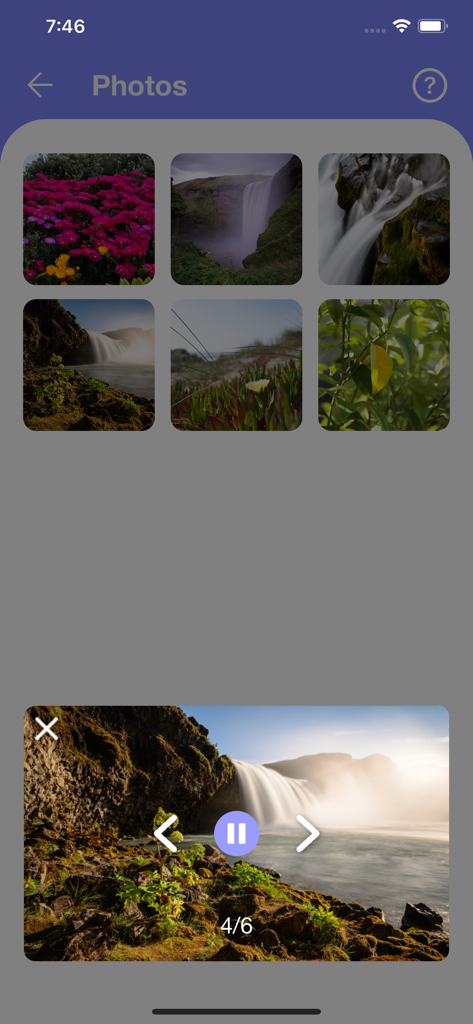
A photo preview screen in the screen mirroring app featuring a waterfall image and navigation controls

A photo preview screen in the screen mirroring app featuring a waterfall image and navigation controls

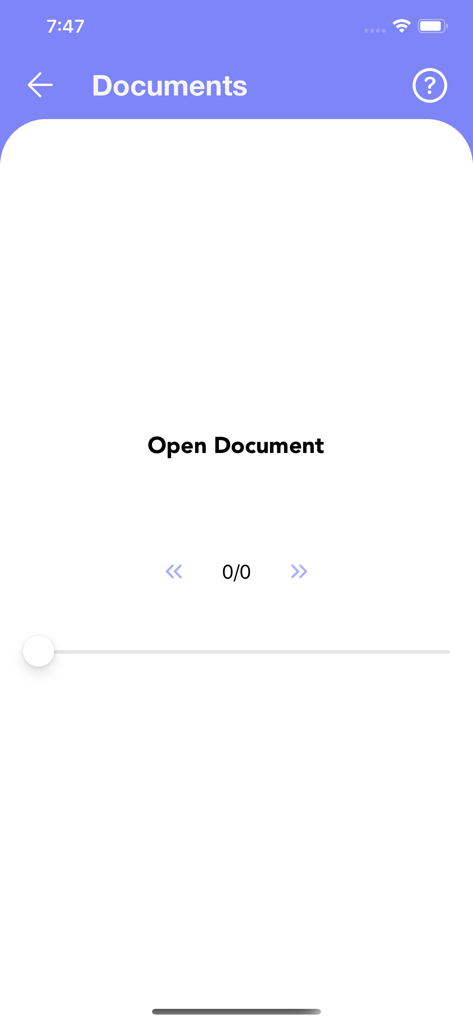
Interface of the Screen Mirroring app showing the Documents section to open files

Interface of the Screen Mirroring app showing the Documents section to open files

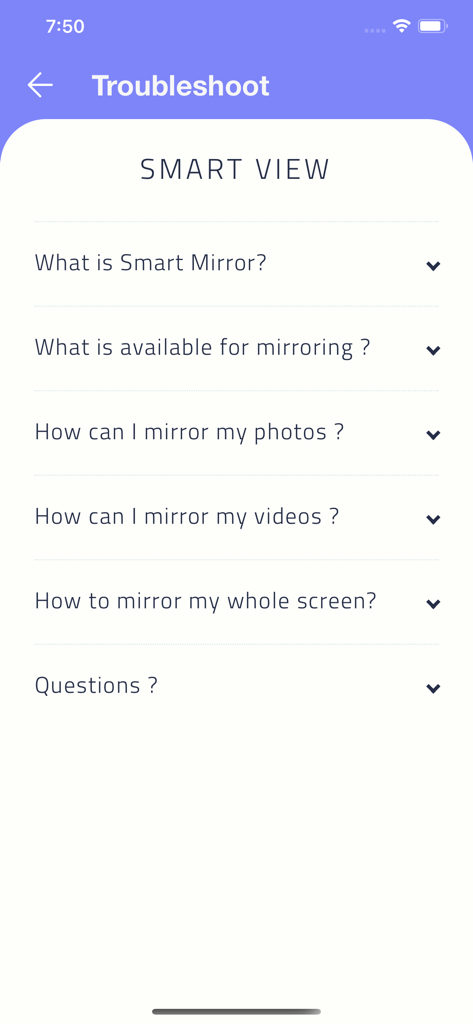
Troubleshoot and FAQ screen for the Screen mirroring - smart view app showing common help topics

Troubleshoot and FAQ screen for the Screen mirroring - smart view app showing common help topics

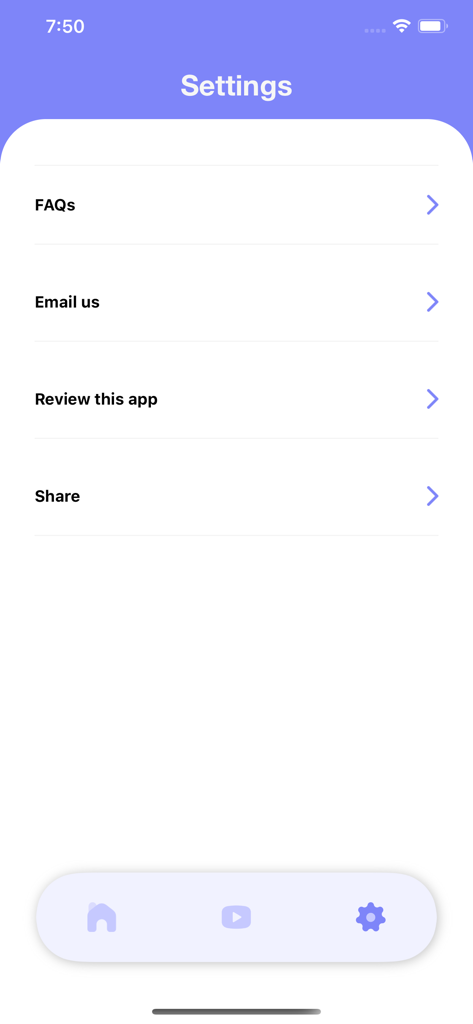
Settings screen of the Screen Mirroring app showing options for FAQs, Email us, and app review.

Settings screen of the Screen Mirroring app showing options for FAQs, Email us, and app review.

Experience Universal Screen Sharing

The tools that make this app stand out, trusted by 7K+ users.

📺

Universal Browser Mirroring

Cast to any device with a web browser. Whether it's a Windows PC, a Smart TV, or another tablet, you can share your screen across any brand or ecosystem.

🔌

No Cables or Adapters

Ditch the expensive HDMI dongles and messy wires. Mirror your entire screen seamlessly over your home Wi-Fi for a clutter-free experience.

🚀

Simple One-Tap Setup

Start sharing your photos, videos, or presentations in seconds. There is no software to install on the receiving end—just open a browser and go.

About the app

Everything you need to know about Screen mirroring - smart view.

Description

Mirror your device screen on the go. Smart view mirroring will help you showcase your screen to multiple devices simultaneous. Share your screen on a Smart TV, Mac, PC, Laptop, Smartphone or Tablet as long as they have a browser and share the same internet connection. Super easy and simple to use to cast your photos, videos and your whole screen for presentation, family moments or simply to widen your vision. No external app or cable is needed for our app to function properly. Screen mirror comes with a limited use of few minutes per day and if you wish to support us we have made a premium version for that. Our app comes with one auto-renewable subscription of 23.99$ a year. That you can cancel anytime from your phone of login to your Apple id. You can read more about our terms of use and privacy below: https://kodilea.com/privacy - https://kodilea.com/tos

Latest Version

1.2

Size

18.4 MB

First Released

Dec 3, 2020

Ready to see the bigger picture?

Ditch the expensive adapters and messy cables. Download now to start mirroring your iPhone or iPad to any Smart TV, PC, or Mac instantly.

Download on App Store

App information, icons, screenshots, and descriptions displayed on this page are sourced from the Apple App Store and are the property of their respective developers. Download estimates and rankings are based on MWM's proprietary models and may not reflect actual figures. This page is provided for informational and analytical purposes only.

Believe this page infringes your intellectual property? File a dispute