
This page is not an official page of the app or its developer, but an independent editorial publication created for informational and commentary purposes. Unless expressly stated otherwise, neither the app nor its developer is affiliated with, endorsed by, sponsored by, authorized by, or otherwise officially connected with MWM, Apple, Google Play, the app publisher, or the app's developer, and nothing on this page implies that the app was developed using MWM's services. Any trademarks, logos, screenshots, and other content remain the property of their respective owners.


Screen Mirroring・TV Cast View
Small screen fatigue is real. This app transforms your cramped view into a cinematic experience, instantly.
Downloads
5M+User Rating
Total Ratings
34.0KPublisher
Category
UtilitiesLocales
24Latest Version
5.1Size
235.5 MBFirst Released
Dec 3, 2021An analytical overview of its core capabilities and value proposition for modern users.
Key Features of Screen Mirroring・TV Cast View
Universal Device & Content Casting
The app provides comprehensive compatibility, allowing users to effortlessly mirror and cast diverse content from their iPhone/iPad to a wide array of Smart TVs, including AirPlay-enabled devices, without requiring extra hardware.
Effortless Wireless Connectivity
It allows users to establish quick and seamless wireless connections from their iOS device to any Smart TV, ensuring a smooth display experience without the need for cables or additional equipment.
Direct Web Video Streaming
This tool features the ability to play videos directly from popular online platforms like YouTube, Facebook, or any web-based source onto a Smart TV.
Productivity & Presentation Casting
It allows users to share documents, presentations, and other work or study materials from their iOS device onto a larger screen for meetings, classes, or collaborative purposes.
Personal Media Display
The app provides the functionality to share personal photos, videos, and music from an iPhone or iPad onto a Smart TV, enhancing viewing and listening experiences.
Integrated IPTV Streaming
This tool offers access to a diverse range of global television channels and high-definition shows directly through the connected Smart TV.
Frequently Asked Questions
Everything you need to know about Screen Mirroring・TV Cast View
What is Screen Mirroring・TV Cast View?
Screen Mirroring・TV Cast View connects your iPhone/iPad to any Smart TV for screen mirroring, HD video casting, and AirPlay streaming. It provides a wireless display solution without extra hardware.
Which Smart TVs are compatible with Screen Mirroring・TV Cast View?
Screen Mirroring・TV Cast View works with Samsung TV, Google Chromecast, Roku, Fire TV, LG, TCL, Hisense, and Sony Smart TVs. AirPlay is also supported, offering broad compatibility.
How do I connect my device using Screen Mirroring・TV Cast View?
To connect, ensure your iPhone/iPad and Smart TV are on the same Wi-Fi network with VPN/Proxy off. Open the Screen Mirroring・TV Cast View app, grant local network access, then select your TV device to start mirroring.
What types of content can I mirror with Screen Mirroring・TV Cast View?
You can mirror games, videos, photos, music, PDFs, files, whiteboards, and presentations with Screen Mirroring・TV Cast View. It also supports web videos from platforms like YouTube and Facebook.
Does Screen Mirroring・TV Cast View offer IPTV streaming?
Yes, Screen Mirroring・TV Cast View features IPTV Streaming, allowing access to global channels and shows in HD quality directly on your Smart TV.
How can I manage my subscription for Screen Mirroring・TV Cast View?
You manage your Screen Mirroring・TV Cast View subscription and turn off auto-renewal through your iTunes Account Settings after purchase. Auto-renewal must be disabled 24 hours before the period ends.
Does Screen Mirroring・TV Cast View offer a free trial?
Screen Mirroring・TV Cast View may offer a free trial. Any unused portion of a free trial period is forfeited if a subscription is purchased during that time.
Are there specific network requirements for Screen Mirroring・TV Cast View?
Yes, your iPhone/iPad and Smart TV must connect to the same Wi-Fi network. You must also turn off any VPN or Proxy if enabled for Screen Mirroring・TV Cast View to function correctly.
Does Screen Mirroring・TV Cast View support AirPlay?
Yes, Screen Mirroring・TV Cast View supports AirPlay streaming. It integrates this functionality as an all-in-one SmartTV Cast tool without requiring extra devices.
How many users does Screen Mirroring・TV Cast View have?
Screen Mirroring・TV Cast View has over 5 million happy users worldwide. This indicates its popularity and reliability for screen sharing and AirPlay streaming.
The following screenshots and description are sourced directly from the app's official store listing and are the property of the app developer.
App Store
Screenshots
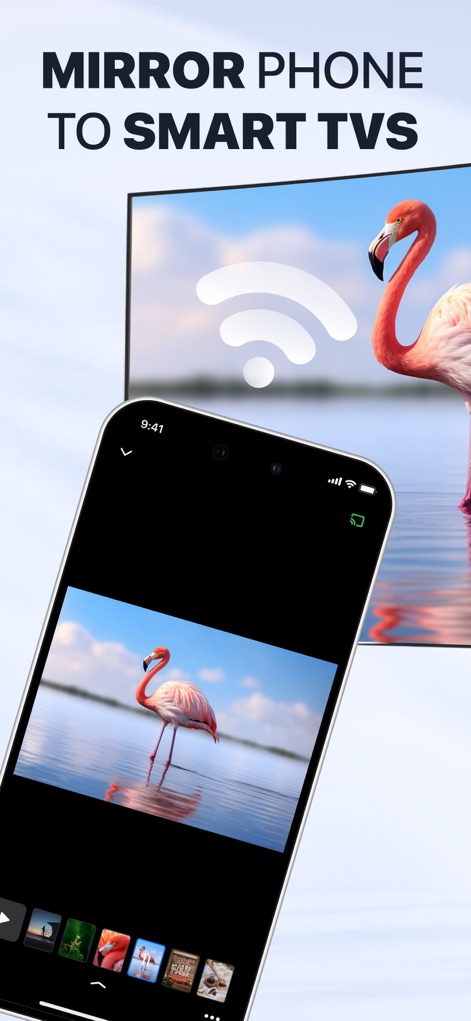
This tool showcases seamless connection with a clear Wi-Fi symbol and a mirrored flamingo image, ensuring users understand instant content sharing.
Seamless Phone Mirroring
The app highlights its status as the "#1 Screen Mirroring" solution and proudly displays "5M+ Happy Users" with a 5-star rating, building user confidence.
Trusted Screen Casting
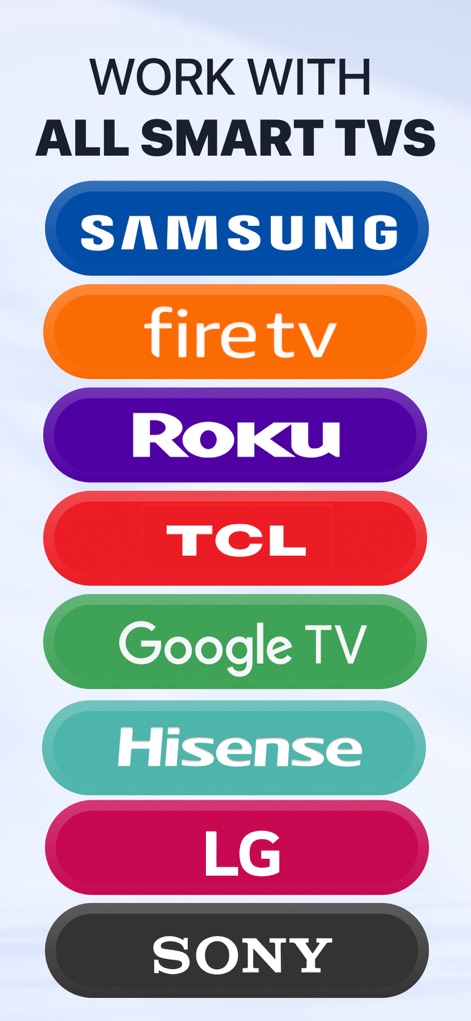
The app's broad compatibility is evident through the clear listing of major brands like "Samsung" and "Roku", assuring users of widespread device support.
Universal TV Compatibility
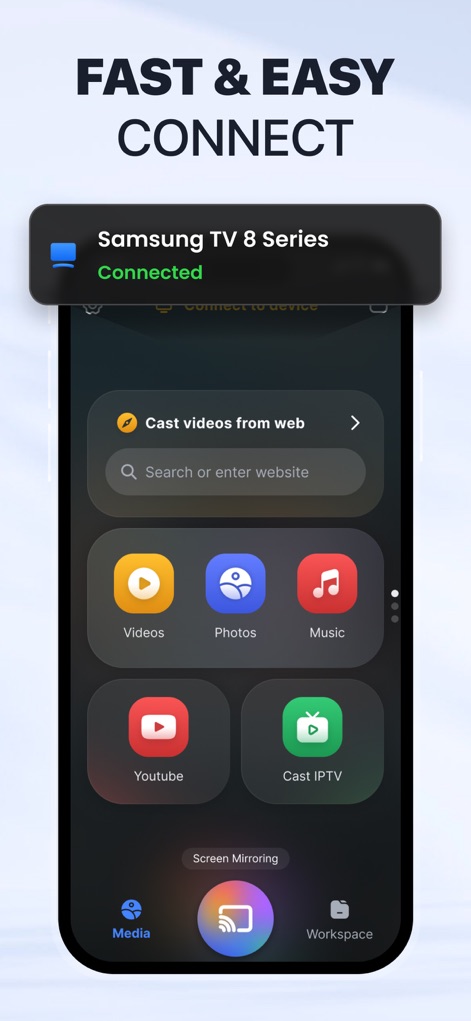
The interface demonstrates its "Fast & Easy Connect" capability with a clear "Connected" status notification and an intuitive media selection grid including "Videos" and "Photos".
Quick Connection Interface
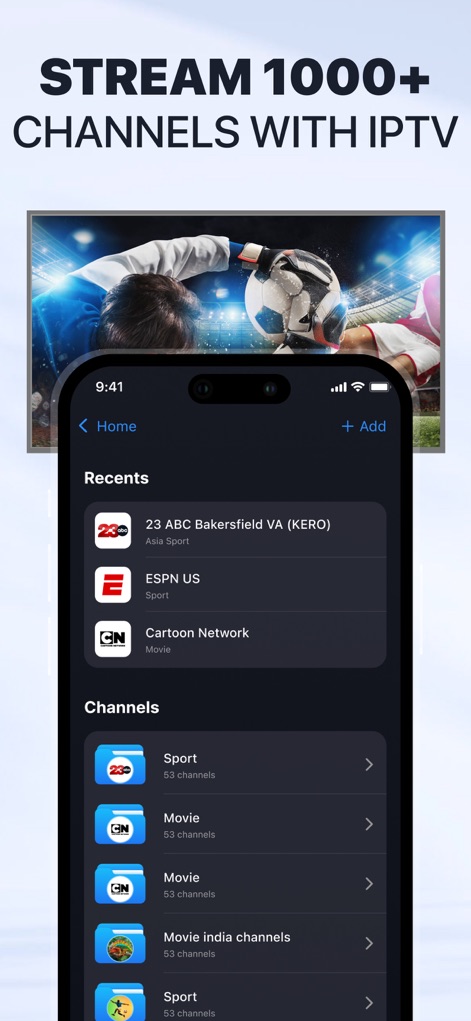
Users can explore "1000+ Channels with IPTV" through a comprehensive list of "Recents" and categorized "Channels", offering a wide range of content.
Diverse IPTV Streaming

This feature enables users to "Cast Drawing to Smart TV," showcasing a colorful tree illustration on both the phone and the big screen, fostering shared creativity.
Interactive Creative Sharing
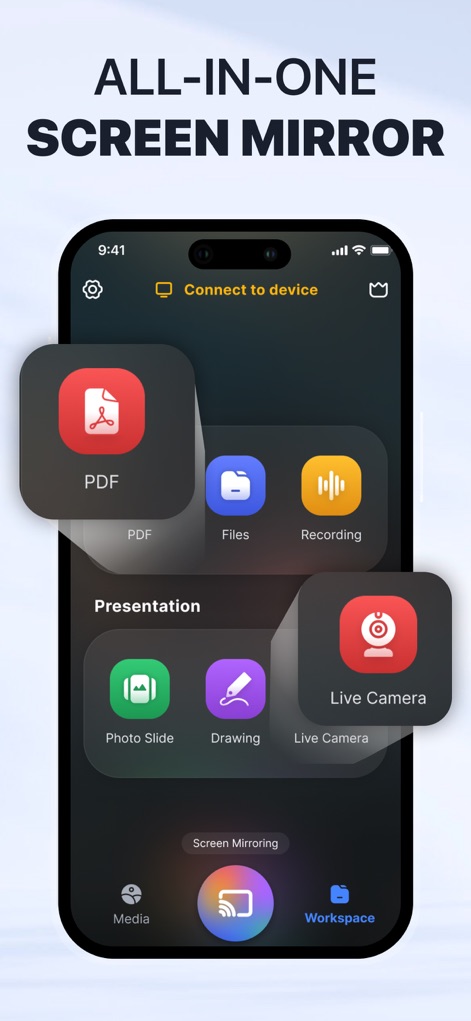
The app offers an "All-in-One Screen Mirror" solution, providing a dedicated workspace with specific options for casting "PDF" documents and "Live Camera" feeds.
Comprehensive Workspace Tools
Description
Download
More Like This
Apps with similar features and user experience

Web Video Cast | Browser to TV
InstantBits Inc

PigeonCast:Send by Google Cast
Sichuan FalconAI Technology Co., Ltd.

Screen Mirroring • Smart TV
Mihkel Pikk

Screen Mirroring | Cast to TV
Ozuna Limited

Screen Mirroring・Smart View TV
TOGGLE APPS SP Z O O

UbeCast: Music Streamer & PiP
AER SOFTWARE COMPANY LIMITED

AirDroid Cast-screen mirroring
SAND STUDIO CORPORATION LIMITED

Miracast: Screen Mirroring TV
Hainan Delta Software Co., Ltd

Screen Mirroring・Air Cast TV
Dalma Innovation Solutions d.o.o.
This page is not an official page of the app or its developer, but an independent editorial publication created for informational and commentary purposes. Unless expressly stated otherwise, neither the app nor its developer is affiliated with, endorsed by, sponsored by, authorized by, or otherwise officially connected with MWM, Apple, Google Play, the app publisher, or the app's developer, and nothing on this page implies that the app was developed using MWM's services. Any trademarks, logos, screenshots, and other content remain the property of their respective owners.