Screen Mirroring & TV Miracast

Screen Mirroring & TV Miracast

Download on App Store
Logo of Screen Mirroring & TV Miracast

Screen Mirroring & TV Miracast: Your iPhone Screen on the Big Screen, Instantly

Say goodbye to messy wires and expensive hardware. Seamlessly mirror your photos, videos, and presentations to any Smart TV with zero delay and total ease.

Publisher

Mai Dang

Category

Utilities

Downloads

474K+

User Rating

4.1/5

Total Ratings

5K+

Locales

3

Experience the Big Screen

Discover the interface used by 474K+ users.
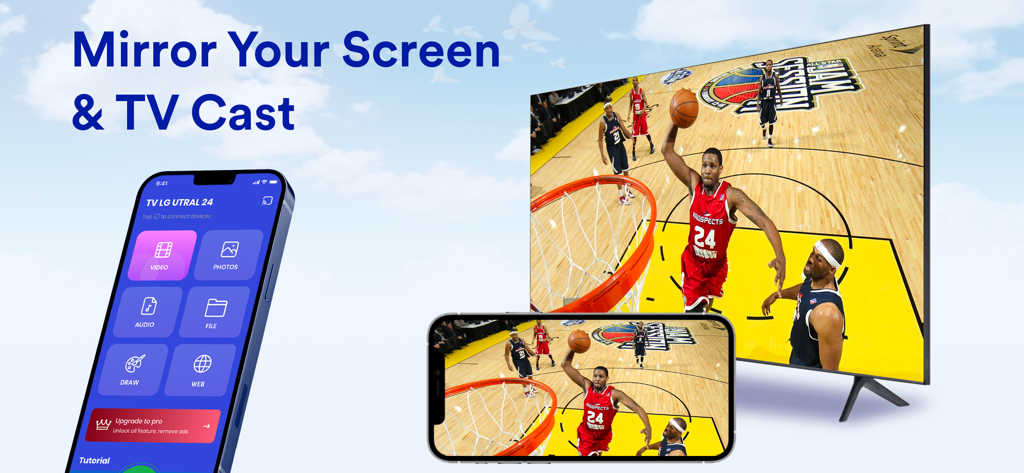
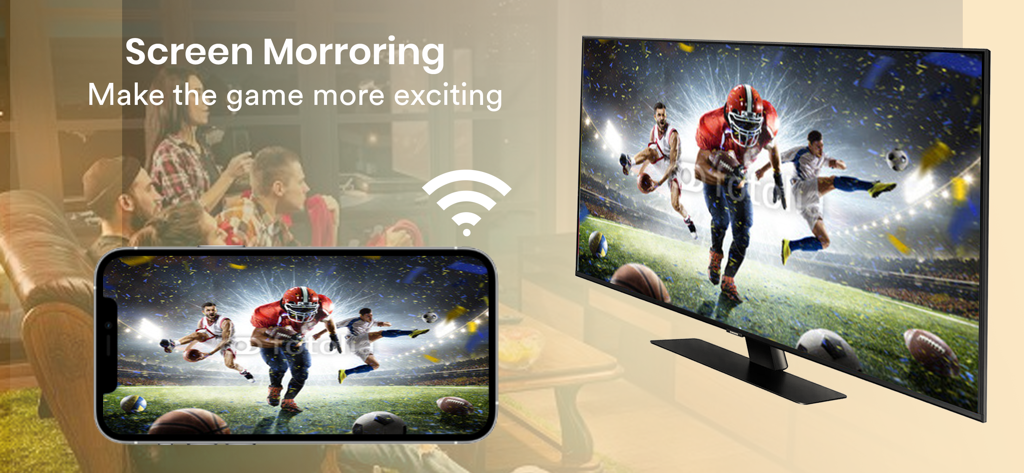
An iPhone mirroring a basketball game onto a large smart TV using the app

An iPhone mirroring a basketball game onto a large smart TV using the app

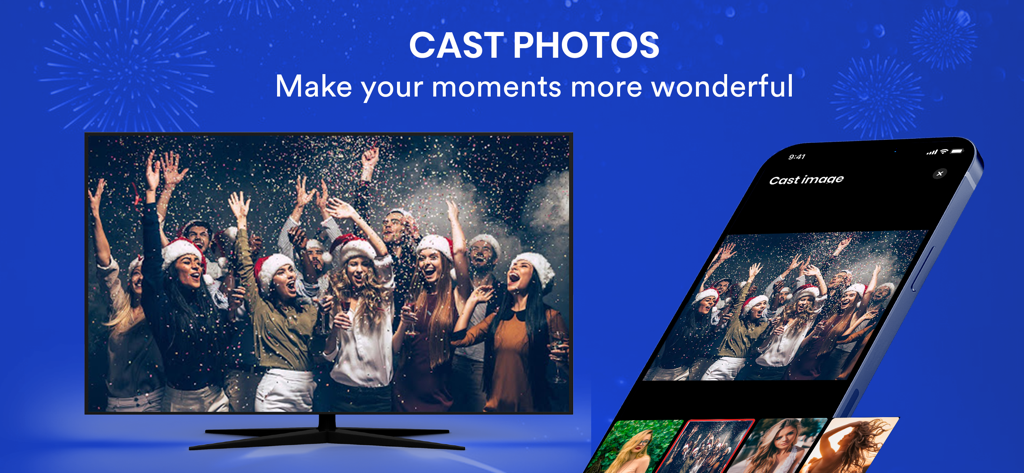
A smartphone using a screen mirroring app to cast a holiday party photo onto a large smart television screen

A smartphone using a screen mirroring app to cast a holiday party photo onto a large smart television screen

iPhone screen mirroring a live football game to a smart TV wirelessly

iPhone screen mirroring a live football game to a smart TV wirelessly

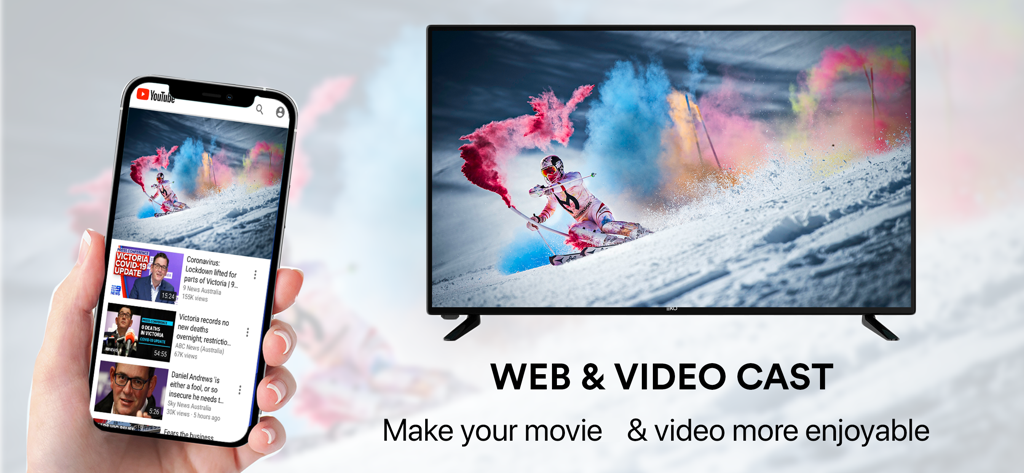
iPhone screen mirroring a web video onto a large smart TV

iPhone screen mirroring a web video onto a large smart TV

Unleash Your Screen's Full Potential

The tools that make this app stand out, trusted by 474K+ users.

Zero-Delay Screen Mirroring

Experience real-time responsiveness. Mirror your entire screen with ultra-low latency, perfect for mobile gaming, app demos, and social media browsing on the big screen.

📺

Universal Smart TV Support

No Apple TV hardware? No problem. Connect instantly to Samsung, LG, Roku, and other Smart TVs without the need for expensive dongles or HDMI adapters.

📸

High-Definition Media Casting

Transform your living room into a cinema. Cast 4K photos, personal videos, and web content directly from your device to your TV for a shared family experience.

Review Analysis

Insights from user reviews.

Sentiment Score

10%
Negative

Summary

This app receives overwhelmingly negative feedback from users, primarily criticized for its aggressive payment model where essential features are locked behind mandatory subscriptions, rendering the free version largely useless and riddled with ads. Many users report severe issues with the app's core functionality, specifically its inability to connect to various televisions or successfully mirror screens, even after paying for premium services. Users frequently express frustration with deceptive business practices, such as unexpected charges and a lack of clear instructions, leading many to describe the app as a 'scam' or 'trash.' While a few users provided positive ratings, detailed positive experiences are scarce.

Common Themes

Core Functionality Not Working(19)
Payment Required(18)
Screen Mirroring/Connection Issues(7)
Deceptive Business Practices(6)
Poor User Interface/Guidance(6)
Excessive Ads(5)
Positive Experience(4)

About the app

Everything you need to know about Screen Mirroring & TV Miracast.

Description

#1 SCREEN MIRROR TO SMART TV. No wires and no additional hardware needed. No need to install any app on TVs. Screen Mirroring - Cast to TV will assist you to scan and mirror your iPhone or tab's screen on smart TV/Display (mira cast enabled) or Wireless dongles or adapters. Following features are available: - Cast photos, videos, music, web from your iPhone & iPad to TVs. - Mirror your iPhone screen without any delay. - Draw & slideshows from your iPhone to TVs. - Support multi smart TVs: Roku, Samsung, LG,... *** Premium subscription: - A monthly subscription for 8.99$ USD. - A yearly subscription for 30.99$ USD (with 3-day free trial). *** The price corresponds to the same price segment, which are set in the "Apple's App Store Matrix" for other currencies. - Your free trial subscription will automatically renew to a paid subscription unless auto-renew is turned off at least 24 hours before the end of the free trial period. Please note: any unused portion of a free trial period (if offered) will be forfeited when you purchase a premium subscription during the free trial period. - You can cancel a free trial or subscription anytime by turning off auto-renewal through your iTunes account settings. This must be done 24 hours before the end of a free trial or subscription period to avoid being charged. The cancellation will take effect the day after the last day of the current subscription period, and you will be downgraded to the free service. For more information, please visit: https://support.apple.com/HT202039 Privacy policy : http://n2gu.info/privacy-policy/ Terms of Service: http://n2gu.info/terms-of-service/ If you have any feedback that you think may improve the app, please send email to n2gu.contact@gmail.com

Latest Version

3.1.0

Size

35.5 MB

First Released

Aug 10, 2020

Your iPhone, Now on the Big Screen.

Say goodbye to messy wires and expensive adapters. Join over 474,000 users and start mirroring your photos, videos, and apps to any Smart TV instantly with zero delay.

Download on App Store

App information, icons, screenshots, and descriptions displayed on this page are sourced from the Apple App Store and are the property of their respective developers. Download estimates and rankings are based on MWM's proprietary models and may not reflect actual figures. This page is provided for informational and analytical purposes only.

Believe this page infringes your intellectual property? File a dispute