
This page is not an official page of the app or its developer, but an independent editorial publication created for informational and commentary purposes. Unless expressly stated otherwise, neither the app nor its developer is affiliated with, endorsed by, sponsored by, authorized by, or otherwise officially connected with MWM, Apple, Google Play, the app publisher, or the app's developer, and nothing on this page implies that the app was developed using MWM's services. Any trademarks, logos, screenshots, and other content remain the property of their respective owners.

Screen Recorder: Create & Edit
Capture high-definition gameplay, record reaction videos with Facecam, and create tutorials with the interactive whiteboard. No watermarks, no ads—just professional results for your iPhone and iPad.
Downloads
389K+User Rating
Total Ratings
7K+Publisher
Category
Photo & VideoLocales
19Latest Version
2.14.47Size
425.2 MBFirst Released
Jan 26, 2019Everything You Need to Create Viral Content
The ultimate all-in-one screen recording suite designed for creators, gamers, and educators who demand professional results on iPhone and iPad.
React and Engage with Facecam
Personalize your videos with picture-in-picture facecam recording, perfect for high-engagement reaction videos and viral social media commentary.
Ultra-HD Quality & Zero Watermarks
Stand out with professional 4K/1080p exports. Your content remains yours alone—no distracting watermarks, no ads, and no recording limits.
The following screenshots and description are sourced directly from the app's official store listing and are the property of the app developer.
App Store
Screenshots
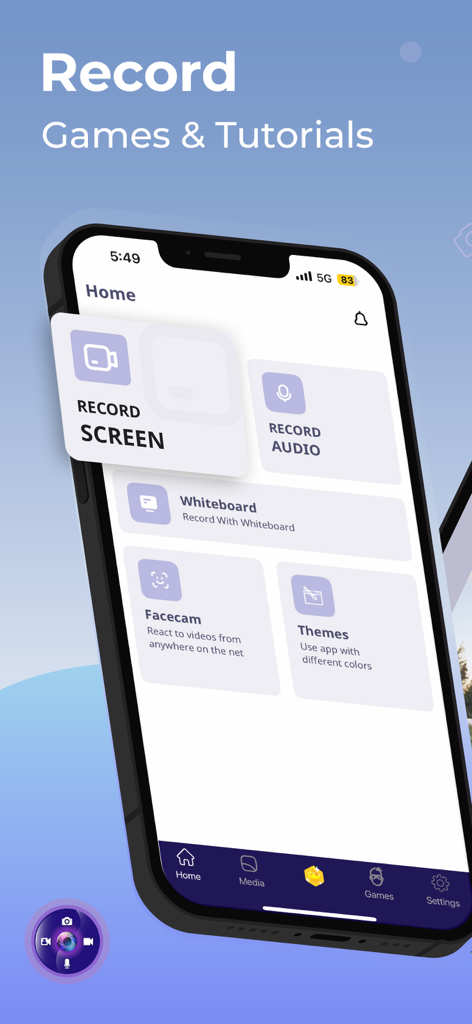
Home screen of the Screen Recorder app showing options to record screen audio whiteboard and facecam
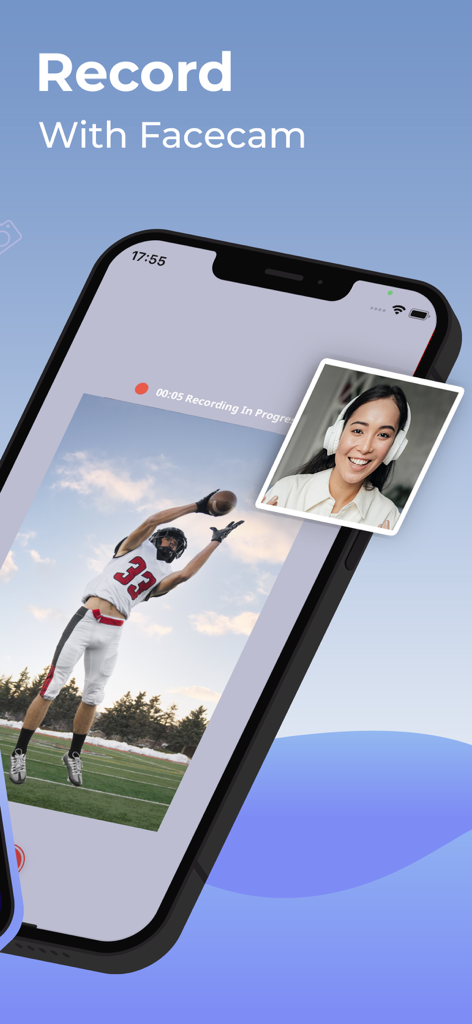
A screenshot of the Screen Recorder app showing a screen recording of a sports video with a facecam overlay of a woman reacting
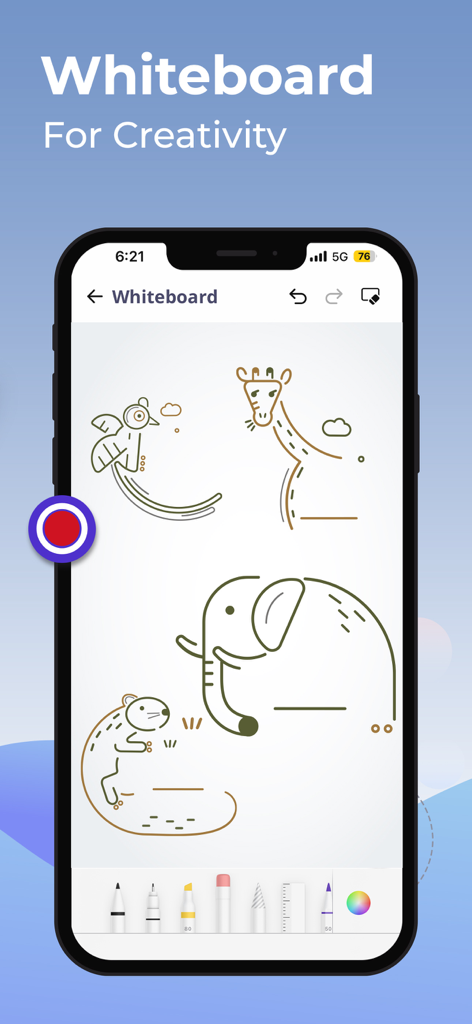
A smartphone screen displaying the whiteboard interface of a screen recorder app featuring various animal drawings and creative tools
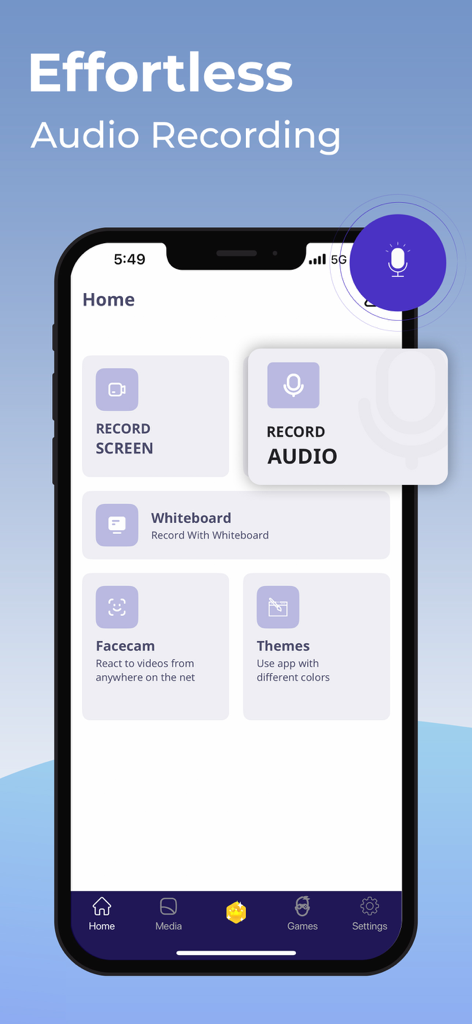
Mobile app interface of Screen Recorder showing the audio recording feature and main menu options
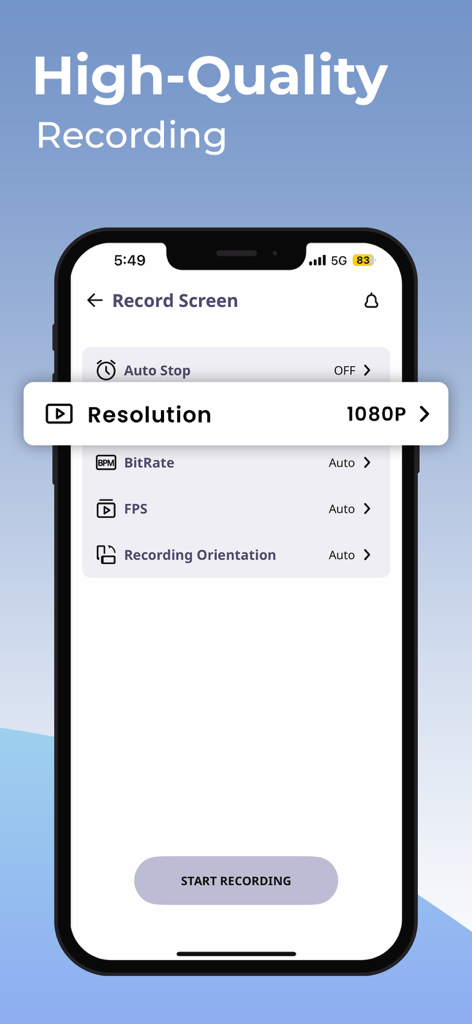
A screenshot of the Screen Recorder app showing high-quality recording settings with 1080p resolution on an iPhone.
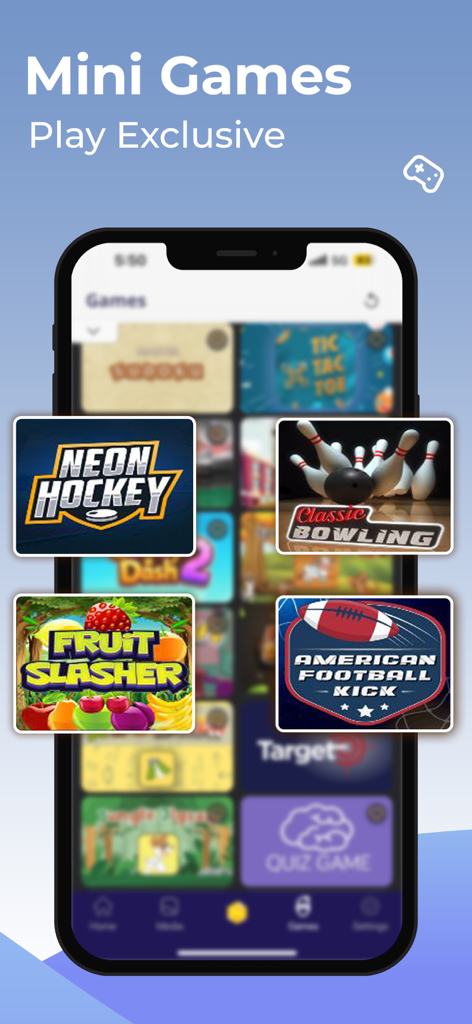
A smartphone screen displaying a variety of exclusive mini games like Neon Hockey and Fruit Slasher within the Screen Recorder app.
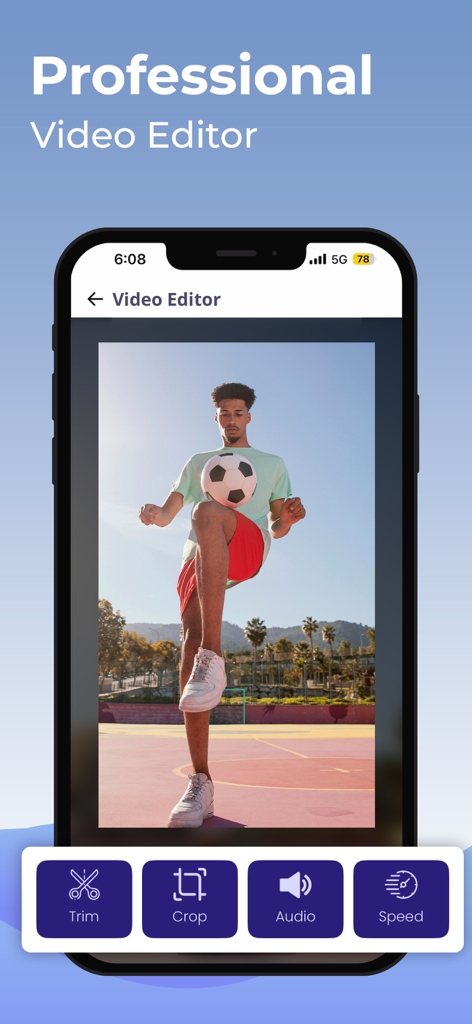
Smartphone screen showing the Professional Video Editor feature with trim crop audio and speed tools
Description
Download
More Like This
Top-ranked apps in the same category

CapCut: Photo & Video Editor
BYTEDANCE PTE. LTD.

Instagram, Inc.

YouTube
Google LLC

Canva: AI Photo & Video Editor
Canva Pty Ltd

Snapchat
Snap, Inc.

快手
Beijing Kwai Technology Co., Ltd.

Edits: Video Editor
Instagram, Inc.

Meitu- AI Photo & Video Editor
Xiamen Meitu Technology Co., Ltd.

Google Photos: Backup & Edit
Google LLC
This page is not an official page of the app or its developer, but an independent editorial publication created for informational and commentary purposes. Unless expressly stated otherwise, neither the app nor its developer is affiliated with, endorsed by, sponsored by, authorized by, or otherwise officially connected with MWM, Apple, Google Play, the app publisher, or the app's developer, and nothing on this page implies that the app was developed using MWM's services. Any trademarks, logos, screenshots, and other content remain the property of their respective owners.