
This page is not an official page of the app or its developer, but an independent editorial publication created for informational and commentary purposes. Unless expressly stated otherwise, neither the app nor its developer is affiliated with, endorsed by, sponsored by, authorized by, or otherwise officially connected with MWM, Apple, Google Play, the app publisher, or the app's developer, and nothing on this page implies that the app was developed using MWM's services. Any trademarks, logos, screenshots, and other content remain the property of their respective owners.


Screen recorder: Record now!
Capture 1080p HD screen recordings with Facecam reactions, edit your videos, and create viral GIFs instantly. No time limits, no subscriptions—just pure creative power for the next generation of content creators.
Downloads
737K+User Rating
Total Ratings
500Publisher
Category
Photo & VideoLocales
34Latest Version
1.10Size
70.8 MBFirst Released
Jan 19, 2021Capture, React, and Share Like a Pro
Everything you need to create high-quality content, tutorials, and memes directly from your iPhone or iPad—no subscriptions required.
Pro Facecam Reactions
Level up your TikToks and YouTube Shorts by adding your live reactions and commentary while you record your screen.
Crystal Clear 1080p HD
Record unlimited gaming sessions or tutorials in full high definition with zero time limits and crisp, professional audio.
The following screenshots and description are sourced directly from the app's official store listing and are the property of the app developer.
App Store
Screenshots
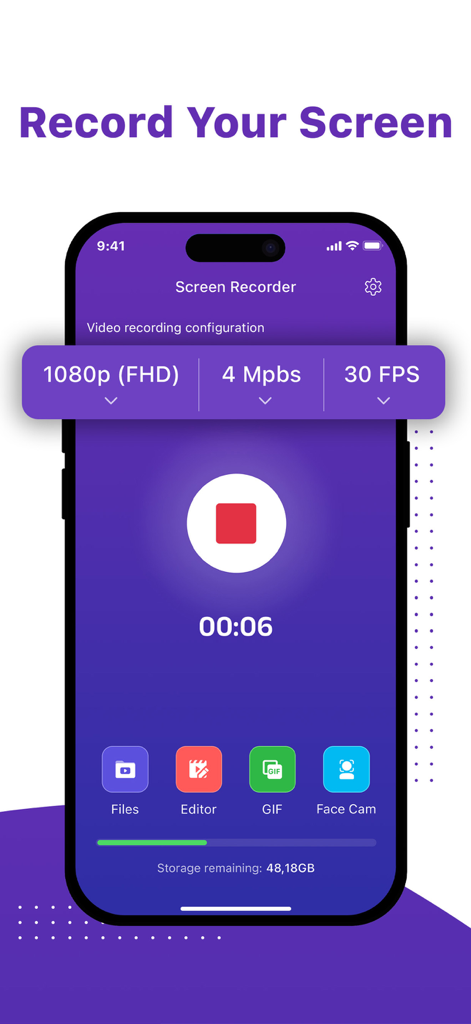
Screen recorder app showing 1080p HD settings and content creator tools like Facecam and GIF maker
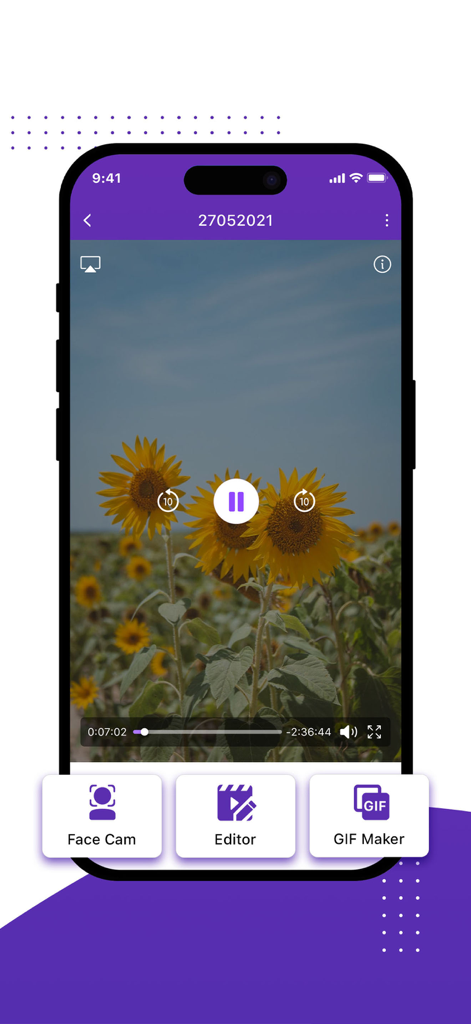
Screen recorder app with facecam editor and gif maker features
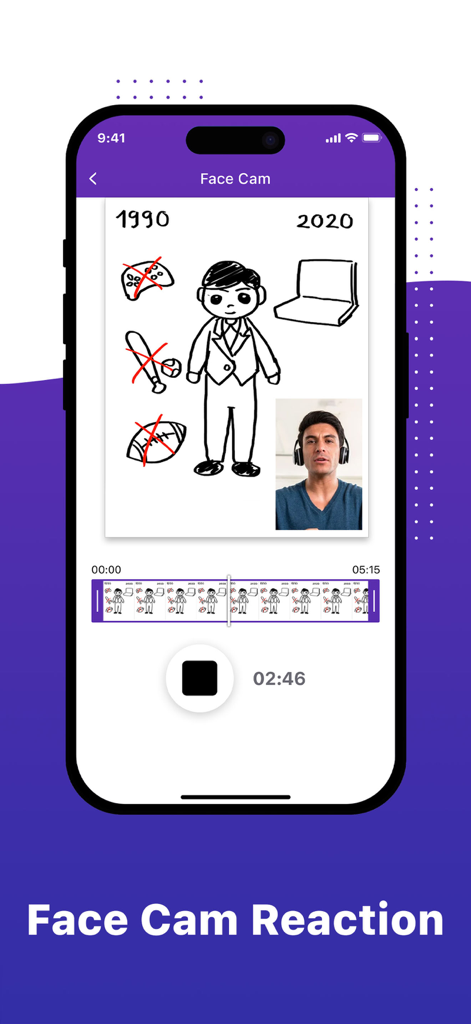
iPhone screen recorder app interface featuring a facecam reaction window over a digital illustration
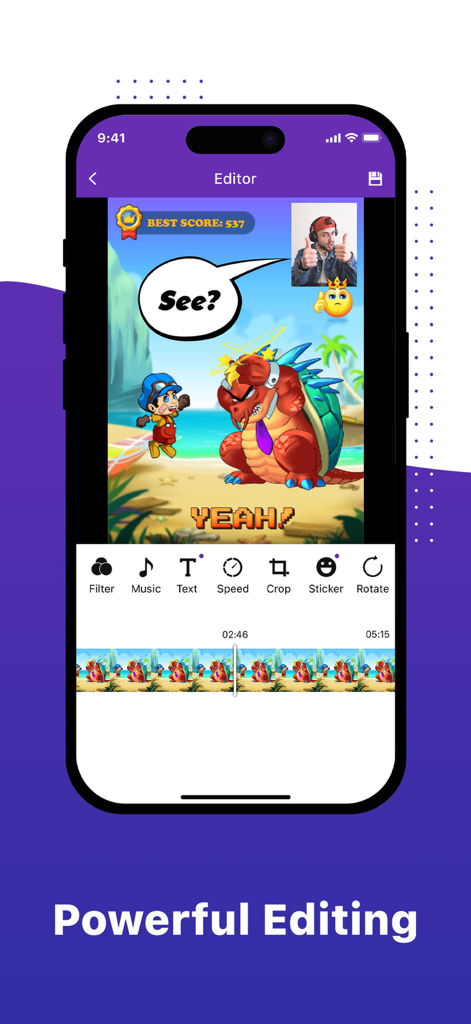
Mobile screen recorder app interface showing video editing tools with facecam and sticker features
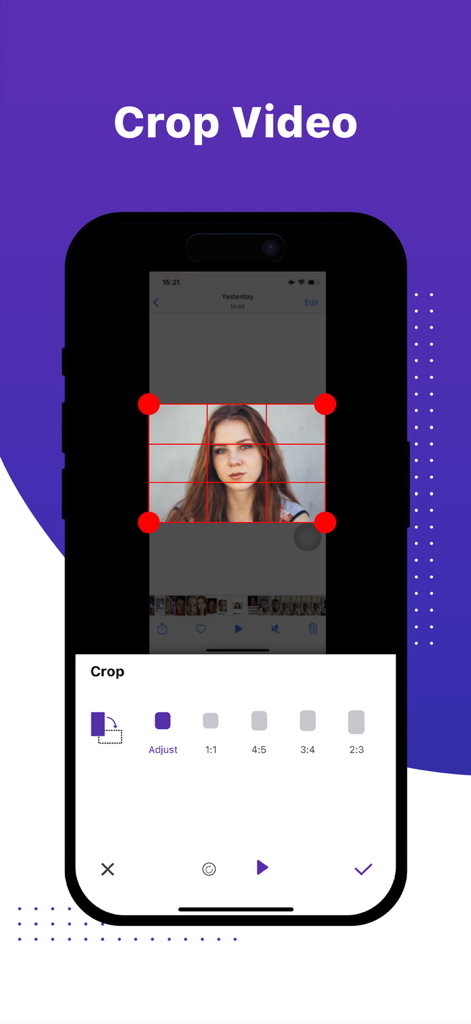
Interface of the Record Now app showing a video cropping tool with multiple aspect ratio options for social media.
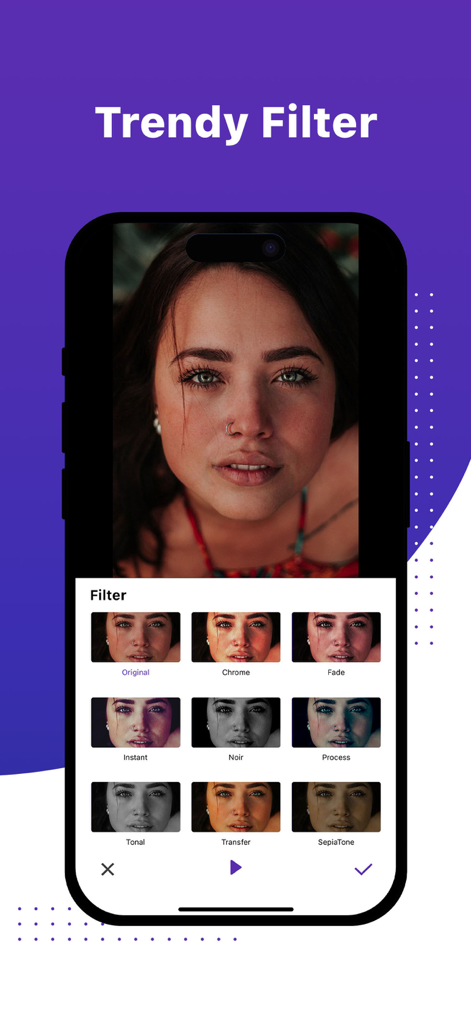
A smartphone screen displaying a variety of trendy filters for video editing within the Record Now app.
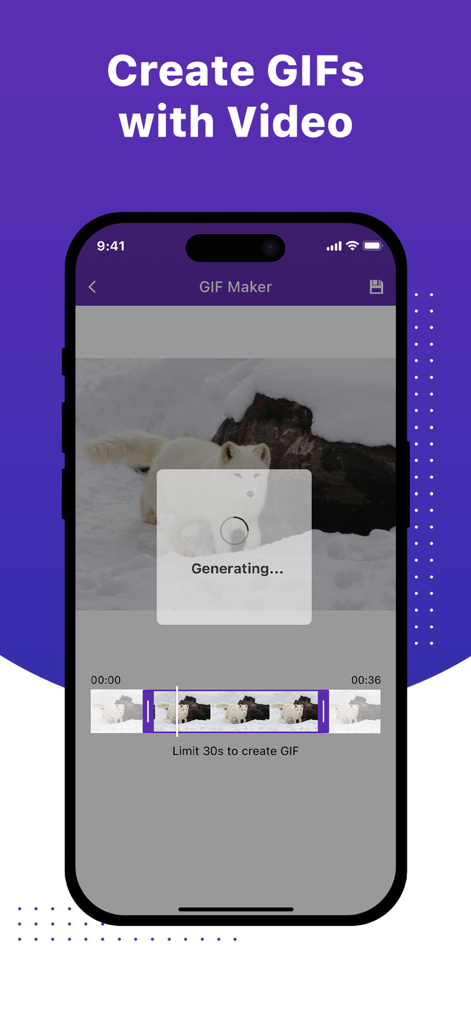
Mobile app interface showing the GIF maker feature generating a GIF from a video clip of an arctic fox
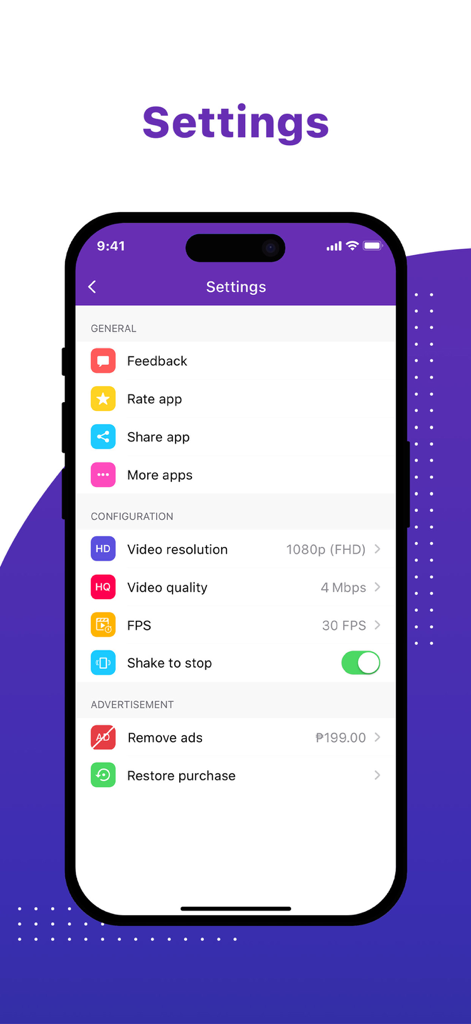
Settings menu of the Screen recorder Record now app showing video resolution, quality, and FPS configuration options
Description
Download
More Like This
Top-ranked apps in the same category

CapCut: Photo & Video Editor
BYTEDANCE PTE. LTD.

Instagram, Inc.

YouTube
Google LLC

Canva: AI Photo & Video Editor
Canva Pty Ltd

Snapchat
Snap, Inc.

快手
Beijing Kwai Technology Co., Ltd.

Edits: Video Editor
Instagram, Inc.

Meitu- AI Photo & Video Editor
Xiamen Meitu Technology Co., Ltd.

Google Photos: Backup & Edit
Google LLC
This page is not an official page of the app or its developer, but an independent editorial publication created for informational and commentary purposes. Unless expressly stated otherwise, neither the app nor its developer is affiliated with, endorsed by, sponsored by, authorized by, or otherwise officially connected with MWM, Apple, Google Play, the app publisher, or the app's developer, and nothing on this page implies that the app was developed using MWM's services. Any trademarks, logos, screenshots, and other content remain the property of their respective owners.