Screen Recorder - Stream Games
Download on App Store

This page is not an official page of the app or its developer, but an independent editorial publication created for informational and commentary purposes. Unless expressly stated otherwise, neither the app nor its developer is affiliated with, endorsed by, sponsored by, authorized by, or otherwise officially connected with MWM, Apple, Google Play, the app publisher, or the app's developer, and nothing on this page implies that the app was developed using MWM's services. Any trademarks, logos, screenshots, and other content remain the property of their respective owners.

Logo of Screen Recorder - Stream Games
Download on App Store

Screen Recorder - Stream Games

Capture high-definition gameplay, react with Facecam, and use our AI-powered teleprompter to deliver flawless scripts. Your shortcut to professional TikTok, YouTube, and gaming content starts here.

Key Figures

Downloads

559K+

User Rating

3.8/5

Total Ratings

1K+

Publisher

Arpana Singh

Category

Photo & Video

Locales

11

Latest Version

14.0

Size

87.8 MB

First Released

Jul 28, 2021
Features

Everything You Need to Go Viral

Transform your iPhone into a professional production studio with AI-powered scripting, HD game recording, and seamless reaction tools designed for the next generation of creators.

AI Teleprompter & Scripting

Never fumble your words again. Generate viral-ready scripts with ChatGPT and read them flawlessly on-screen while you record.

Pro Gaming & Facecam

Capture every win in 1080p at 60FPS. Use the built-in Facecam to record live reactions and build a loyal following on TikTok and YouTube.

The following screenshots and description are sourced directly from the app's official store listing and are the property of the app developer.

App Store

Screenshots
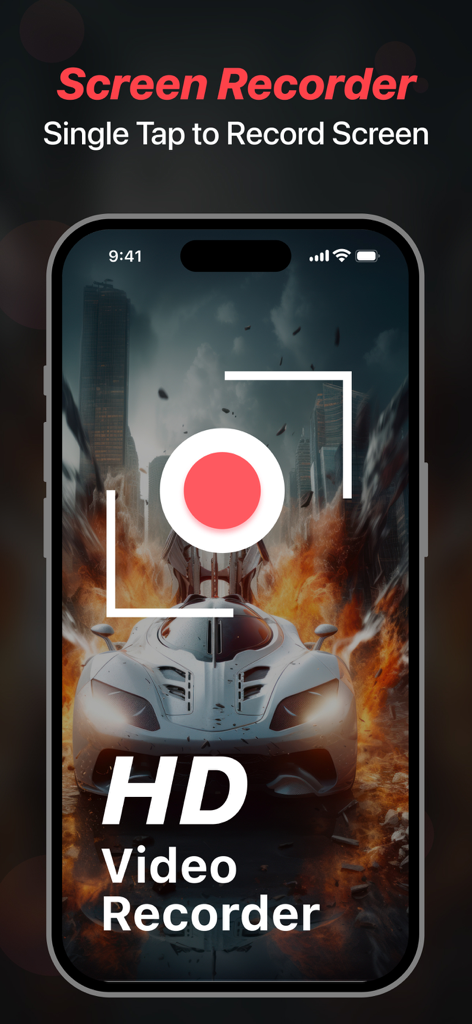
Screen Recorder - Stream Games - iPhone screen displaying the Screen Recorder app interface with an HD video recording button over a high-action car racing game
iPhone screen displaying the Screen Recorder app interface with an HD video recording button over a high-action car racing game

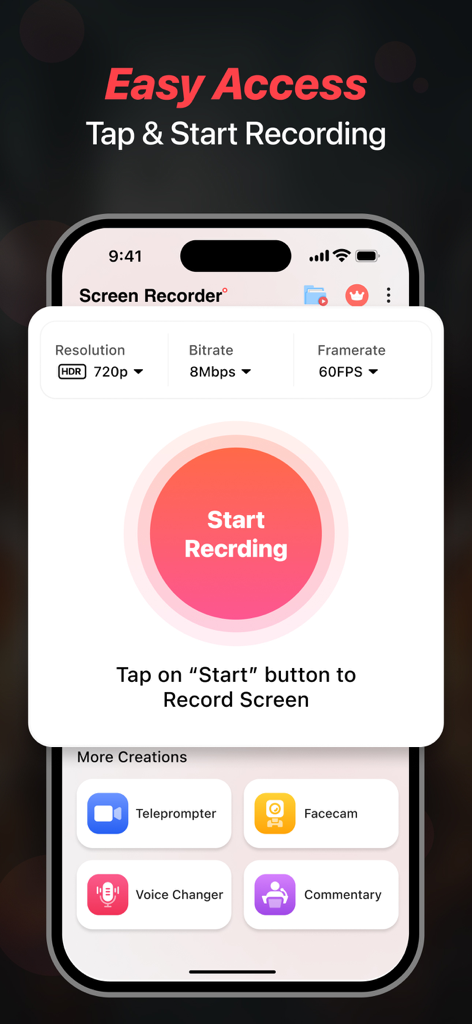
Screen Recorder - Stream Games - iPhone screen showing the Screen Recorder app with a central Start Recording button and video quality settings
iPhone screen showing the Screen Recorder app with a central Start Recording button and video quality settings

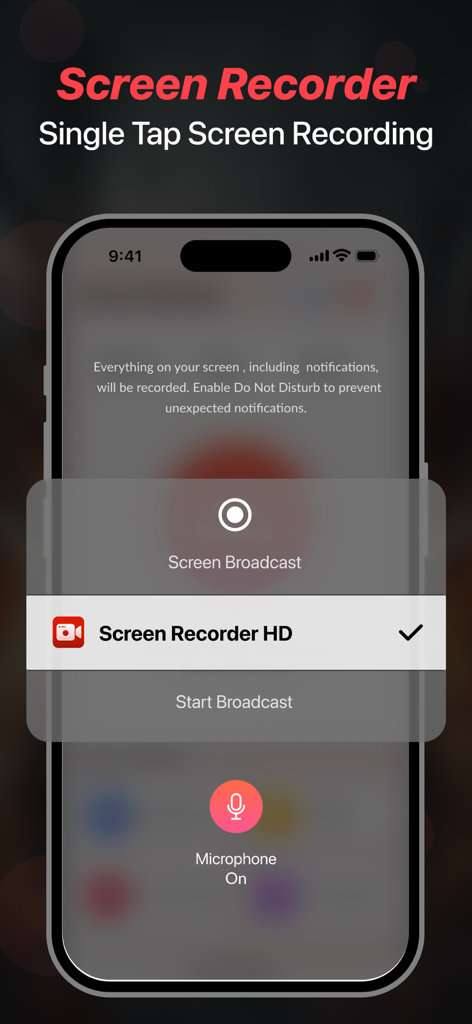
Screen Recorder - Stream Games - iPhone interface showing the single tap screen recording feature for mobile gameplay and content creation
iPhone interface showing the single tap screen recording feature for mobile gameplay and content creation

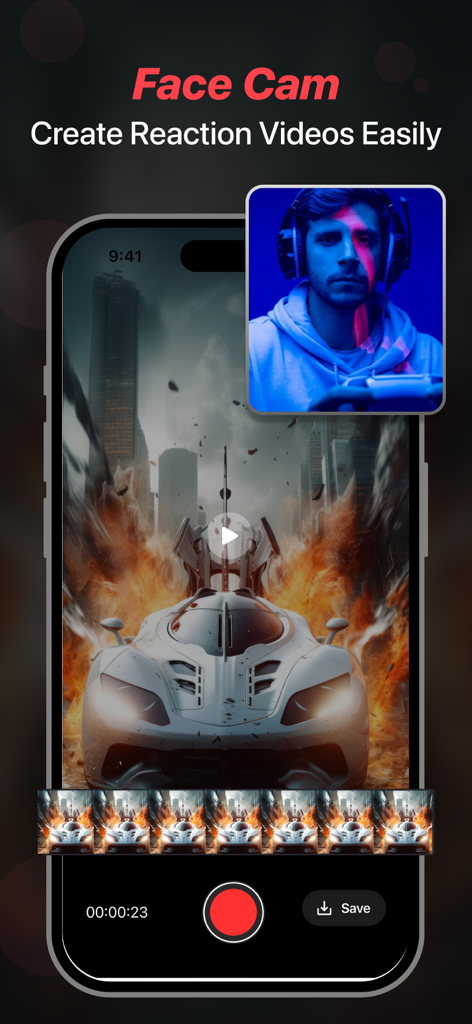
Screen Recorder - Stream Games - Smartphone screen showing the face cam feature for creating reaction videos while gaming
Smartphone screen showing the face cam feature for creating reaction videos while gaming

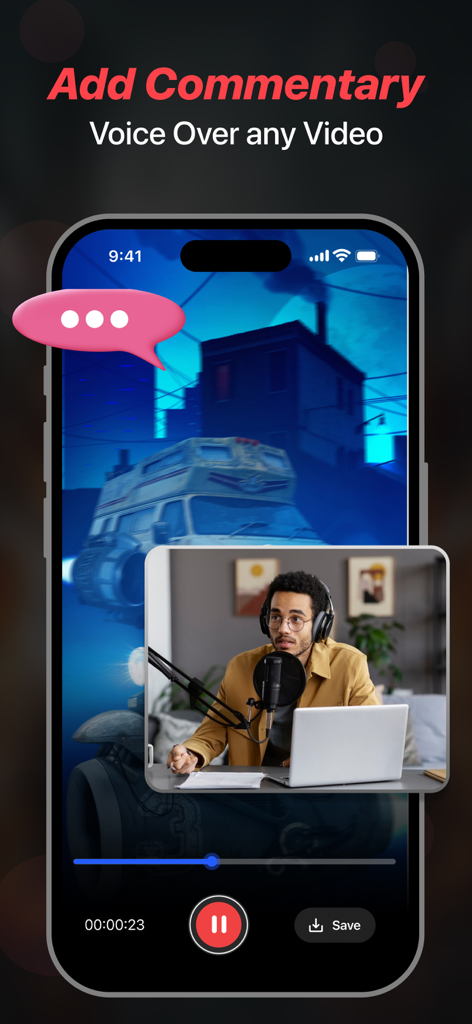
Screen Recorder - Stream Games - iPhone display showing a facecam overlay for adding video commentary and voiceovers
iPhone display showing a facecam overlay for adding video commentary and voiceovers

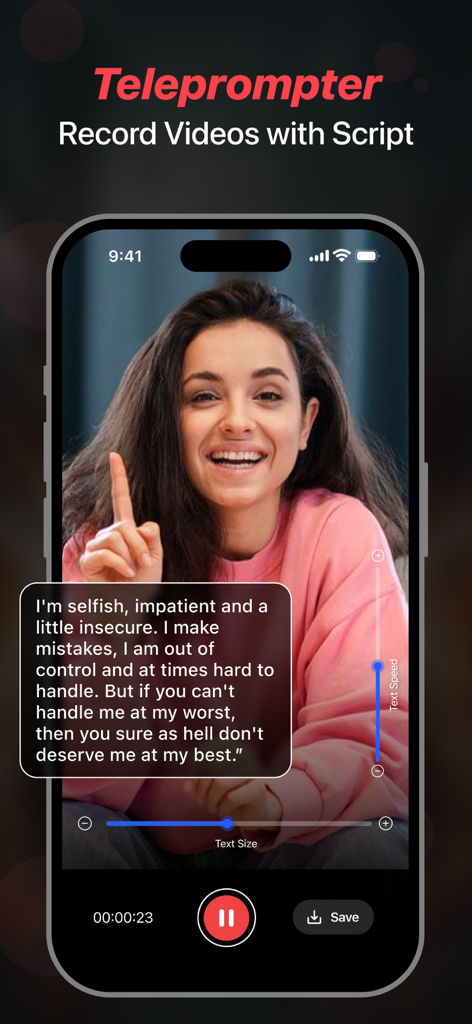
Screen Recorder - Stream Games - A creator using the teleprompter feature on a smartphone to record a video with a script overlay.

A creator using the teleprompter feature on a smartphone to record a video with a script overlay.
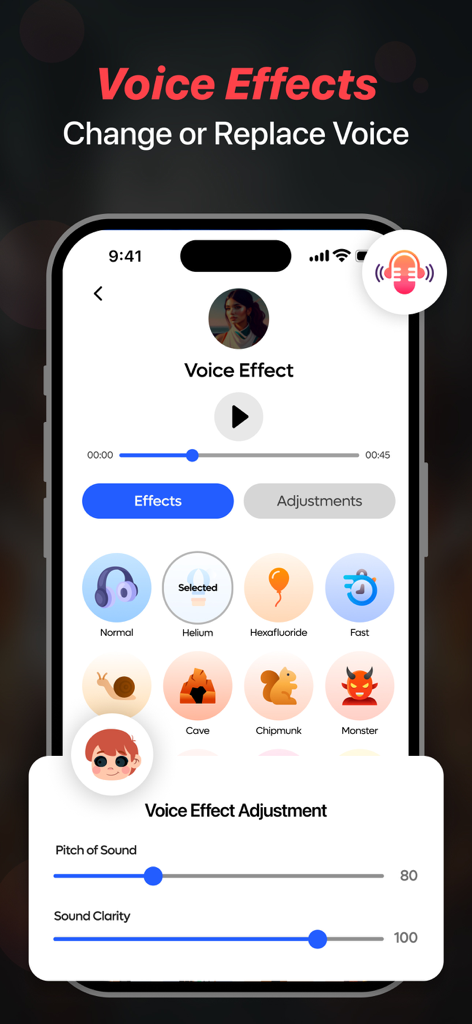
Screen Recorder - Stream Games - Screen recorder mobile app interface displaying voice effect options like helium chipmunk and monster with pitch and clarity adjustment sliders
Screen recorder mobile app interface displaying voice effect options like helium chipmunk and monster with pitch and clarity adjustment sliders

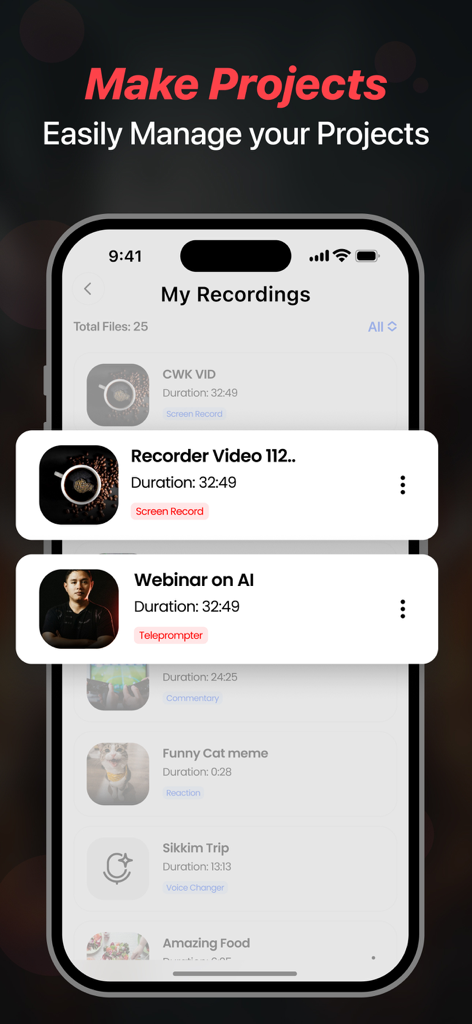
Screen Recorder - Stream Games - Screen Recorder app interface showing a list of saved video recordings and projects managed in the app

Screen Recorder app interface showing a list of saved video recordings and projects managed in the app

Description

Facecam Record-Screen Recorder records everything in High-Definition without limits. Start recording with one tap. Use Teleprompter feature to quickly make your videos using auto running scripts and never forget what you have to say while recording a video. You can write your own script or generate one by using the advanced Chatgpt service. Features Highlights - Screen Recorder, Teleprompter, Voice Changer, Face Cam & Add Commentary. Key Features in Facecam- Screen Recorder & Teleprompter - Record videos in 1080p. You can also change your resolution manually. - Let's set your bitrate. - Record awesome videos in 60FPS - Add audio & music to recordings & videos. - Add filters, effects & transitions to your recordings. - Use Screen Recorder in 11 Languages from around the world. - Change the orientation of screen to Portrait or Landscape. - Set recording duration or record without limits. - Ability to change the resolution of Facecam. - Share your recordings on social media and become a star. - Use Teleprompter so you don't need to remember your script - React on Videos using the Facecam feature - Record Videos & Change Voice using Voice Changer - Add your Commentary to videos - Use Chatgpt AI Assistant to generate scripts Screen Recorder - This feature gives you direct access to record anything quickly and you can use different resolution, bitrate & framerate. It gives you an option to record screen in HD using resolution of upto 1080 HD, 12 MBPS bitrate & 60 FPS framerate. Teleprompter - This feature lets you create videos while reading your script that will appear while recording, you can write your own script or generate one using the Chatgpt service. Face Cam - Easily react to videos to add your views on them and share them on multiple social media platforms like - Instagram, Facebook, WhatsApp or Snapchat etc. Voice Changer - With this amazing feature, you can easily change voice for your audio or video recordings. You get multiple voice changing option to add to your audio or video. Commentary - Add your comments to recorded videos or record a new one with your views on it and share them on other platforms. Some of the data we collect - Device-specific information such as device model, OS version being used. This provides knowledge of how our application is being used so we can improve the user experience and the app itself. - We collect anonymized data such as statistics, analytics, insights about your activity in order to provide you a reliable and high-quality experience. - Payment data & an optional Email (if using paid Services). Premium plans Length & Price Yearly - $79.99 Monthly - $9.99 Benefits you get by upgrading to premium plans: - No Ads Interruption - Unlimited access to premium features Subscription Info - The user can cancel their subscription at any time by going into iTunes and App Store Apple ID Settings. - All prices include applicable local sales taxes. - Payment will be charged to your iTunes Account after confirmation of purchase. - Subscription automatically renews at least 24-hours before the end of the current period. - The user's account will be charged for renewal within 24-hours before the end of the current period. Privacy Policy: https://www.q4umobileapps.com/web/screenrecorderios/privacy-policy Terms of use: https://www.q4umobileapps.com/web/screenrecorderios/tandc EULA: https://www.q4umobileapps.com/web/screenrecorderios/eula

Download

Download on App Store

This page is not an official page of the app or its developer, but an independent editorial publication created for informational and commentary purposes. Unless expressly stated otherwise, neither the app nor its developer is affiliated with, endorsed by, sponsored by, authorized by, or otherwise officially connected with MWM, Apple, Google Play, the app publisher, or the app's developer, and nothing on this page implies that the app was developed using MWM's services. Any trademarks, logos, screenshots, and other content remain the property of their respective owners.








