
This page is not an official page of the app or its developer, but an independent editorial publication created for informational and commentary purposes. Unless expressly stated otherwise, neither the app nor its developer is affiliated with, endorsed by, sponsored by, authorized by, or otherwise officially connected with MWM, Apple, Google Play, the app publisher, or the app's developer, and nothing on this page implies that the app was developed using MWM's services. Any trademarks, logos, screenshots, and other content remain the property of their respective owners.


ScreenPal Screen Recorder
Join millions of educators and professionals using the #1 ad-free, watermark-free recorder. Capture your screen with facecam, enhance with pro editing tools, and share seamless demos or lessons across all your devices.
Downloads
360K+User Rating
Total Ratings
10K+Publisher
Category
Photo & VideoLocales
8Latest Version
3.0.11Size
70.1 MBFirst Released
Jun 23, 2019Capture Your Best Work, Anywhere
The all-in-one tool for professionals and creators to record, edit, and share high-impact videos without watermarks, ads, or interruptions.
Pro Screen & Facecam
Combine your screen and camera for engaging tutorials, lessons, and demos that build trust and clarity with your audience.
Edit Without Limits
Trim clips, add rich text, and use the blur tool to hide sensitive info—creating polished, professional content directly on your device.
The following screenshots and description are sourced directly from the app's official store listing and are the property of the app developer.
App Store
Screenshots
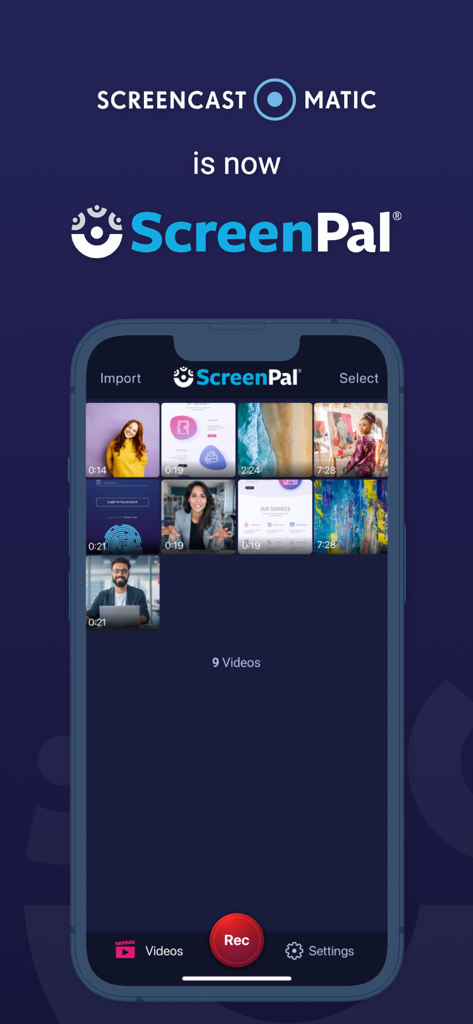
ScreenPal app interface on iPhone showing a video library and rebranding announcement from Screencast O Matic
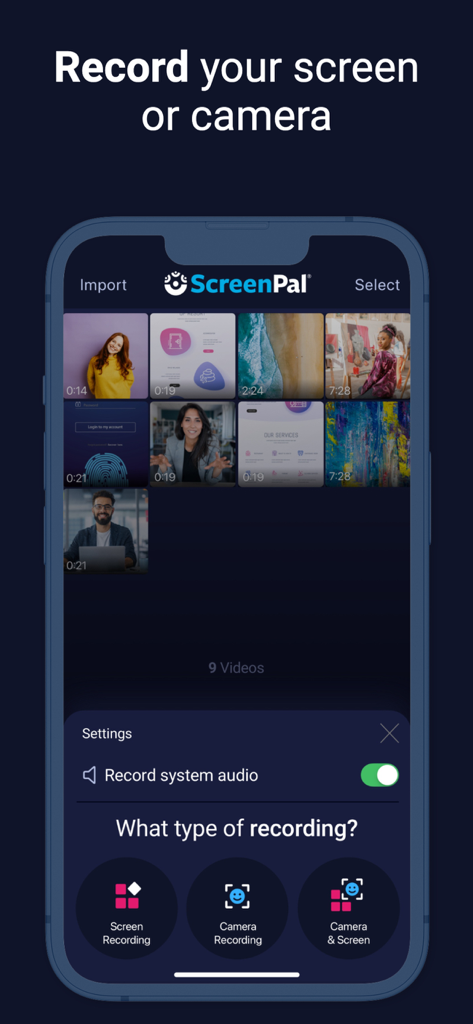
ScreenPal app interface showing options for screen recording camera recording and combined recording
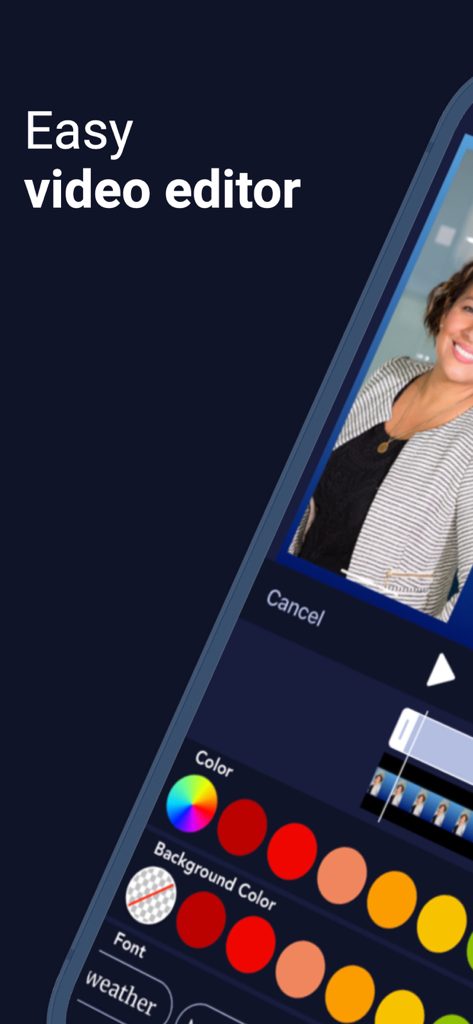
Easy video editor interface in the ScreenPal mobile app
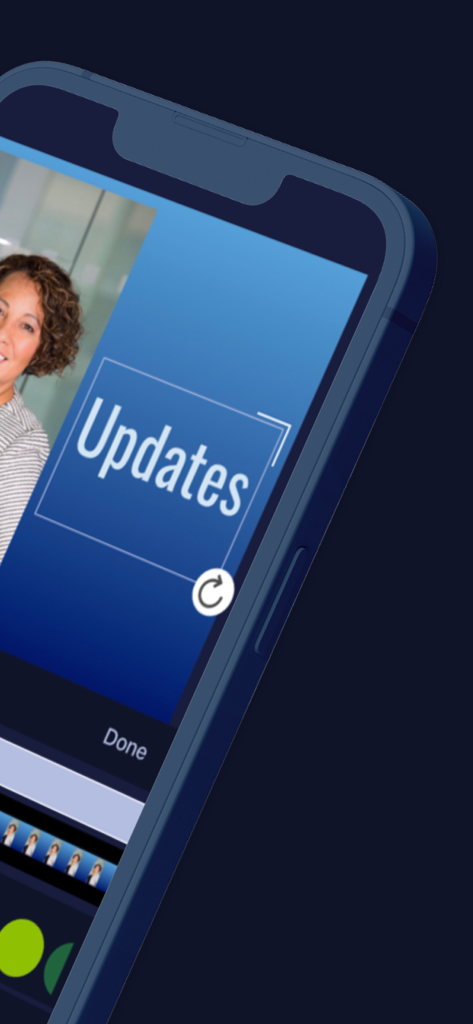
ScreenPal app interface for adding text overlays to video recordings
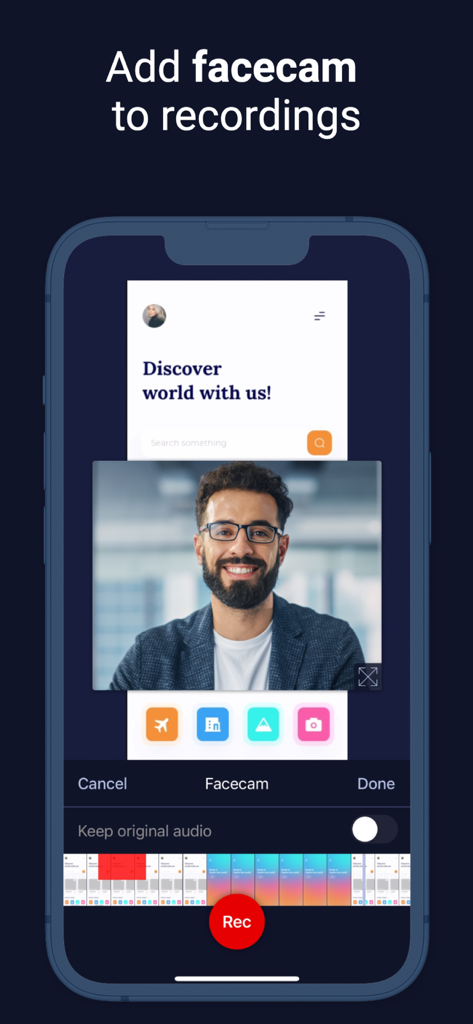
ScreenPal app interface showing a mobile screen recording with a floating facecam overlay
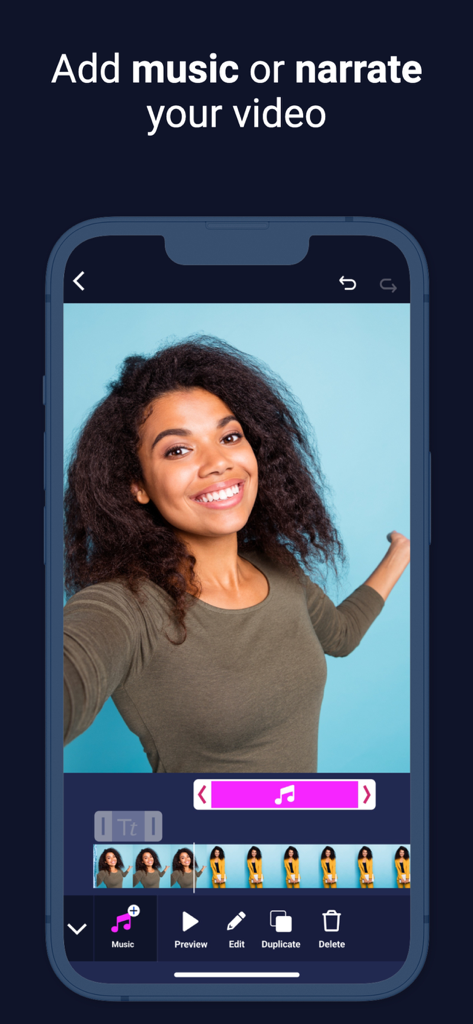
ScreenPal video editor interface with options to add music and narration
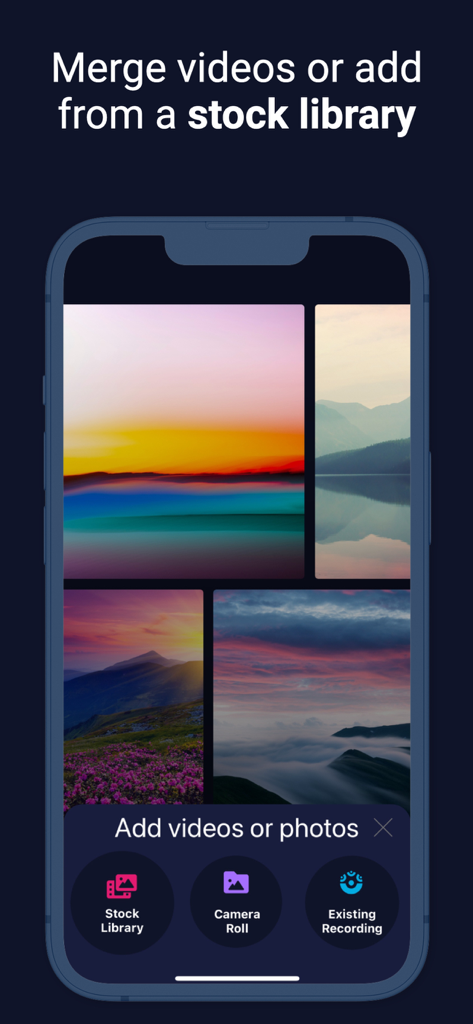
ScreenPal app interface for merging videos and adding content from a stock library
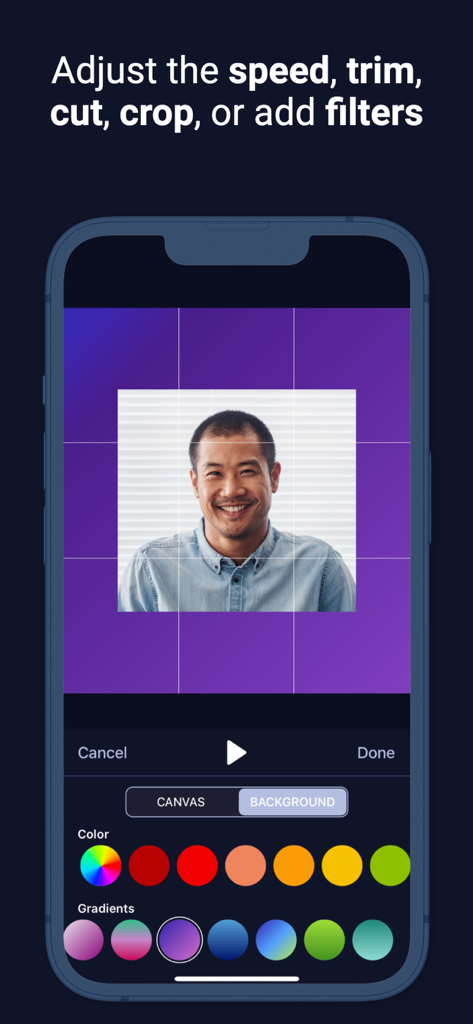
A screenshot of the ScreenPal app showing video editing features like cropping a portrait and choosing a background color.
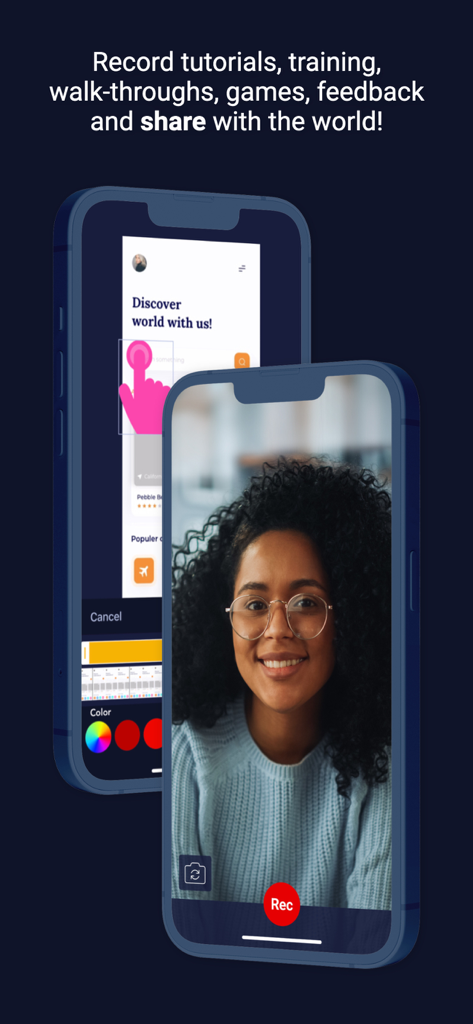
ScreenPal app interface on iPhone showing screen recording and facecam features for tutorials
Description
Download
More Like This
Top-ranked apps in the same category

CapCut: Photo & Video Editor
BYTEDANCE PTE. LTD.

Instagram, Inc.

YouTube
Google LLC

Canva: AI Photo & Video Editor
Canva Pty Ltd

Snapchat
Snap, Inc.

快手
Beijing Kwai Technology Co., Ltd.

Edits: Video Editor
Instagram, Inc.

Meitu- AI Photo & Video Editor
Xiamen Meitu Technology Co., Ltd.

Google Photos: Backup & Edit
Google LLC
This page is not an official page of the app or its developer, but an independent editorial publication created for informational and commentary purposes. Unless expressly stated otherwise, neither the app nor its developer is affiliated with, endorsed by, sponsored by, authorized by, or otherwise officially connected with MWM, Apple, Google Play, the app publisher, or the app's developer, and nothing on this page implies that the app was developed using MWM's services. Any trademarks, logos, screenshots, and other content remain the property of their respective owners.