Screenshot Studio
Screenshot Studio
Download on App Store

This page is not an official page of the app or its developer, but an independent editorial publication created for informational and commentary purposes. Unless expressly stated otherwise, neither the app nor its developer is affiliated with, endorsed by, sponsored by, authorized by, or otherwise officially connected with MWM, Apple, Google Play, the app publisher, or the app's developer, and nothing on this page implies that the app was developed using MWM's services. Any trademarks, logos, screenshots, and other content remain the property of their respective owners.

Logo of Screenshot Studio
Download on App Store

Screenshot Studio

The ultimate design shortcut for indie developers. Transform your UI into high-converting, store-ready assets with professional layouts, glass-morphism themes, and one-tap batch exports for every device Family.

Key Figures

Downloads

0

User Rating

1.0/5

Total Ratings

0

Publisher

CLARITY SPACE GROUP PTY LTD

Category

Developer Tools

Locales

1

Latest Version

1.0.1

Size

4.0 MB

First Released

Nov 6, 2025
Features

Ship Like a 50-Person Studio

Stop wasting hours on tedious design work. Transform your raw screenshots into premium, high-converting App Store assets in minutes.

One-Tap Batch Export

Instantly generate every required size for iPhone and iPad. Automate the 'last mile' of your submission without the manual resizing headache.

Pro-Level Visual Templates

Apply glassmorphism, refined gradients, and smart device framing instantly. Achieve a top-tier aesthetic without ever opening Figma or Photoshop.

The following screenshots and description are sourced directly from the app's official store listing and are the property of the app developer.

App Store

Screenshots
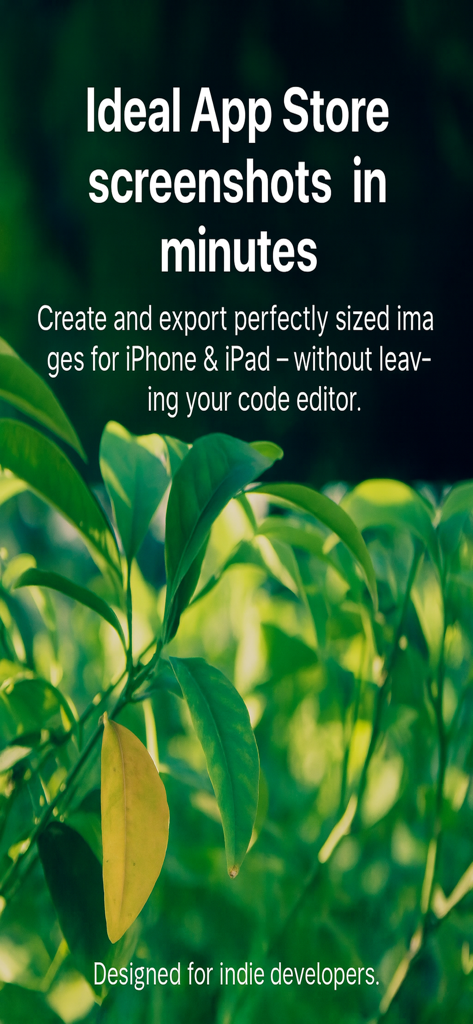
Screenshot Studio - Marketing screen for Screenshot Studio featuring text about creating app store screenshots for indie developers over a green leaf background.
Marketing screen for Screenshot Studio featuring text about creating app store screenshots for indie developers over a green leaf background.

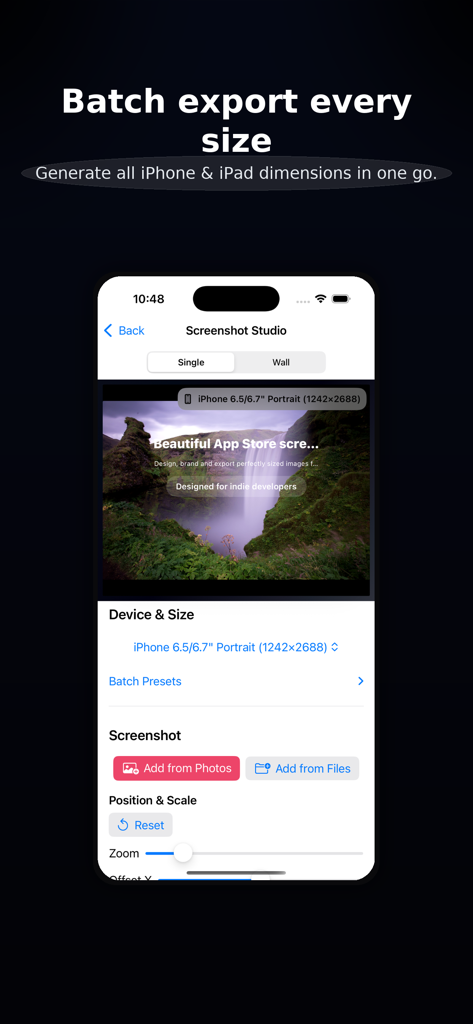
Screenshot Studio - Screenshot Studio interface showing batch export options for various iPhone and iPad screen sizes.

Screenshot Studio interface showing batch export options for various iPhone and iPad screen sizes.
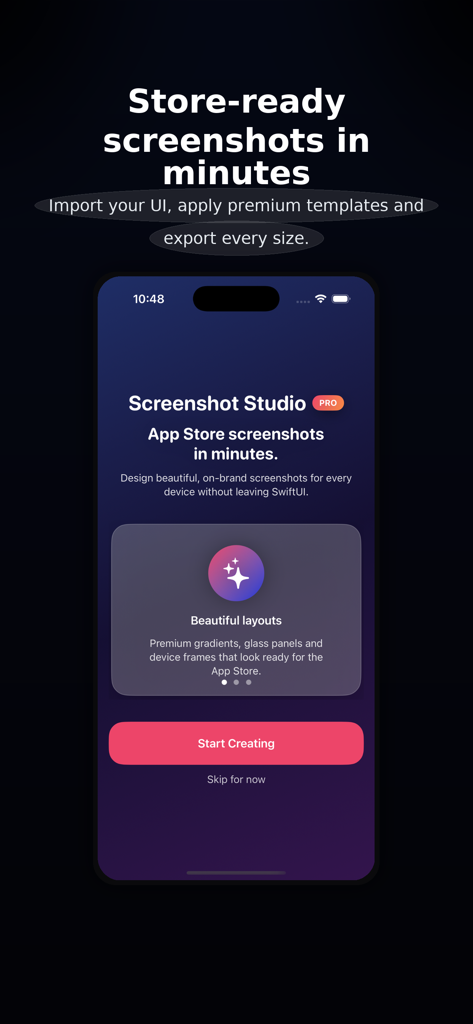
Screenshot Studio - Screenshot Studio app home screen featuring the tagline Store-ready screenshots in minutes and a Start Creating button
Screenshot Studio app home screen featuring the tagline Store-ready screenshots in minutes and a Start Creating button

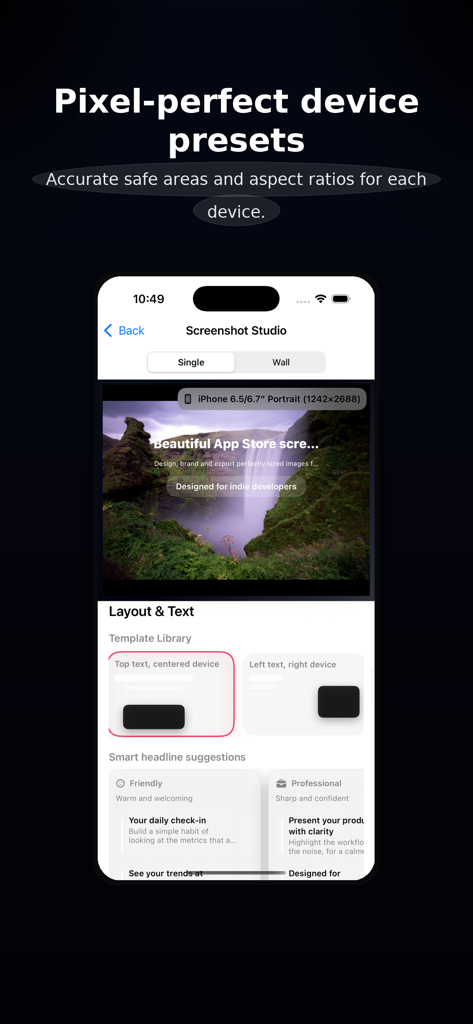
Screenshot Studio - Screenshot Studio interface showing device presets and layout options for creating app store screenshots
Screenshot Studio interface showing device presets and layout options for creating app store screenshots

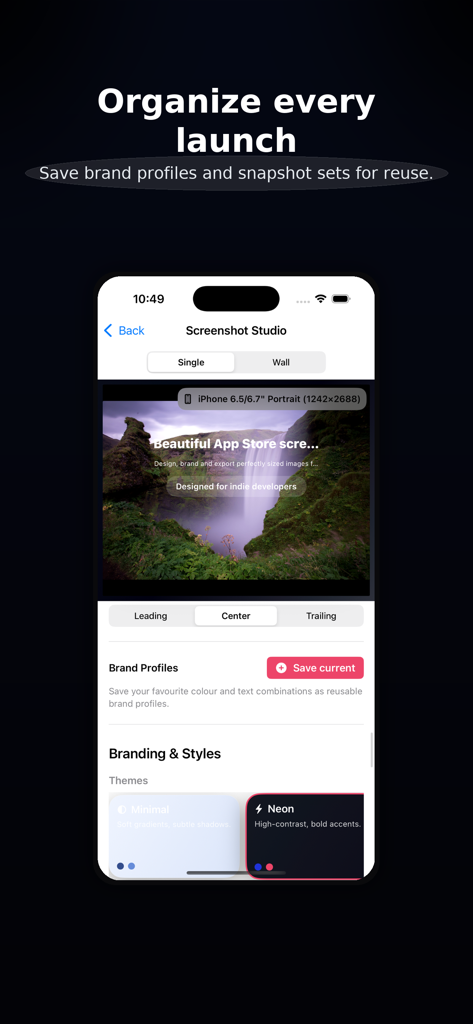
Screenshot Studio - Interface of Screenshot Studio app showing brand profiles and theme selection for app store images

Interface of Screenshot Studio app showing brand profiles and theme selection for app store images
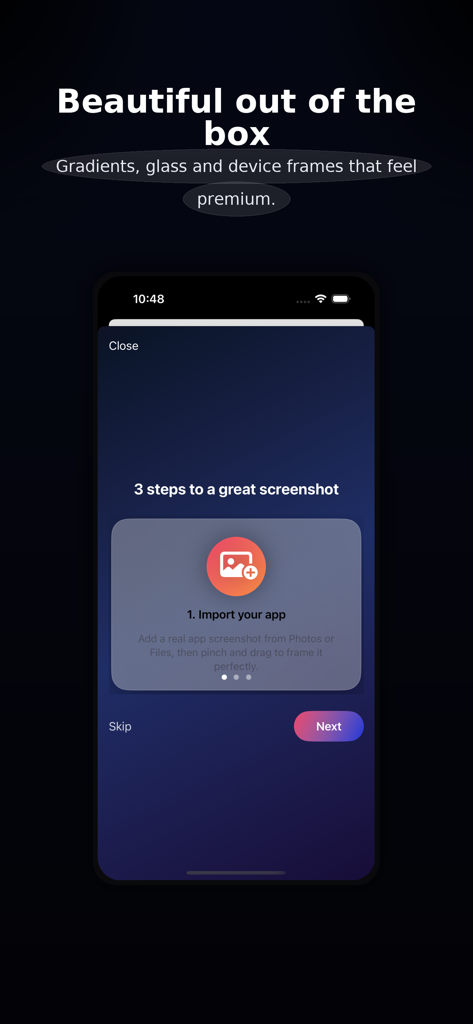
Screenshot Studio - Mobile app interface showing the first step to import an app screenshot for premium design
Mobile app interface showing the first step to import an app screenshot for premium design

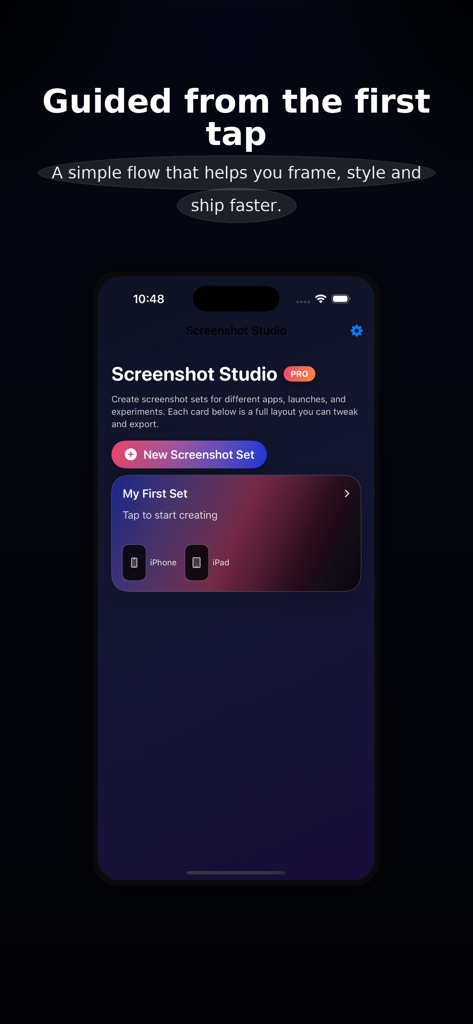
Screenshot Studio - Screenshot Studio mobile app home screen showing a new screenshot set button and guided setup flow for iPhone and iPad assets.

Screenshot Studio mobile app home screen showing a new screenshot set button and guided setup flow for iPhone and iPad assets.

Description

Screenshot Studio helps you create beautiful, on-brand, store-ready screenshots in minutes—without opening a traditional design tool. Bring in a real screenshot from your app, choose a layout, pick a theme, and export perfectly sized images for every required iPhone and iPad device. The interface is tuned for premium results: bold typography, thoughtful spacing, refined gradients, glass panels, and clean device framing. A focused, “wizard-like” flow Quick Start steps guide you from choosing devices to importing your first screenshot and picking a layout. Smart Fit auto-centers and scales your screenshot so key UI isn’t cropped. Preset groups (e.g., “Standard iPhone Set”, “Full Storefront”) toggle multiple sizes in one tap. Context-aware tips suggest best practices for titles, colors, contrast, and export. Layouts & copy that sell your app Template Library with visual cards: top-text hero, side-by-side, overlapping devices, full-bleed strip, and more. Smart headline suggestions grouped by tone (Friendly, Professional, Results-focused). Flexible copy controls for title, subtitle, and badge with alignment and sizing tuned for legibility. Branding that feels pro Themes like Minimal, Neon, and Editorial instantly restyle background, glass, and shadows. Brand Profiles let you save full branding presets (colors + text) and reapply them in one tap. Accent randomization (within theme palettes) offers quick inspiration while staying on-brand. Optional “Lock colors, change vibe” keeps your brand colors while adjusting glass/shadow/typography feel. Powerful preview & export Single-device preview for precise framing. “Wall” preview shows multiple device sizes in a staggered, poster-like layout—great for marketing shots. Export Center summarizes enabled sizes (name, resolution, icon), shows progress, and lists recent renders. Batch export generates every enabled size in one go. Destination clarity: screenshots are saved to Photos and presented in the system share sheet for Files, AirDrop, Messages, and more. Test export (low-res) quickly previews layout before generating full PNGs. Accessibility & comfort Respects Dynamic Type more in controls (canvas text remains layout-managed). Accessibility mode increases control text size, tap targets, and vertical padding. VoiceOver labels on template and theme cards (“Top text hero with centered device”, “Neon theme with high contrast”). Performance & smoothness Equatable subviews for stable previews and lists. Debounced heavy updates; animations focus on interactions, not configuration churn. Designed for indie developers and small teams, Screenshot Studio keeps you in flow: no layers to wrangle, no complex timelines—just your app’s UI, clear copy, and premium presentation. Privacy Policy: https://clarityspace.store/privacy Terms of Service: https://clarityspace.store/terms

Download

Download on App Store

This page is not an official page of the app or its developer, but an independent editorial publication created for informational and commentary purposes. Unless expressly stated otherwise, neither the app nor its developer is affiliated with, endorsed by, sponsored by, authorized by, or otherwise officially connected with MWM, Apple, Google Play, the app publisher, or the app's developer, and nothing on this page implies that the app was developed using MWM's services. Any trademarks, logos, screenshots, and other content remain the property of their respective owners.








