
This page is not an official page of the app or its developer, but an independent editorial publication created for informational and commentary purposes. Unless expressly stated otherwise, neither the app nor its developer is affiliated with, endorsed by, sponsored by, authorized by, or otherwise officially connected with MWM, Apple, Google Play, the app publisher, or the app's developer, and nothing on this page implies that the app was developed using MWM's services. Any trademarks, logos, screenshots, and other content remain the property of their respective owners.


Secure Card Manager & Wallet
Protect your financial identity with military-grade AES-256 encryption. Store unlimited cards and sensitive data in a zero-knowledge vault where you—and only you—hold the keys to your privacy.
Downloads
0User Rating
Total Ratings
0Publisher
Category
FinanceLocales
10Latest Version
1.10.15Size
168.1 MBFirst Released
Mar 22, 2019Your Private Financial Fortress
SecureCard combines military-grade AES-256 encryption with a zero-knowledge architecture, ensuring your sensitive card details stay exactly where they belong: in your hands and off our servers.
Zero-Knowledge Privacy
We don't collect your data or require registration. Your vault is encrypted locally on your device, meaning even we can't access your information. You have total ownership.
Instant Card Enrollment
Ditch the manual entry. Securely scan your credit and debit cards using your camera for immediate access. One-tap copy makes online shopping faster and safer than ever.
The following screenshots and description are sourced directly from the app's official store listing and are the property of the app developer.
App Store
Screenshots
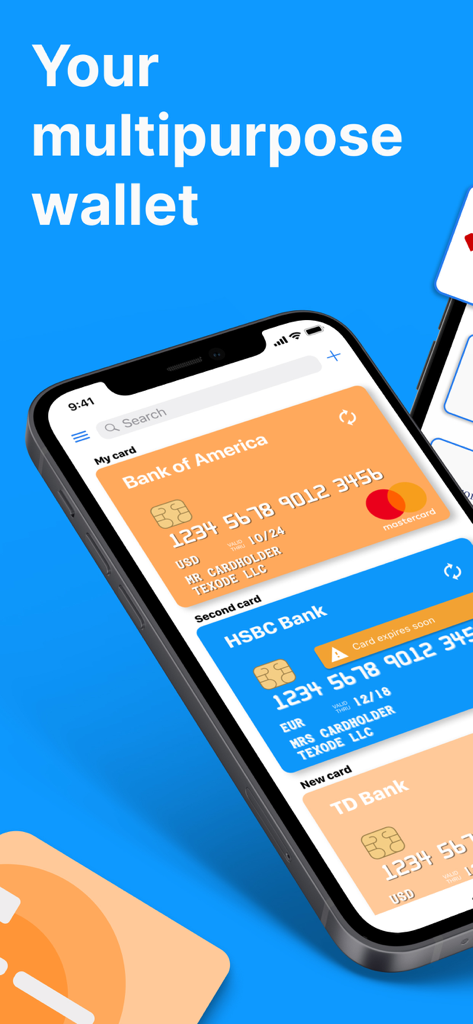
Secure Card Manager app displaying several credit cards on an iPhone
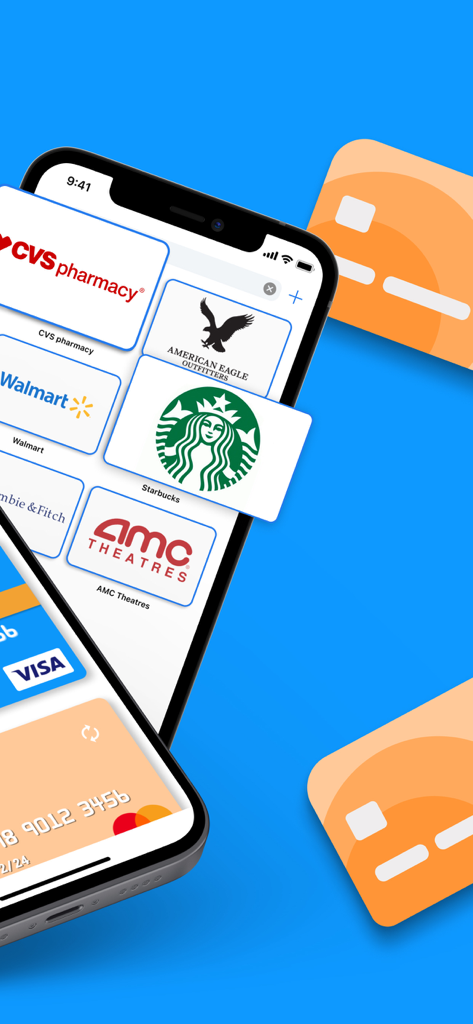
Secure Card Manager app interface showing digital loyalty cards and bank cards on a smartphone screen
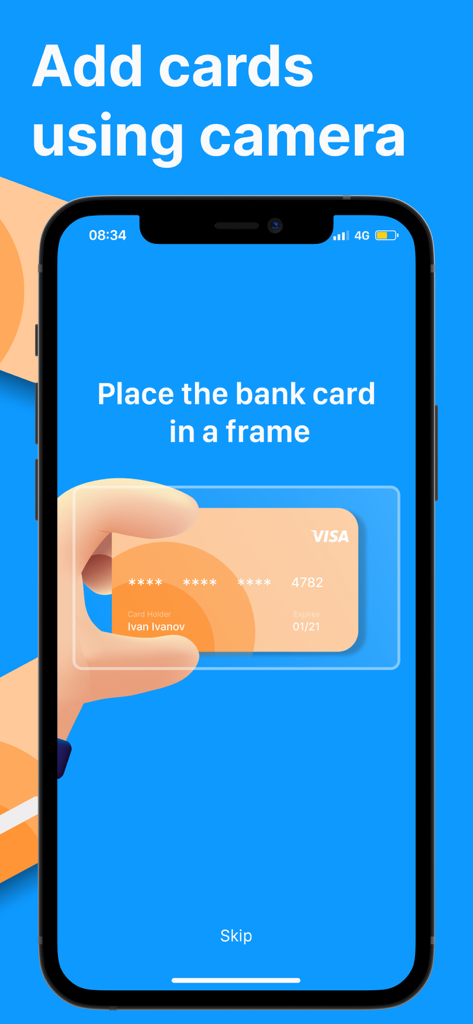
Secure Card Manager app interface showing the add card using camera feature
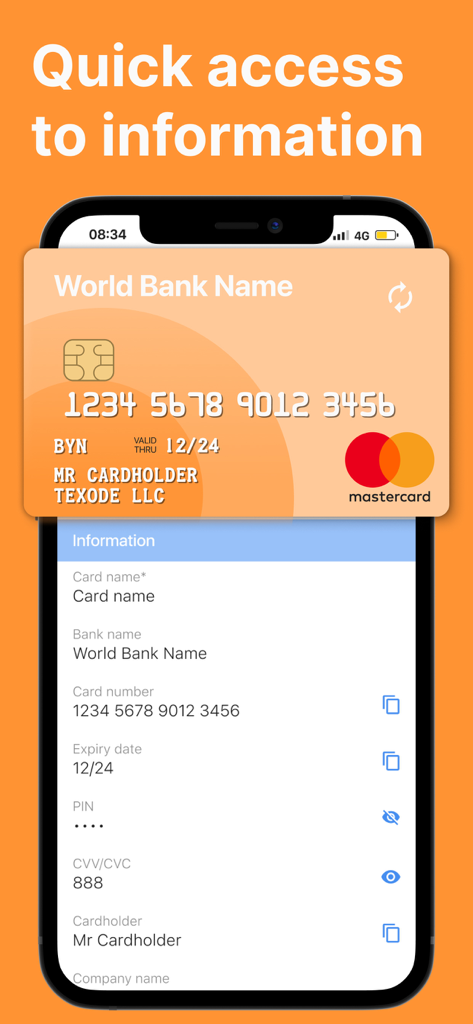
Secure Card Manager app interface showing stored credit card details for quick access
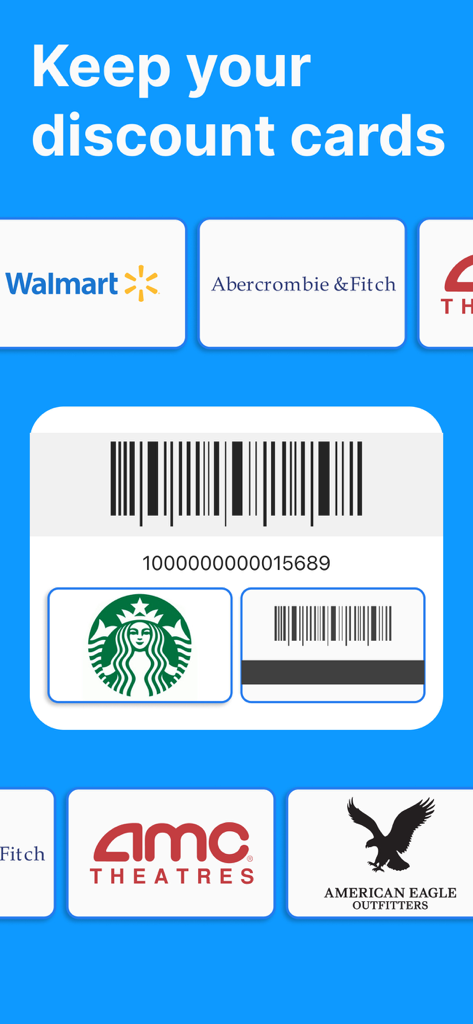
A mobile interface for managing digital store loyalty cards from brands like Walmart, Starbucks, and AMC Theatres with a scannable barcode.
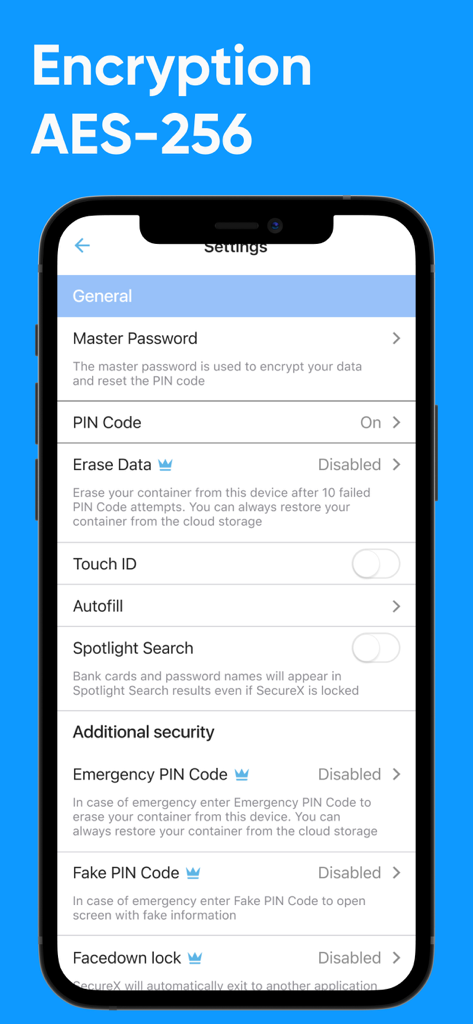
Secure Card Wallet app settings screen showing AES-256 encryption and advanced security features
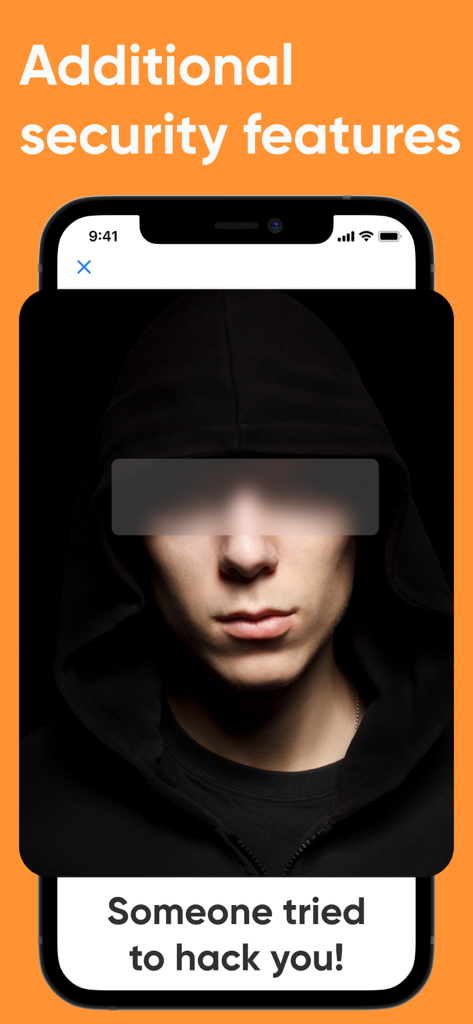
Secure Card Manager app notification screen showing a hack attempt alert
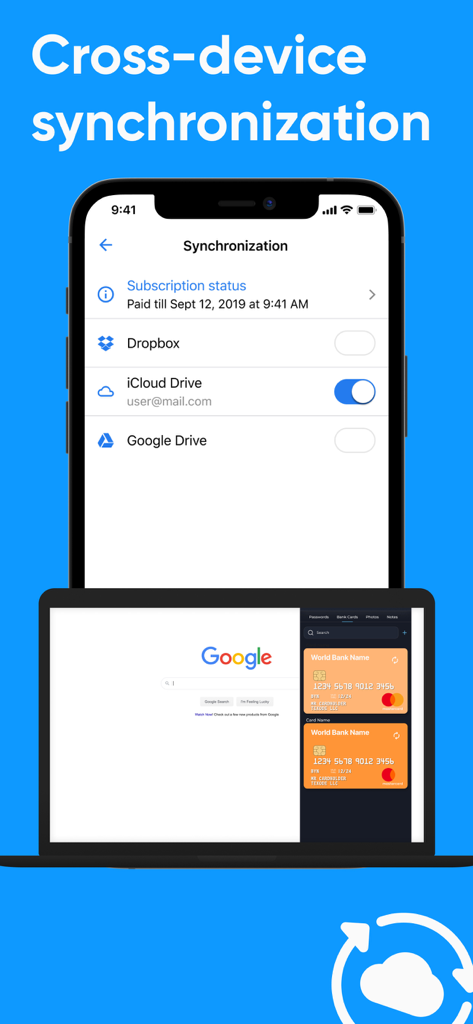
Cross-device synchronization of secure bank card data across phone and laptop using cloud storage
Description
Download
More Like This
Apps with similar features and user experience
Private Photo Vault - Pic Safe
Legendary Software Labs LLC

PV - Secret Photo Album
Haibin Jiao

PBox-Private Photo Vault
宇 刘

Safe Lock - Hidden Photo Vault
Katerina Akhlebinina

SV - Private Photo Vault PRO
Legendary Software Labs LLC

Converter: Hidden Photo Vault
Dmitry Petrov

Calculator Lock - Secure Vault
MacyMind

Secret Photo Vault: Keepsafe
KeepSafe Software, Inc

Digiposte: secure storage
la poste
This page is not an official page of the app or its developer, but an independent editorial publication created for informational and commentary purposes. Unless expressly stated otherwise, neither the app nor its developer is affiliated with, endorsed by, sponsored by, authorized by, or otherwise officially connected with MWM, Apple, Google Play, the app publisher, or the app's developer, and nothing on this page implies that the app was developed using MWM's services. Any trademarks, logos, screenshots, and other content remain the property of their respective owners.