Secure Folder: Photo Vault
Download on App Store

This page is not an official page of the app or its developer, but an independent editorial publication created for informational and commentary purposes. Unless expressly stated otherwise, neither the app nor its developer is affiliated with, endorsed by, sponsored by, authorized by, or otherwise officially connected with MWM, Apple, Google Play, the app publisher, or the app's developer, and nothing on this page implies that the app was developed using MWM's services. Any trademarks, logos, screenshots, and other content remain the property of their respective owners.

Logo of Secure Folder: Photo Vault
Download on App Store

Secure Folder: Photo Vault

Disguise your private photos, passwords, and notes behind a functional calculator. Use Face ID, fake passcodes, and stealth mode to keep your personal life truly personal.

Key Figures

Downloads

85K+

User Rating

4.6/5

Total Ratings

1K+

Publisher

Huynh Thuy

Category

Photo & Video

Locales

33

Latest Version

5.1.2

Size

33.8 MB

First Released

Apr 22, 2019
Features

Hide Your Private Life in Plain Sight

A secondary, invisible space for your most sensitive data. Secure Folder acts as a ghost vault for everything you don't want the world to see.

Stealth Calculator Mode

Complete camouflage for your privacy. Disguise your entire vault as a fully functional calculator to maintain absolute plausible deniability.

Decoy Vault & Fake Passcode

The ultimate defense against nosy users. Set a secondary passcode that opens a dummy vault to protect your real secrets even under pressure.

The following screenshots and description are sourced directly from the app's official store listing and are the property of the app developer.

App Store

Screenshots
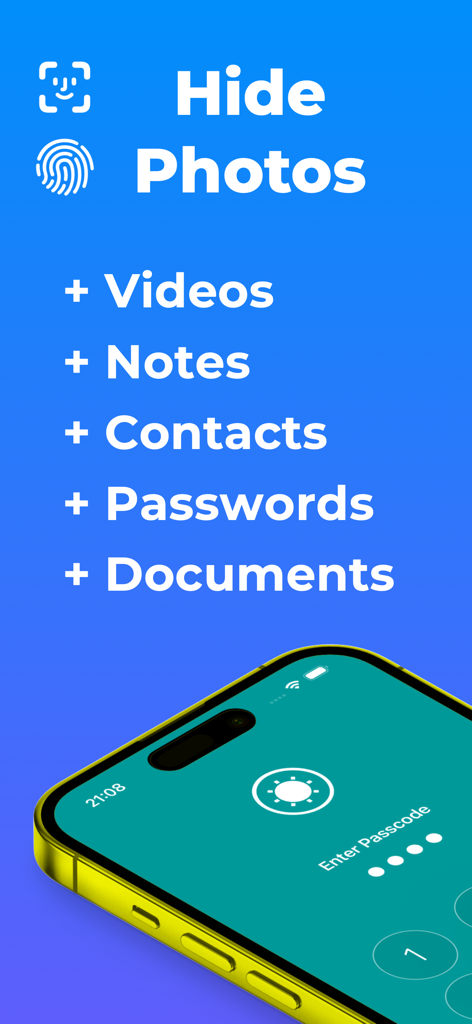
Secure Folder: Photo Vault - Secure Folder app screen listing features to hide photos videos notes contacts passwords and documents with biometric security
Secure Folder app screen listing features to hide photos videos notes contacts passwords and documents with biometric security

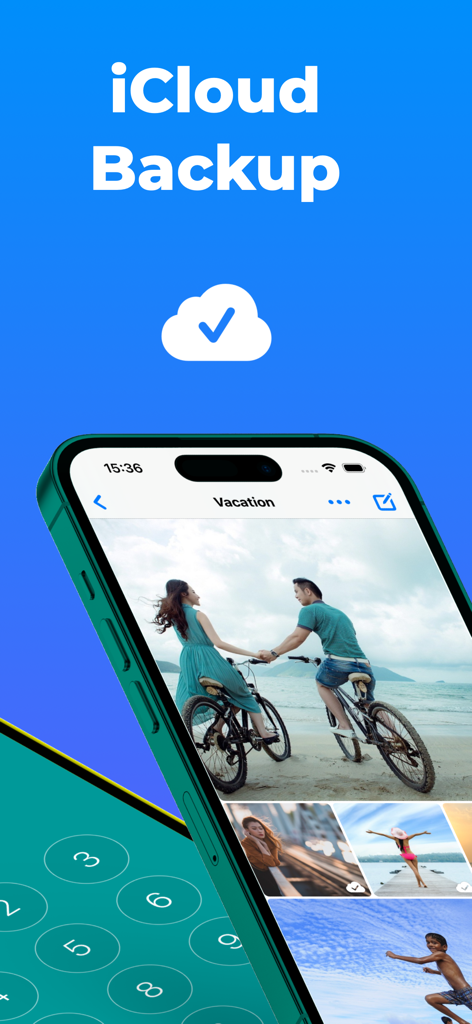
Secure Folder: Photo Vault - Secure Folder app interface showing iCloud backup for private photo albums
Secure Folder app interface showing iCloud backup for private photo albums

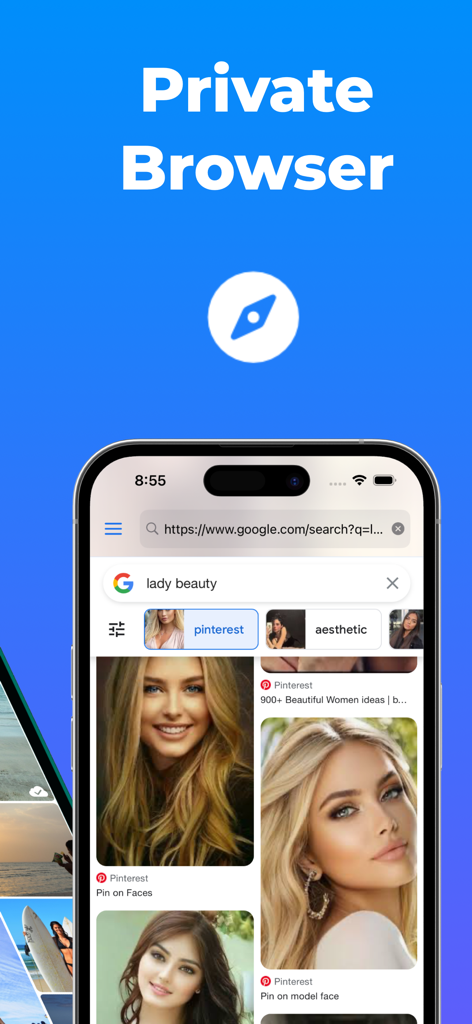
Secure Folder: Photo Vault - Private browser interface within the Secure Folder Photo Vault app showing a secure search result

Private browser interface within the Secure Folder Photo Vault app showing a secure search result
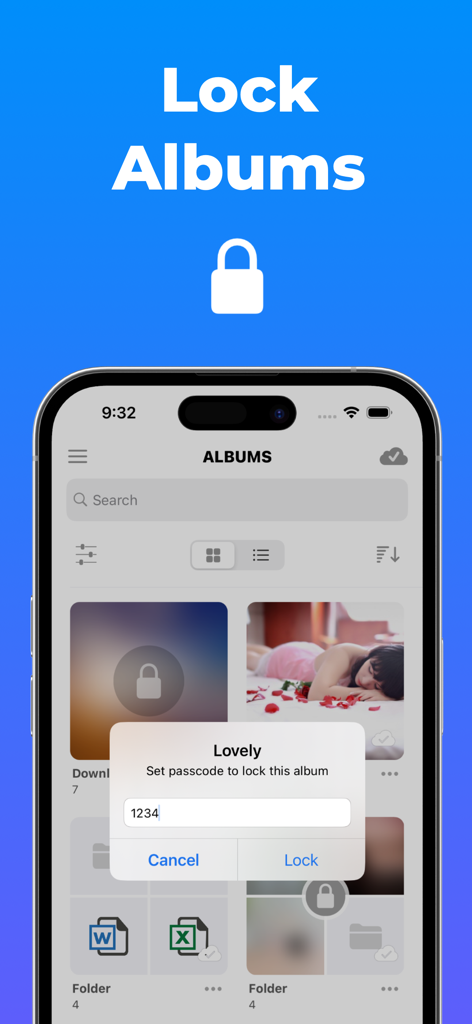
Secure Folder: Photo Vault - Secure Folder app displaying a prompt to set a unique passcode for a photo album titled Lovely
Secure Folder app displaying a prompt to set a unique passcode for a photo album titled Lovely

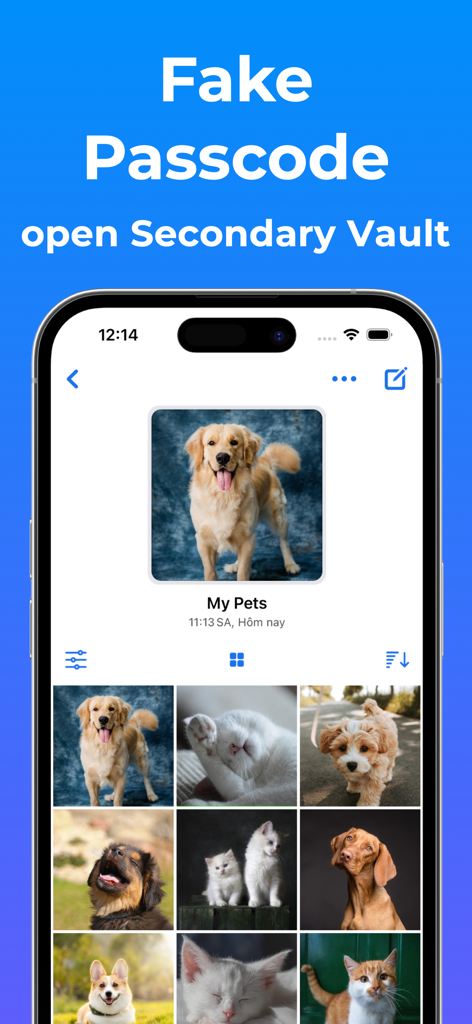
Secure Folder: Photo Vault - A smartphone showing a secondary decoy vault in the Secure Folder app featuring a pet photo album.

A smartphone showing a secondary decoy vault in the Secure Folder app featuring a pet photo album.
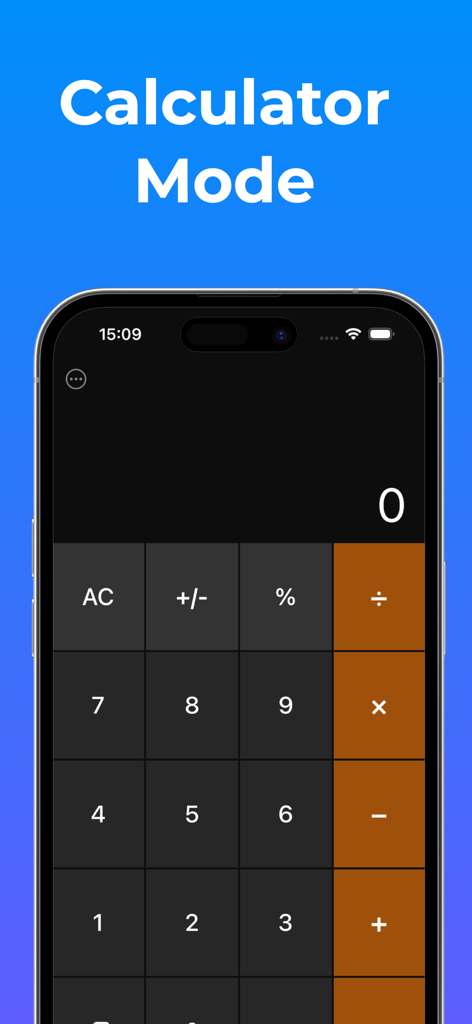
Secure Folder: Photo Vault - A functional calculator interface that hides the secure photo vault app content
A functional calculator interface that hides the secure photo vault app content

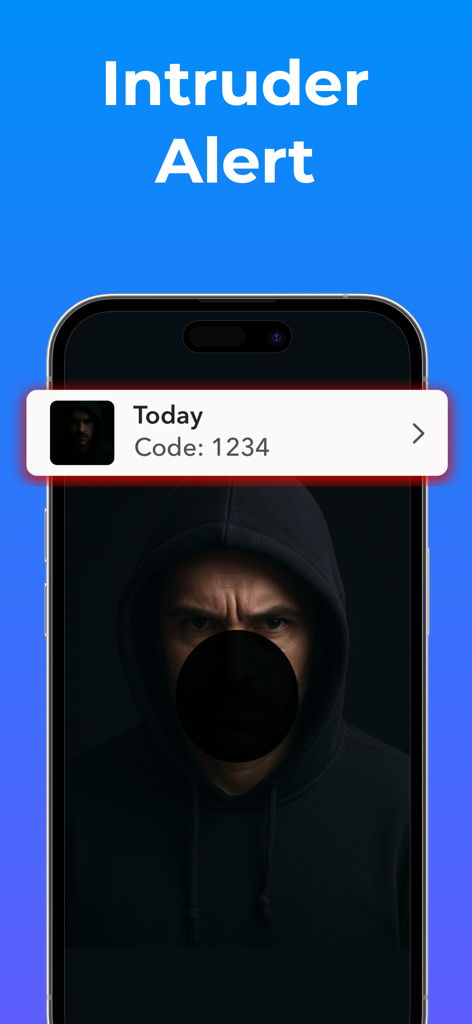
Secure Folder: Photo Vault - A smartphone screen displaying an intruder alert notification with a photo of a person trying to access the vault.
A smartphone screen displaying an intruder alert notification with a photo of a person trying to access the vault.

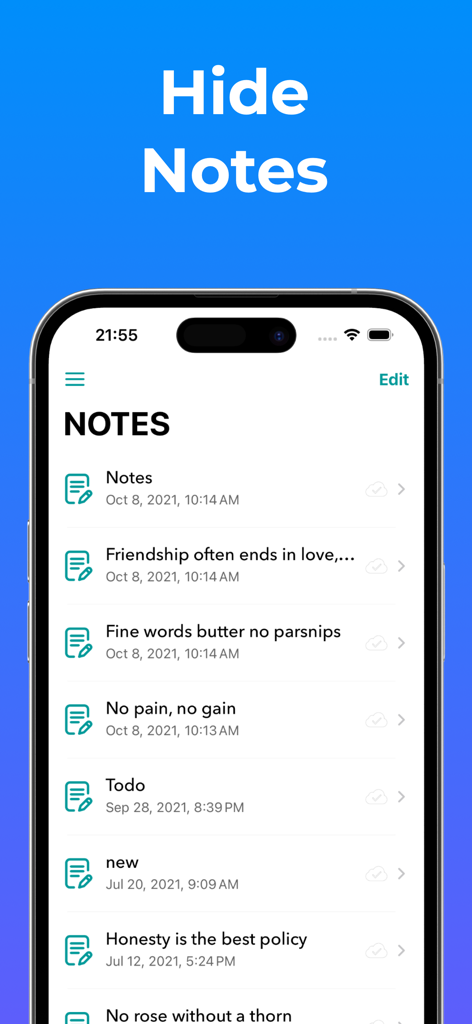
Secure Folder: Photo Vault - User interface of the Secure Folder app showing a list of hidden personal notes
User interface of the Secure Folder app showing a list of hidden personal notes

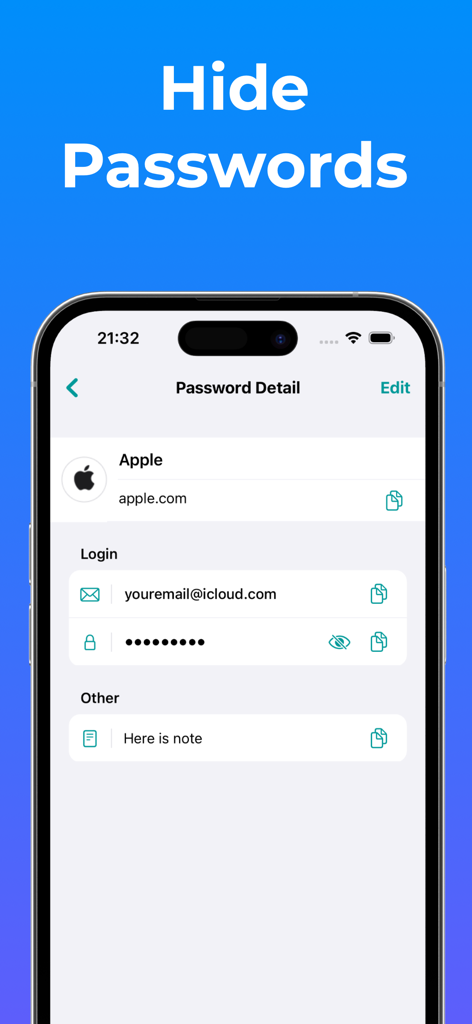
Secure Folder: Photo Vault - A mobile phone interface showing the password management feature in the Secure Folder app with hidden login details for an Apple account.
A mobile phone interface showing the password management feature in the Secure Folder app with hidden login details for an Apple account.

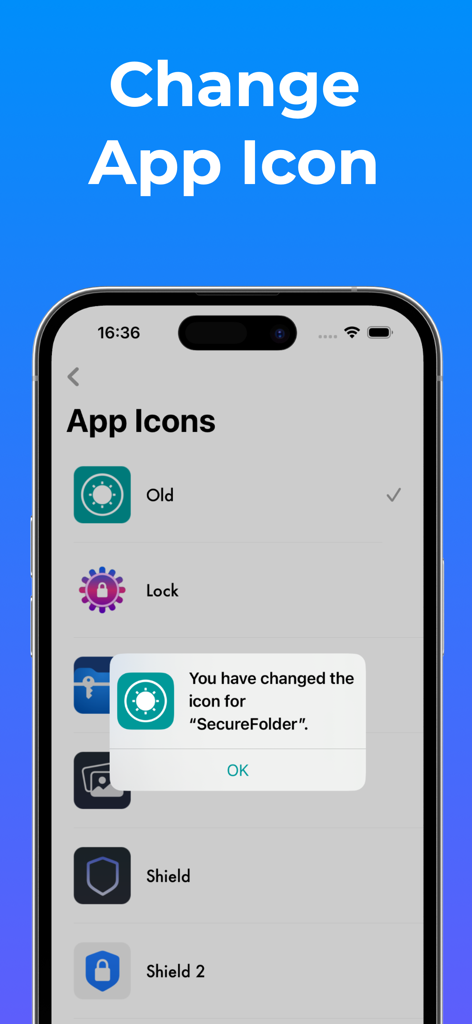
Secure Folder: Photo Vault - A mobile interface showing different icon options to customize and disguise the Secure Folder photo vault app.

A mobile interface showing different icon options to customize and disguise the Secure Folder photo vault app.

Description

Secure Folder is your personal vault to lock and hide private photos, videos, contacts, notes, passwords, and more behind Face ID, Touch ID, or a secure PIN. All in a clean, elegant, and easy-to-use interface. Whether it’s family memories, confidential documents, or sensitive contacts, Secure Folder keeps your personal content truly private. Everything stays on your device or in your private iCloud, never on our servers. Powerful Protection: - Lock the entire app with Face ID / Touch ID / PIN - Lock specific albums or folders with their own PINs - Fake Passcode (Optional): Set up a separate passcode to unlock a secondary vault. Content in this vault is added by you and stored only on your device, not synced to iCloud. - Calculator Mode: Use a functional calculator interface to securely access your private space. You can enable or disable this mode anytime in Settings. - Automatically sync your data to your private iCloud for safe access across all your devices (only if you enable it). Organize Everything: - Create unlimited folders and albums - Nest albums inside folders for better organization - Customize album covers with any photo you like Enjoy Your Media: - Import from Camera, Photo Library, Files, or Wi-Fi - View photos & videos in fullscreen or slideshow mode - Smooth transitions, zoomable thumbnails, and editing support Store More Than Just Photos: - Save secure notes, contacts, and passwords - Browse the web privately, with no trace left behind - Attach files to notes for quick reference Tailored to You: - Custom app tint colors and icons - Full dark mode support - Simple, beautiful design for a smooth experience Premium Features: - Album & Folder Lock: Add an extra layer of privacy by assigning individual passwords to specific albums or folders. - Custom Album Covers: Personalize each album by choosing a cover photo from within the album or selecting an external image. - iCloud Sync (optional): Automatically back up and sync your data to your private iCloud storage for secure access across devices and protection against data loss. - Trash Recovery: Restore photos and videos you’ve accidentally deleted. - File Attachments for Notes: Enhance your notes by attaching relevant files for quick reference. - Unlimited Storage: Save as many photos, videos, documents, contacts, passwords and notes as you need with no limits on your device. ======================== Premium Subscription: Secure Folder includes an optional auto-renewable subscription to access current and future premium categories: - a 1-week subscription - a 1-month subscription - a 1-year subscription with 3 days free trial • Check in app for exact pricing in your region • Payment will be charged to your iTunes account at confirmation of purchase and will automatically renew (at the duration/price selected) unless auto-renew is turned off at least 24 hours before the end of the current period. • Account will be charged for renewal within 24-hours prior to the end of the current period, and identify the cost of the renewal. • Any unused portion of a free trial period, if offered, will be forfeited when the user purchases a subscription to that publication, where applicable • You can manage your subscription and/or turn off auto-renewal by going to your iTunes Account Settings, but refunds will not be given for any unused portion of the term. ======================== Privacy Policy: https://huynhthuyapps.blogspot.com/2021/05/privacy-policy.html Terms of Service: https://huynhthuyapps.blogspot.com/2021/06/terms-of-service.html Email support: privatephotovideolocker@gmail.com

Download

Download on App Store

This page is not an official page of the app or its developer, but an independent editorial publication created for informational and commentary purposes. Unless expressly stated otherwise, neither the app nor its developer is affiliated with, endorsed by, sponsored by, authorized by, or otherwise officially connected with MWM, Apple, Google Play, the app publisher, or the app's developer, and nothing on this page implies that the app was developed using MWM's services. Any trademarks, logos, screenshots, and other content remain the property of their respective owners.








