
This page is not an official page of the app or its developer, but an independent editorial publication created for informational and commentary purposes. Unless expressly stated otherwise, neither the app nor its developer is affiliated with, endorsed by, sponsored by, authorized by, or otherwise officially connected with MWM, Apple, Google Play, the app publisher, or the app's developer, and nothing on this page implies that the app was developed using MWM's services. Any trademarks, logos, screenshots, and other content remain the property of their respective owners.


Secure Terminal
The ultimate mobile command center for DevOps and SysAdmins. Manage your infrastructure with desktop-class emulation, FIDO key support, and Secure Enclave protection—anytime, anywhere.
Downloads
67K+User Rating
Total Ratings
0Publisher
Category
Developer ToolsLocales
1Latest Version
1.45.1Size
116.1 MBFirst Released
May 16, 2019Master Your Infrastructure Anywhere
A desktop-class SSH and SFTP terminal built for DevOps professionals who demand uncompromising security and professional performance on iOS.
Hardened Security
Secure your connections with FIDO2 NFC keys, Secure Enclave integration, and enterprise-grade Keychain encryption.
Optimized for Efficiency
Speed up your on-call response with custom command snippets, external keyboard support, and a built-in text editor.
The following screenshots and description are sourced directly from the app's official store listing and are the property of the app developer.
App Store
Screenshots
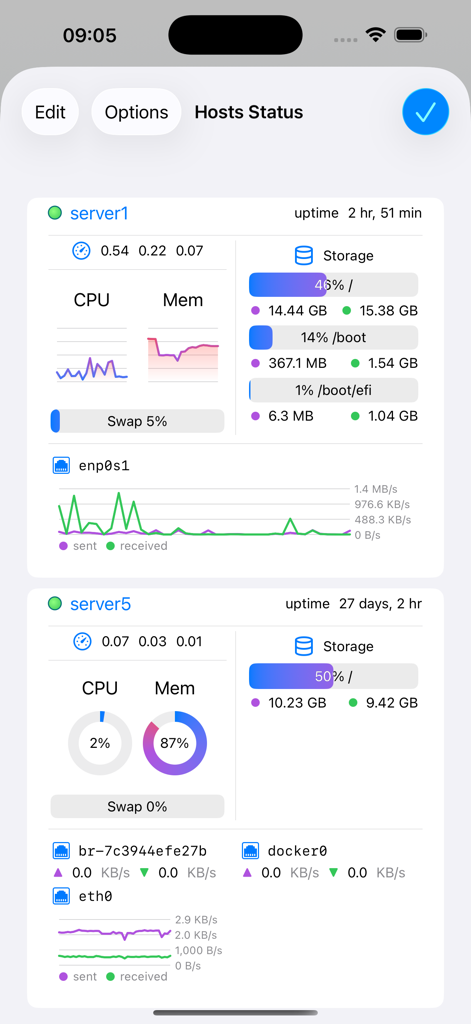
Hosts Status dashboard in Secure Terminal app displaying server CPU, memory, storage, and network metrics.
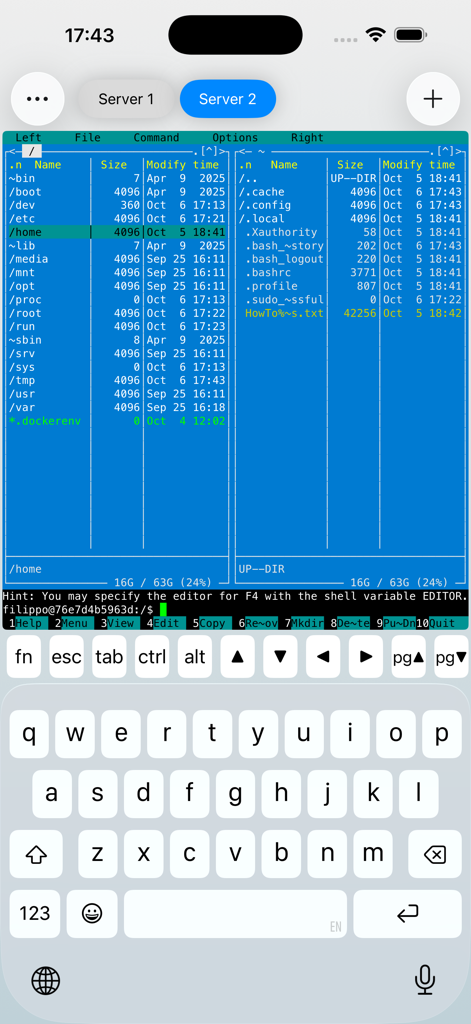
Secure Terminal app showing a terminal based dual pane file manager and custom keyboard on iPhone
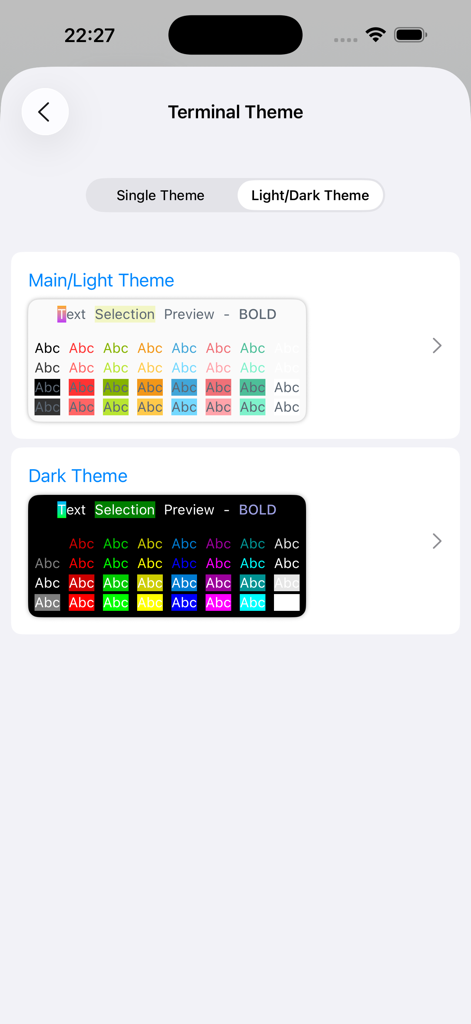
Terminal theme customization options with light and dark mode color previews
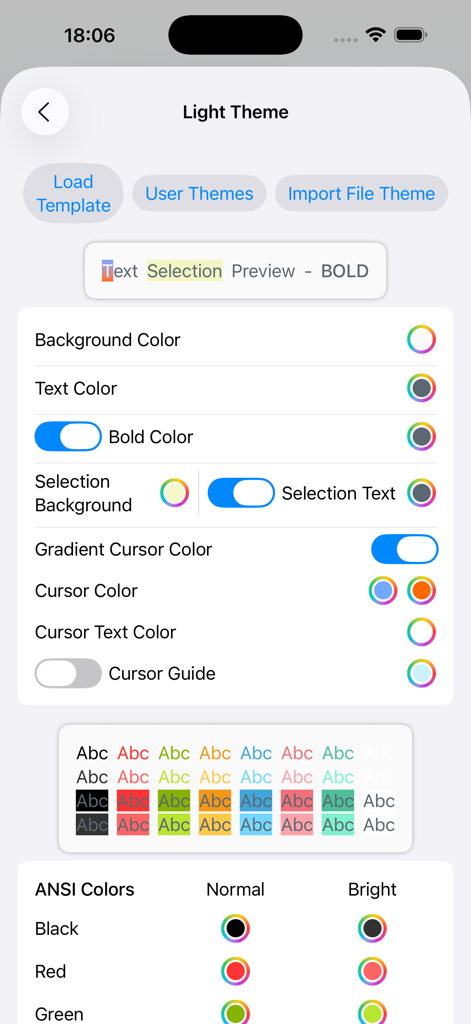
Secure Terminal light theme customization and color settings interface
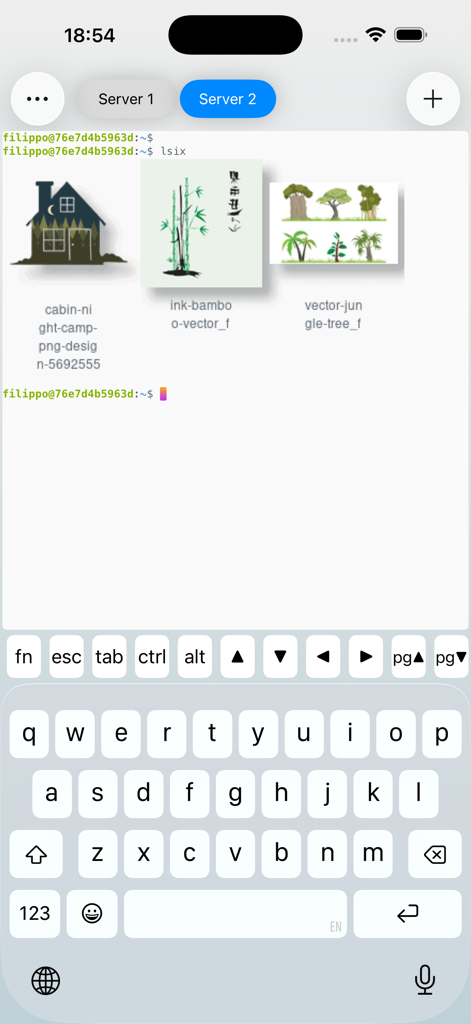
Secure Terminal app for iPhone displaying images in a remote SSH session
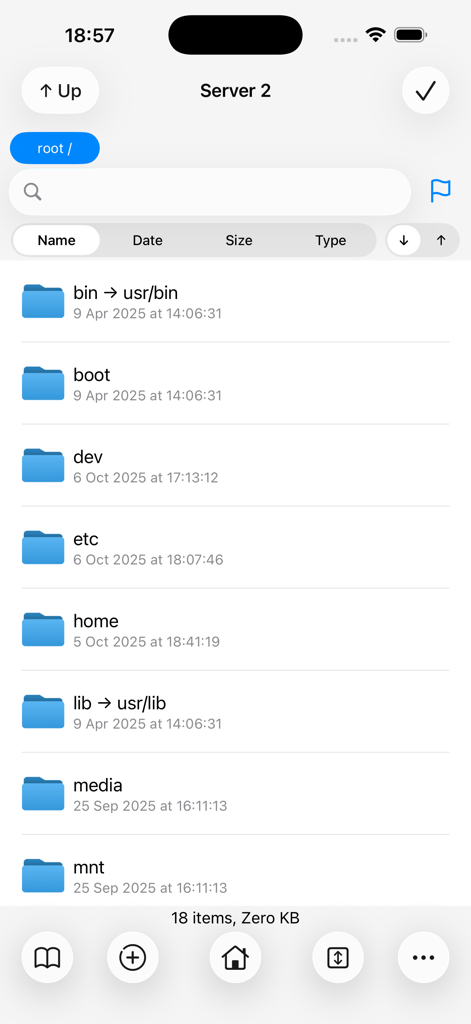
Secure Terminal SFTP file explorer interface showing server root directories
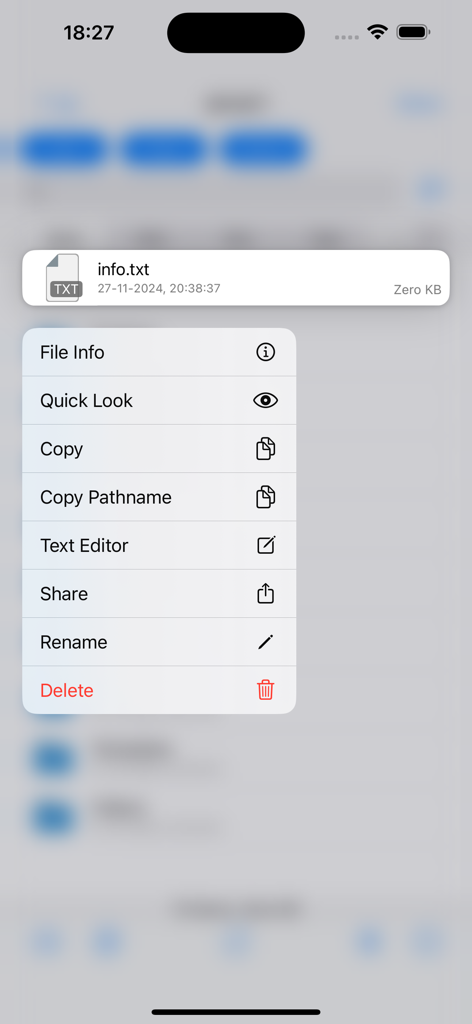
File management context menu in Secure Terminal app showing options for text editing and SFTP tasks
Description
Download
More Like This
Top-ranked apps in the same category

TestFlight
Apple Inc.

Replit: Vibe Code Apps
Replit, Inc

GitHub
GitHub

O-KAM Pro
Shenzhen VeePai IoT Intelligent Technology LLC

Apple Developer
Apple Inc.

Expo Go
650 Industries, Inc.

Scriptable
Simon Stovring

App Store Connect
Apple Inc.

Sekai: Create · Remix · Play
Versa AI, Inc.
This page is not an official page of the app or its developer, but an independent editorial publication created for informational and commentary purposes. Unless expressly stated otherwise, neither the app nor its developer is affiliated with, endorsed by, sponsored by, authorized by, or otherwise officially connected with MWM, Apple, Google Play, the app publisher, or the app's developer, and nothing on this page implies that the app was developed using MWM's services. Any trademarks, logos, screenshots, and other content remain the property of their respective owners.