
This page is not an official page of the app or its developer, but an independent editorial publication created for informational and commentary purposes. Unless expressly stated otherwise, neither the app nor its developer is affiliated with, endorsed by, sponsored by, authorized by, or otherwise officially connected with MWM, Apple, Google Play, the app publisher, or the app's developer, and nothing on this page implies that the app was developed using MWM's services. Any trademarks, logos, screenshots, and other content remain the property of their respective owners.

Security Camera Auto Connect
Unify your Ring, Nest, and Arlo cameras into a single dashboard. Protect your digital life with network security scans, detect hidden cameras while traveling, and stay prepared with real-time earthquake alerts.
Downloads
261K+User Rating
Total Ratings
4K+Publisher
Category
UtilitiesLocales
33Latest Version
1.7Size
93.3 MBFirst Released
Oct 31, 2024Total Security at Your Fingertips
From unified smart home monitoring to advanced privacy detection, we provide the tools you need to feel safe at home and on the go.
Unified Home Integration
Control all your security cameras—Blink, Arlo, Ring, and more—from one centralized, easy-to-use dashboard.
Hidden Camera Detector
Protect your privacy in Airbnbs and hotels by using specialized sensors to find hidden recording devices.
Frequently Asked Questions
Everything you need to know about Security Camera Auto Connect
What is the Security Camera Auto Connect app?
Security Camera Auto Connect is an iOS app providing advanced safety. It connects to home surveillance cameras, helps monitor property, and includes features like network security and hidden camera detection.
Which camera brands does Security Camera Auto Connect support?
Security Camera Auto Connect supports multiple brands including Arlo, Blink, Eufy, Lorex, Nest, Ring, Simplisafe, Swann, Wyze, Reolink, Doorbell, and D-link. It scans local networks for these devices.
Does Security Camera Auto Connect detect hidden cameras?
Yes, Security Camera Auto Connect detects hidden cameras. It uses advanced magnetic field technology to identify and locate these devices, adding an extra layer of security to personal spaces.
Does the Security Camera Auto Connect app provide earthquake alerts?
Yes, Security Camera Auto Connect provides real-time earthquake monitoring and alerts. It collects and analyzes seismic data to help users prepare and respond swiftly to seismic events.
How does Security Camera Auto Connect secure my home network?
Security Camera Auto Connect scans your home network to detect unauthorized access. It identifies connected devices to protect your network from potential threats, enhancing overall network security.
How do subscriptions renew for Security Camera Auto Connect?
Subscriptions for Security Camera Auto Connect automatically renew. Renewal occurs unless auto-renew is turned off in iTunes Account Settings at least 24 hours before the end of the current period.
Can I turn off auto-renewal for Security Camera Auto Connect?
Yes, users can turn off auto-renewal for Security Camera Auto Connect. This is managed through the user’s iTunes Account Settings after the purchase.
Where is the privacy policy for Security Camera Auto Connect located?
The privacy policy for Security Camera Auto Connect is available at the URL: https://www.tongmeng202410.link/pp/6737178635/. This resource outlines the app's data handling practices.
How does Security Camera Auto Connect connect to cameras?
Security Camera Auto Connect scans the local area network. It automatically connects to compatible security cameras found within your home network, streamlining the setup process.
The following screenshots and description are sourced directly from the app's official store listing and are the property of the app developer.
App Store
Screenshots
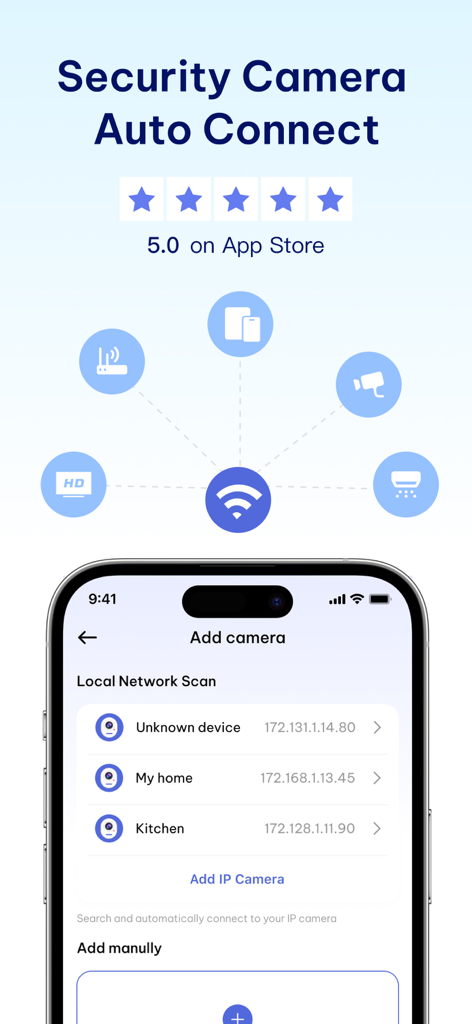
Security Camera Auto Connect app screen showing local network device scanning
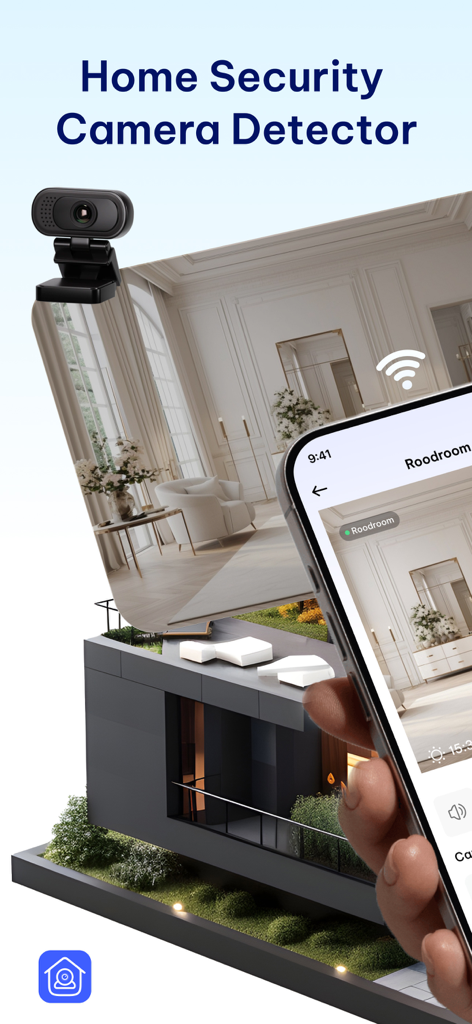
Home security camera detector app interface with live feed on iPhone
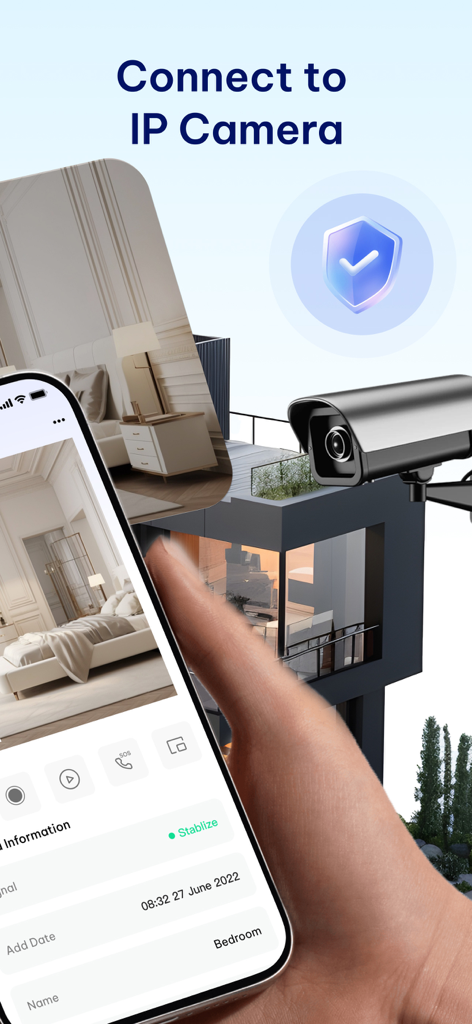
Smartphone displaying the Security Camera Auto Connect app interface with a live IP camera feed of a bedroom
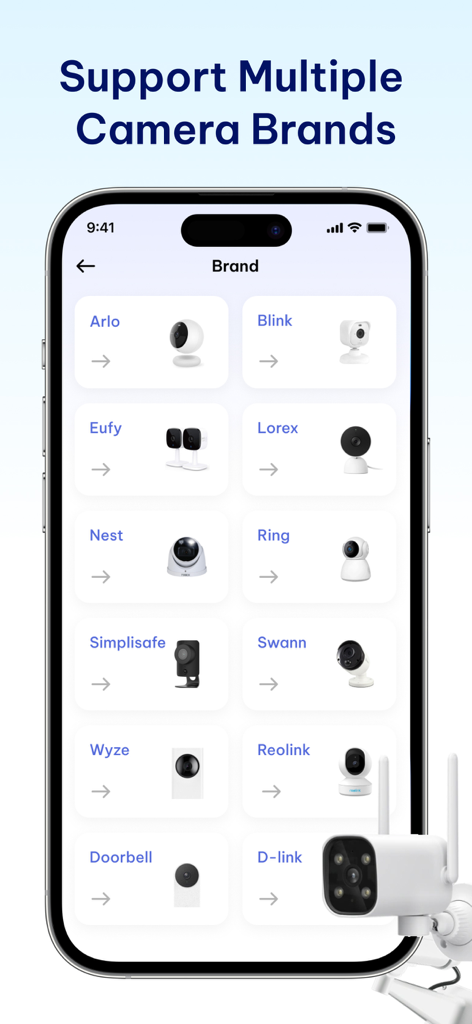
A mobile app interface displaying a list of supported security camera brands including Arlo, Blink, Ring, and Nest.
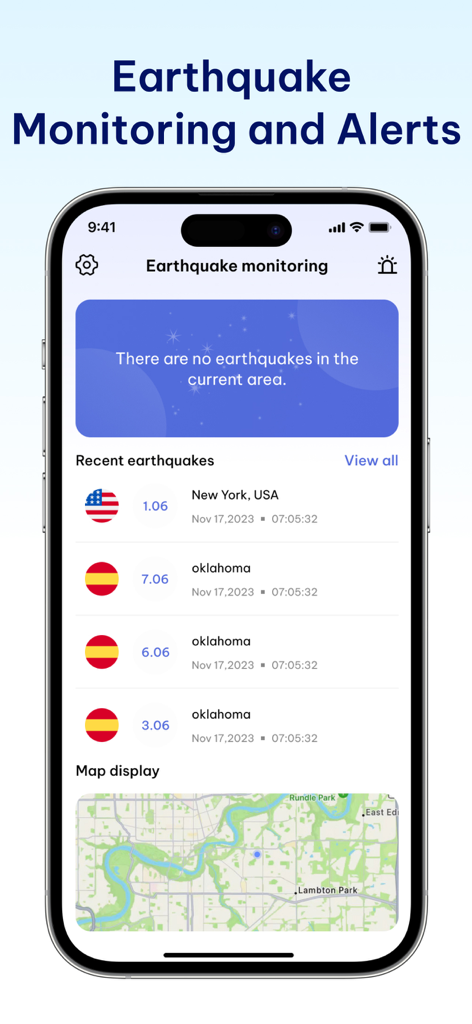
Interface of the app showing earthquake monitoring and alerts with recent seismic activity and map display
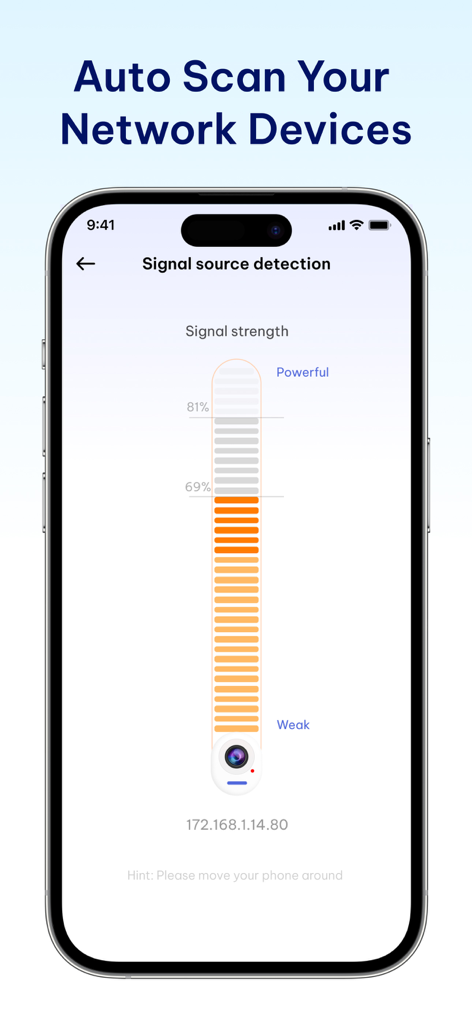
A mobile app screen showing signal source detection with a vertical signal strength bar for a network device
Description
Download
More Like This
Apps with similar features and user experience

TP-Link Tapo
TP-Link Systems Inc.

Дом с Алисой
DIRECT CURSUS COMPUTER SYSTEMS TRADING LLC

VeSync
Vesync Technology Corporation

Kasa Smart
TP-Link Systems Inc.

ecobee
ecobee Ltd.

Hubspace
Afero, Inc.

ADT Control ®
ADT LLC

First Alert by Resideo
Resideo Technologies, Inc.

Mibo Smart: Casa Inteligente
Intelbras S.A. Ind. de Telecom. Elet. Brasileira
This page is not an official page of the app or its developer, but an independent editorial publication created for informational and commentary purposes. Unless expressly stated otherwise, neither the app nor its developer is affiliated with, endorsed by, sponsored by, authorized by, or otherwise officially connected with MWM, Apple, Google Play, the app publisher, or the app's developer, and nothing on this page implies that the app was developed using MWM's services. Any trademarks, logos, screenshots, and other content remain the property of their respective owners.