
This page is not an official page of the app or its developer, but an independent editorial publication created for informational and commentary purposes. Unless expressly stated otherwise, neither the app nor its developer is affiliated with, endorsed by, sponsored by, authorized by, or otherwise officially connected with MWM, Apple, Google Play, the app publisher, or the app's developer, and nothing on this page implies that the app was developed using MWM's services. Any trademarks, logos, screenshots, and other content remain the property of their respective owners.


Self Timer - Multi shot photo
Take total control of your content with up to 200 shots in sequence, custom lead-up timers, and professional composition grids designed for influencers and solo travelers.
Downloads
135K+User Rating
Total Ratings
0Publisher
Category
Photo & VideoLocales
9Latest Version
3.1.0Size
14.2 MBFirst Released
Sep 28, 2014Master Your Solo Photoshoots
Stop settling for the limitations of your native camera. Take full control of your content with advanced timing, burst sequences, and professional composition tools designed for creators.
200-Shot Burst Mode
Don't just take a photo, capture the perfect moment. Set a sequence of up to 200 shots to get that effortless, candid look every single time.
Extended Lead Timers
Give yourself up to 120 seconds to get into position. Perfect for solo travelers and fitness creators who need more than just a 10-second head start.
Frequently Asked Questions
Everything you need to know about Self Timer - Multi shot photo
What is the "Self Timer - Multi shot photo" app?
Self Timer - Multi shot photo is an app for iPhone, iPad, and iPod touch, providing self-timer, continuous shooting, and selfie functionalities with adjustable intervals, grids, and automatic features.
How do I set a self-timer for the first photo in Self Timer - Multi shot photo?
Yes, the "Self Timer - Multi shot photo" app allows you to adjust the timer for the first photo from 0 seconds up to 120 seconds directly within its settings.
Does Self Timer - Multi shot photo support multiple shots?
Yes, "Self Timer - Multi shot photo" supports multiple shots, allowing users to take from 1 to 200 photos in a sequence with adjustable intervals between each shot.
Can I adjust the interval between multiple shots in the Self Timer app?
Yes, the "Self Timer - Multi shot photo" app allows adjusting the interval for multiple shots in sequence from 2 seconds to 120 seconds. This ensures custom timing between photos.
Does Self Timer - Multi shot photo have a flash option?
Yes, the "Self Timer - Multi shot photo" app includes flash options for on, off, and automatic modes. It also features a flashlight function to illuminate the scene.
Can I preview photos taken with Self Timer - Multi shot photo?
Yes, "Self Timer - Multi shot photo" allows users to preview photos in high definition directly within the application after they are captured.
How do I share photos from the Self Timer - Multi shot photo app?
The "Self Timer - Multi shot photo" app provides options to share photos on social networks or with favorite applications, as well as printing, copying, or using them as background wallpaper.
Does Self Timer - Multi shot photo automatically save photos to the gallery?
Yes, the "Self Timer - Multi shot photo" app includes an auto-save feature that automatically saves photos to your device's photo gallery. This option can also be disabled.
Does Self Timer - Multi shot photo include framing grids?
Yes, "Self Timer - Multi shot photo" offers three types of grids, including the rule of thirds and the golden section, to assist users in better framing their scenes.
Can I disable the beep sound in Self Timer - Multi shot photo?
Yes, the "Self Timer - Multi shot photo" app provides an option to disable the beep sound, which typically plays for 5 seconds before each shot.
The following screenshots and description are sourced directly from the app's official store listing and are the property of the app developer.
App Store
Screenshots
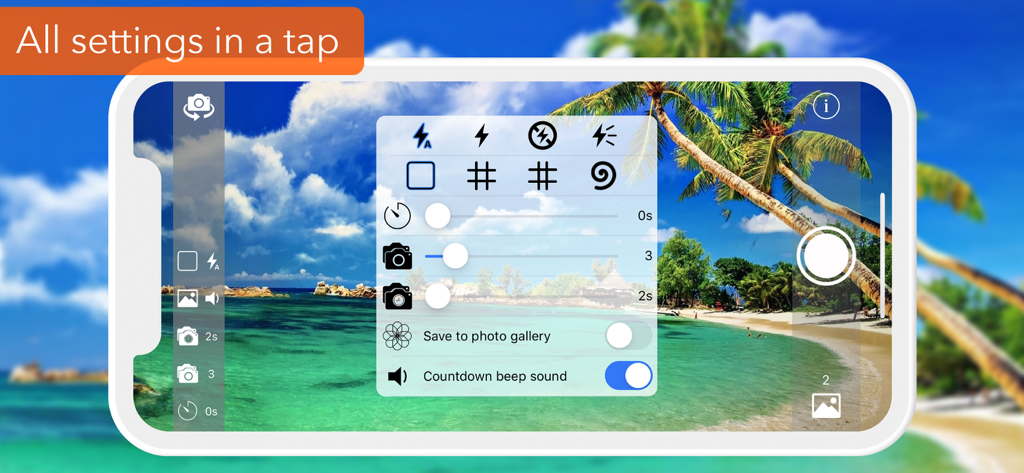
A mobile camera interface showing adjustable self-timer settings, burst shot options, and composition grids over a tropical beach scene.
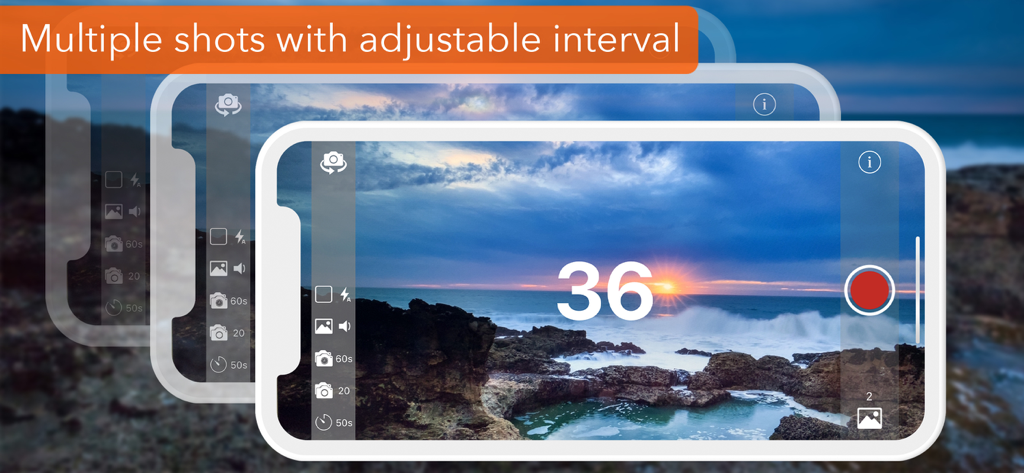
Interface of the Self Timer app showing a countdown for multiple shots with an adjustable interval over a scenic sunset
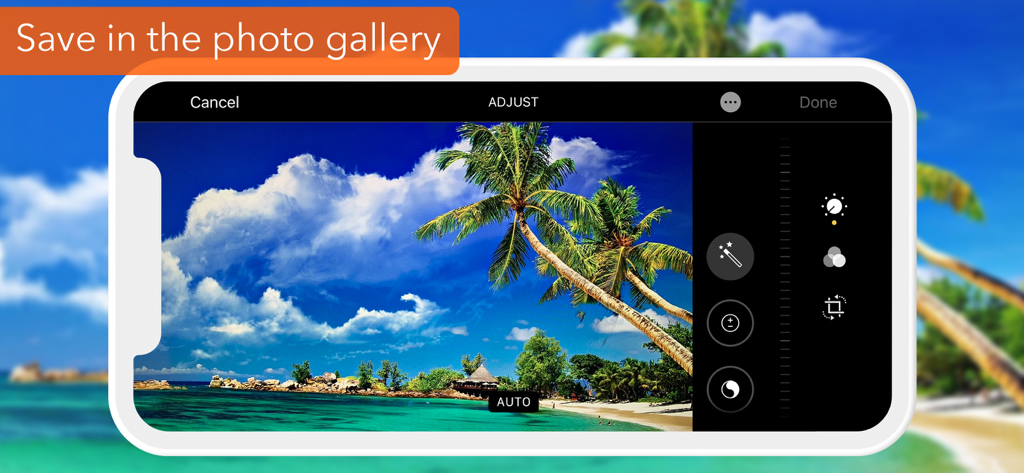
Interface of the Self Timer app showing photo adjustment tools with a tropical beach scene and a save to gallery banner
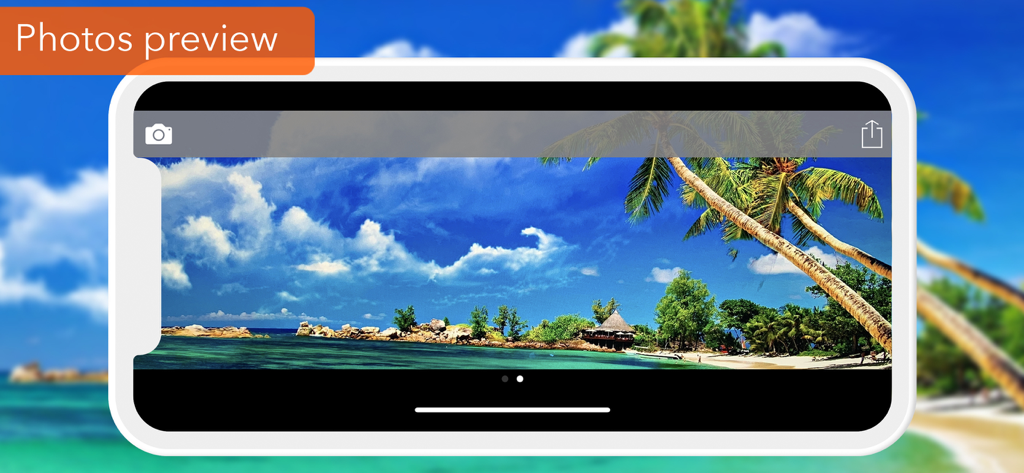
iPhone screenshot showing a high-definition photo preview of a tropical beach in the Self Timer app
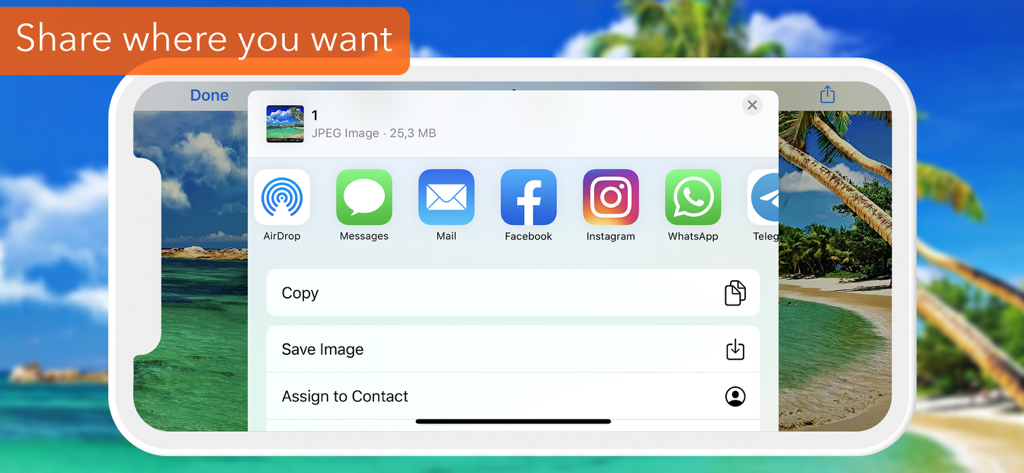
Interface of the self timer app displaying photo sharing options to social media platforms and messages
Description
Download
More Like This
Top-ranked apps in the same category

CapCut: Photo & Video Editor
BYTEDANCE PTE. LTD.

Instagram, Inc.

YouTube
Google LLC

Canva: AI Photo & Video Editor
Canva Pty Ltd

Snapchat
Snap, Inc.

快手
Beijing Kwai Technology Co., Ltd.

Edits: Video Editor
Instagram, Inc.

Meitu- AI Photo & Video Editor
Xiamen Meitu Technology Co., Ltd.

Google Photos: Backup & Edit
Google LLC
This page is not an official page of the app or its developer, but an independent editorial publication created for informational and commentary purposes. Unless expressly stated otherwise, neither the app nor its developer is affiliated with, endorsed by, sponsored by, authorized by, or otherwise officially connected with MWM, Apple, Google Play, the app publisher, or the app's developer, and nothing on this page implies that the app was developed using MWM's services. Any trademarks, logos, screenshots, and other content remain the property of their respective owners.