
This page is not an official page of the app or its developer, but an independent editorial publication created for informational and commentary purposes. Unless expressly stated otherwise, neither the app nor its developer is affiliated with, endorsed by, sponsored by, authorized by, or otherwise officially connected with MWM, Apple, Google Play, the app publisher, or the app's developer, and nothing on this page implies that the app was developed using MWM's services. Any trademarks, logos, screenshots, and other content remain the property of their respective owners.

Self Timer
Ditch the limitations of the native camera. Master your photos with customizable countdowns, hands-free Siri commands, and burst modes designed to catch authentic smiles and the perfect pose.
Downloads
259K+User Rating
Total Ratings
600Publisher
Category
Photo & VideoLocales
10Latest Version
26Size
19.5 MBFirst Released
Dec 19, 2009Master Every Moment
Stop rushing for the timer and start posing with confidence. Self Timer gives you the professional control you need to capture natural, social-media-ready shots every time.
Multi-Shot Burst Mode
Don't settle for one take. Capture a rapid sequence of images so you can pick the exact frame where your smile and pose are perfect.
Hands-Free Siri Control
Take total control from a distance. Use 'Hey Siri' to trigger your camera, making it perfect for solo travelers and 'Main Character' content creators.
The following screenshots and description are sourced directly from the app's official store listing and are the property of the app developer.
App Store
Screenshots
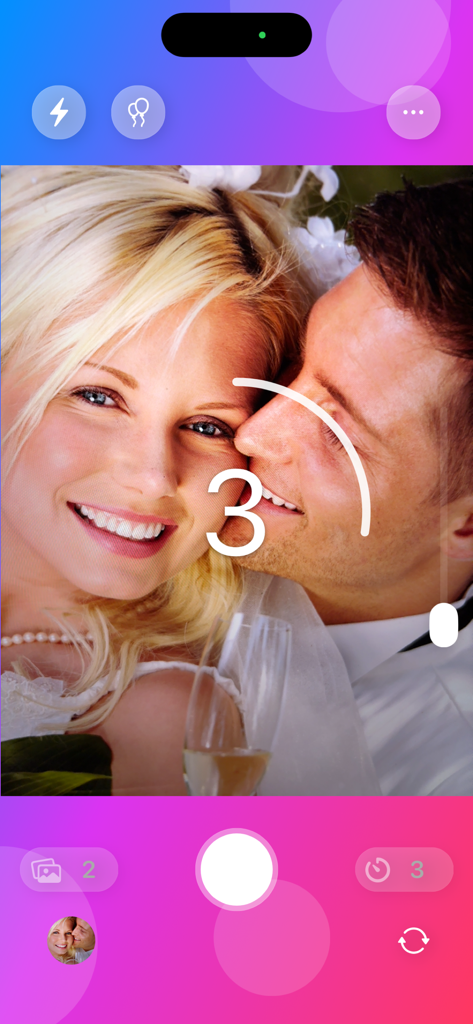
Camera app interface showing a three second countdown on a photo of a smiling couple.
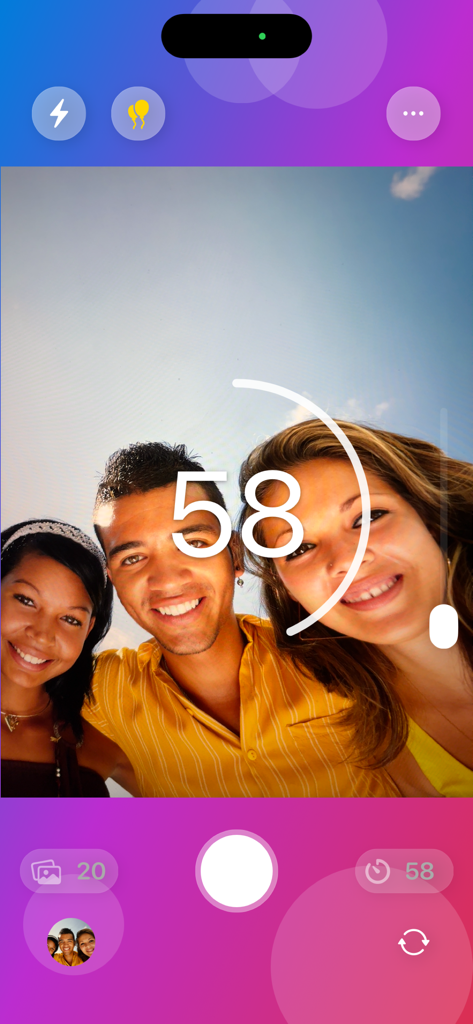
Interface of the Self Timer app showing a group selfie with a large countdown timer and camera controls
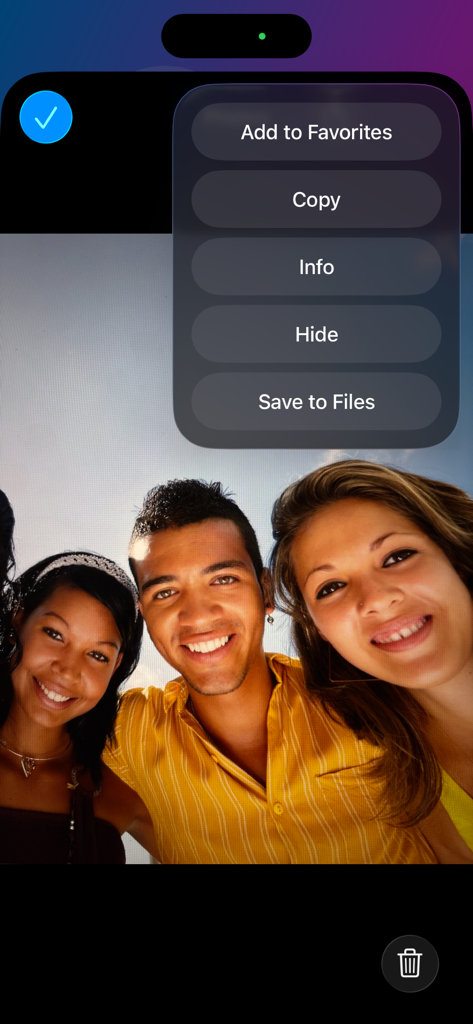
Group photo displayed in the Self Timer app with an overlay menu for photo management options
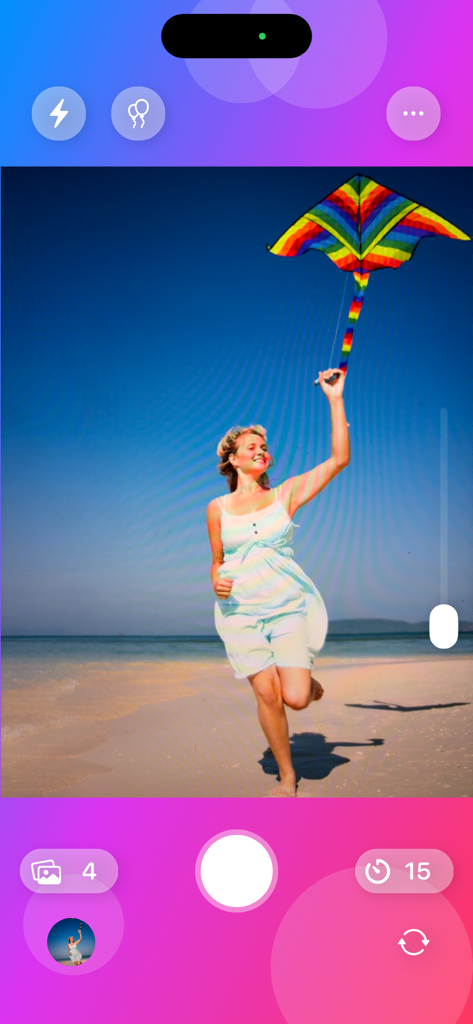
Self Timer app interface showing a woman running on a beach with a kite and a fifteen second countdown
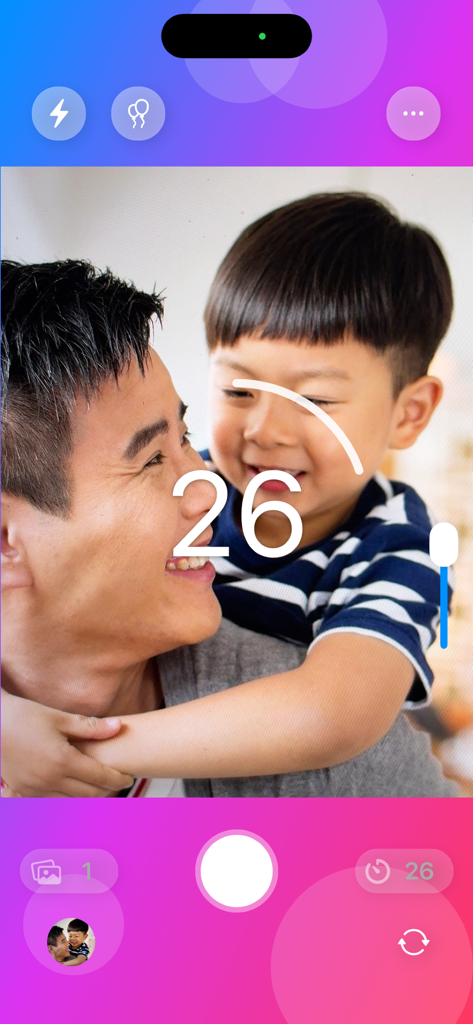
The Self Timer app interface showing a 26-second countdown overlaying a photo of a smiling father and son.
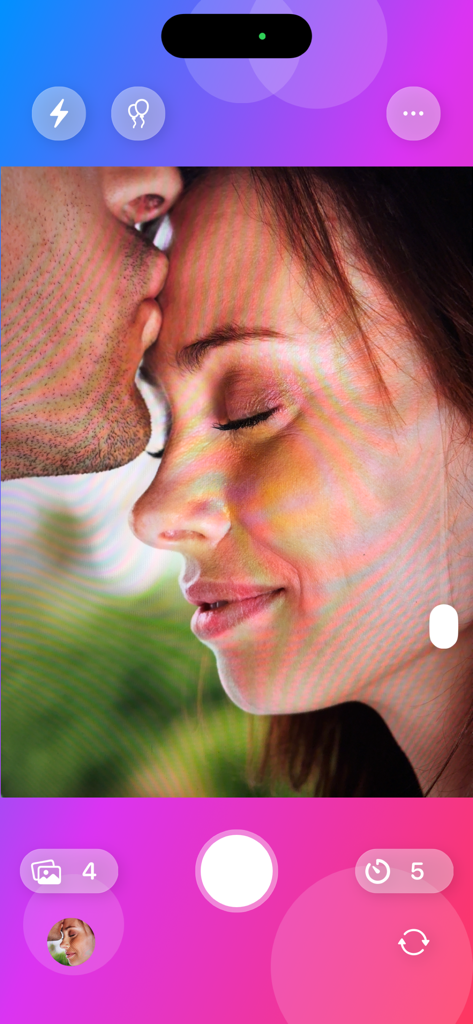
Self Timer app camera screen showing a romantic couple portrait with timer and burst mode settings
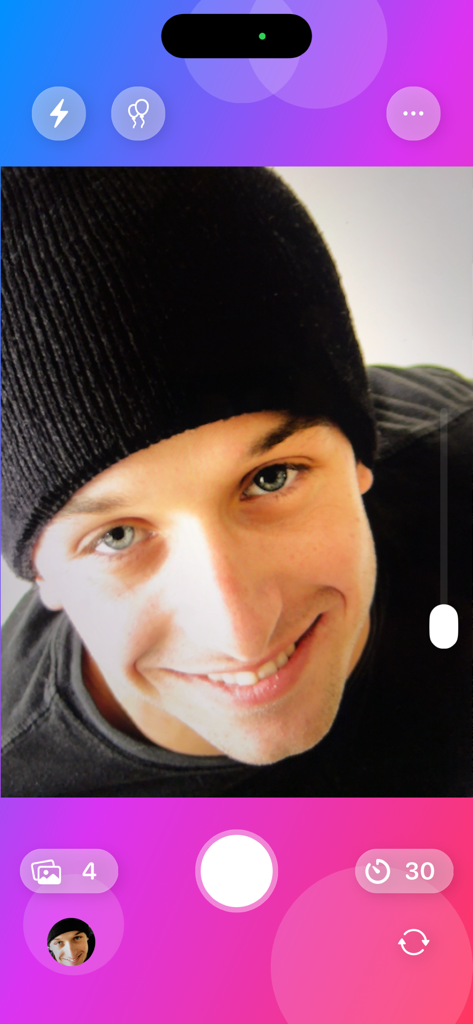
Self Timer app camera interface with selfie view and countdown timer
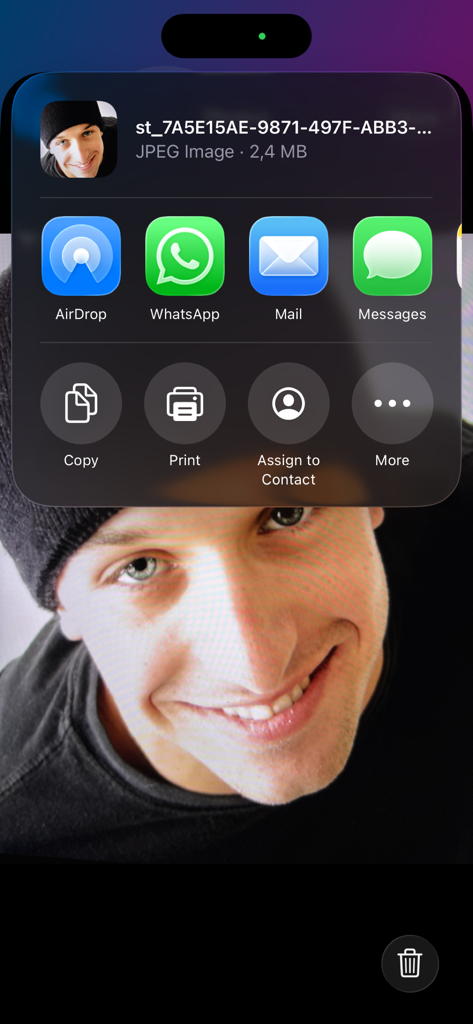
The iOS sharing menu open over a selfie taken with the Self Timer app
Description
Download
More Like This
Top-ranked apps in the same category

CapCut: Photo & Video Editor
BYTEDANCE PTE. LTD.

Instagram, Inc.

YouTube
Google LLC

Canva: AI Photo & Video Editor
Canva Pty Ltd

Snapchat
Snap, Inc.

快手
Beijing Kwai Technology Co., Ltd.

Edits: Video Editor
Instagram, Inc.

Meitu- AI Photo & Video Editor
Xiamen Meitu Technology Co., Ltd.

Google Photos: Backup & Edit
Google LLC
This page is not an official page of the app or its developer, but an independent editorial publication created for informational and commentary purposes. Unless expressly stated otherwise, neither the app nor its developer is affiliated with, endorsed by, sponsored by, authorized by, or otherwise officially connected with MWM, Apple, Google Play, the app publisher, or the app's developer, and nothing on this page implies that the app was developed using MWM's services. Any trademarks, logos, screenshots, and other content remain the property of their respective owners.