
This page is not an official page of the app or its developer, but an independent editorial publication created for informational and commentary purposes. Unless expressly stated otherwise, neither the app nor its developer is affiliated with, endorsed by, sponsored by, authorized by, or otherwise officially connected with MWM, Apple, Google Play, the app publisher, or the app's developer, and nothing on this page implies that the app was developed using MWM's services. Any trademarks, logos, screenshots, and other content remain the property of their respective owners.


selfer - timer camera
Stop settling for awkward mirror selfies or asking strangers for help. Take high-quality, candid-style photos on your own with customizable intervals and smart organization designed for creators and solo travelers.
Downloads
0User Rating
Total Ratings
0Publisher
Category
Photo & VideoLocales
1Latest Version
1.0.46Size
30.5 MBFirst Released
Nov 24, 2021Your Personal Pro Photographer, 24/7
Unlock the power of solo content creation. Capture professional, candid-style photos for your social media and dating profiles without ever having to ask a stranger for help.
Hands-Free Interval Timer
Set your preferred frequency and start posing. The app automatically captures continuous shots so you can find the perfect candid movement without rushing back to your phone.
Pro-Level Image Quality
Maximize your phone's potential. Use the high-res back camera and professional lens settings to create content that looks like it was shot by a professional photographer.
The following screenshots and description are sourced directly from the app's official store listing and are the property of the app developer.
App Store
Screenshots
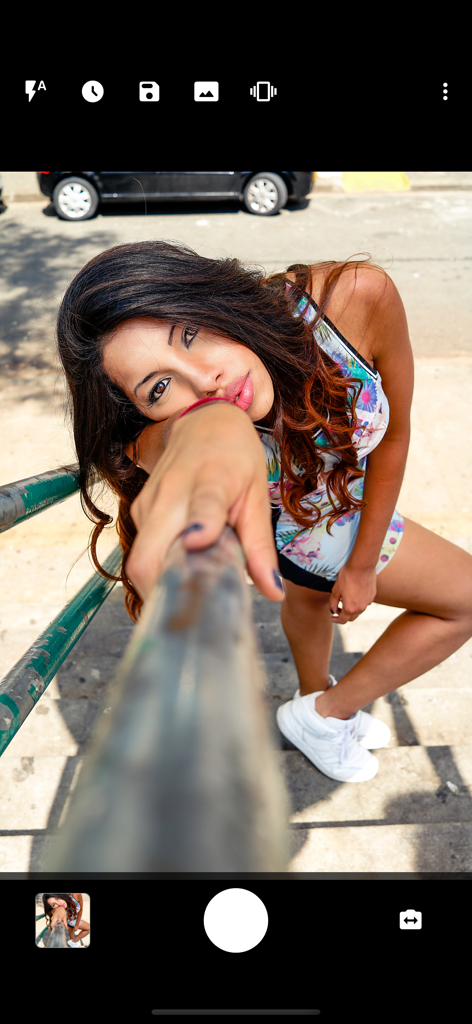
The camera interface of the selfer app showing a woman posing outdoors for a solo shot using the interval timer
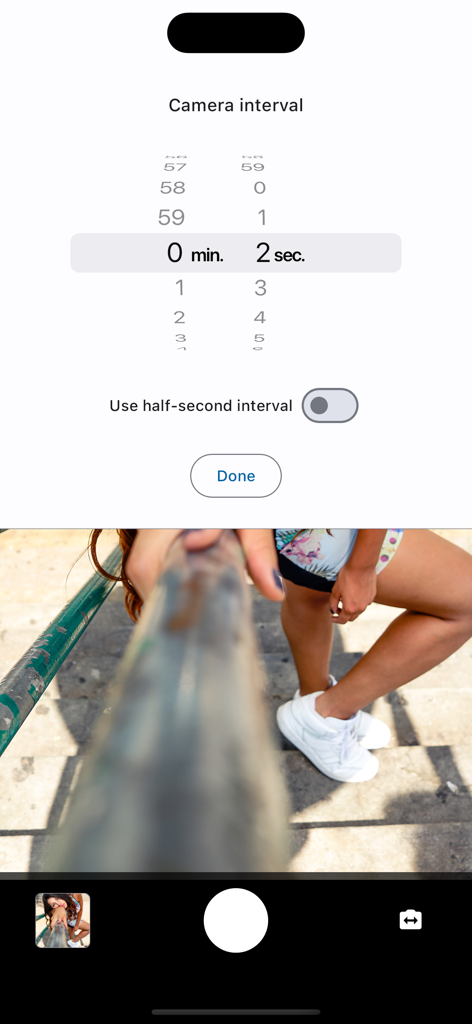
Camera interval settings and photo preview in the selfer app
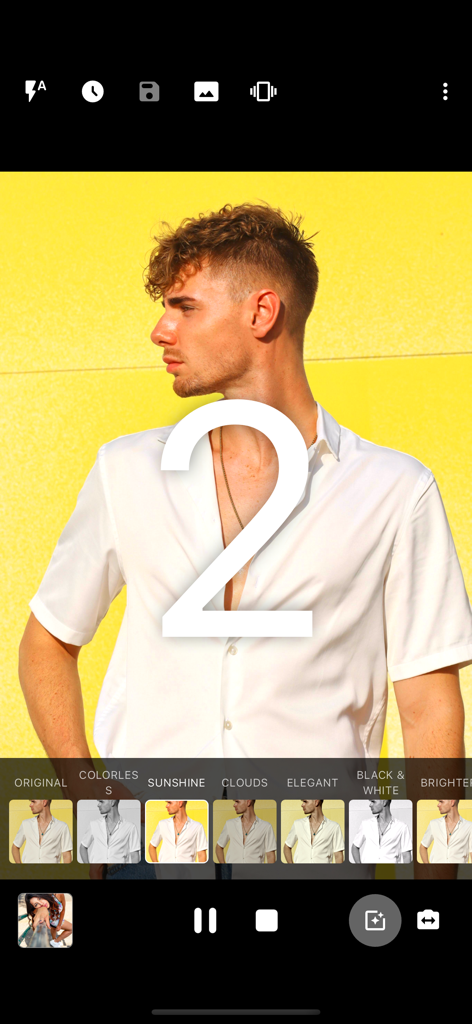
Interface of the selfer app showing a man posing for a photo during a 2-second countdown with various photo filters available below
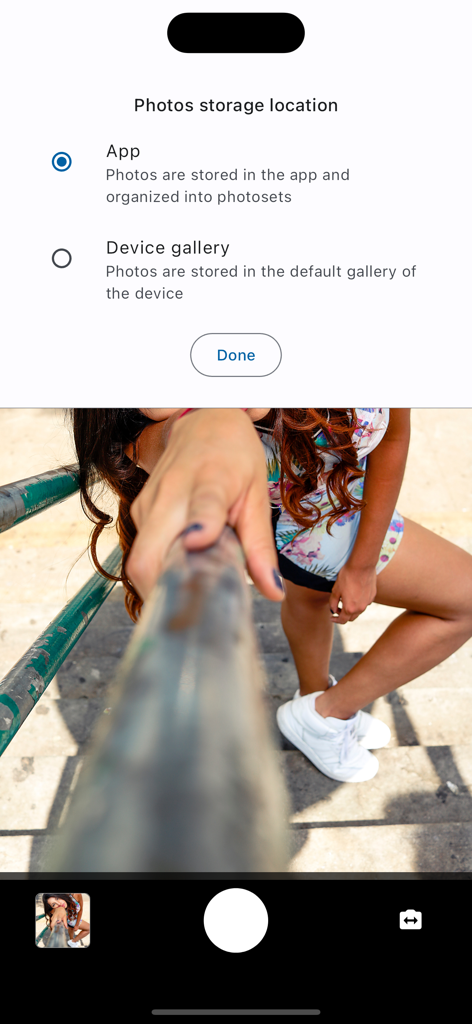
Interface of the selfer app showing the photo storage location settings with a live camera preview at the bottom.
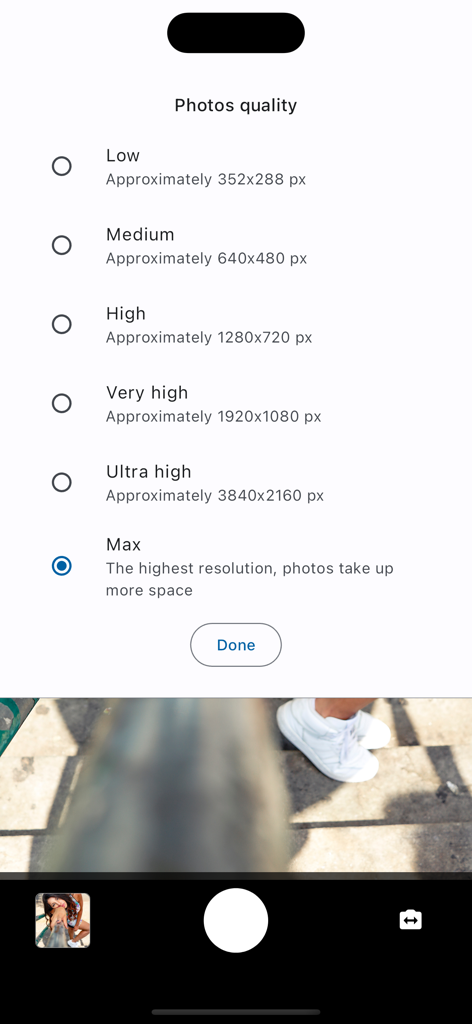
Interface of selfer app showing photo quality selection menu from low to maximum resolution
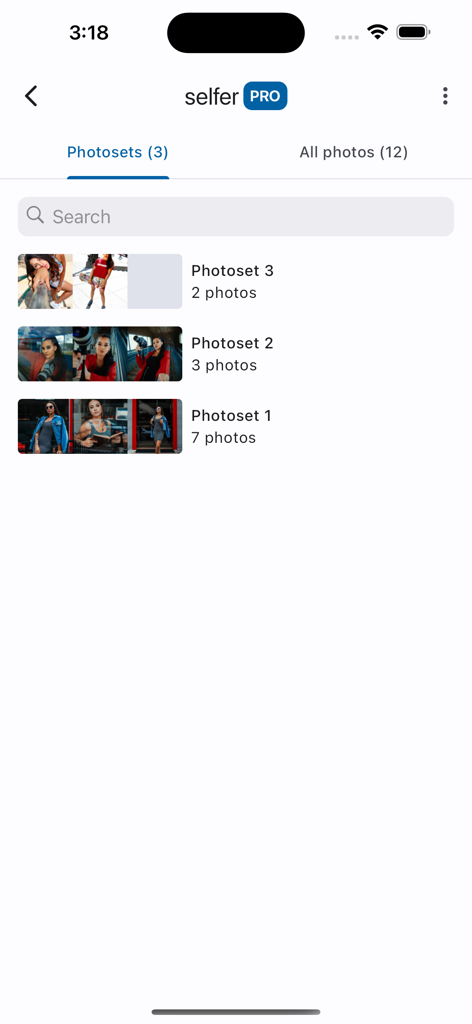
Interface of the selfer app showing a list of organized photosets in its internal gallery
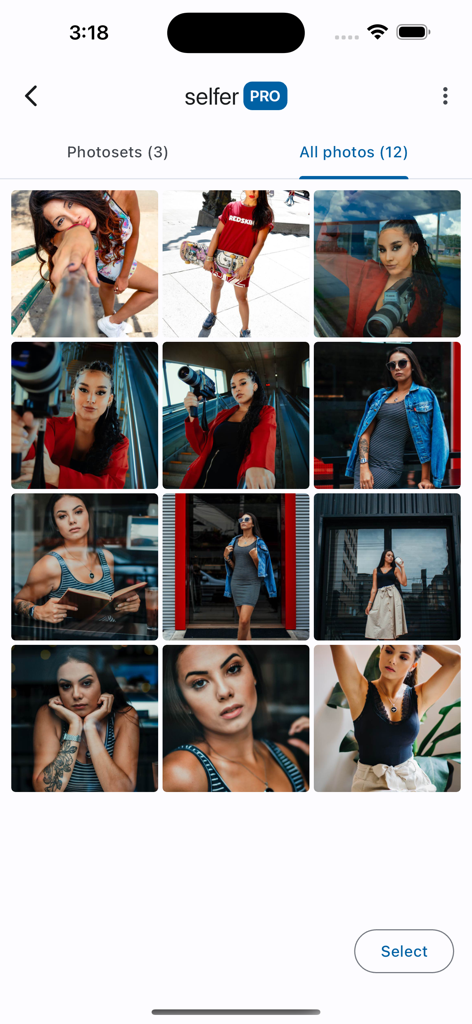
A grid of high quality solo lifestyle portraits displayed within the selfer app internal gallery interface
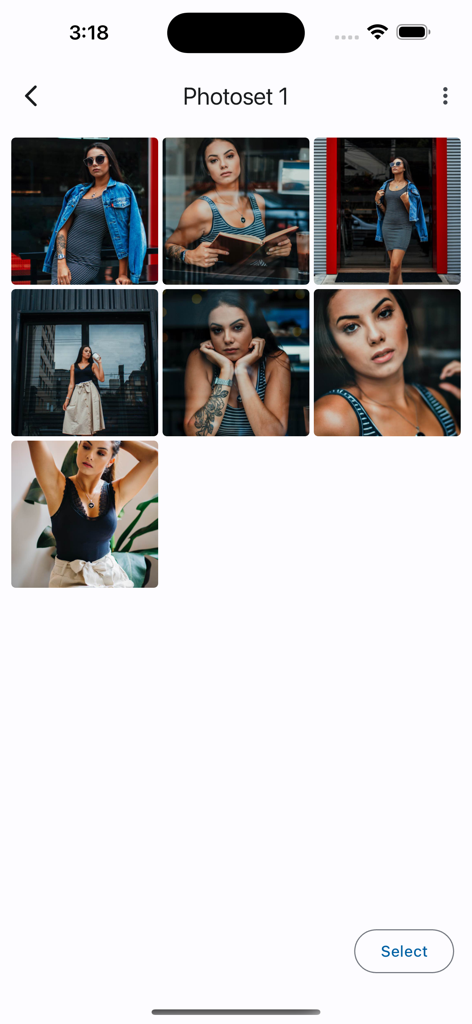
Internal app gallery showing a grid of photos captured in a single photoset
Description
Download
More Like This
Top-ranked apps in the same category

CapCut: Photo & Video Editor
BYTEDANCE PTE. LTD.

Instagram, Inc.

YouTube
Google LLC

Canva: AI Video & Photo Editor
Canva Pty Ltd

Meta AI - Vibes & AI Glasses
Meta Platforms, Inc.

Snapchat
Snap, Inc.

快手
Beijing Kwai Technology Co., Ltd.

Edits: Video Editor
Instagram, Inc.

Meitu- AI Photo & Video Editor
Xiamen Meitu Technology Co., Ltd.
This page is not an official page of the app or its developer, but an independent editorial publication created for informational and commentary purposes. Unless expressly stated otherwise, neither the app nor its developer is affiliated with, endorsed by, sponsored by, authorized by, or otherwise officially connected with MWM, Apple, Google Play, the app publisher, or the app's developer, and nothing on this page implies that the app was developed using MWM's services. Any trademarks, logos, screenshots, and other content remain the property of their respective owners.