
This page is not an official page of the app or its developer, but an independent editorial publication created for informational and commentary purposes. Unless expressly stated otherwise, neither the app nor its developer is affiliated with, endorsed by, sponsored by, authorized by, or otherwise officially connected with MWM, Apple, Google Play, the app publisher, or the app's developer, and nothing on this page implies that the app was developed using MWM's services. Any trademarks, logos, screenshots, and other content remain the property of their respective owners.

Shoot Pro Webcam & Telestrator
Ditch your grainy webcam for rock-solid high-definition video. Master your shot with full manual controls and illustrate ideas in real-time with the built-in telestrator.
Downloads
66K+User Rating
Total Ratings
800Publisher
Category
Photo & VideoLocales
6Latest Version
3.13.3Size
25.3 MBFirst Released
Feb 18, 2015Elevate Your Stream with Professional Control
Transform your iPhone into a rock-solid, high-definition webcam with the precision of a DSLR and the power of a live whiteboard.
Total Manual Camera Authority
Eliminate auto-focus hunting and inconsistent exposure. Take full command of ISO, shutter speed, and white balance to ensure professional skin tones and lighting.
Live Telestrator & Annotations
Engage your audience by drawing directly on your video feed. Use voice-to-text for instant labels or pause the live stream to illustrate complex points.
The following screenshots and description are sourced directly from the app's official store listing and are the property of the app developer.
App Store
Screenshots
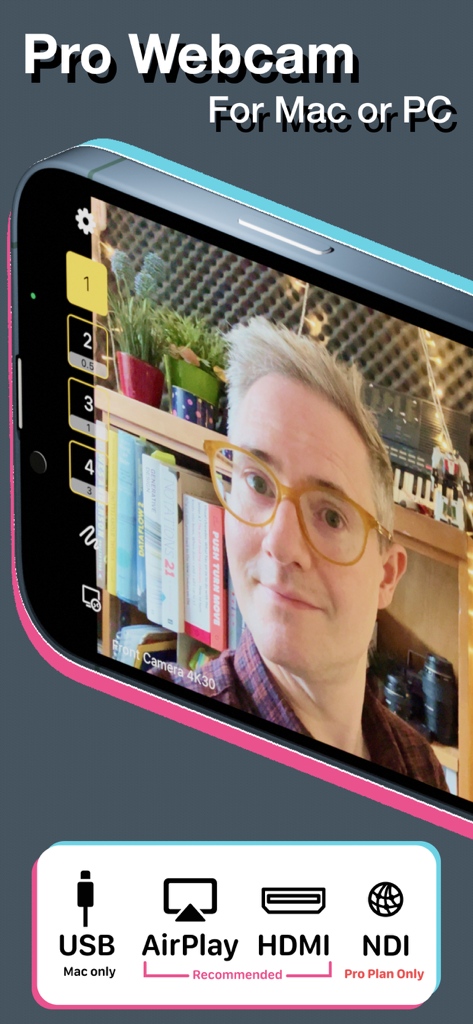
Shoot Pro Webcam app interface showing high-quality video feed and connection options for USB, AirPlay, HDMI, and NDI.
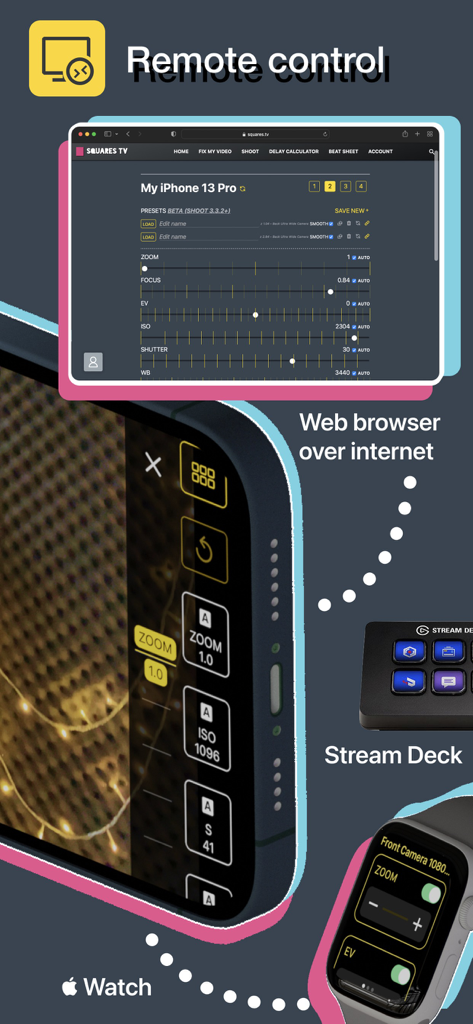
Remote control options for Shoot Pro Webcam including web browser, Apple Watch, and Stream Deck.
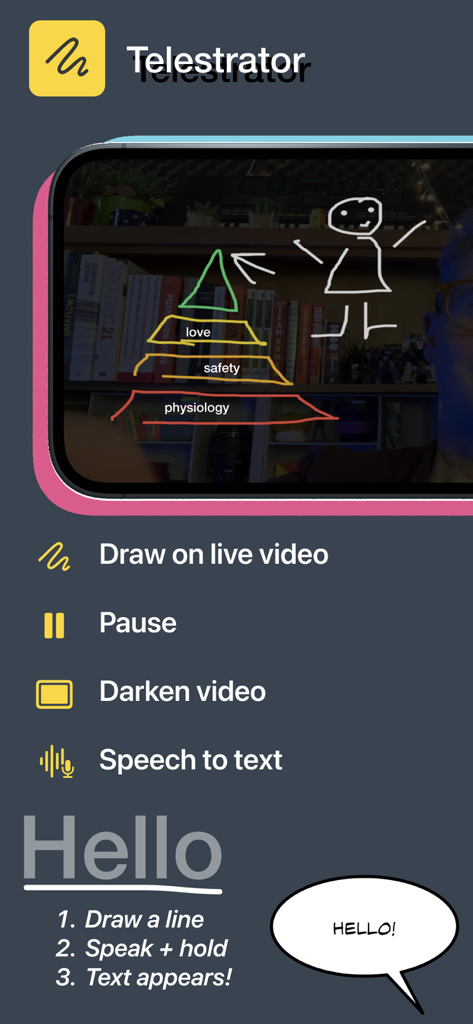
Mobile app interface for Shoot Pro Webcam showing the telestrator feature to draw on live video with speech to text instructions
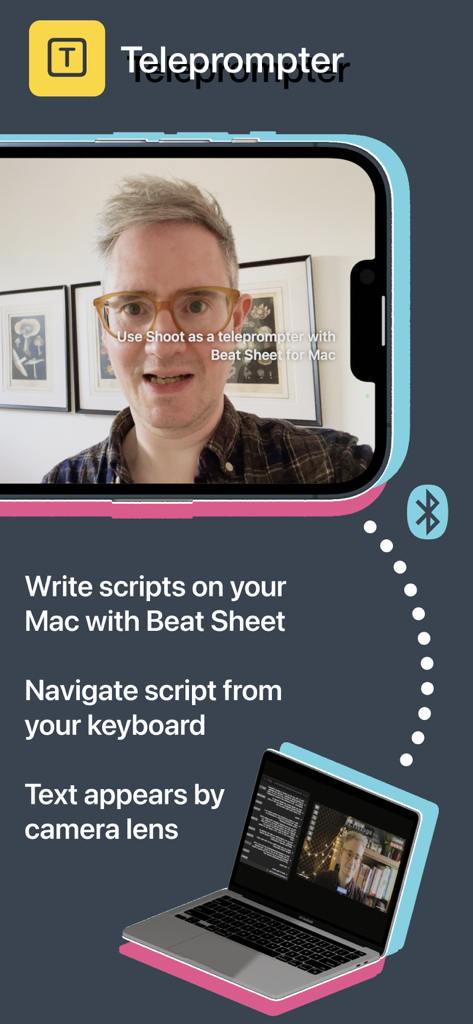
Shoot Pro Webcam app showing the teleprompter feature synced with a Mac for script reading.
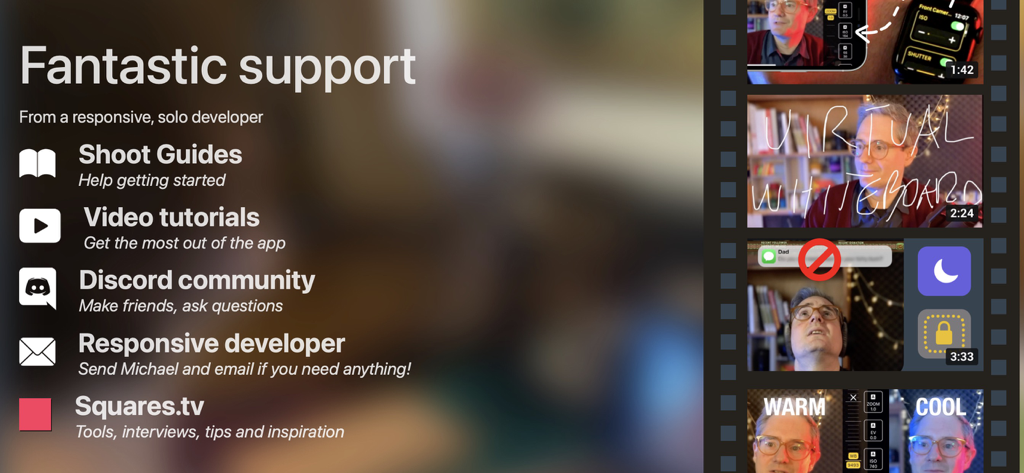
A list of support options for the Shoot Pro Webcam app including guides video tutorials and Discord community
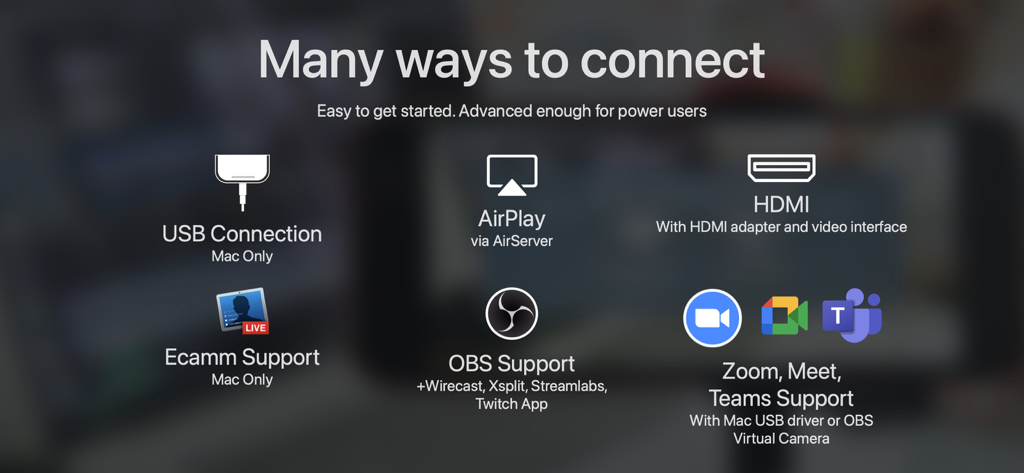
Overview of Shoot Pro Webcam connection options including USB, HDMI, AirPlay, OBS, and Zoom.
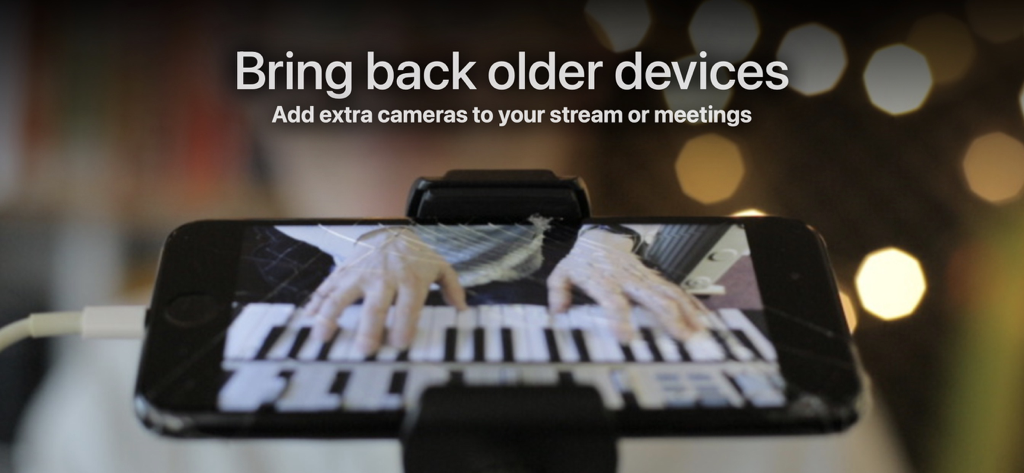
An iPhone mounted on a tripod used as a webcam to stream a live piano performance.
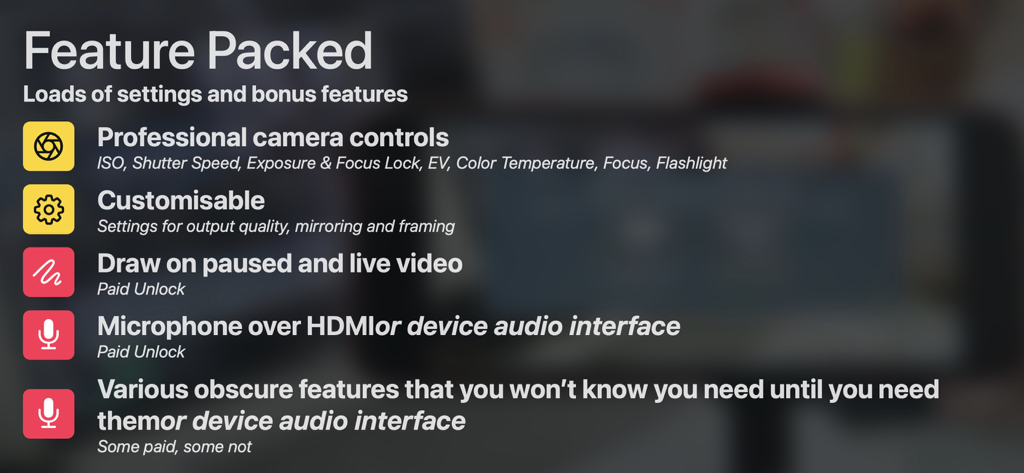
List of Shoot Pro Webcam features including professional camera controls, drawing tools, and audio interface options.
Description
Download
More Like This
Top-ranked apps in the same category

CapCut: Photo & Video Editor
BYTEDANCE PTE. LTD.

Instagram, Inc.

YouTube
Google LLC

Canva: AI Photo & Video Editor
Canva Pty Ltd

Snapchat
Snap, Inc.

快手
Beijing Kwai Technology Co., Ltd.

Edits: Video Editor
Instagram, Inc.

Meitu- AI Photo & Video Editor
Xiamen Meitu Technology Co., Ltd.

Google Photos: Backup & Edit
Google LLC
This page is not an official page of the app or its developer, but an independent editorial publication created for informational and commentary purposes. Unless expressly stated otherwise, neither the app nor its developer is affiliated with, endorsed by, sponsored by, authorized by, or otherwise officially connected with MWM, Apple, Google Play, the app publisher, or the app's developer, and nothing on this page implies that the app was developed using MWM's services. Any trademarks, logos, screenshots, and other content remain the property of their respective owners.