
This page is not an official page of the app or its developer, but an independent editorial publication created for informational and commentary purposes. Unless expressly stated otherwise, neither the app nor its developer is affiliated with, endorsed by, sponsored by, authorized by, or otherwise officially connected with MWM, Apple, Google Play, the app publisher, or the app's developer, and nothing on this page implies that the app was developed using MWM's services. Any trademarks, logos, screenshots, and other content remain the property of their respective owners.


Silent Touch Timer
Perfect for presenters, performers, and open-plan offices. A high-visibility, zero-noise timer that keeps you on schedule without disturbing your audience or your flow.
Downloads
33K+User Rating
Total Ratings
100Publisher
Category
ProductivityLocales
1Latest Version
3.0.2Size
0.6 MBFirst Released
Dec 20, 2012The Professional Standard for Silent Timing
Master your schedule and presentations with a sleek, high-visibility interface that never interrupts the room.
Zero-Noise Productivity
Stay in the flow with the Pomodoro technique in quiet offices or libraries without ever disturbing those around you.
Stage-Ready Readability
Keep your eyes on the audience, not your watch. High-contrast digits are crystal clear even from 30 feet away.
The following screenshots and description are sourced directly from the app's official store listing and are the property of the app developer.
App Store
Screenshots
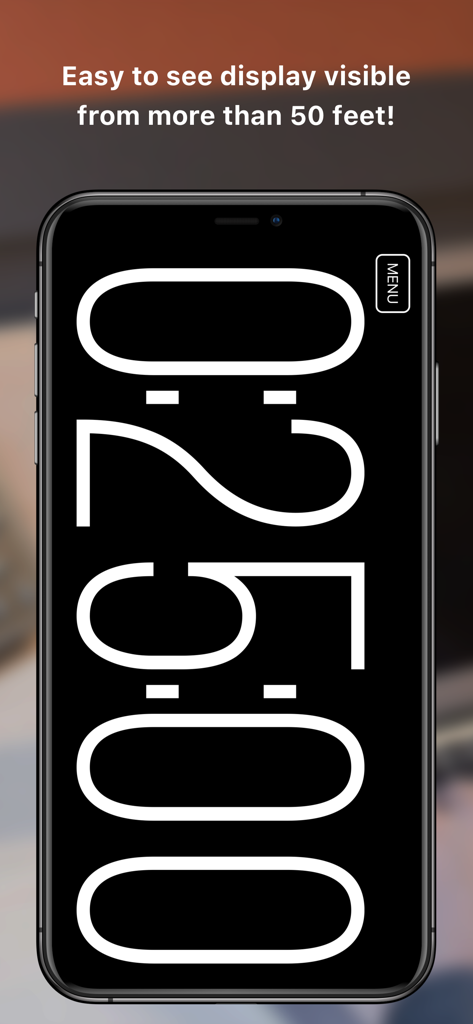
Minimalist high-visibility countdown timer on a smartphone screen
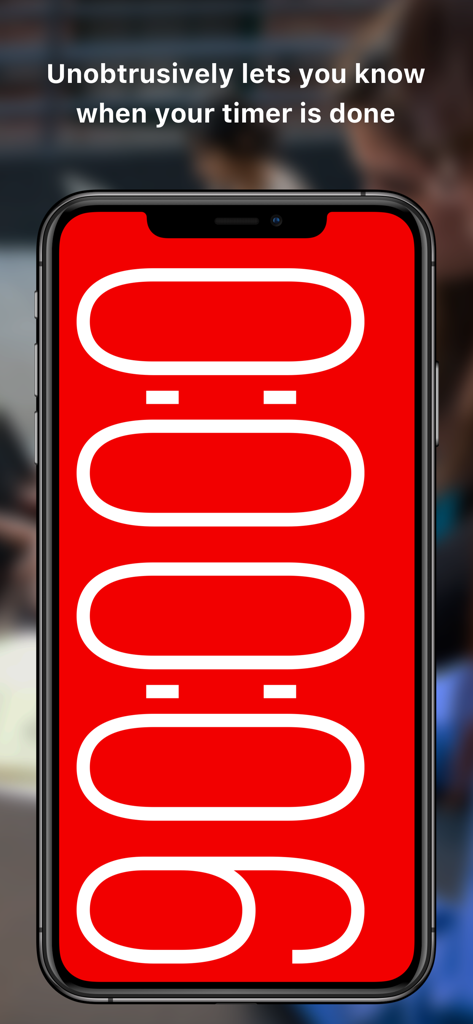
iPhone screen showing a bright red visual alert and overtime counter for the Silent Touch Timer app
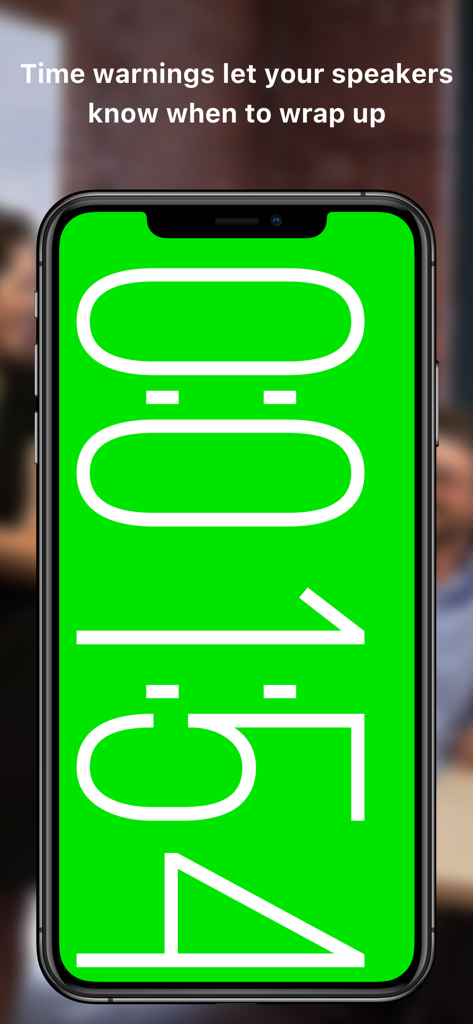
A smartphone screen displaying a large green visual time warning for presenters.
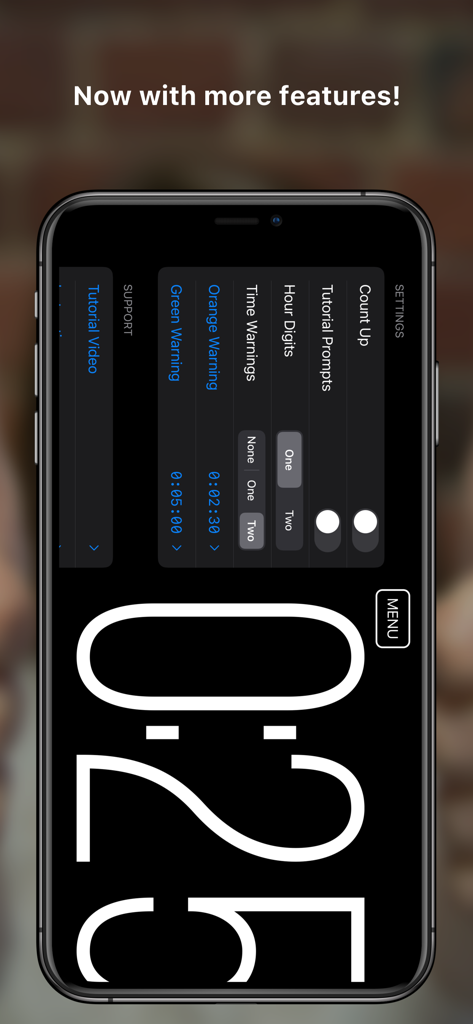
Settings menu of the Silent Touch Timer app showing visual warning and customization options
Description
Download
More Like This
Top-ranked apps in the same category

ChatGPT
OpenAI OpCo, LLC

Google Gemini
Google LLC

Grok
X.AI Corporation

Gmail - Email by Google
Google LLC

千问 - 阿里最强大模型官方AI助手
Shanghai Zhixin Puhui Technology Co., Ltd.

Google Drive
Google LLC

Microsoft Authenticator
Microsoft Corporation

Google Sheets
Google LLC

Google Docs
Google LLC
This page is not an official page of the app or its developer, but an independent editorial publication created for informational and commentary purposes. Unless expressly stated otherwise, neither the app nor its developer is affiliated with, endorsed by, sponsored by, authorized by, or otherwise officially connected with MWM, Apple, Google Play, the app publisher, or the app's developer, and nothing on this page implies that the app was developed using MWM's services. Any trademarks, logos, screenshots, and other content remain the property of their respective owners.