Simple Calendar - SimpleCal

Simple Calendar - SimpleCal


Download on App Store
Logo of Simple Calendar - SimpleCal

Simple Calendar - SimpleCal: The Most Elegant Way to Manage Your Day

Effortlessly sync your schedule across all devices with iCloud and Google. Personalize your planning with custom colors, integrated weather, and beautiful widgets—designed for those who value simplicity and style.

Publisher

Yohei Fujikawa

Category

Productivity

Downloads

4M+

User Rating

4.7/5

Total Ratings

25K+

Locales

20

Simplicity in Action

Discover the interface used by 4M+ users.
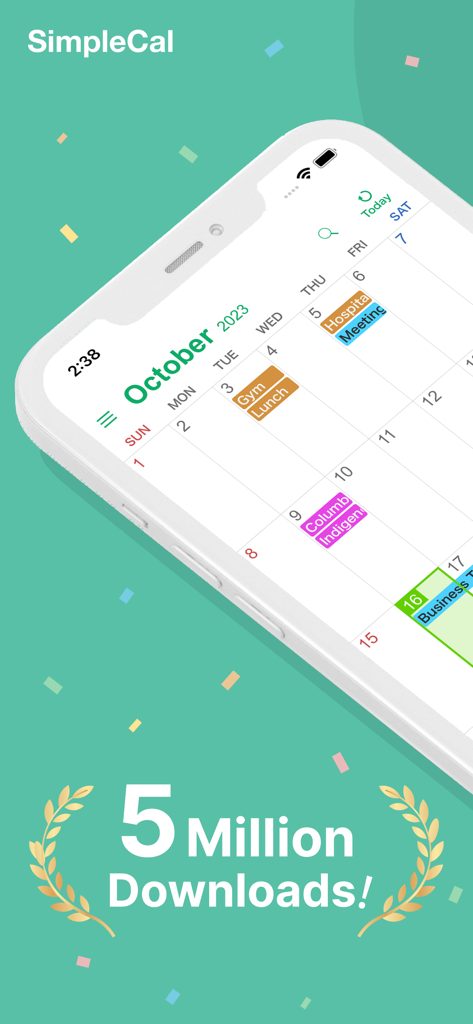
SimpleCal app interface showing a color-coded monthly calendar with a 5 million downloads badge.

SimpleCal app interface showing a color-coded monthly calendar with a 5 million downloads badge.

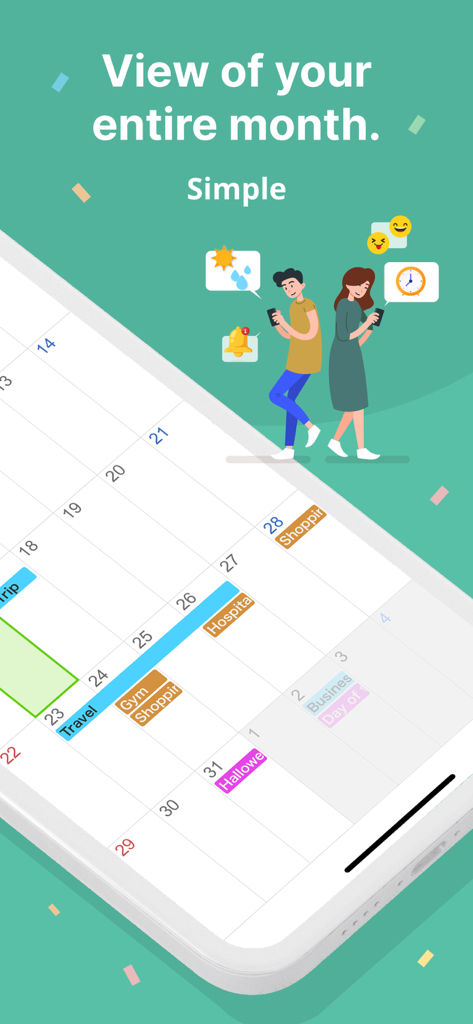
Monthly calendar view with color coded events and illustrations of users on a smartphone screen

Monthly calendar view with color coded events and illustrations of users on a smartphone screen

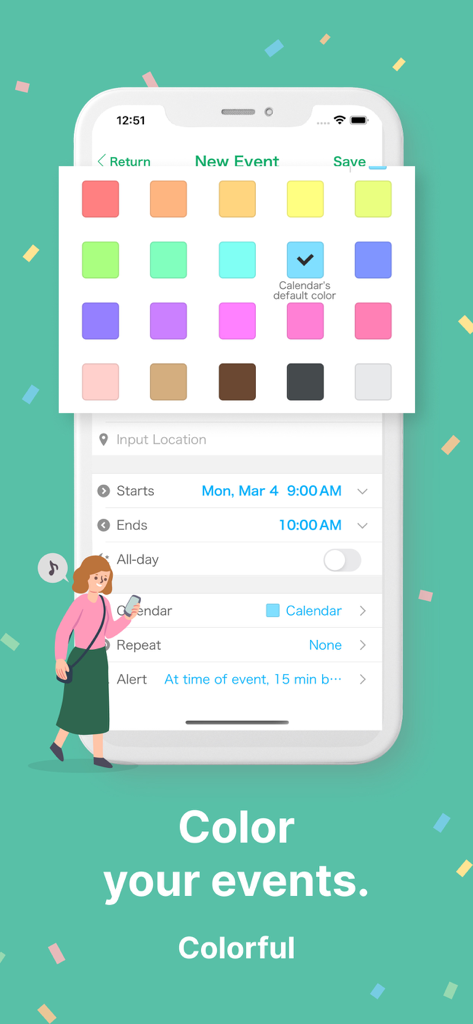
A mobile interface for Simple Calendar showing a palette of vibrant colors to color-code new events

A mobile interface for Simple Calendar showing a palette of vibrant colors to color-code new events

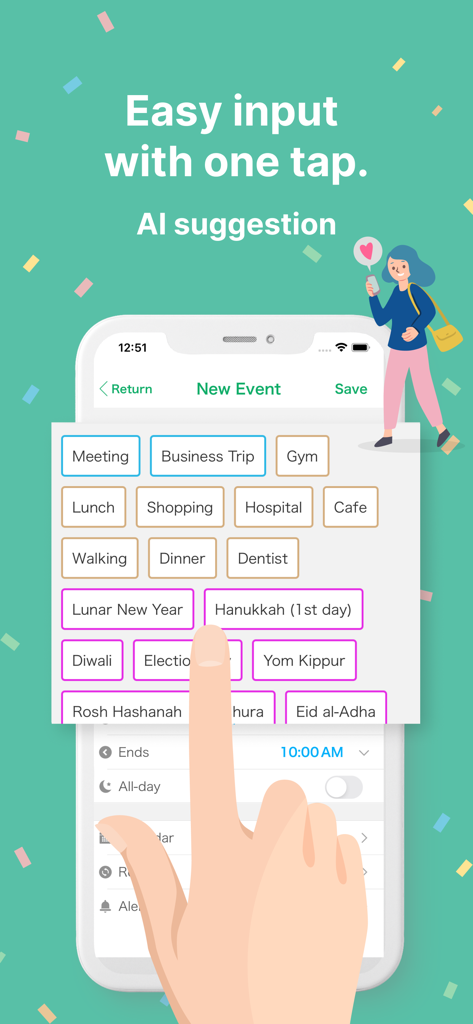
Interface of Simple Calendar app showcasing easy one-tap event input with AI suggestions for quick scheduling.

Interface of Simple Calendar app showcasing easy one-tap event input with AI suggestions for quick scheduling.

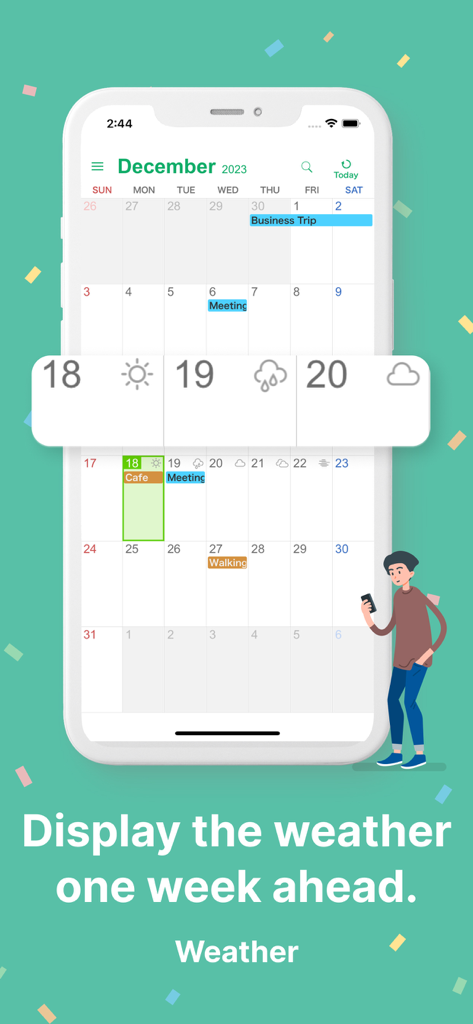
Simple Calendar app interface showing a monthly view with an integrated weather forecast overlay

Simple Calendar app interface showing a monthly view with an integrated weather forecast overlay

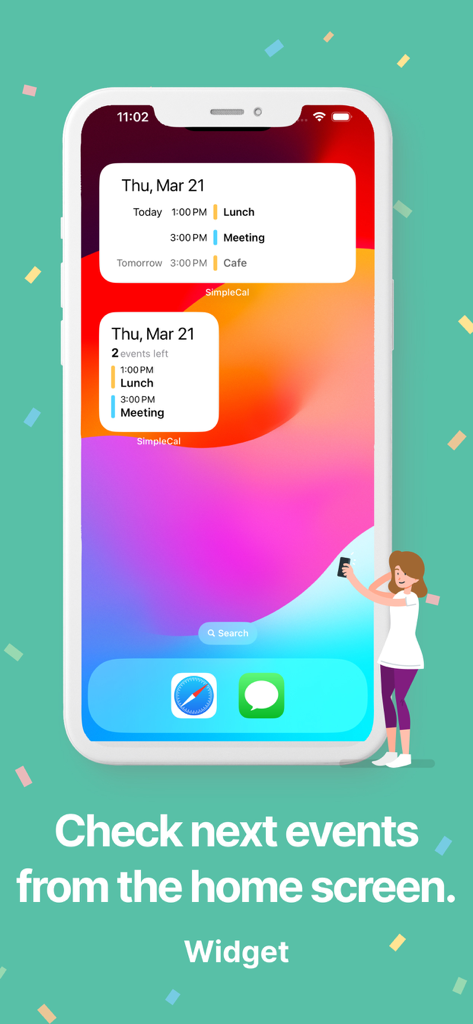
iPhone home screen displaying SimpleCal calendar widgets with upcoming schedule events

iPhone home screen displaying SimpleCal calendar widgets with upcoming schedule events

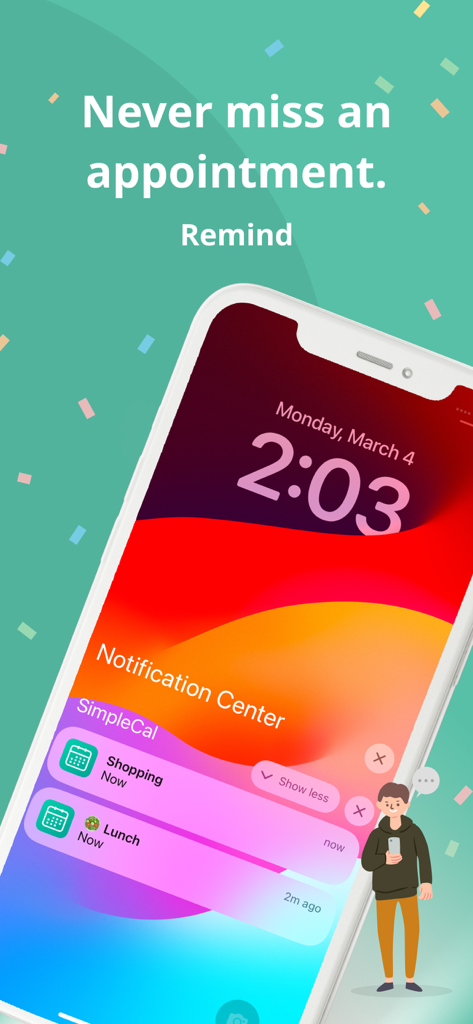
Smartphone screen displaying SimpleCal notifications for shopping and lunch appointments.

Smartphone screen displaying SimpleCal notifications for shopping and lunch appointments.

The Only Calendar You’ll Actually Enjoy Using

The tools that make this app stand out, trusted by 4M+ users.

Effortless Organization

Add, edit, or repeat events with just a few taps. Use drag-and-drop to duplicate routines and stay on top of your daily habits.

🌈

Visual Clarity & Style

Bring your schedule to life with custom color-coding and beautiful themes. It’s more than a list; it’s a visual map of your life.

📲

Powerful Integration

Stay ready for anything with real-time weather forecasts and smart widgets that sync instantly with iCloud and Google Calendar.

About the app

Everything you need to know about Simple Calendar - SimpleCal.

Description

SimpleCal is the easiest calendar app on the App Store. Sync your schedule across platforms and devices through iCloud or Google calendar. - Sync All the events on your current calendar are transferable from another calendars via iCloud or Google calendar. (The connection uses the calendar account registered in the Settings app) - Widget Your recent events can be displayed on a widget to grasp what to do quickly. - Weather The weather forecast for the specified area is displayed on the calendar(up to one week ahead) - Reminders You won't miss your important events via SimpleCal's reminder. The reminders can be repeated daily, weekly, monthly and yearly. - Customizable interface Each event and calendar can have different colors, which makes you easily recognize your schedule. The color theme is also customizable. You can find your favorite theme for sure. - Simple design You can add or edit an event only with a few steps. Do you have some routine in your life? Then, try SimpleCal! You can create a new event just by dragging a past event. - Dark Mode Supports dark mode. - Data Backup Saves event data to an external server such as iCloud Calendar or Google Calendar. (The app does not have its own calendar and does not save to the device's local area.) In the unlikely event that your iPhone is damaged, you can simply log in to your original calendar account to load your previous event data.

Latest Version

2.6.6

Size

31.4 MB

First Released

May 13, 2017

Make Your Time Beautifully Simple

Join over 4 million users who have traded calendar clutter for effortless organization. Sync your schedule in seconds and reclaim your day.

Download on App Store
FAQ

Frequently Asked Questions

Everything you need to know about Simple Calendar - SimpleCal

How does SimpleCal sync calendar events across devices?

SimpleCal syncs calendar events by connecting to existing iCloud or Google Calendar accounts. The connection uses the calendar account registered in the device's Settings app.

Does SimpleCal store event data on my device locally?

No, SimpleCal does not store event data locally on the device. It saves event data to external servers like iCloud Calendar or Google Calendar for backup and recovery.

What is the maximum forecast period for the weather feature in SimpleCal?

The SimpleCal app displays the weather forecast for the specified area up to one week ahead. This feature is integrated directly into the calendar view.

Can I customize the appearance of events in SimpleCal?

Yes, SimpleCal allows customization of event and calendar colors. Users can also select their favorite color theme to personalize the app's interface.

What types of recurring reminders does SimpleCal offer?

SimpleCal offers flexible reminder options. Users can set reminders to repeat daily, weekly, monthly, or yearly to ensure important events are never missed.

Does SimpleCal provide a widget for quick event viewing?

Yes, SimpleCal includes a widget that displays your recent events directly on the home screen. This allows users to quickly grasp their upcoming schedule.

How does SimpleCal make adding new events easy?

SimpleCal simplifies event creation with a few steps. Users can also create new events by dragging a past event, and utilize AI suggestions for quick input.

App information, icons, screenshots, and descriptions displayed on this page are sourced from the Apple App Store and are the property of their respective developers. Download estimates and rankings are based on MWM's proprietary models and may not reflect actual figures. This page is provided for informational and analytical purposes only.

Believe this page infringes your intellectual property? File a dispute