
This page is not an official page of the app or its developer, but an independent editorial publication created for informational and commentary purposes. Unless expressly stated otherwise, neither the app nor its developer is affiliated with, endorsed by, sponsored by, authorized by, or otherwise officially connected with MWM, Apple, Google Play, the app publisher, or the app's developer, and nothing on this page implies that the app was developed using MWM's services. Any trademarks, logos, screenshots, and other content remain the property of their respective owners.


Freenotes: AI Notes Taking
Master your exams and professional goals with AI-driven summaries, natural handwriting, and interactive PDF annotation—all in one aesthetic, paperless workspace.
Downloads
8M+User Rating
Total Ratings
553K+Publisher
Category
ProductivityLocales
27Latest Version
3.18.0Size
481.5 MBFirst Released
Sep 5, 2023Supercharge Your Productivity with AI
Experience the ultimate digital workspace designed for students and professionals. From handwritten notes to AI-powered insights, Freenotes is built to help you excel.
AI-Powered Intelligence
Transform long documents into instant summaries and get real-time answers to your questions using our advanced AI assistant.
Integrated Video Learning
Watch lectures in Picture-in-Picture mode while taking notes. Capture screenshots and build your knowledge base without switching apps.
Frequently Asked Questions
Everything you need to know about Freenotes: AI Notes Taking
What is Freenotes®: AI Notes Taking?
Freenotes®: AI Notes Taking is a digital note-taking solution combining realistic handwriting with AI features for study and work. It offers PDF annotation, organization, and efficient learning tools across devices.
Can Freenotes AI summarize notes?
Yes, Freenotes AI provides instant summaries of content. Users can take a screenshot or upload documents like PDFs or photos to receive AI-generated summaries and answers to questions.
Does Freenotes convert handwritten notes to searchable text?
Yes, Freenotes converts handwritten notes into searchable text. Its advanced handwriting OCR (Optical Character Recognition) allows users to quickly find specific notes or keywords within their handwritten content.
Can I annotate PDFs in Freenotes?
Yes, Freenotes supports annotating PDF files. Users can annotate, mark up, and highlight large PDF files, and select text for translation or word look-up directly within the app.
Can I take notes while watching videos with Freenotes?
Yes, Freenotes allows users to take notes while watching videos. It utilizes Picture-in-Picture (PiP) for online videos like YouTube, enabling users to capture relevant screenshots directly into their notes.
Does Freenotes have a Dark Mode?
Yes, Freenotes offers a Dark Mode feature. This mode provides visual comfort for users by optimizing the interface for low-light environments.
How does Freenotes help with active recall?
Freenotes assists with active recall using its tape tool. This tool allows users to mark key information for memorization and then test themselves by toggling the visibility of the marked content.
The following screenshots and description are sourced directly from the app's official store listing and are the property of the app developer.
App Store
Screenshots
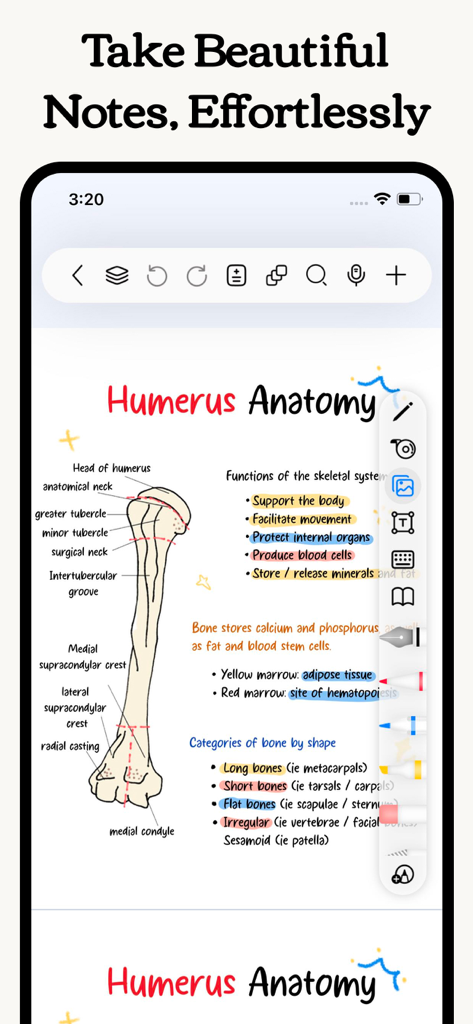
Aesthetic handwritten medical anatomy notes of a humerus bone with colorful highlights and diagrams
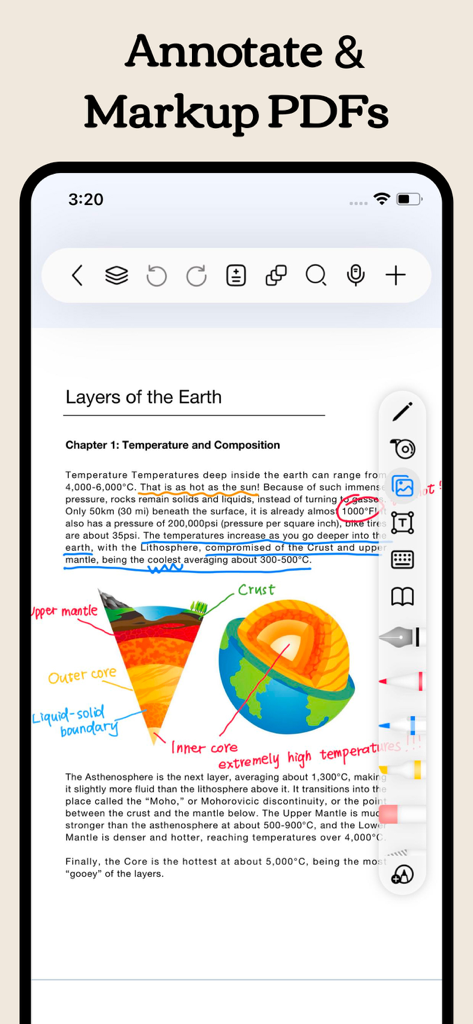
A screenshot of the Freenotes app showing a science PDF being annotated with handwritten notes and highlights
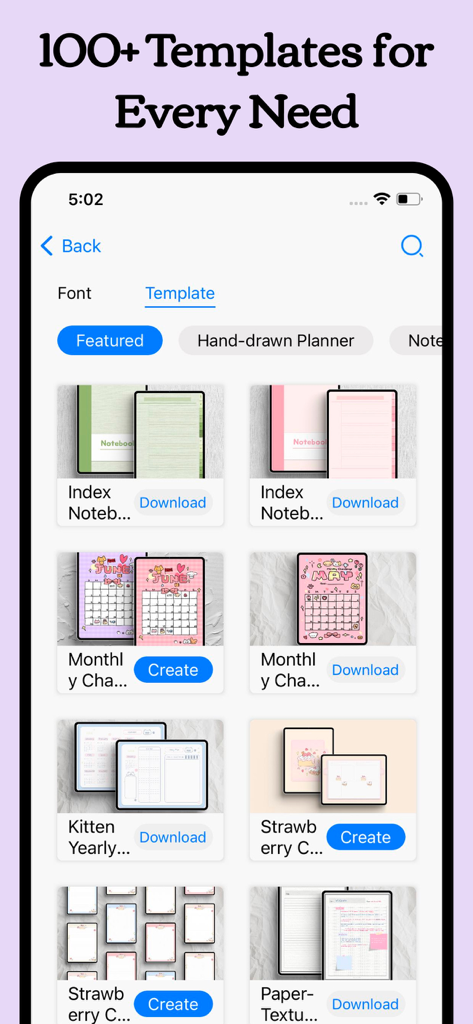
A library showing various aesthetic digital planner and notebook templates within the Freenotes app interface.
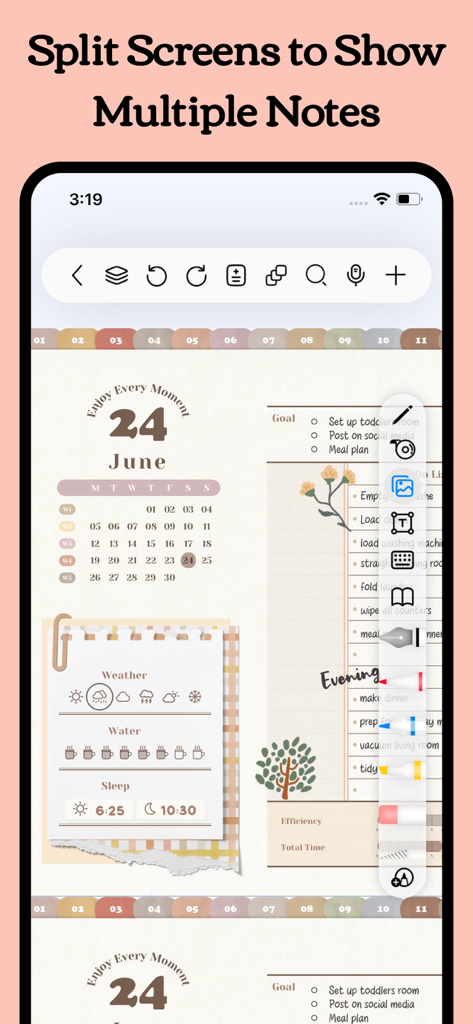
Freenotes app interface displaying split screen functionality with a digital planner and task list
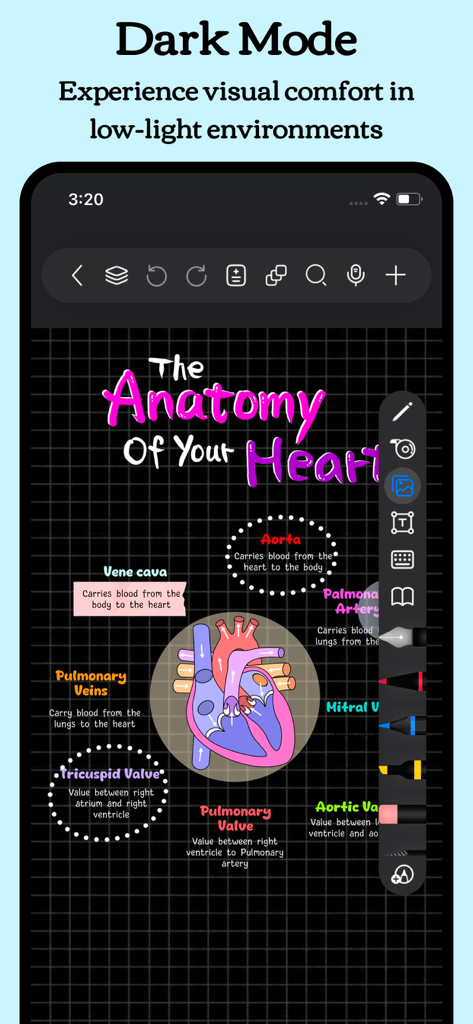
Freenotes app in Dark Mode showing a colorful handwritten heart anatomy diagram on a dark grid background
Description
Download
More Like This
Apps with similar features and user experience

Notion: Notes, Tasks, AI
Notion Labs, Incorporated

Structured - Daily Planner
unorderly GmbH

Google Tasks: Get Things Done
Google LLC

TickTick:To-Do List & Calendar
Appest Limited

Noteful: Notes & PDF Markup
Noteful Technologies Ltd

Todoist: To Do List & Calendar
Doist Inc.

To do list MinimaList & Widget
Inner Grow Limited

monday.com - Work Platform
monday.com Ltd.

Prodrafts - Infinite Notes
EMMO Corp.
This page is not an official page of the app or its developer, but an independent editorial publication created for informational and commentary purposes. Unless expressly stated otherwise, neither the app nor its developer is affiliated with, endorsed by, sponsored by, authorized by, or otherwise officially connected with MWM, Apple, Google Play, the app publisher, or the app's developer, and nothing on this page implies that the app was developed using MWM's services. Any trademarks, logos, screenshots, and other content remain the property of their respective owners.