
This page is not an official page of the app or its developer, but an independent editorial publication created for informational and commentary purposes. Unless expressly stated otherwise, neither the app nor its developer is affiliated with, endorsed by, sponsored by, authorized by, or otherwise officially connected with MWM, Apple, Google Play, the app publisher, or the app's developer, and nothing on this page implies that the app was developed using MWM's services. Any trademarks, logos, screenshots, and other content remain the property of their respective owners.

Prodrafts - Infinite Notes
The ultimate paperless hub for students and creatives. Annotate PDFs, embed multimedia, and brainstorm with the most realistic handwriting experience on an infinitely expanding digital whiteboard.
Downloads
7M+User Rating
Total Ratings
543K+Publisher
Category
ProductivityLocales
27Latest Version
4.3.8Size
271.4 MBFirst Released
Dec 28, 2020Master Your Productivity Without Limits
The ultimate infinite workspace designed for students, creatives, and visual thinkers to organize, annotate, and brainstorm on one seamless canvas.
An Infinite Canvas for Big Ideas
Break free from the constraints of traditional pages. Whether you are solving complex equations or mapping out a user journey, our expandable canvas grows with your thoughts.
The All-In-One Document Hub
Import PDFs, Excel sheets, and videos directly into your workspace. Manage all your study materials and project files in one place to eliminate app-switching fatigue.
Frequently Asked Questions
Everything you need to know about Prodrafts - Infinite Notes
What is Prodrafts - Infinite Notes?
Prodrafts is a globally popular infinite note-taking app for iPad, designed for paperless learning. It provides an unrestricted natural handwriting experience on an infinitely expandable canvas.
Does Prodrafts offer a realistic handwriting experience?
Yes, Prodrafts delivers realistic pen strokes using Apple’s PencilKit technology, ensuring a natural, fluid, and smooth writing experience on digital devices, akin to writing on real paper.
What file formats can Prodrafts - Infinite Notes import?
Prodrafts supports importing and viewing almost all file formats, including PDF, Word, and Excel. This enables comprehensive, one-stop management of various document types within the app.
Can I add multimedia attachments to my notes in Prodrafts?
Yes, Prodrafts allows users to embed various attachment types such as text, images, videos, recordings, tables, and sticky notes. These attachments support flexible drag-and-drop adjustments.
Does Prodrafts - Infinite Notes support mind mapping?
Yes, Prodrafts includes mind map and handwritten mind map functions. These tools help users intuitively present and organize ideas, fostering creativity and establishing clear thinking structures.
Can I annotate PDF documents in Prodrafts?
Yes, Prodrafts enables direct annotation of PDF files. Users can mark, highlight, and add notes to PDFs, facilitating easier understanding, analysis, and creation of personalized learning materials.
Does Prodrafts - Infinite Notes offer multitasking for learning?
Yes, Prodrafts assists efficient learning through its split-screen functionality. This feature allows users to view notes and other materials simultaneously, significantly improving learning and work efficiency.
Can I customize the paper backgrounds in Prodrafts?
Yes, Prodrafts provides a variety of paper backgrounds for notes and allows users to customize them. This helps create a unique note style suitable for diverse uses like drawing or music creation.
How do Prodrafts subscriptions work?
Prodrafts subscriptions automatically renew unless canceled. Charges are processed through your Apple iTunes account, and the subscription price may vary depending on your geographic location.
How can I get technical support for Prodrafts?
For technical support regarding Prodrafts, users can contact EMMO Corp., the developer, by sending an email to prodrafts@163.com.
Where can I find the Prodrafts Privacy Policy?
The Privacy Policy for Prodrafts is accessible online at http://www.prodrafts.cn/privacyPolicy. This document outlines how the app collects, uses, and protects user data.
The following screenshots and description are sourced directly from the app's official store listing and are the property of the app developer.
App Store
Screenshots
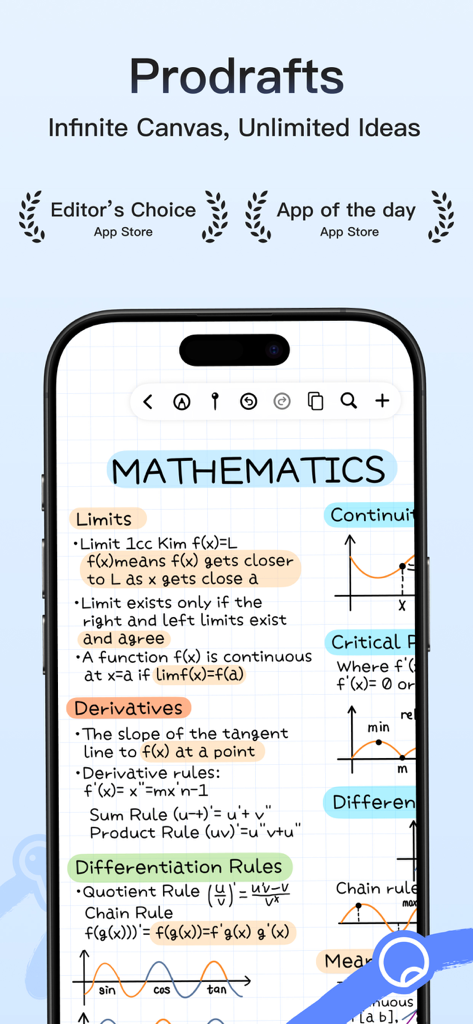
Prodrafts app showcasing handwritten mathematics study notes with formulas and graphs on an infinite canvas
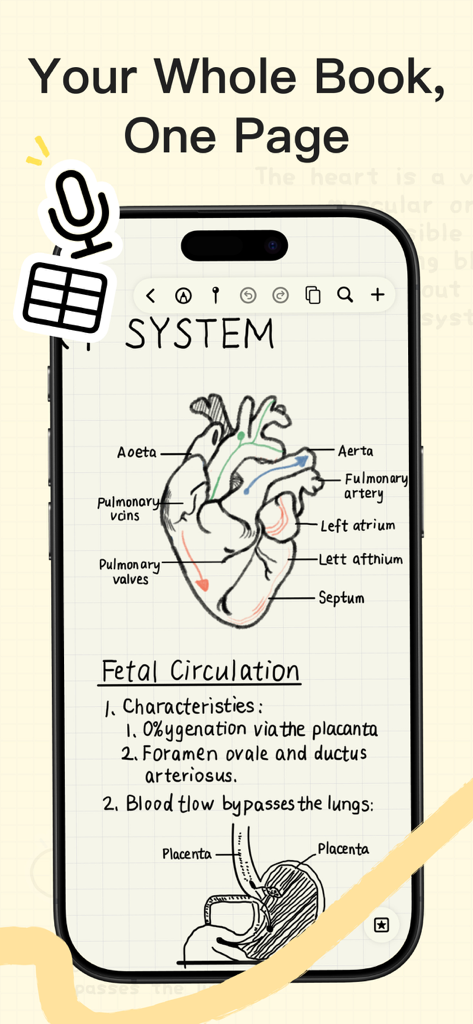
A smartphone displaying handwritten medical anatomy notes and diagrams in the Prodrafts infinite note-taking app.
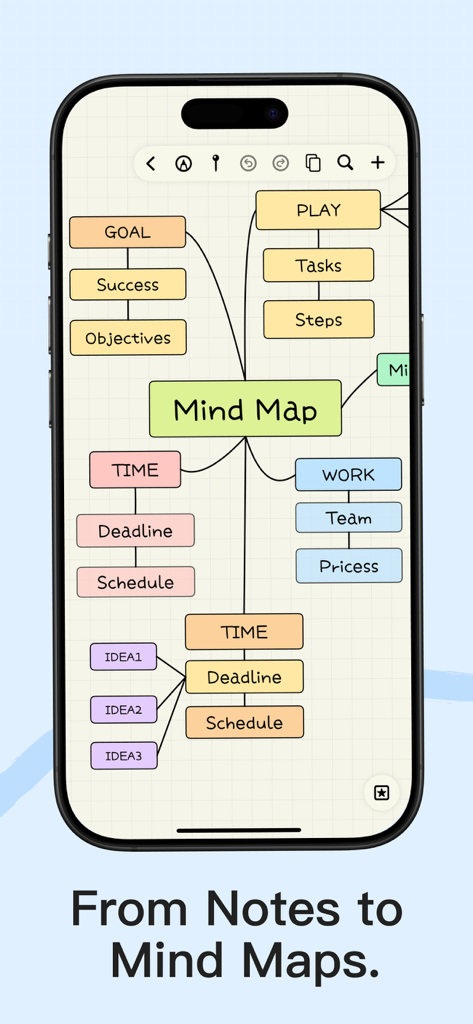
A colorful mind map displayed on an iPhone screen within the Prodrafts app showing organized goals and tasks.
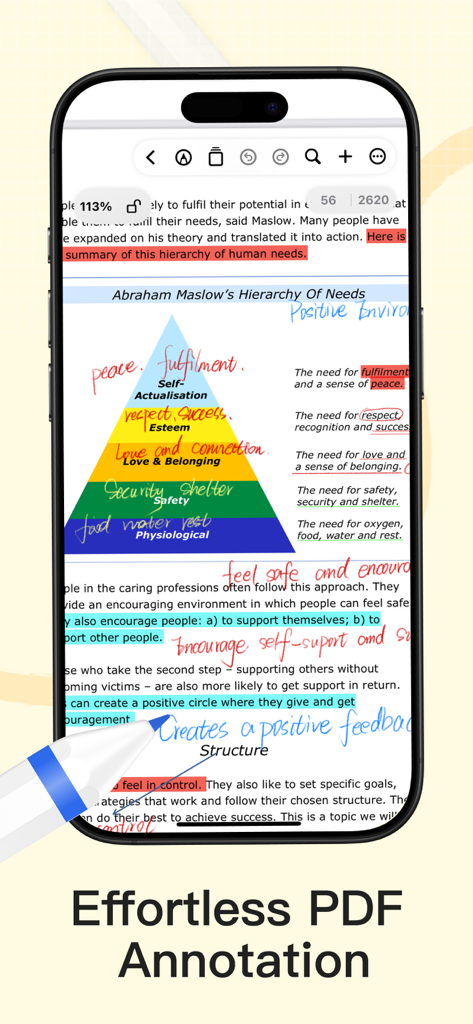
Screenshot of Prodrafts app showing digital PDF annotation with handwritten notes and highlights on Maslow's hierarchy of needs.
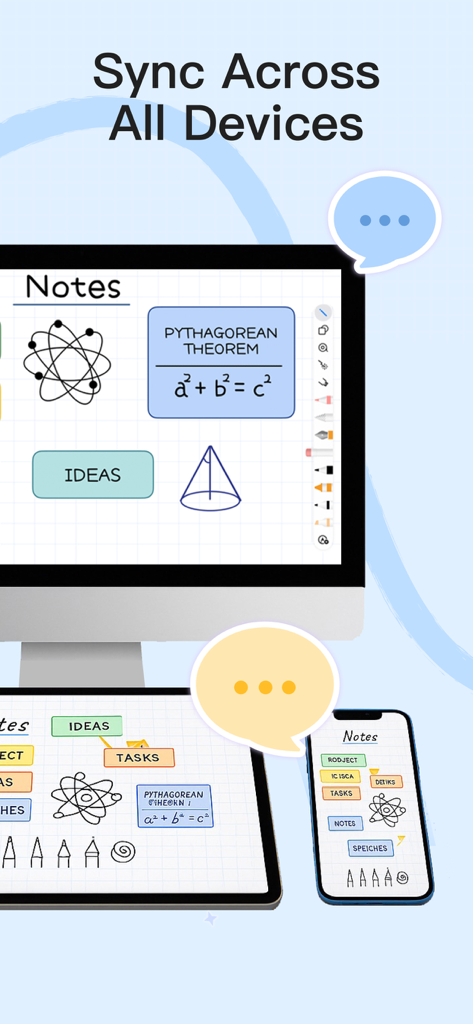
Prodrafts app showing handwritten notes and diagrams synced across a desktop computer tablet and smartphone
Prodrafts app screen showing support for major file formats including PDF Word and PowerPoint
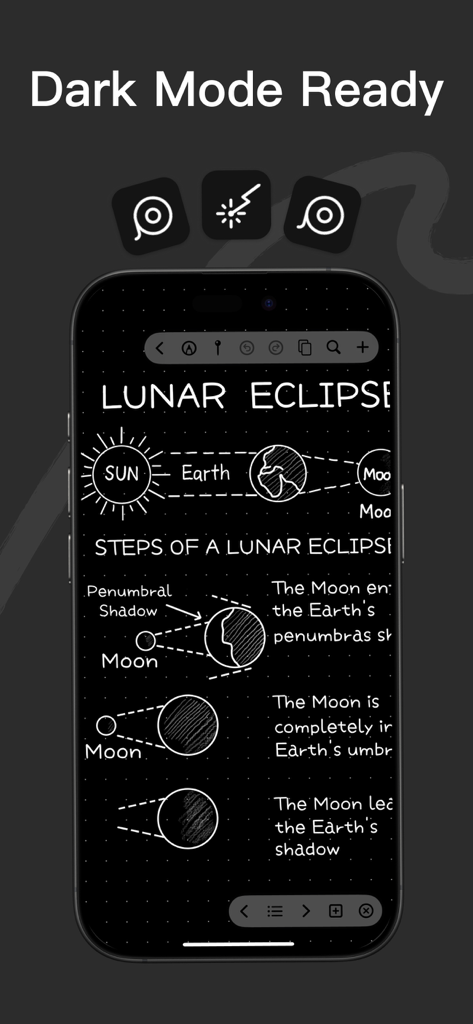
Smartphone screen displaying Prodrafts app with handwritten notes and diagrams about a lunar eclipse in dark mode
Description
Download
More Like This
Apps with similar features and user experience

Notion: Notes, Tasks, AI
Notion Labs, Incorporated

Freenotes®: AI Notes Taking
Hangzhou Free Notes Technology Co., Ltd

Structured - Daily Planner
unorderly GmbH

Google Tasks: Get Things Done
Google LLC

TickTick:To-Do List & Calendar
Appest Limited

Noteful: Notes & PDF Markup
Noteful Technologies Ltd

Todoist: To Do List & Calendar
Doist Inc.

To do list MinimaList & Widget
Inner Grow Limited

monday.com - Work Platform
monday.com Ltd.
This page is not an official page of the app or its developer, but an independent editorial publication created for informational and commentary purposes. Unless expressly stated otherwise, neither the app nor its developer is affiliated with, endorsed by, sponsored by, authorized by, or otherwise officially connected with MWM, Apple, Google Play, the app publisher, or the app's developer, and nothing on this page implies that the app was developed using MWM's services. Any trademarks, logos, screenshots, and other content remain the property of their respective owners.