
This page is not an official page of the app or its developer, but an independent editorial publication created for informational and commentary purposes. Unless expressly stated otherwise, neither the app nor its developer is affiliated with, endorsed by, sponsored by, authorized by, or otherwise officially connected with MWM, Apple, Google Play, the app publisher, or the app's developer, and nothing on this page implies that the app was developed using MWM's services. Any trademarks, logos, screenshots, and other content remain the property of their respective owners.


Noteful: Notes & PDF Markup
Master your studies and professional projects with natural handwriting, powerful PDF markup, and organized nested tagging—all in one minimalist workspace without subscription fatigue.
Downloads
4M+User Rating
Total Ratings
140K+Publisher
Category
ProductivityLocales
11Latest Version
1.4.32Size
156.8 MBFirst Released
Oct 18, 2021Master Your Knowledge Workflow
Designed for high-performance students and digital professionals, Noteful combines a natural handwriting experience with advanced organization tools to power your paperless productivity.
Precision Vector Handwriting
Experience zero-lag, high-resolution strokes with our InfiniteStroke engine. Perfectly optimized for Apple Pencil to make digital writing feel as natural as paper.
Smart Layers for Active Recall
Separate annotations from original PDFs or hide specific layers to quiz yourself. A game-changer for medical, law, and high-stakes academic study.
Frequently Asked Questions
Everything you need to know about Noteful: Notes & PDF Markup
What is Noteful?
Noteful is a note-taking app for iPad users. It supports annotating documents, taking class notes, and building personal knowledge systems, aiming to reduce paper clutter and accelerate learning.
Is Noteful free to use?
Yes, Noteful is free to use without a time limit. Certain advanced features, marked with an asterisk (*), require an upgrade to Noteful Pro via an in-app one-time purchase.
How is Noteful Pro purchased?
Noteful Pro is available as a one-time in-app purchase. This unlocks all Pro features permanently, offering a complete set of advanced functionalities for Noteful users.
Does Noteful support Apple Pencil?
Yes, Noteful provides precise handwriting on iPad with native Apple Pencil support. It features a custom-built InfiniteStroke ink engine for high-resolution vector ink.
Can users annotate PDFs in Noteful?
Yes, Noteful allows users to import PDFs and MS Office documents into notebooks for markup, highlighting, and annotation. Users can also export handwritten annotations as PDFs.
How does Noteful organize notes?
Noteful uses powerful tagging for organization. Users can organize notes with #tag or #nested/tag anywhere. This system allows browsing notebooks or pages by tags and offers flexible re-organization.
Does Noteful offer a layers feature for notes?
Yes, Noteful offers a layers feature allowing annotations on separate layers without altering original content. Layers can be hidden, shown, and rearranged. This feature requires Noteful Pro.
Can Noteful sync notes across devices?
Yes, Noteful syncs to all iPhone and iPad devices. Notebooks synced with iCloud are encrypted via account-based keys, ensuring security and accessibility across devices.
Does Noteful support audio recording with notes?
Yes, Noteful allows users to record audio while taking notes. The audio playback position is synced with the notes, providing a comprehensive review experience.
Where can I find Noteful's privacy policy?
Noteful's privacy policy is available on their website. The direct link to access the policy is https://www.getnoteful.com/privacy.
The following screenshots and description are sourced directly from the app's official store listing and are the property of the app developer.
App Store
Screenshots
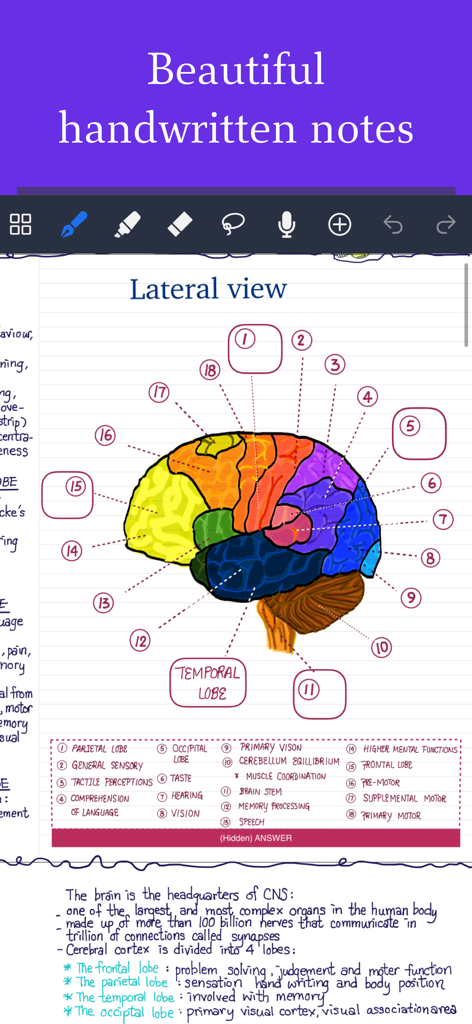
Handwritten study notes featuring a brain diagram on Noteful app
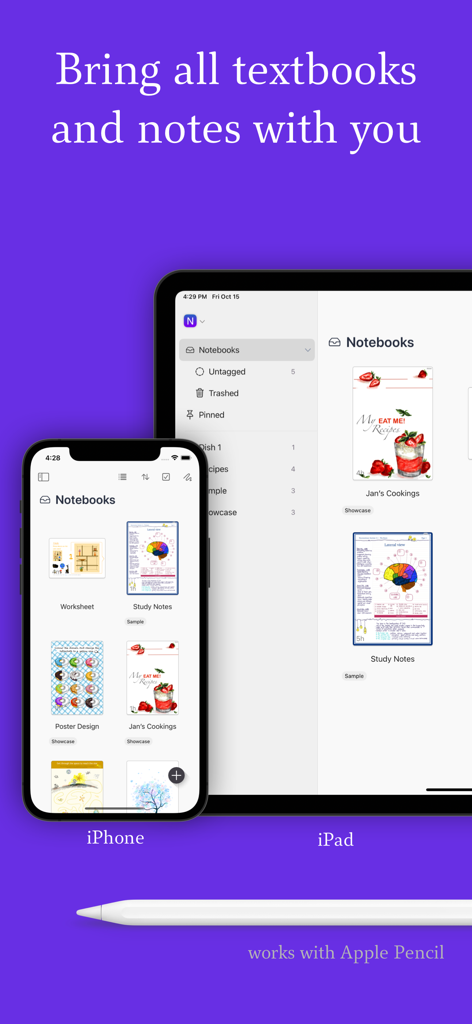
Noteful app library synced across iPhone and iPad with Apple Pencil support
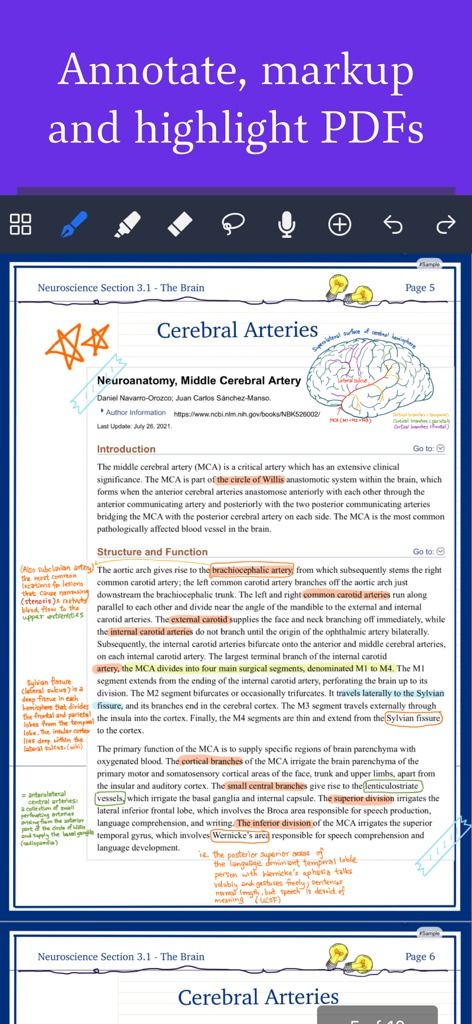
Handwritten notes and highlights on a medical PDF using Noteful on iPad
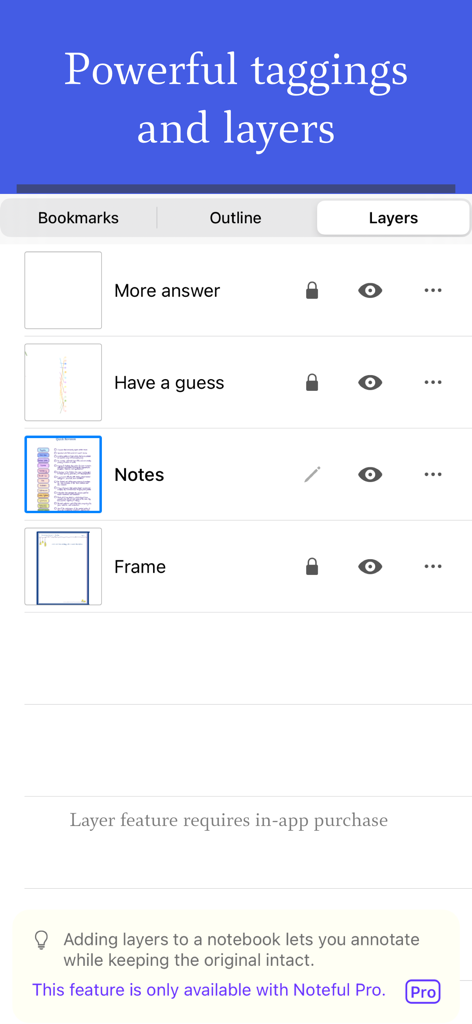
Interface of the Noteful app showing the layers management panel for organizing digital annotations and notes
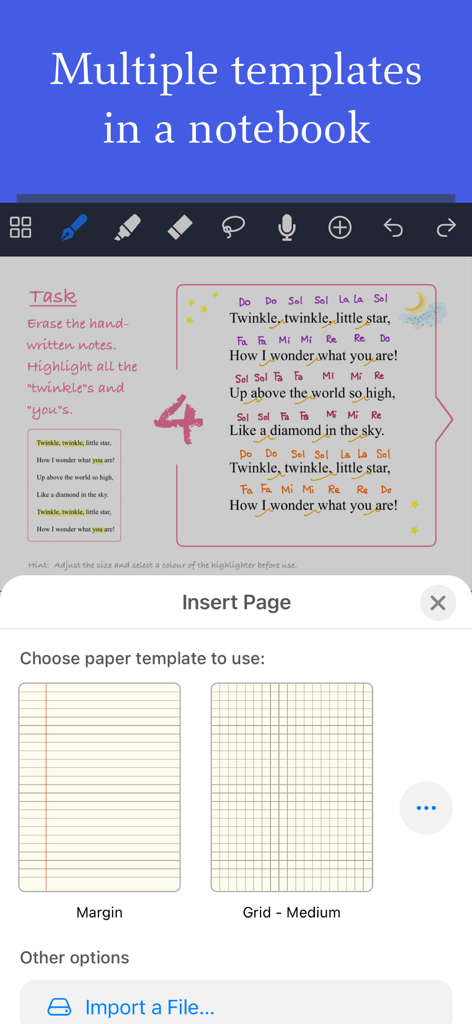
Selecting margin and grid paper templates within the Noteful note taking app on iPad
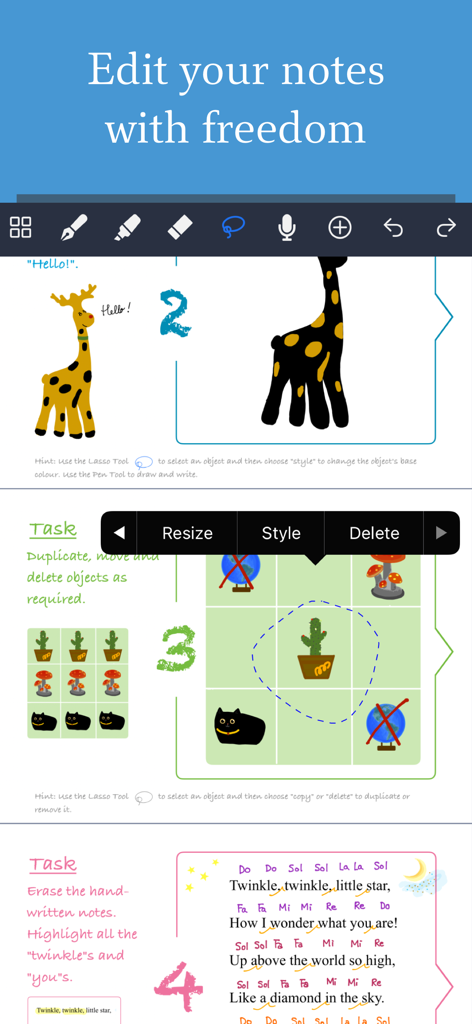
Noteful app interface demonstrating handwriting editing with lasso tool, resizing, and annotation features on iPad.
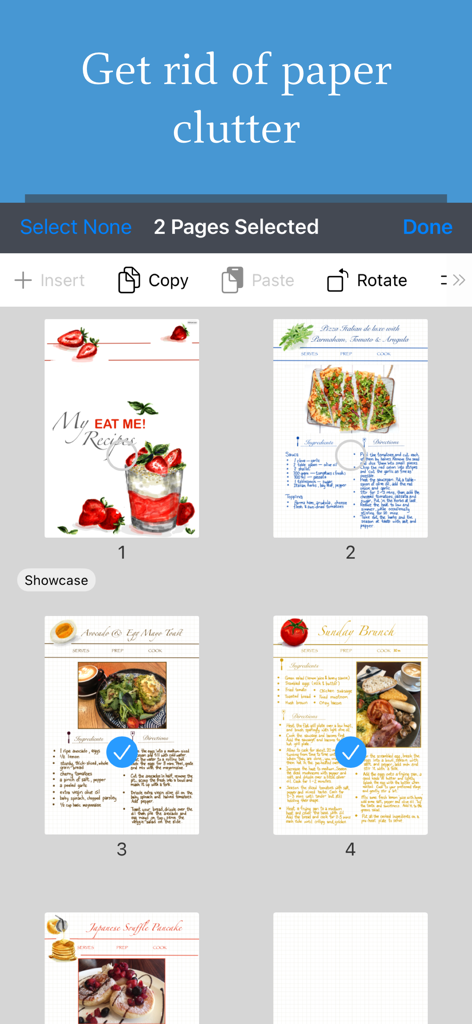
Digital recipe pages being selected and organized within the Noteful app interface
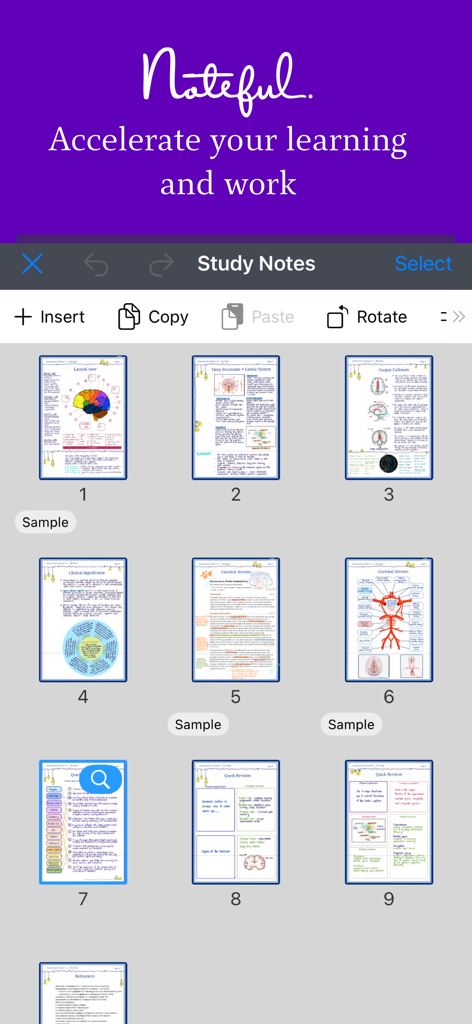
Grid view of digital anatomical study notes in the Noteful app interface
Description
Download
More Like This
Apps with similar features and user experience

Notion: Notes, Tasks, AI
Notion Labs, Incorporated

Freenotes®: AI Notes Taking
Hangzhou Free Notes Technology Co., Ltd

Structured - Daily Planner
unorderly GmbH

Google Tasks: Get Things Done
Google LLC

TickTick:To-Do List & Calendar
Appest Limited

Todoist: To Do List & Calendar
Doist Inc.

To do list MinimaList & Widget
Inner Grow Limited

monday.com - Work Platform
monday.com Ltd.

Prodrafts - Infinite Notes
EMMO Corp.
This page is not an official page of the app or its developer, but an independent editorial publication created for informational and commentary purposes. Unless expressly stated otherwise, neither the app nor its developer is affiliated with, endorsed by, sponsored by, authorized by, or otherwise officially connected with MWM, Apple, Google Play, the app publisher, or the app's developer, and nothing on this page implies that the app was developed using MWM's services. Any trademarks, logos, screenshots, and other content remain the property of their respective owners.