Slideshow Maker (SlidePlus)
Download on App Store

This page is not an official page of the app or its developer, but an independent editorial publication created for informational and commentary purposes. Unless expressly stated otherwise, neither the app nor its developer is affiliated with, endorsed by, sponsored by, authorized by, or otherwise officially connected with MWM, Apple, Google Play, the app publisher, or the app's developer, and nothing on this page implies that the app was developed using MWM's services. Any trademarks, logos, screenshots, and other content remain the property of their respective owners.


Logo of Slideshow Maker (SlidePlus)
Download on App Store

Slideshow Maker (SlidePlus)

Transform your favorite memories into cinematic stories in just minutes. With 100+ designer themes and smart editing, sharing your life's best moments on social media has never been easier.

Key Figures

Downloads

4M+

User Rating

4.5/5

Total Ratings

14K+

Publisher

Hangzhou Xiaoying Innovation Technology Co., Ltd.

Category

Photo & Video

Locales

17

Latest Version

3.26.0

Size

129.0 MB

First Released

Aug 26, 2015
Features

Transform Your Memories into Cinematic Stories

No editing skills required. SlidePlus turns your favorite photos and video clips into professional-looking music videos in minutes, perfect for sharing life's biggest milestones with those who matter most.

One-Tap Movie Magic

Skip the complex editing. Simply pick your photos and our smart editor automatically applies transitions and effects, giving you hours of work in just seconds.

Themes for Every Milestone

Choose from 100+ designer templates tailored for birthdays, weddings, baby steps, and holidays to ensure your family stories look stunning and professional.

The following screenshots and description are sourced directly from the app's official store listing and are the property of the app developer.

App Store

Screenshots
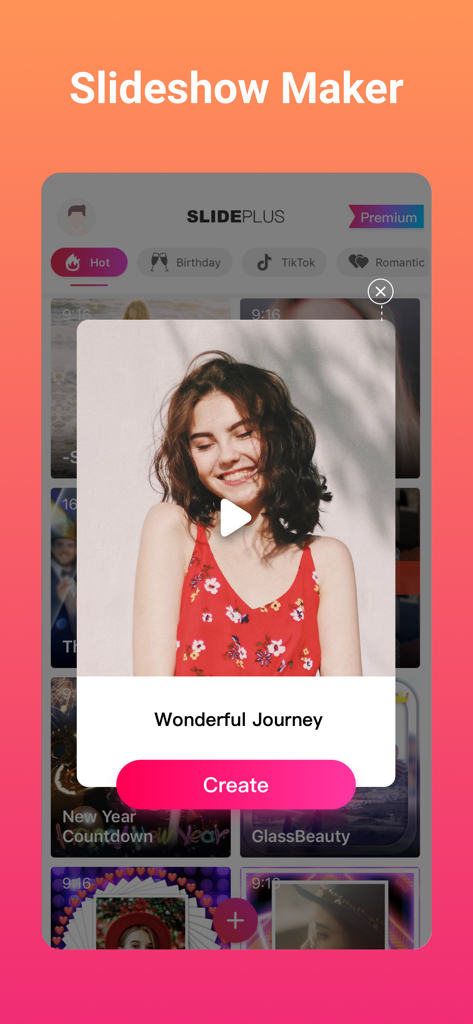
Slideshow Maker (SlidePlus) - SlidePlus app interface showcasing the Wonderful Journey slideshow theme for creating videos from photos.
SlidePlus app interface showcasing the Wonderful Journey slideshow theme for creating videos from photos.

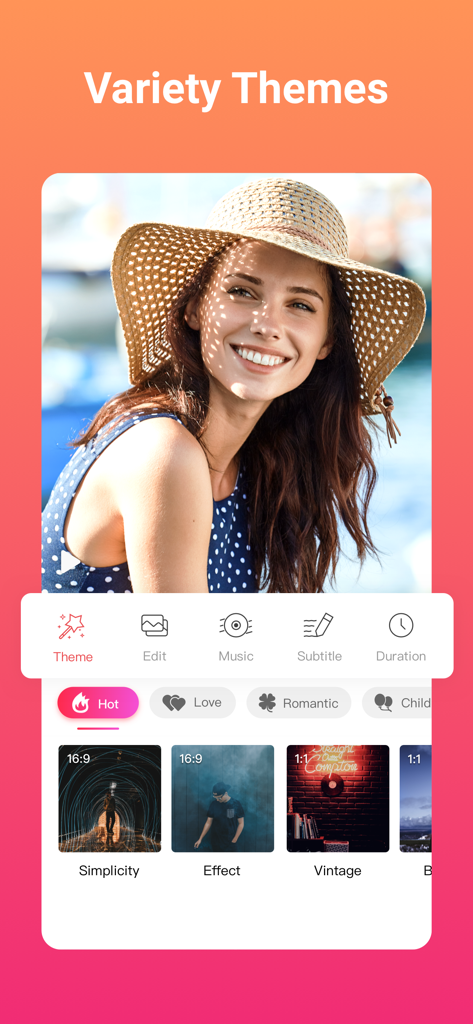
Slideshow Maker (SlidePlus) - SlidePlus app interface showing a variety of video themes for slideshows
SlidePlus app interface showing a variety of video themes for slideshows

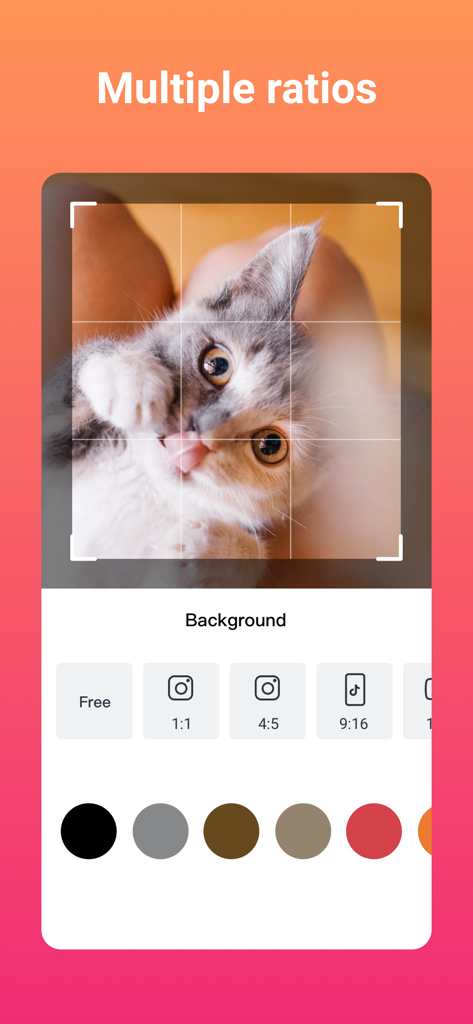
Slideshow Maker (SlidePlus) - SlidePlus app interface showing multiple aspect ratio options for social media video creation
SlidePlus app interface showing multiple aspect ratio options for social media video creation

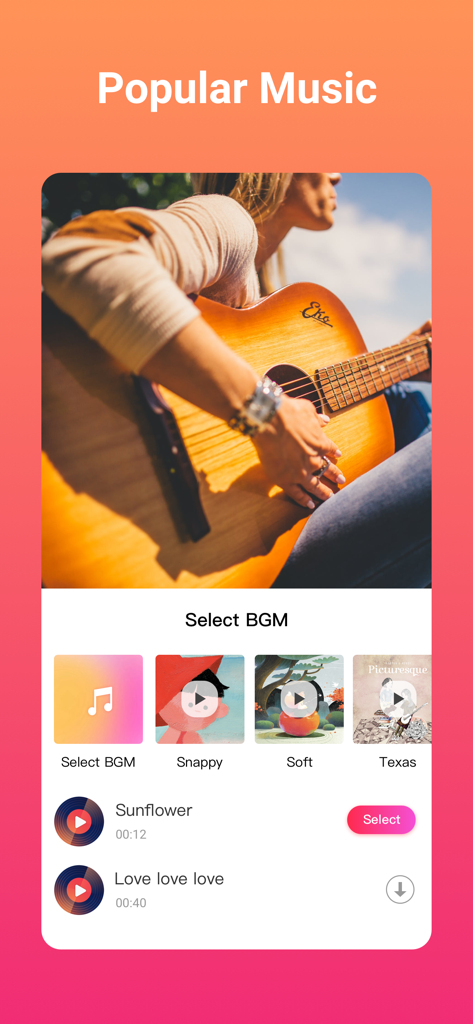
Slideshow Maker (SlidePlus) - SlidePlus app screen showing options to select popular background music for video slideshows
SlidePlus app screen showing options to select popular background music for video slideshows

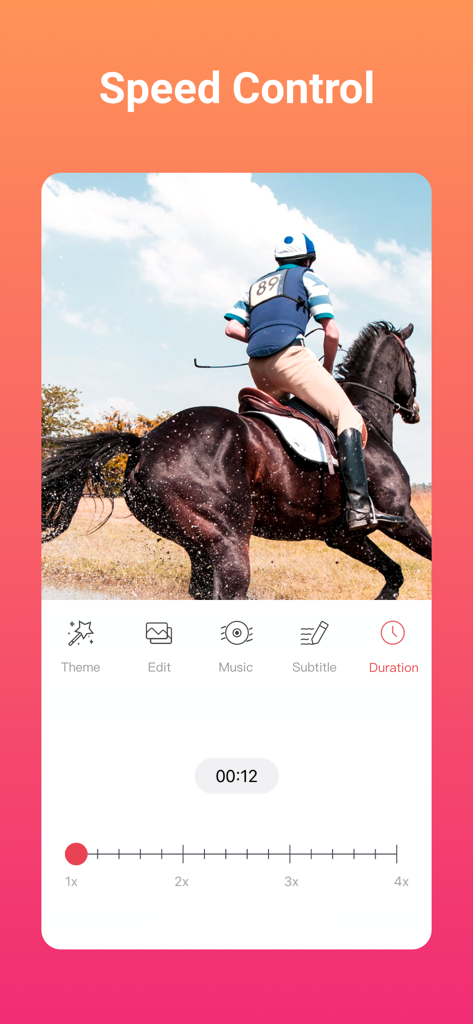
Slideshow Maker (SlidePlus) - SlidePlus app interface showing video speed adjustment tools and duration settings with a horse riding video clip
SlidePlus app interface showing video speed adjustment tools and duration settings with a horse riding video clip

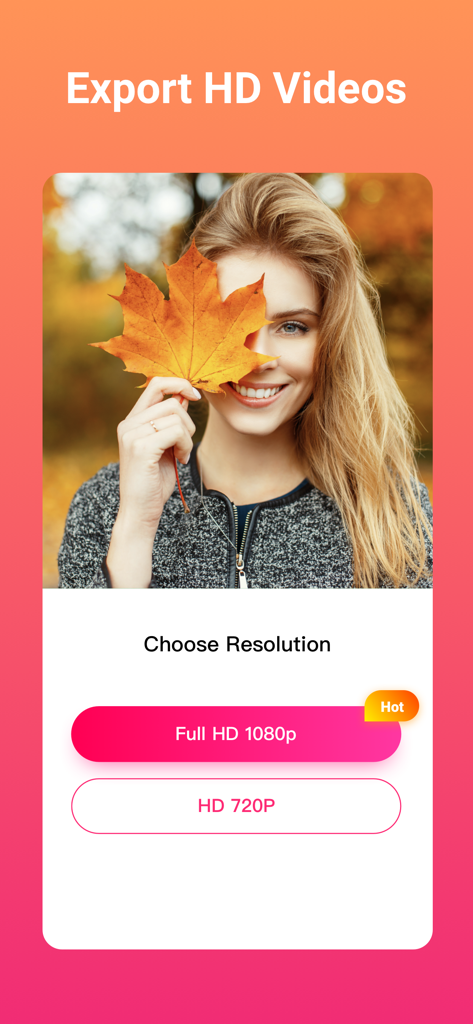
Slideshow Maker (SlidePlus) - Interface of SlidePlus app showing options to export videos in Full HD 1080p or HD 720p resolution

Interface of SlidePlus app showing options to export videos in Full HD 1080p or HD 720p resolution
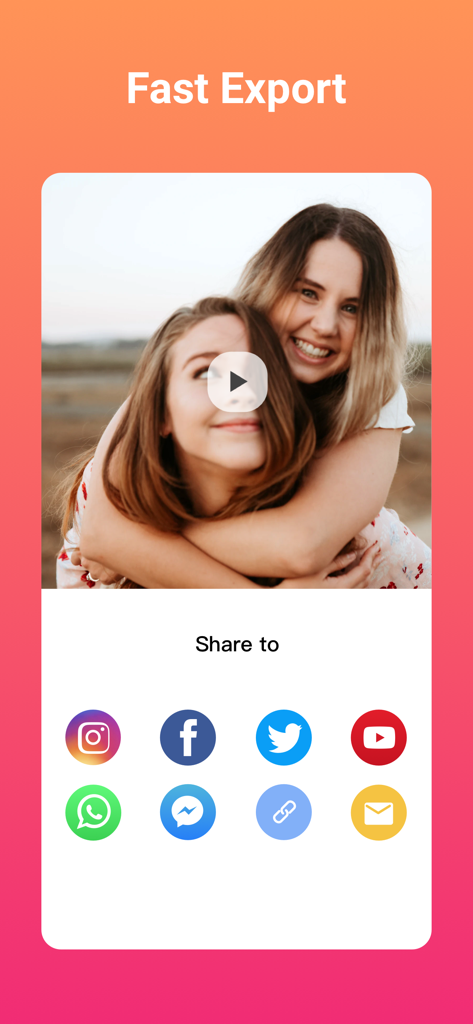
Slideshow Maker (SlidePlus) - SlidePlus app interface showing fast export and social media sharing options including Instagram and Facebook
SlidePlus app interface showing fast export and social media sharing options including Instagram and Facebook

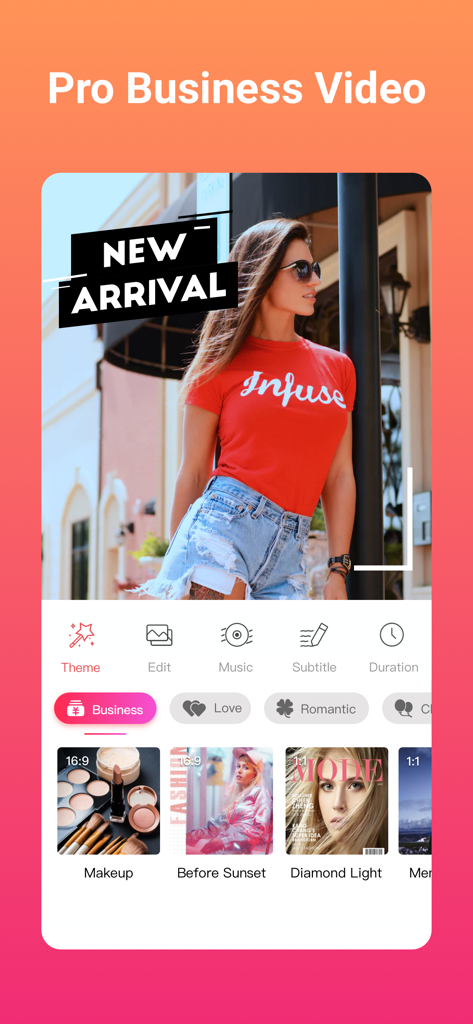
Slideshow Maker (SlidePlus) - SlidePlus app interface showing a business video theme with a professional model and marketing templates

SlidePlus app interface showing a business video theme with a professional model and marketing templates

Description

Feel bored looking at your photos? Look no more! Powered by VivaVideo team, SlidePlus helps you turn your photos and video clips into epic music videos in a few steps! To make a photo video can be easy! You don’t have to master formal video editing skills to make an excellent and professional looking video. Just select your photos/video clips, choose your favorite theme in SlidePlus, and in minutes, you will have a photo video you’ll be proud to share with anyone! With over 100 elaborate themes to choose from, you can easily make beautiful slideshow videos to celebrate any occasions—birthdays, weddings, anniversaries, babies, friends. Also, SlidePlus is great for Youtube intro videos, business promotion videos. How to Use SlidePlus? It’s EASY! 1: Pick photos/video clips from your phone 2: Select the theme you like from SlidePlus 3: Add text or change the music as you like That’s it! Now save your SlidePlus videos to your phone in HD 1080P or 720P and feel free to share to Instagram, Facebook, Twitter, Snapchat, Vine, WhatsApp...... KEY FEATURES: - Make Great Videos in Minutes SlidePlus smart video editor takes convenience as the top priority in video editing. The themes in SlidePlus already have all the transitions and effects built in, so all you have to do is add the media. You pick photos/video clips, select your fave theme and music on SlidePlus, and then you get what used to take hours to create. - 100+ Video Templates to Choose From Every theme in SlidePlus slideshow video maker is carefully designed by our wonderful designers to make your video look professional. We have over 100 themes for you to choose from, featuring any occasions from weddings, baby steps, love, holidays, anniversaries, travels, pets, to business and more. We also make regular update or special edition themes to meet the individual needs of video making. There are always new ones to try on SlidePlus video editor! - Rich Background Music List SlidePlus slide show video maker is packed with varieties of background music, so you can always find the one that fits your need while making slideshow videos. You can also add your favorite music from your phone. - Smart Cropping and Trimming Portrait Photos Based on the accurate facial recognition algorithm, SlidePlus slide show video editor can crop and trim your photos and pictures smartly and automatically to make sure your blooming smiles light up in the slide show videos. - Save & Share Videos at Any Time Save videos to your phone in wonderful 1080p and share your montage videos/music video/slideshow with music to Instagram, Facebook, Twitter, Tumblr, Snapchat, Vine, WhatsApp, Facebook Messenger, Line, email, etc. - Support Instagram and Facebook Albums SlidePlus video maker connects your Facebook or Instagram account, so you can make slideshow with music with photos&videos from your Facebook or Instagram directly on SlidePlus. - VIP SUBSCRIPTION SlidePlus slideshow with music video maker is free, but you can enjoy a even more powerful slideshow maker video editing experience with a subscription. Subscriptions includes all in-app themes and features. Subscriptions are billed monthly or annually at the rate selected depending on the subscription plan. Subscriptions on Apple Store renew automatically unless auto-renew is turned off at least 24-hours before the end of the current period. Account will be charged for renewal within 24-hours prior to the end of the current period, and identify the cost of the renewal. Terms & Privacy: https://sp-rc.vdresource.com/web/h5template/80282baf-782c-4c17-9433-80c7dded6644-language=en/dist/index.html Contact us: support@slideplus.tv Your feedback is welcomed and highly appreciated. Like us on Facebook: https://www.facebook.com/slideplusapp/?fref=ts Instagram: @SlidePlus TAG #SlidePlus for a chance to get featured on Facebook and Instagram to impress the world!

Download

Download on App Store

This page is not an official page of the app or its developer, but an independent editorial publication created for informational and commentary purposes. Unless expressly stated otherwise, neither the app nor its developer is affiliated with, endorsed by, sponsored by, authorized by, or otherwise officially connected with MWM, Apple, Google Play, the app publisher, or the app's developer, and nothing on this page implies that the app was developed using MWM's services. Any trademarks, logos, screenshots, and other content remain the property of their respective owners.








