Slideshow with Music Maker App
Download on App Store

This page is not an official page of the app or its developer, but an independent editorial publication created for informational and commentary purposes. Unless expressly stated otherwise, neither the app nor its developer is affiliated with, endorsed by, sponsored by, authorized by, or otherwise officially connected with MWM, Apple, Google Play, the app publisher, or the app's developer, and nothing on this page implies that the app was developed using MWM's services. Any trademarks, logos, screenshots, and other content remain the property of their respective owners.

Logo of Slideshow with Music Maker App
Download on App Store

Slideshow with Music Maker App

Designed for busy memory-makers. Effortlessly transform your photos and videos into beautiful slideshows with your favorite music and share them on social media in just a few clicks.

Key Figures

Downloads

0

User Rating

4.4/5

Total Ratings

0

Publisher

Editr Apps Inc.

Category

Photo & Video

Locales

12

Latest Version

2.0.34

Size

170.4 MB

First Released

Sep 1, 2019
Features

Turn Your Gallery into Cinematic Memories

Designed for busy memory-keepers who want to transform photos and videos into beautiful stories with music—in just a few taps.

Effortless "Few-Click" Creation

Skip the complex editing suites. Simply select your favorite photos from your 'Moments' and create a stunning video in seconds.

Personalized Soundtracks

Bring your stories to life by adding the perfect music, making every birthday, anniversary, or vacation video feel truly special.

The following screenshots and description are sourced directly from the app's official store listing and are the property of the app developer.

App Store

Screenshots
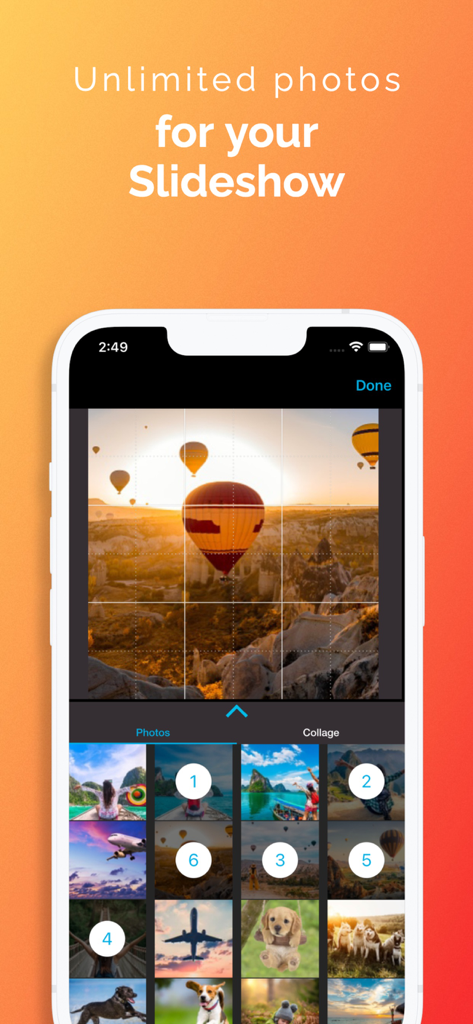
Slideshow with Music Maker App - A mobile interface showing the selection of multiple photos from a gallery to create a video slideshow
A mobile interface showing the selection of multiple photos from a gallery to create a video slideshow

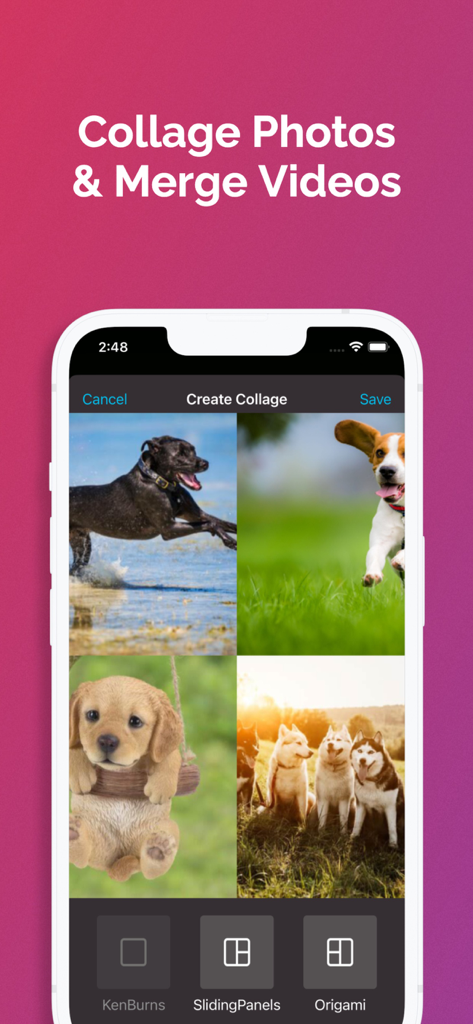
Slideshow with Music Maker App - A mobile interface for creating a photo collage with dog pictures and layout options
A mobile interface for creating a photo collage with dog pictures and layout options

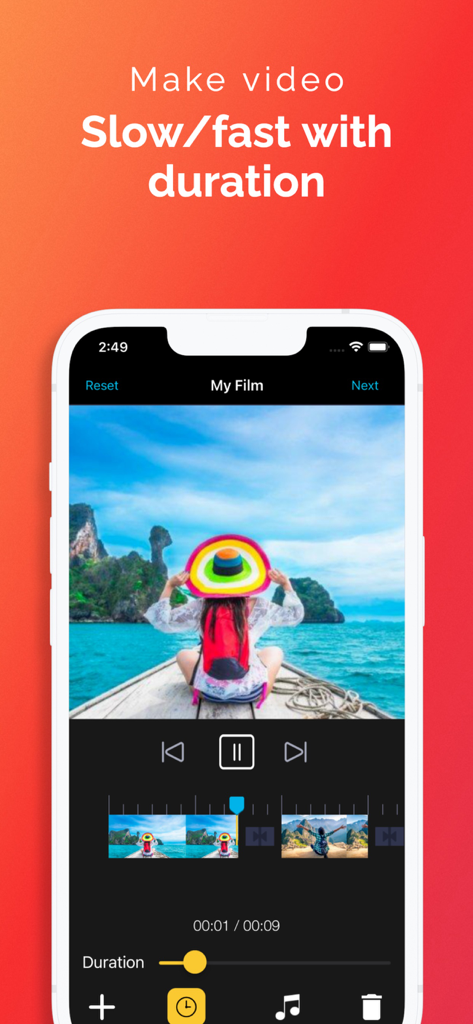
Slideshow with Music Maker App - Slideshow app interface with duration slider for slow and fast video speed control
Slideshow app interface with duration slider for slow and fast video speed control

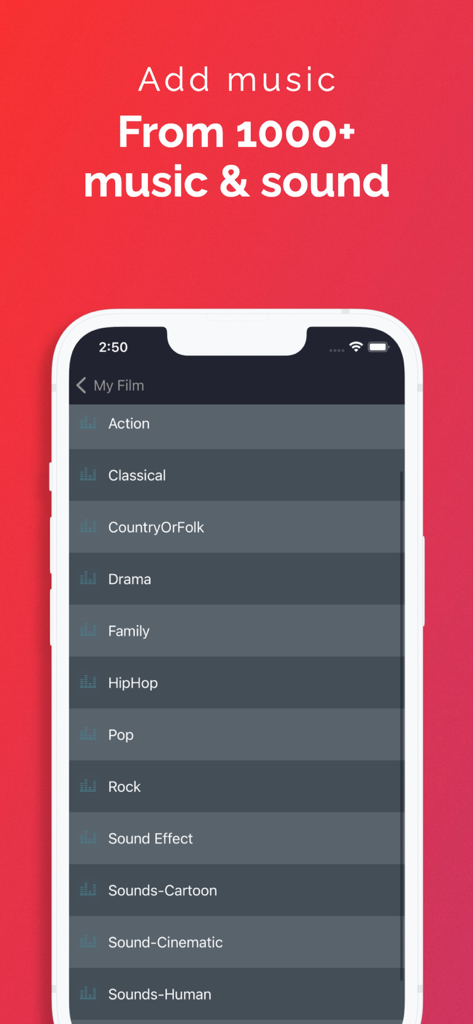
Slideshow with Music Maker App - Interface of the music maker app showing various music genres and sound effect categories for slideshows.
Interface of the music maker app showing various music genres and sound effect categories for slideshows.

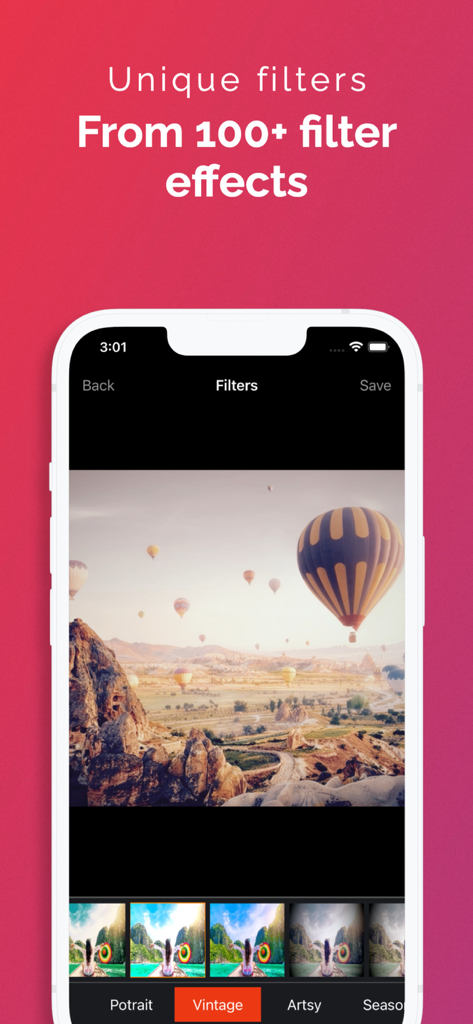
Slideshow with Music Maker App - Mobile app screen showing over 100 unique filter effects including vintage and artsy options for slideshow photos.
Mobile app screen showing over 100 unique filter effects including vintage and artsy options for slideshow photos.

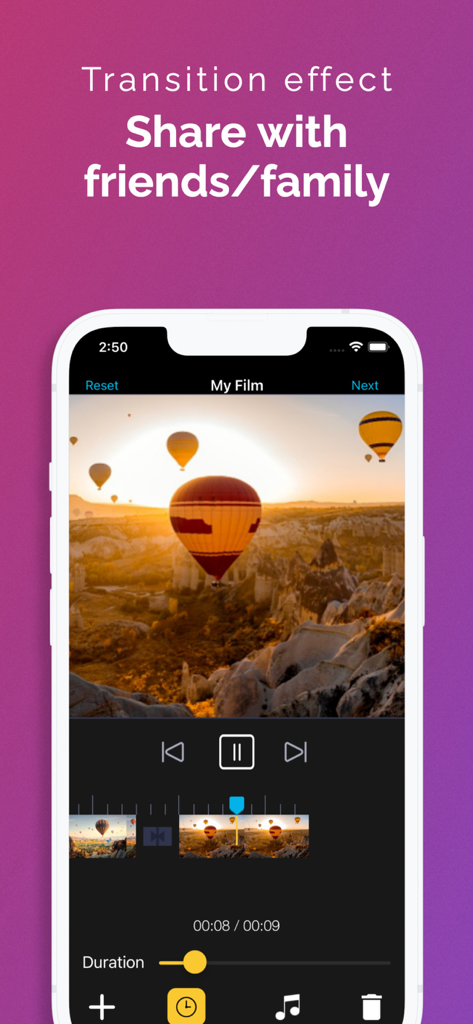
Slideshow with Music Maker App - Mobile app interface for creating video slideshows with transition effects and sharing features
Mobile app interface for creating video slideshows with transition effects and sharing features

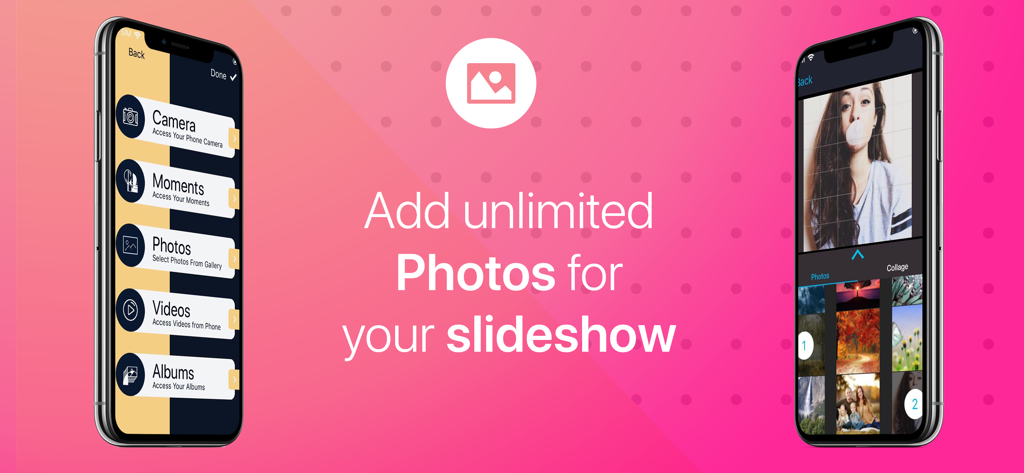
Slideshow with Music Maker App - Screenshots of the Slideshow with Music Maker App interface for selecting photos and videos

Screenshots of the Slideshow with Music Maker App interface for selecting photos and videos

Slideshow with Music Maker App - Interface showing photo collage and video merging features for the Slideshow with Music Maker App

Interface showing photo collage and video merging features for the Slideshow with Music Maker App
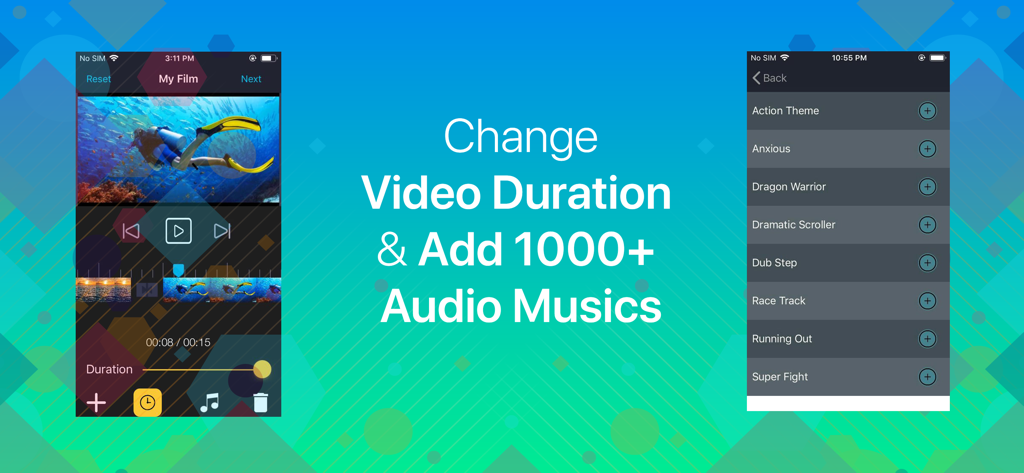
Slideshow with Music Maker App - Slideshow with Music Maker app interface showing video duration adjustment and music track selection
Slideshow with Music Maker app interface showing video duration adjustment and music track selection

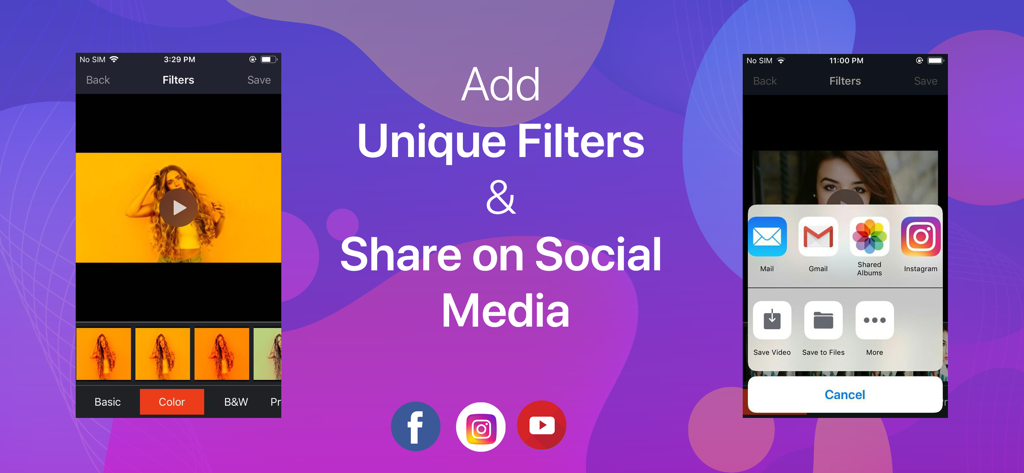
Slideshow with Music Maker App - Interface of the Slideshow with Music Maker App showing video filter options and the social media sharing menu

Interface of the Slideshow with Music Maker App showing video filter options and the social media sharing menu

Description

If you love to make videos using your pictures with your preferred music, picture video maker is the perfect app for you. It’s time to add all of your memorable photos on your slideshow with music and share it on your social media pages right away with just a few clicks. Features Camera - You can access your camera instantly to take amazing pictures of yourself and start playing. Moments- Anytime access the moments from your phone. Photos - Access all photos from your gallery and select any amount of them you prefer. Videos - Access your saved videos on your phone. Albums - Access and use the photo albums to select preferred photos. Music - Access and add varieties of music on your video. Duration - Change and control the speed limit of your slideshows. Filters - Apply filters of your choice to make the video slideshow more attractive. Share - Share your slideshow videos on social media pages. Instructions Add an unlimited number of images of your preference through your phone camera, moments or photos from the phone gallery. You can also choose your phone videos if you want. Get back to the main page and press “done” to access the editing page. In the editing page use the + button to access the homepage again for using the previous features. You can tap the music icon to add music and the duration icon to control slideshow speed. The filter icon is also there to give your slideshow a wonderful new look. After editing press the save button and share the video to Facebook, Instagram or YouTube. Information about the auto-renewable subscription: Subscription name: Subscribe for access Subscription price: 3 days free then, $2.99/week Auto-renew: This is a auto-renewing subscription, read below to know more. – Payment will be charged to iTunes Account at confirmation of purchase – Subscription automatically renews unless auto-renew is turned off at least 24-hours before the end of the current period – Account will be charged for renewal within 24-hours prior to the end of the current period, and identify the cost of the renewal – Subscriptions may be managed by the user and auto-renewal may be turned off by going to the user's Account Settings after purchase - Our Terms of Service : https://editr.app/tos.html – Our Privacy Policy : https://editr.app/privacy-policy.html – Any unused portion of a free trial period, if offered, will be forfeited when the user purchases a subscription to that publication, where applicable

Download

Download on App Store

This page is not an official page of the app or its developer, but an independent editorial publication created for informational and commentary purposes. Unless expressly stated otherwise, neither the app nor its developer is affiliated with, endorsed by, sponsored by, authorized by, or otherwise officially connected with MWM, Apple, Google Play, the app publisher, or the app's developer, and nothing on this page implies that the app was developed using MWM's services. Any trademarks, logos, screenshots, and other content remain the property of their respective owners.