
This page is not an official page of the app or its developer, but an independent editorial publication created for informational and commentary purposes. Unless expressly stated otherwise, neither the app nor its developer is affiliated with, endorsed by, sponsored by, authorized by, or otherwise officially connected with MWM, Apple, Google Play, the app publisher, or the app's developer, and nothing on this page implies that the app was developed using MWM's services. Any trademarks, logos, screenshots, and other content remain the property of their respective owners.


Slow Motion' Video Editor
Transform your 240 FPS footage into stunning cinematic moments. The ultimate tool for athletes, GoPro creators, and vloggers to showcase every detail with precision.
Downloads
2M+User Rating
Total Ratings
47K+Publisher
Category
Photo & VideoLocales
1Latest Version
12.0.6Size
115.2 MBFirst Released
Apr 1, 2015Turn Every Play Into a Masterpiece
Whether you are building a recruitment reel or sharing an epic stunt, our editor gives you professional precision over every frame of your 240 FPS footage.
Pro-Level Speed Control
Master your footage with 60 to 240 FPS support. Seamlessly transition between slow motion and regular speed to highlight the exact moment of impact.
Built for Highlight Reels
The ultimate tool for athletes. Enhance your Hudl highlights by slowing down intricate techniques to give your recruiting profile a competitive edge.
Frequently Asked Questions
Everything you need to know about Slow Motion' Video Editor
Can I add music to my videos in Slow Motion' Video Editor?
Yes, Slow Motion' Video Editor allows you to elevate your videos by adding music, perfectly synchronized with slow-motion sequences, to create a captivating audio-visual experience.
What is the maximum frame rate supported for video speed control in Slow Motion' Video Editor?
Slow Motion' Video Editor supports controlling video speed up to 240 frames per second (FPS), allowing users to experiment with different speeds for clarity and motion capture.
How do subscriptions work for Slow Motion' Video Editor?
Slow Motion' Video Editor offers flexible weekly, monthly, or yearly subscription options. These subscriptions unlock all premium features and regular updates, with charges processed through your iTunes account.
Can I cancel my Slow Motion' Video Editor subscription?
Yes, you can manage and cancel your Slow Motion' Video Editor subscription at any time. To avoid auto-renewal, cancel at least 24 hours before your current subscription period ends.
Does Slow Motion' Video Editor support GoPro footage?
Yes, Slow Motion' Video Editor supports a wide range of video formats, including GoPro footage. This ensures your adrenaline-pumping adventures transform into captivating slow-motion masterpieces.
Can I share videos directly from the Slow Motion' Video Editor app?
Yes, Slow Motion' Video Editor provides a 'One Click Share' feature, allowing users to save or share their edited videos directly from the application interface.
Can I adjust video speed in real-time within Slow Motion' Video Editor?
Yes, Slow Motion' Video Editor allows users to adjust the speed of the video in real-time, providing complete control over footage to apply slow motion or timelapse effects.
Does Slow Motion' Video Editor integrate with HUDL?
Yes, Slow Motion' Video Editor features built-in HUDL integration. This allows sports enthusiasts to enhance their Hudl highlights with breathtaking slow-motion moments, adding an extra edge to performance.
The following screenshots and description are sourced directly from the app's official store listing and are the property of the app developer.
App Store
Screenshots
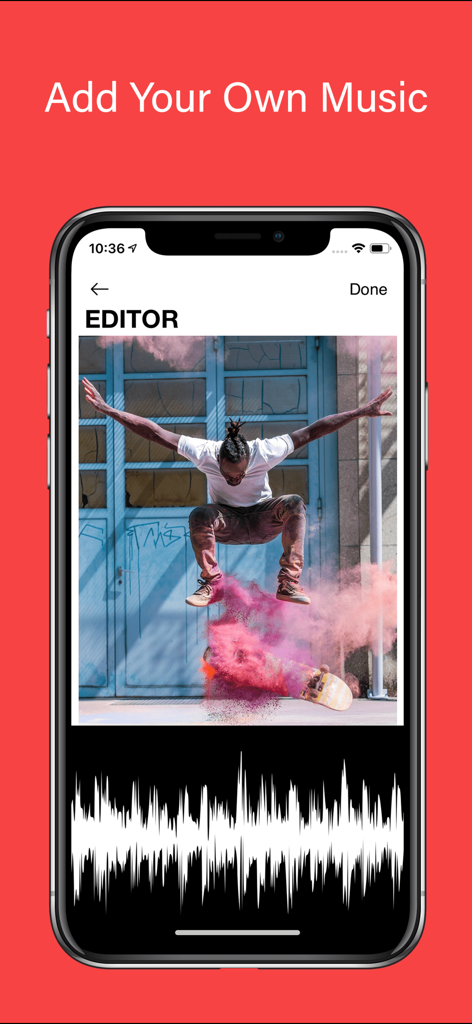
Interface showing how to add music to a skateboarding video in the Slow Motion Video Editor app
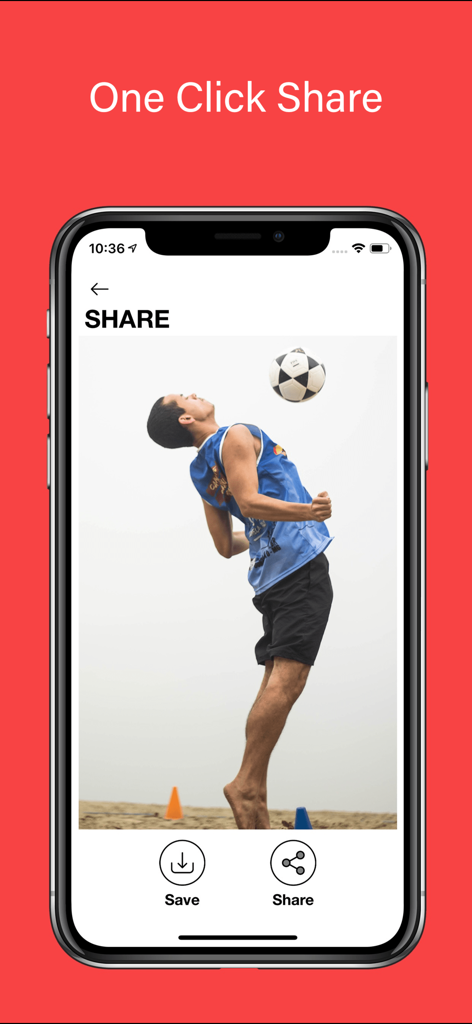
Slow Motion Video Editor interface showing the one click share feature with a soccer athlete highlight
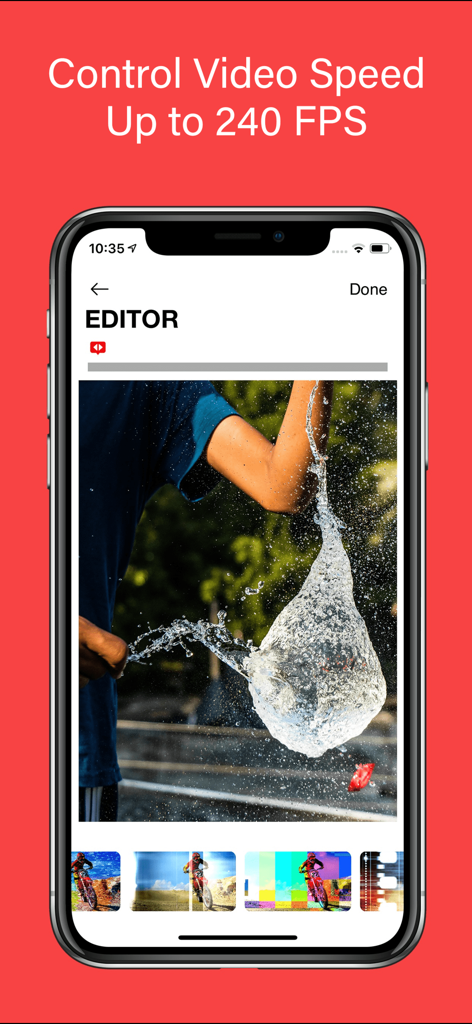
Slow Motion Video Editor app screen showing high speed video editing at 240 FPS with a water balloon burst
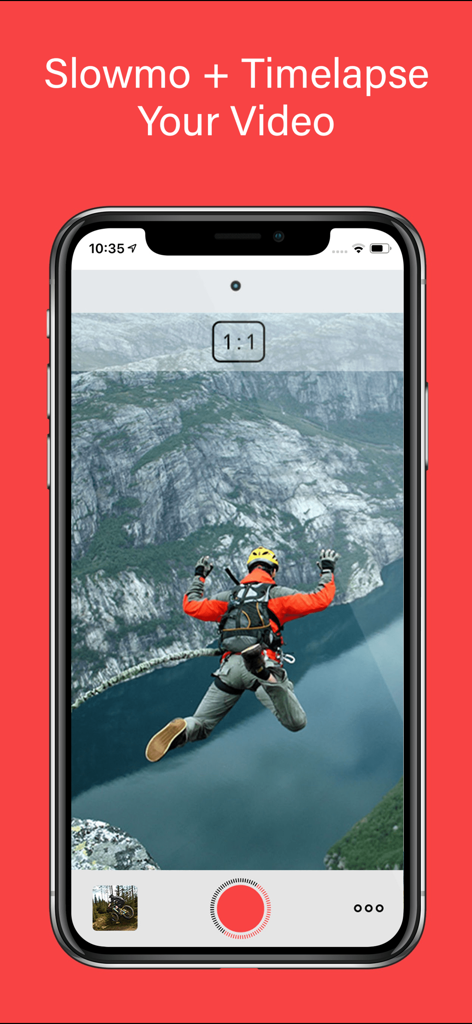
Slow Motion Video Editor mobile app interface showing a base jumping video
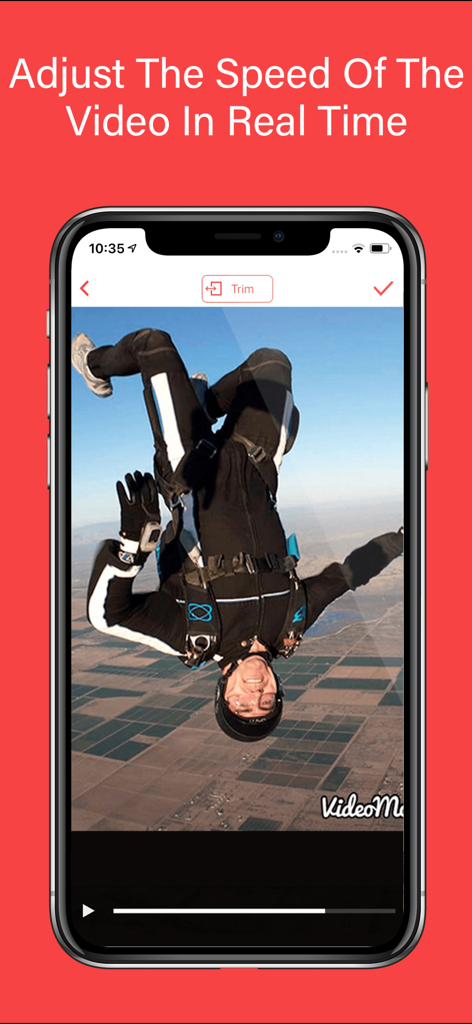
Mobile screen showing real time video speed adjustment for a skydiving video
Description
Download
More Like This
Top-ranked apps in the same category

CapCut: Photo & Video Editor
BYTEDANCE PTE. LTD.

Instagram, Inc.

YouTube
Google LLC

Canva: AI Photo & Video Editor
Canva Pty Ltd

Snapchat
Snap, Inc.

快手
Beijing Kwai Technology Co., Ltd.

Edits: Video Editor
Instagram, Inc.

Meitu- AI Photo & Video Editor
Xiamen Meitu Technology Co., Ltd.

Google Photos: Backup & Edit
Google LLC
This page is not an official page of the app or its developer, but an independent editorial publication created for informational and commentary purposes. Unless expressly stated otherwise, neither the app nor its developer is affiliated with, endorsed by, sponsored by, authorized by, or otherwise officially connected with MWM, Apple, Google Play, the app publisher, or the app's developer, and nothing on this page implies that the app was developed using MWM's services. Any trademarks, logos, screenshots, and other content remain the property of their respective owners.