Smart Digital & Analog Clock

Smart Digital & Analog Clock

Download on App Store
Logo of Smart Digital & Analog Clock

Smart Digital & Analog Clock: Your Workspace, Reimagined with Precision and Style

The ultimate distraction-free timepiece for your desk. Transform your iPhone or iPad with a fully customizable dual display, integrated calendar, and productivity-focused features designed for your modern workflow.

Download on App Store

Publisher

Yuuki Shimizu

Category

Utilities

Downloads

0

User Rating

4.0/5

Total Ratings

0

Locales

2

Elegance in Every Second

Discover the interface used by 0 users.
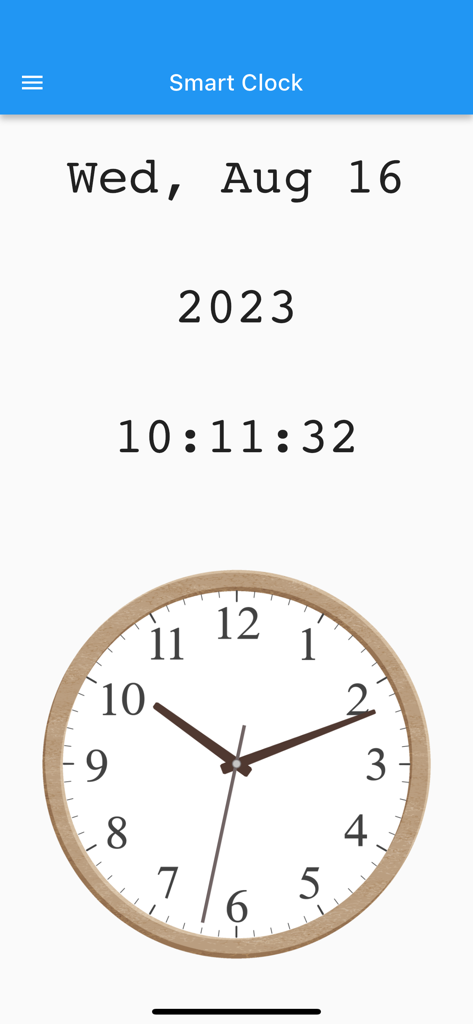
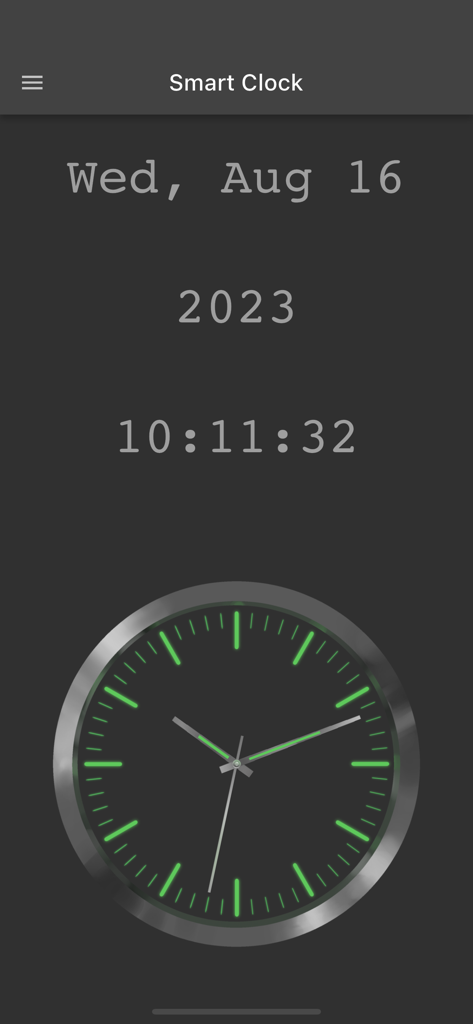
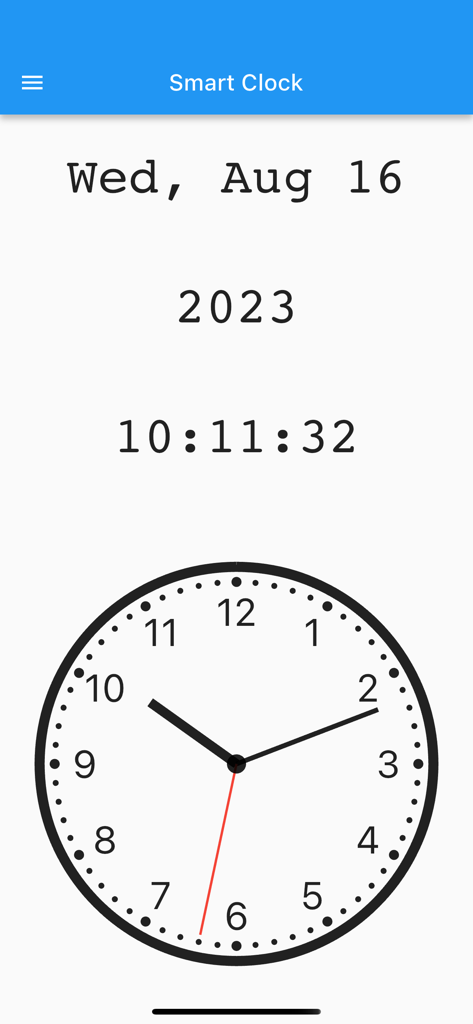
Interface of the Smart Digital and Analog Clock app showing date and time in both digital and analog formats

Interface of the Smart Digital and Analog Clock app showing date and time in both digital and analog formats

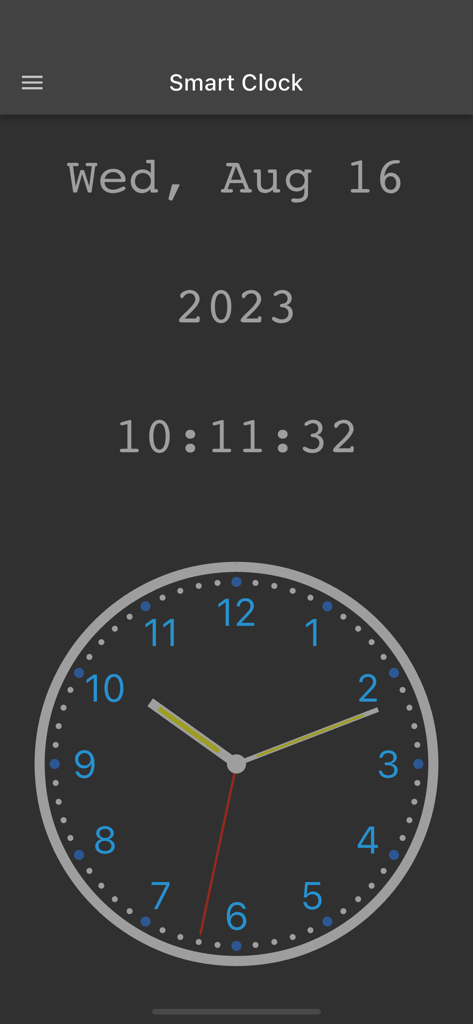
Interface of the Smart Digital and Analog Clock app featuring both digital and analog time displays in dark mode

Interface of the Smart Digital and Analog Clock app featuring both digital and analog time displays in dark mode

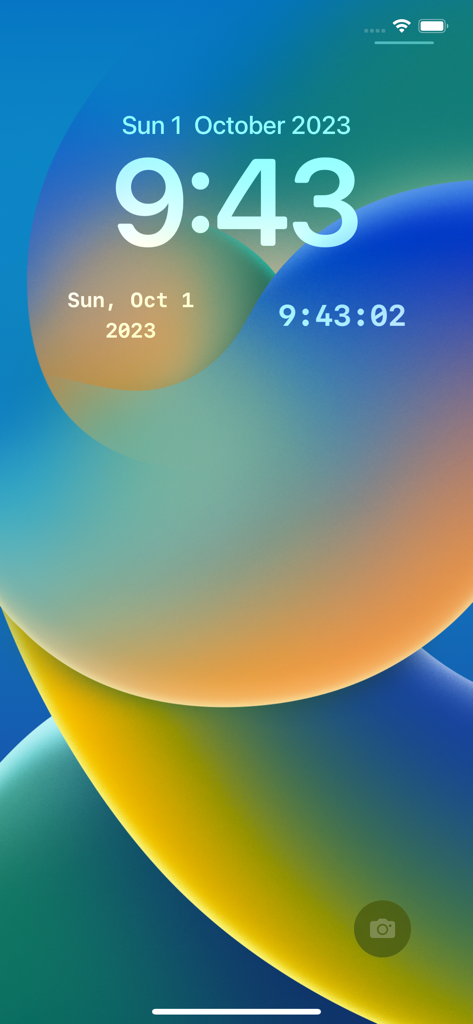
Smartphone lock screen showing various digital clock and date widgets

Smartphone lock screen showing various digital clock and date widgets

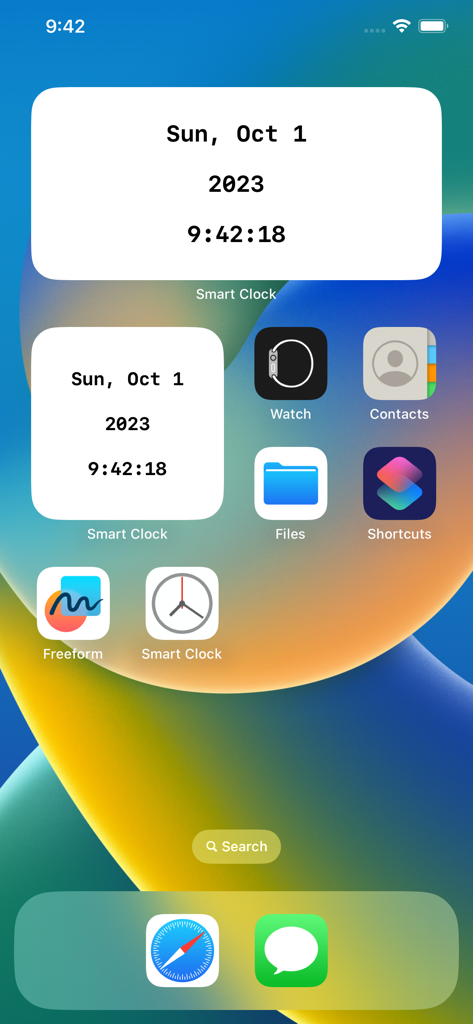
Smart Digital and Analog Clock widgets on an iOS home screen showing the date and current time

Smart Digital and Analog Clock widgets on an iOS home screen showing the date and current time

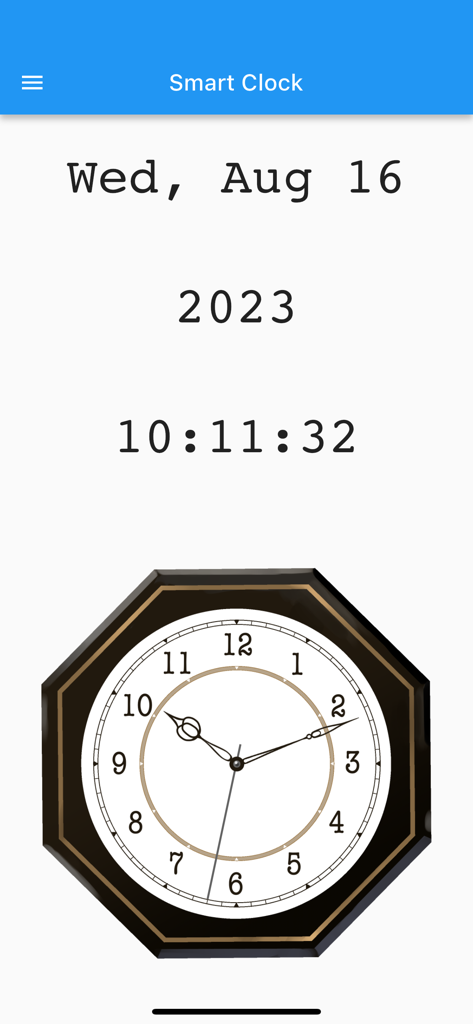
Smart Digital and Analog Clock app interface showing current date digital time and an octagonal analog clock face

Smart Digital and Analog Clock app interface showing current date digital time and an octagonal analog clock face

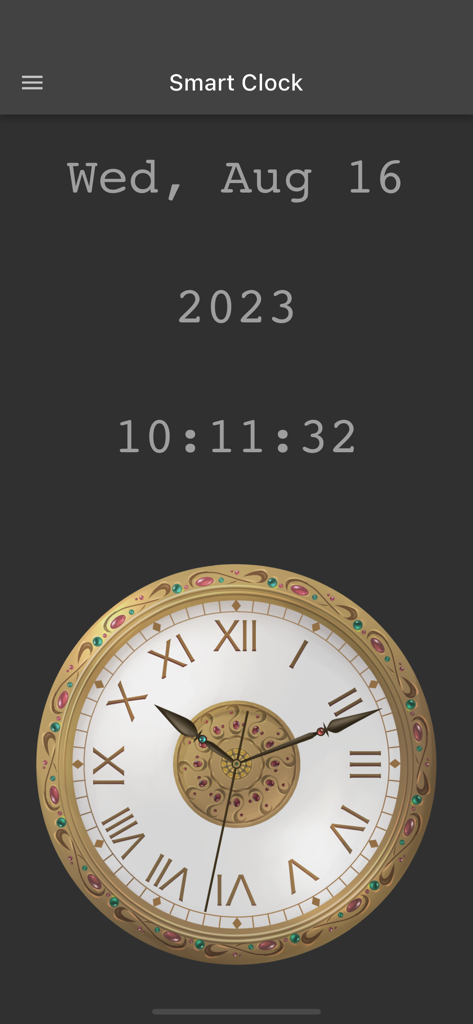
Smart Clock app interface showing digital time and date above an ornate gold analog clock face with Roman numerals on a dark background

Smart Clock app interface showing digital time and date above an ornate gold analog clock face with Roman numerals on a dark background

Smart Digital and Analog Clock app interface showing current date and time

Smart Digital and Analog Clock app interface showing current date and time

Smart Digital and Analog Clock app interface showing current date and time on a dark background

Smart Digital and Analog Clock app interface showing current date and time on a dark background

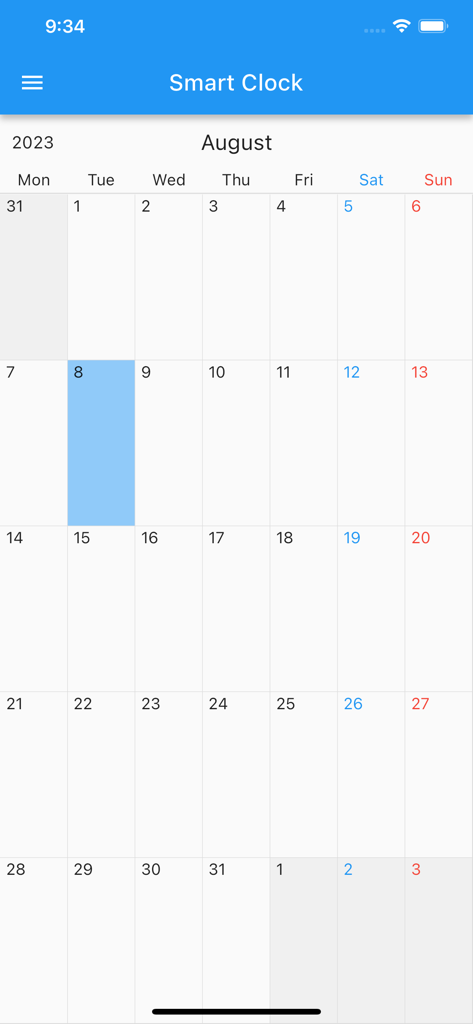
A monthly calendar view within the Smart Digital and Analog Clock app interface showing August twenty twenty three

A monthly calendar view within the Smart Digital and Analog Clock app interface showing August twenty twenty three

Master Your Time and Space

The tools that make this app stand out, trusted by 0 users.

🎨

Bespoke Visual Design

Customize every element—from the second hand to the background—to create a timepiece that complements your unique desk setup and room decor.

🖥️

Continuous Time Tracking

Keep your screen active while charging to transform your iPad or iPhone into a permanent, distraction-free, professional-grade desk clock.

Streamlined Workflow

Swipe for an instant calendar or copy the time to your clipboard with one tap, optimized for precise billing and administrative logging.

About the app

Everything you need to know about Smart Digital & Analog Clock.

Description

Beautiful dual clock display with extensive customization options! This elegant clock app shows the current time with both digital and analog displays. The analog clock features a smooth-moving second hand for precise timekeeping, while the digital display shows the date, day of the week, and time in an easy-to-read format. KEY FEATURES ■ Home Screen Widgets Add convenient widgets to your home screen to display today's date and current time at a glance. Simply long-press the app icon or home screen to add widgets to your device. ■ Built-in Calendar Swipe right while viewing the clock to access the integrated calendar. • Add events by double-tapping a date or tapping the plus button in the popup • Delete events by swiping left on them in the popup screen • Reorder events with long-press and drag • Disable the calendar in settings if not needed ■ Extensive Customization Options *Size Adjustment* Use the top-right button to resize both digital and analog clocks to perfectly fit your screen dimensions and viewing preferences. *Complete Color Customization* Personalize every aspect of your clock's appearance: - Background color - Text and numbers - Analog clock hour hand, minute hand, and second hand - Individual settings for Light and Dark modes *Flexible Display Modes* - Toggle between Light and Dark modes - Auto Dark Mode: automatically switches to dark mode during specified hours (when auto mode is enabled, manual toggle is disabled) - Show/hide title bar (swipe from left edge to access settings when hidden) - Show/hide status bar for an immersive, clutter-free display *Smart Screen Management* Keep your screen awake while the app is running with three convenient options: - Always keep screen on - Keep screen on while charging only - Normal screen timeout *Additional Useful Features* - Copy current time to clipboard in your preferred format with one tap - Backup and restore all your settings to/from a file for easy transfer between devices PERFECT FOR: - Using your phone or tablet as a stylish desk clock while studying or working - Those who prefer analog clock displays with visible second hands - Quickly checking the current date and time when filling out documents - Creating a personalized timepiece that matches your style or room decor - Anyone who wants a clean, distraction-free clock display - Keeping track of time during presentations or meetings WE VALUE YOUR FEEDBACK Your suggestions help us improve! Contact us anytime via: - Email: mizuki.naotaka@gmail.com - X: https://x.com/NaotakaMizuki - App Store reviews

Latest Version

3.4.2

Size

51.3 MB

First Released

Oct 5, 2020

Transform Your Desk into a Productivity Hub

Download the ultimate customizable clock today and experience the perfect blend of analog elegance and digital precision on your iPhone or iPad.

Download on App Store

App information, icons, screenshots, and descriptions displayed on this page are sourced from the Apple App Store and are the property of their respective developers. Download estimates and rankings are based on MWM's proprietary models and may not reflect actual figures. This page is provided for informational and analytical purposes only.

Believe this page infringes your intellectual property? File a dispute