
Smart Life Home App

Stop switching between apps. Seamlessly manage your entire Tuya ecosystem with advanced automation, secure remote access, and real-time alerts—all from one premium interface.
Publisher
Category
UtilitiesDownloads
2K+User Rating
Total Ratings
0Locales
69Discover the interface used by 2K+ users.
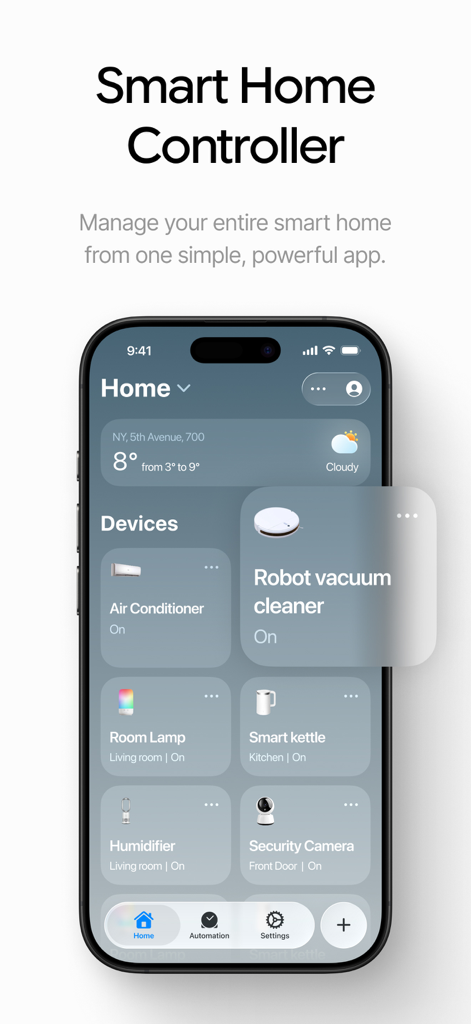
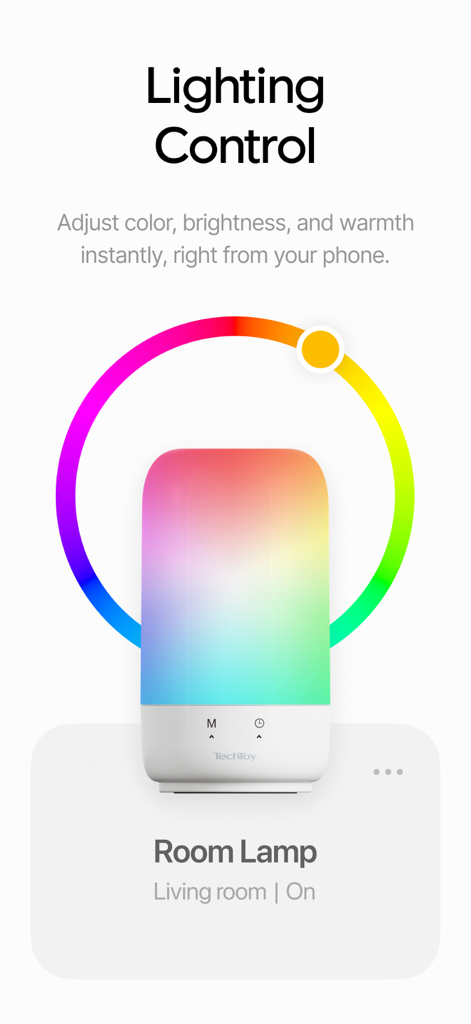
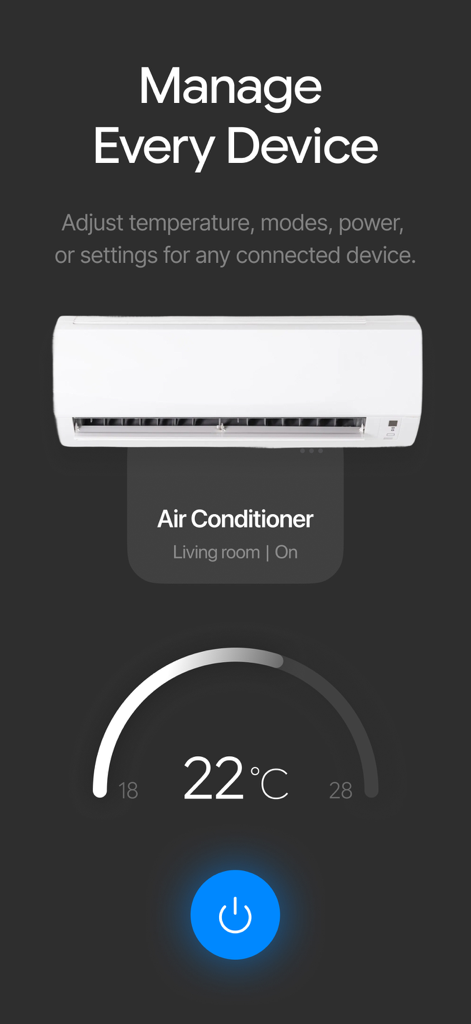
The tools that make this app stand out, trusted by 2K+ users.
Consolidate your smart lights, plugs, and appliances into a single, intuitive dashboard. No more app-fatigue—just total control at your fingertips.
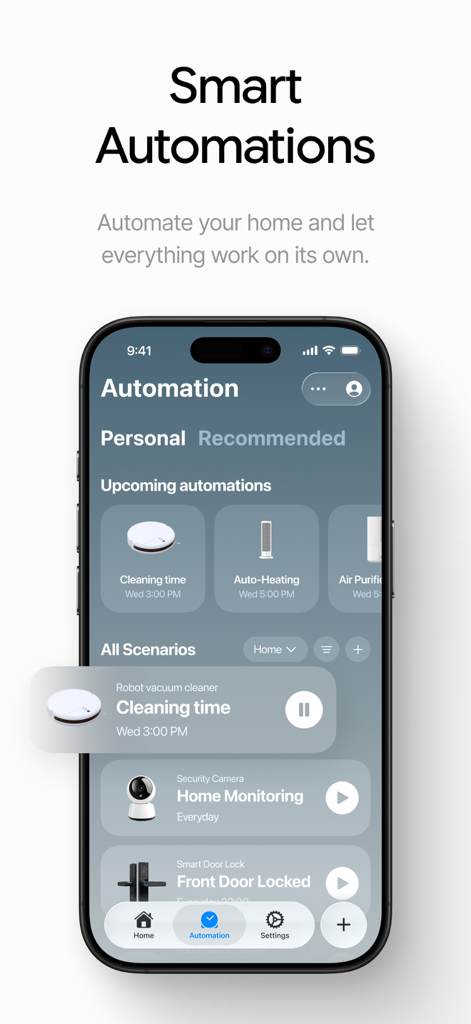
Go beyond basic scheduling. Create complex automated workflows that sync your home with your daily routine for maximum efficiency and comfort.
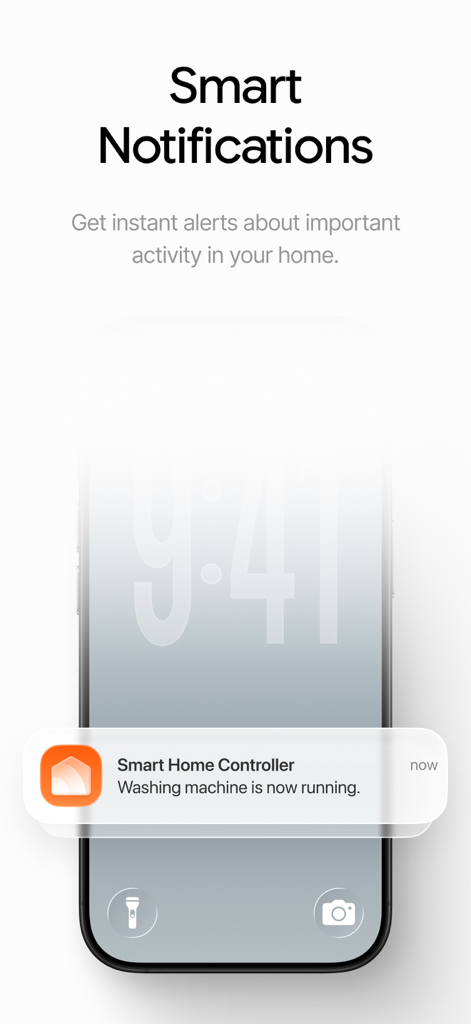
Keep your home safe from anywhere in the world. Receive instant security alerts and enjoy encrypted remote access to your cameras and smart locks.
Everything you need to know about Smart Life Home App.
Description
Latest Version
1.0
Size
140.2 MB
First Released
Jan 8, 2026
Join thousands of tech-savvy homeowners who have unified their devices into one seamless experience. Download Smart Life Home App today and take total control of your living space.
Everything you need to know about Smart Life Home App
The Smart Life Home App is a smart home hub for managing various smart devices, such as lights, locks, and cameras, from a single interface. It is powered by the industry-leading Tuya ecosystem.
Yes, the Smart Life Home App is powered by the Tuya ecosystem and partners with the Tuya Premium SDK. It is designed to provide enhanced management for devices within the Tuya ecosystem.
Yes, Smart Life provides unified control for a wide range of smart devices, including lights, plugs, locks, cameras, and appliances. Users manage these from one seamless app.
Yes, the Smart Life Home App offers advanced automation and scenes as part of its Premium Subscription. Users can create custom schedules and complex automated scenarios for their smart home.
Yes, the Smart Life Home App provides secure remote access with a Premium Subscription. This feature allows users to monitor and control their home securely from anywhere in the world.
Yes, the Smart Life Home App delivers instant real-time alerts as a Premium feature. Users receive immediate notifications for security triggers or changes in device status.
No, the Smart Life Home App is an unofficial third-party application. It is designed for managing devices within the Tuya ecosystem but is not affiliated with, endorsed by, or an official part of Tuya Inc.
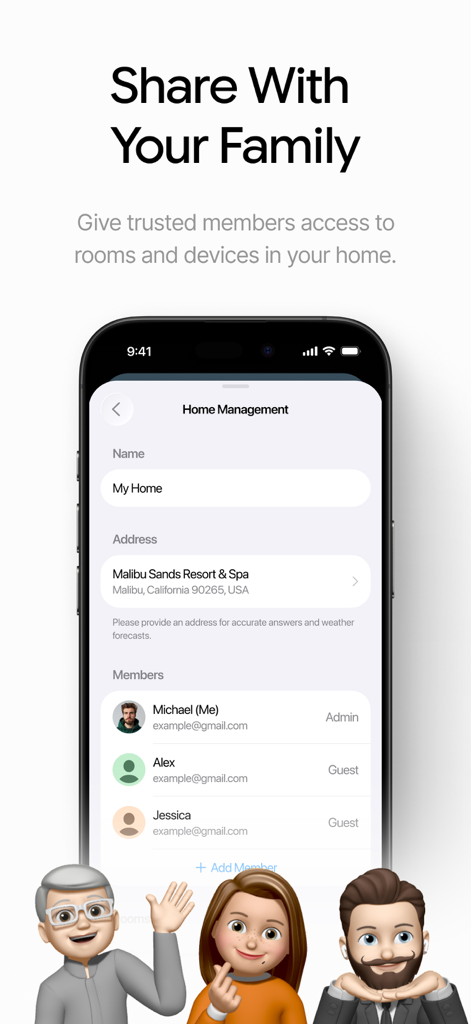
Yes, the Smart Life Home App allows users to share access with family members. You can give trusted individuals access to rooms and specific devices within your home.
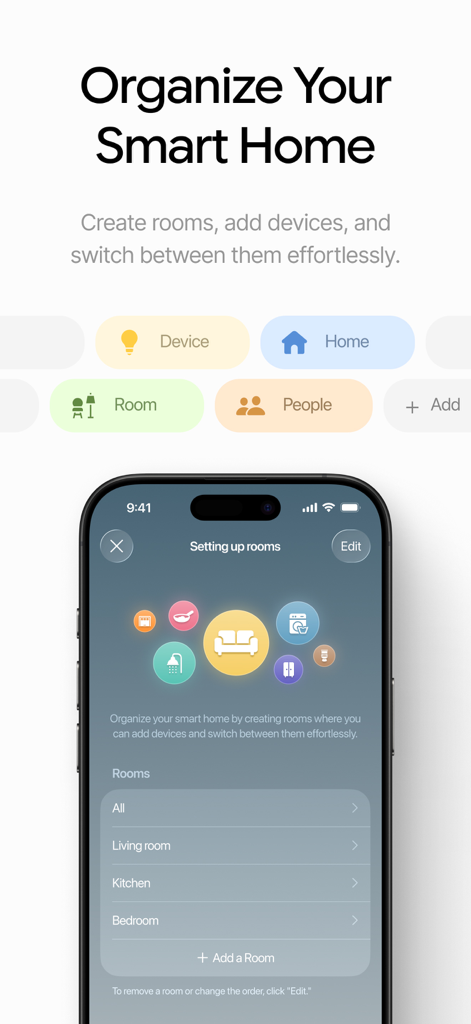
The Smart Life Home App allows you to organize your smart home by creating rooms and assigning devices to them. You can switch between these organized rooms effortlessly.
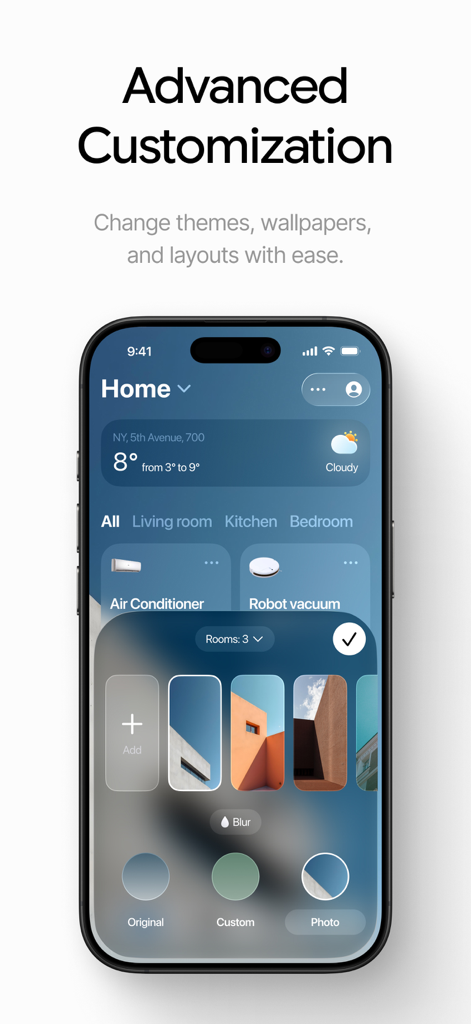
Yes, the Smart Life Home App offers advanced customization options. Users can change themes, wallpapers, and layouts within the app to personalize their interface.
The Privacy Policy for the Smart Life Home App is available at https://koticonnect.com/privacy.
The Terms of Use for the Smart Life Home App are available at https://koticonnect.com/terms.
Top-ranked apps in the same category

Google LLC

Google LLC

China Mobile Online Services Co., Ltd.

Google LLC

Servicos e Informacoes do Brasil

DEEP FLOW SOFTWARE SERVICES - FZCO

Servicos e Informacoes do Brasil

CHINA TELECOM Corporation Ltd.

Microsoft Corporation
App information, icons, screenshots, and descriptions displayed on this page are sourced from the Apple App Store and are the property of their respective developers. Download estimates and rankings are based on MWM's proprietary models and may not reflect actual figures. This page is provided for informational and analytical purposes only.
Believe this page infringes your intellectual property? File a dispute