
This page is not an official page of the app or its developer, but an independent editorial publication created for informational and commentary purposes. Unless expressly stated otherwise, neither the app nor its developer is affiliated with, endorsed by, sponsored by, authorized by, or otherwise officially connected with MWM, Apple, Google Play, the app publisher, or the app's developer, and nothing on this page implies that the app was developed using MWM's services. Any trademarks, logos, screenshots, and other content remain the property of their respective owners.


Smart Things: Remote Control
Complexity? Gone. It gives users the power to command their entire digital domain from a single pane of glass.
Downloads
25k+User Rating
Total Ratings
231Publisher
Category
UtilitiesLocales
22Latest Version
1.2Size
38.9 MBFirst Released
Jan 30, 2026Evaluating essential functionalities for a connected home experience
Smart Things: Remote Control - Key Features Analysis
Unified Device Management
It allows users to integrate and manage multiple smart home devices within a single, streamlined interface, eliminating the need for various individual apps.
Effortless Setup
This tool features a simple setup process, enhanced by automatic device detection on the home network, ensuring a quick and hassle-free onboarding experience.
Remote Access & Security
The app enables users to control their smart devices from any location, supported by a secure connection and a privacy-focused design.
Smart TV Control
The app provides comprehensive remote control functionalities for Smart TVs, ensuring intuitive navigation and rapid access to channels and volume adjustments.
Smart Lighting Control
This tool features comprehensive management of LED lighting, empowering users to effortlessly adjust ambiance across various rooms.
AC Climate Management
It allows users to conveniently manage air conditioner settings, enabling precise climate control directly from their mobile device.
The following screenshots and description are sourced directly from the app's official store listing and are the property of the app developer.
App Store
Screenshots

The app offers a comprehensive overview of your smart home environment, showcasing current temperature and humidity alongside active media playback.
Central Control Hub
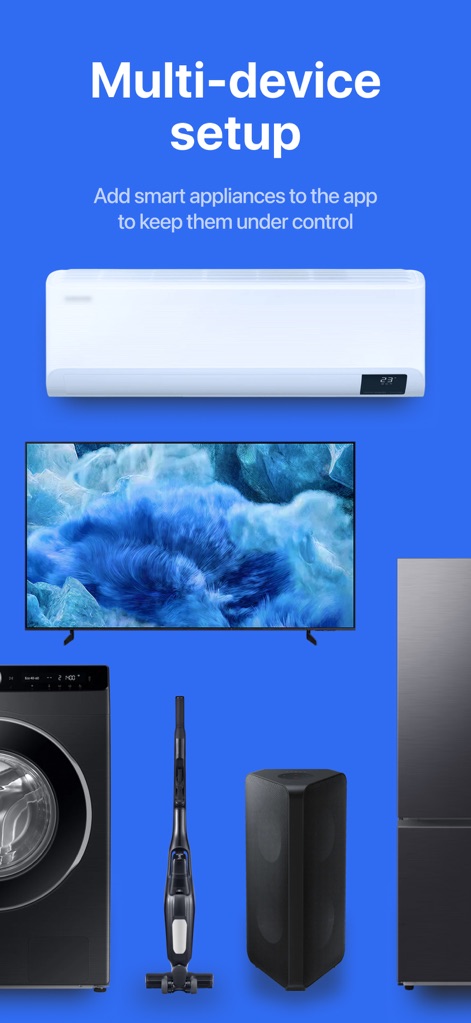
Users can effortlessly add a wide array of smart appliances, from washing machines to smart TVs, to create a fully integrated home system.
Seamless Device Integration
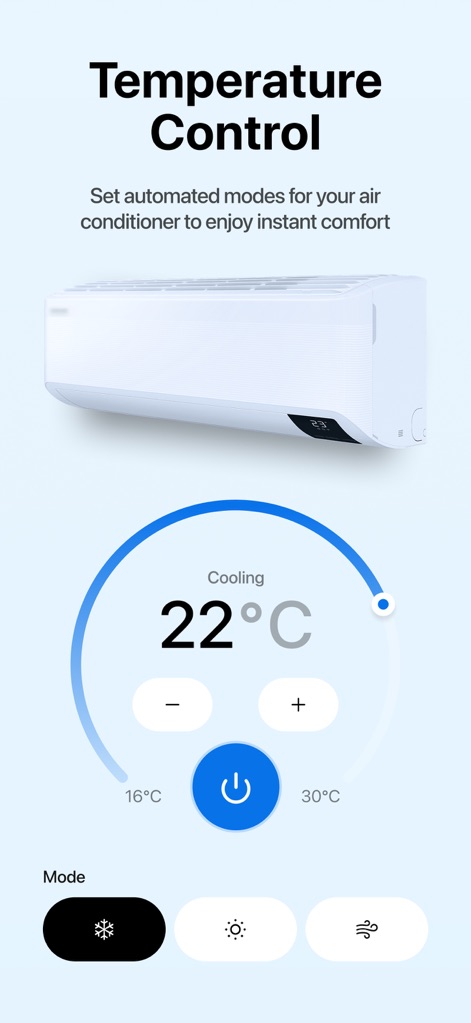
This tool provides precise temperature adjustments with a clear circular dial and offers multiple mode settings for optimal comfort.
Precision Climate Control

The app allows for instant adjustment of LED light brightness via a slider and offers a full-color spectrum for personalized ambiance.
Dynamic Lighting Management

Users can easily control their Smart TV using a large, central directional pad and access quick gesture-based navigation for enhanced usability.
Intuitive TV Remote
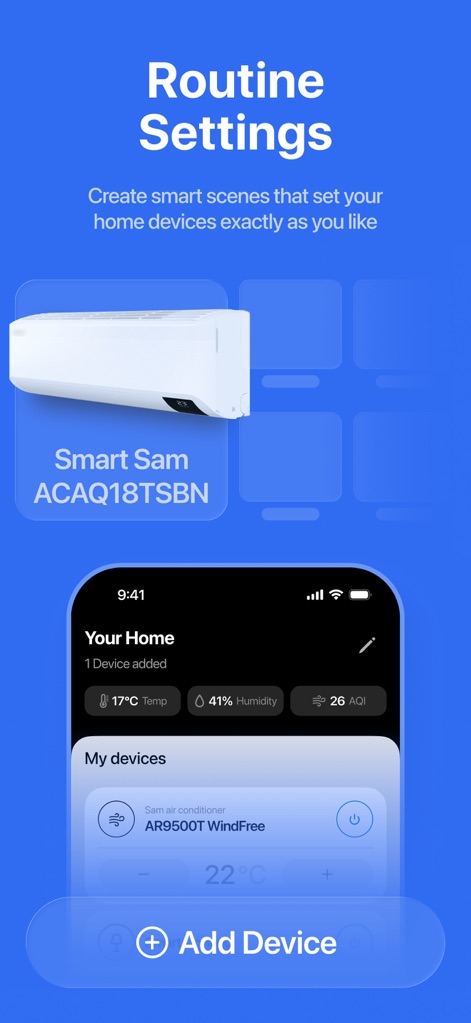
The app empowers users to create custom smart scenes and effortlessly add new devices to expand their automated home environment.
Personalized Home Routines
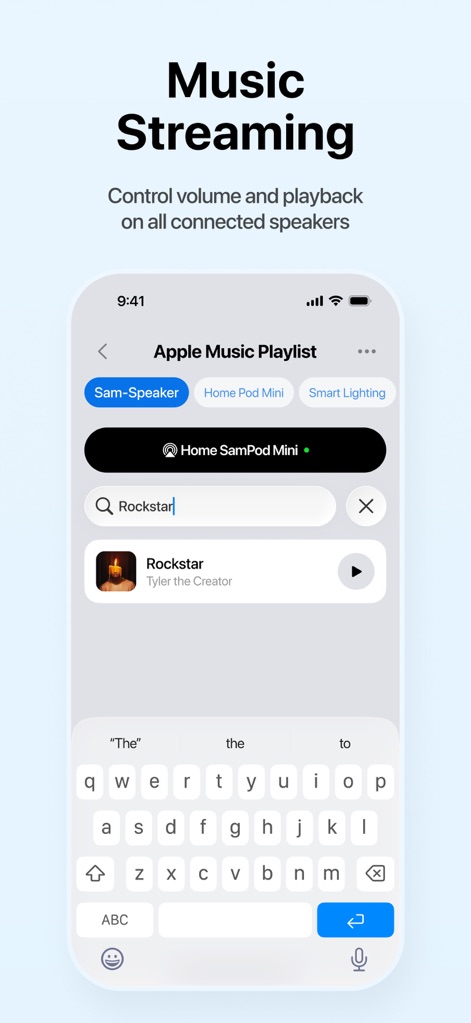
This tool enables seamless music streaming across compatible speakers, featuring a search bar for finding tracks and clear speaker selection options.
Integrated Music Streaming
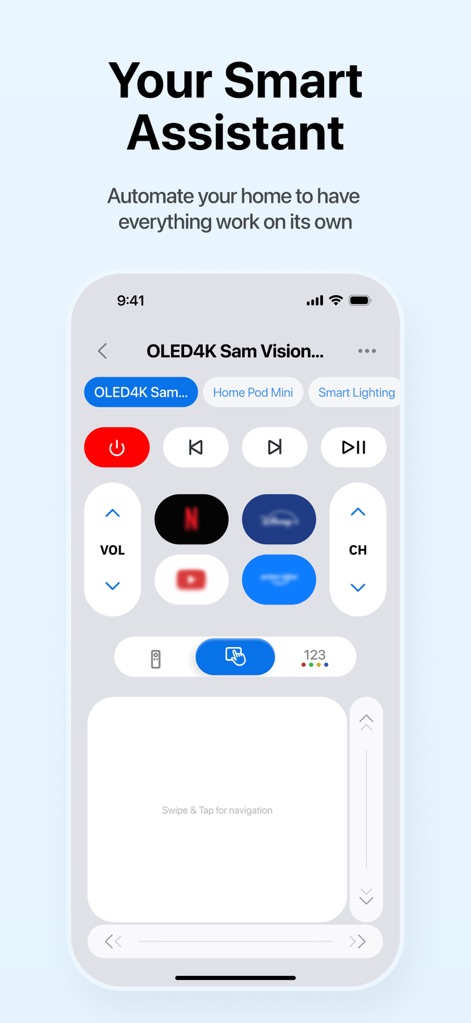
The app functions as a comprehensive smart assistant, offering quick access to volume and channel controls, along with popular app shortcuts for entertainment.
Unified Remote Experience
Description
Download
More Like This
Top-ranked apps in the same category
Google LLC
Google Chrome
Google LLC

中国移动(手机营业厅)
China Mobile Online Services Co., Ltd.

Google Authenticator
Google LLC

gov.br
Servicos e Informacoes do Brasil

Buddy VPN
Frederic Hennes Sprl

Meu Social - Gás do Povo
Servicos e Informacoes do Brasil

中国电信-全国统一官方服务平台
CHINA TELECOM Corporation Ltd.

Cleanup: Phone Storage Cleaner
DEEP FLOW SOFTWARE SERVICES - FZCO
This page is not an official page of the app or its developer, but an independent editorial publication created for informational and commentary purposes. Unless expressly stated otherwise, neither the app nor its developer is affiliated with, endorsed by, sponsored by, authorized by, or otherwise officially connected with MWM, Apple, Google Play, the app publisher, or the app's developer, and nothing on this page implies that the app was developed using MWM's services. Any trademarks, logos, screenshots, and other content remain the property of their respective owners.