
This page is not an official page of the app or its developer, but an independent editorial publication created for informational and commentary purposes. Unless expressly stated otherwise, neither the app nor its developer is affiliated with, endorsed by, sponsored by, authorized by, or otherwise officially connected with MWM, Apple, Google Play, the app publisher, or the app's developer, and nothing on this page implies that the app was developed using MWM's services. Any trademarks, logos, screenshots, and other content remain the property of their respective owners.


Snapt - Shutter
Capture the action and your reaction in a single take. Use professional split-screen and picture-in-picture layouts to create viral-ready vlogs, reaction videos, and stories for TikTok and Instagram without the editing hassle.
Downloads
4K+User Rating
Total Ratings
200Publisher
Category
Developer ToolsLocales
1Latest Version
1.1.0Size
29.3 MBFirst Released
Nov 19, 2025Capture Every Side of the Story
Elevate your content with synchronized front and back camera recording. Whether it's a concert reaction or a lifestyle vlog, Snapt captures both perspectives in one seamless shot.
Instant Reaction Mode
Record your genuine reaction while capturing the event. Perfect for concerts, surprises, and trending POV videos.
Pro-Level Layouts
Switch between Split Screen and Picture-in-Picture (PIP) to give your videos a professional feel without the editing.
Frequently Asked Questions
Everything you need to know about Snapt - Shutter
What is Snapt - Shutter used for?
Snapt - Shutter captures photos and videos simultaneously using both front and rear cameras. It provides multiple layout options, including Picture-in-Picture and Split Screen, for creating unique content.
What layout options does the Snapt - Shutter app offer?
The Snapt - Shutter app offers various layout options: Picture-in-Picture (PIP) to position the secondary camera in corners or center, and Split Screen for vertical or horizontal side-by-side camera views.
How does the Snapt - Shutter coin system work?
Snapt - Shutter provides free users with 100 initial coins. Each photo or video save consumes 10 coins. Users can purchase more coins via in-app purchases or subscribe for unlimited saves without coin deduction.
What are the subscription costs for Snapt - Shutter's unlimited saves?
Snapt - Shutter offers three subscription plans for unlimited saves: a Monthly Subscription for $30, a Half Year Subscription for $100, and a Yearly Subscription for $170.
How can users access legal documents within the Snapt - Shutter app?
Users can access Snapt - Shutter's comprehensive legal documentation, including Terms of Service, Privacy Policy, and Subscription Terms, directly through the app's Settings menu via in-app web views.
Does Snapt - Shutter require a specific type of device?
Yes, Snapt - Shutter requires a device equipped with both front and rear cameras to function. Its dual-camera capabilities utilize iOS native features, and performance may vary by device model.
Can Snapt - Shutter save videos to my device's photo library?
Yes, Snapt - Shutter allows users to save their captured photos and videos directly to their device's photo library. It also supports sharing content using the iOS share sheet.
How do I switch between photo and video modes in Snapt - Shutter?
Snapt - Shutter allows users to switch between photo and video capture modes directly within the app. This enables recording synchronized dual-camera videos or capturing still images.
The following screenshots and description are sourced directly from the app's official store listing and are the property of the app developer.
App Store
Screenshots
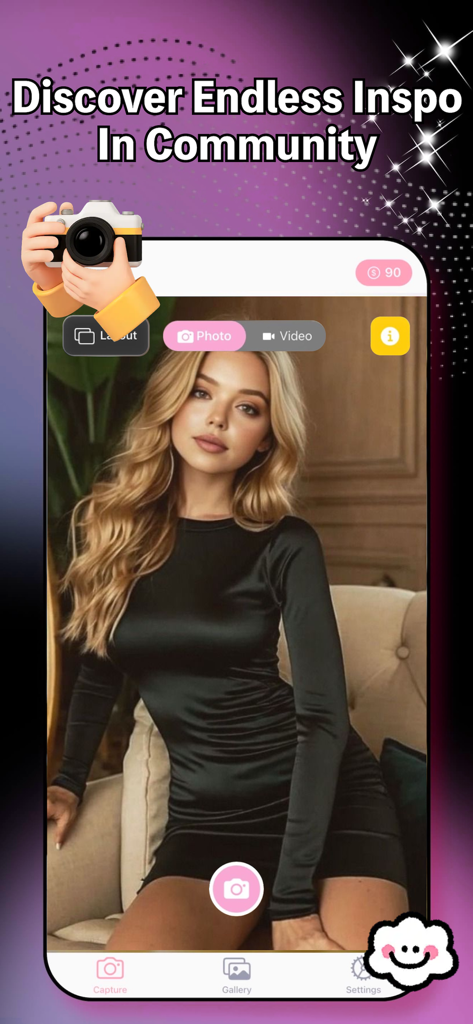
Interface of Snapt Shutter app showing photo capture mode and community inspiration text
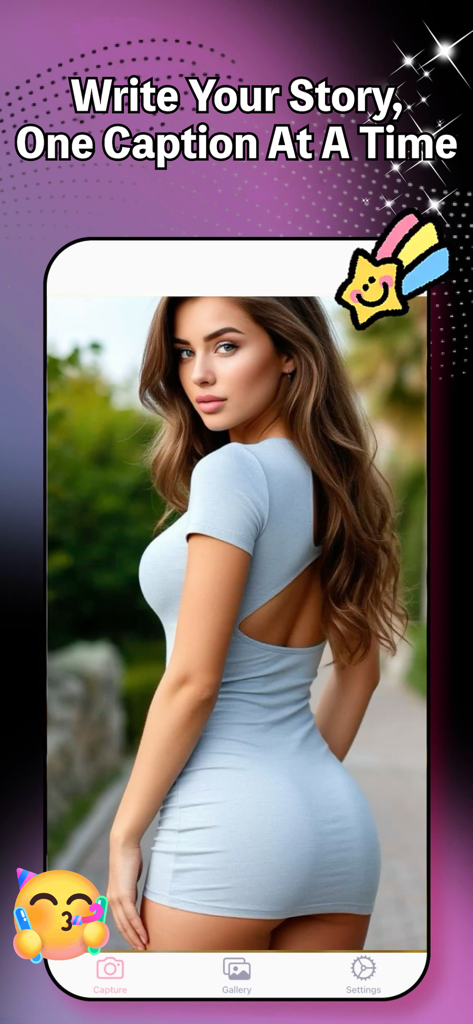
Snapt Shutter app interface featuring a photo capture with creative stickers and a story caption headline
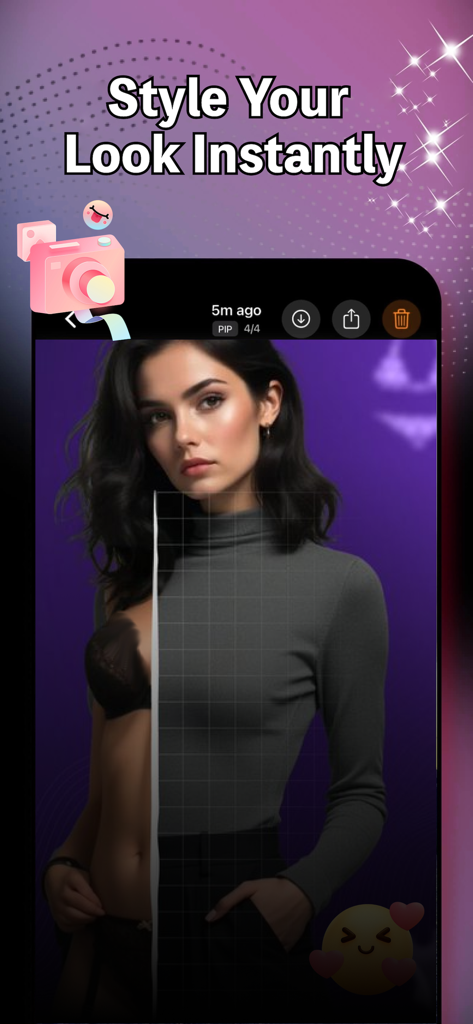
Snapt Shutter app preview showing a split-screen photo with the text Style Your Look Instantly
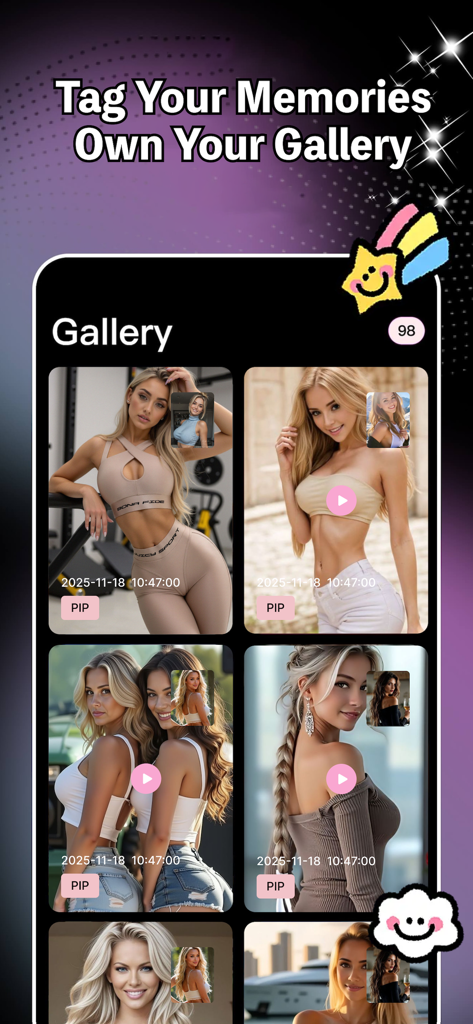
Snapt Shutter app gallery screen showing dual camera photos and videos in picture-in-picture mode
Description
Download
More Like This
Top-ranked apps in the same category

TestFlight
Apple Inc.

Replit: Vibe Code Apps
Replit, Inc

GitHub
GitHub

O-KAM Pro
Shenzhen VeePai IoT Intelligent Technology LLC

Apple Developer
Apple Inc.

Expo Go
650 Industries, Inc.

Scriptable
Simon Stovring

App Store Connect
Apple Inc.

Sekai: Create · Remix · Play
Versa AI, Inc.
This page is not an official page of the app or its developer, but an independent editorial publication created for informational and commentary purposes. Unless expressly stated otherwise, neither the app nor its developer is affiliated with, endorsed by, sponsored by, authorized by, or otherwise officially connected with MWM, Apple, Google Play, the app publisher, or the app's developer, and nothing on this page implies that the app was developed using MWM's services. Any trademarks, logos, screenshots, and other content remain the property of their respective owners.