SpaceWalker by VITURE

SpaceWalker by VITURE


Download on App Store
Logo of SpaceWalker by VITURE

SpaceWalker by VITURE: Transform Your iPhone into a Pro-Grade XR Hub

Unlock the full potential of your VITURE XR Glasses with multi-screen productivity, immersive 3D spatial video, and console-grade gaming without boundaries.

Download on App Store

Publisher

VITURE Inc.

Category

Utilities

Downloads

3K+

User Rating

4.3/5

Total Ratings

1K+

Locales

5

The Future in Focus

Discover the interface used by 3K+ users.
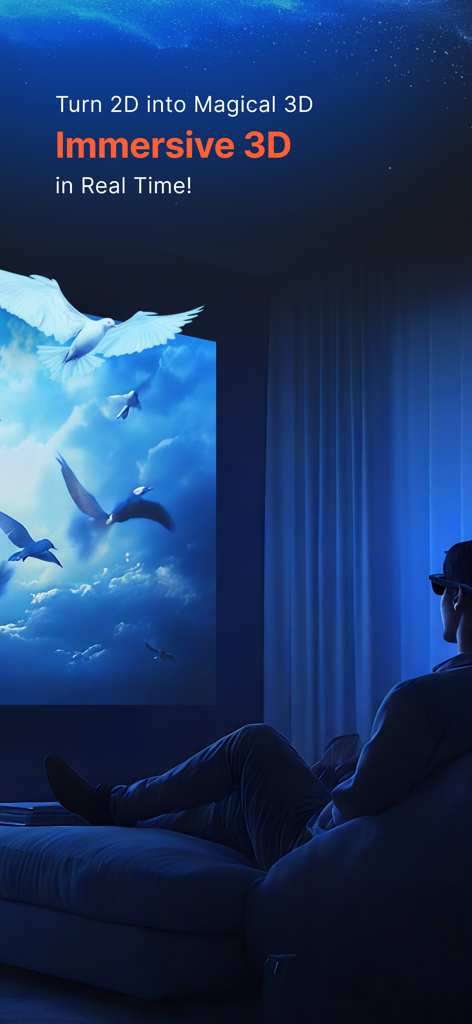
A person wearing XR glasses viewing immersive 3D content on a large virtual screen

A person wearing XR glasses viewing immersive 3D content on a large virtual screen

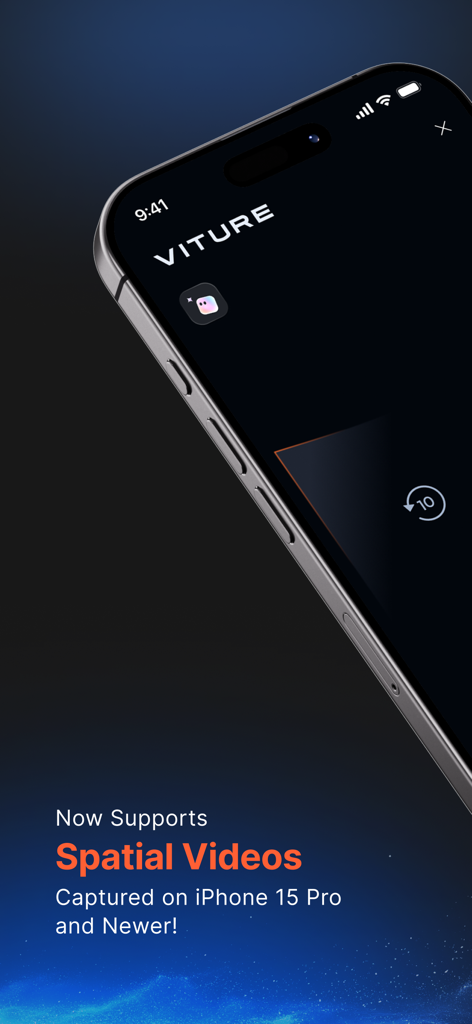
SpaceWalker app interface announcing spatial video support for iPhone 15 Pro and newer models.

SpaceWalker app interface announcing spatial video support for iPhone 15 Pro and newer models.

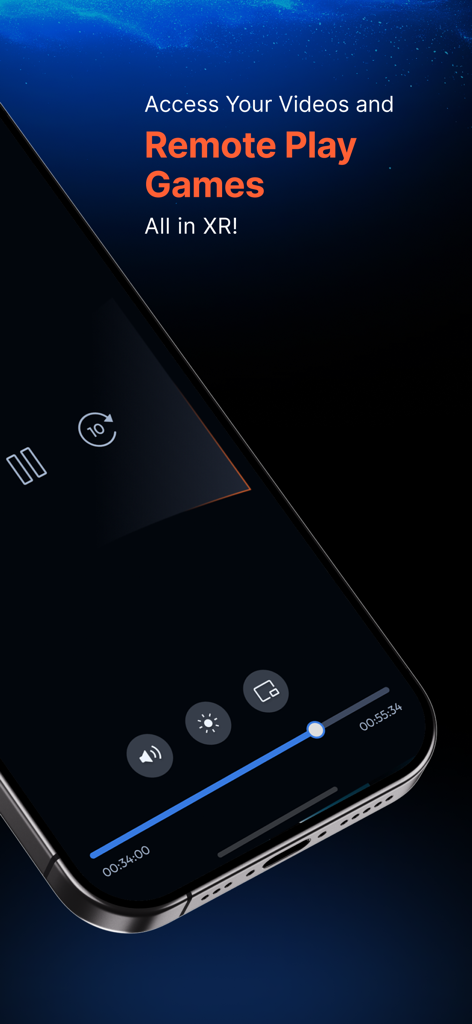
SpaceWalker app on iPhone showing video and remote play controls for XR glasses.

SpaceWalker app on iPhone showing video and remote play controls for XR glasses.

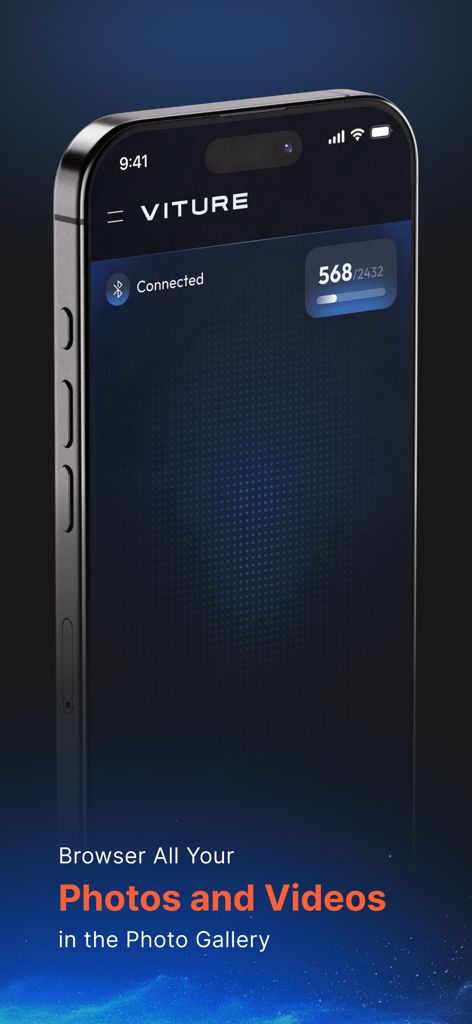
SpaceWalker app interface for browsing photos and videos on iPhone

SpaceWalker app interface for browsing photos and videos on iPhone

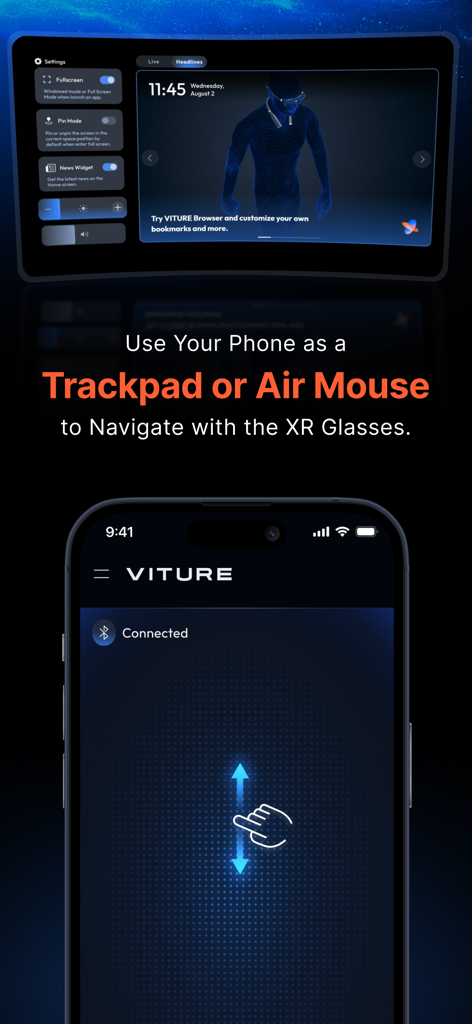
An iPhone screen being used as a trackpad and air mouse to navigate the SpaceWalker virtual reality interface.

An iPhone screen being used as a trackpad and air mouse to navigate the SpaceWalker virtual reality interface.

The Ultimate XR Powerhouse for Your iPhone

The tools that make this app stand out, trusted by 3K+ users.

🖥️

Desktop-Level Productivity

Expand your iPhone into three virtual monitors. Use 3DoF 'Pin Mode' to lock your screens in space for a stable, professional workspace anywhere.

🎮

Next-Gen Mobile Gaming

Stream Xbox and PC titles on a massive virtual screen with zero letterboxing. Optimized for Moonlight and Cloud Gaming with lag-free precision.

🎬

Immersive Spatial Cinema

Relive memories with Spatial Video playback or use AI to convert any 2D media into a 3D theater experience on your iPhone 15/16 Pro.

About the app

Everything you need to know about SpaceWalker by VITURE.

Description

Turn your iPhone into a powerful XR hub! SpaceWalker is the ultimate companion app for VITURE XR Glasses, transforming your iPhone into a multi-functional XR device for immersive entertainment, gaming, and more. Key Features: • Immersive 3D: AI-powered real-time 2D-to-3D conversion of your photos and videos. (In-app purchase required.) • Spatial Video Playback: Watch spatial videos captured with iPhone 15 Pro or later in stunning 3D depth. • Multi-Screen & 3DoF Support: Work, browse, and multitask with up to three screens. Enjoy a stable 3DoF viewing experience with Pin Mode. • Ambient Mode: Keep content visible while you move around—perfect for casual viewing or light multitasking. • Media Player: Supports 2D, 3D SBS, Spatial, and VR video formats—360°, 180°, top/bottom, and more. Pro Features (Free for VITURE XR Glasses users) • Xbox Remote Play & Cloud Gaming: Stream and play your Xbox games on a virtual big screen. No letterboxing. No compromises. Requires Xbox Game Pass subscription (not included). • Streaming Services: Watch Netflix, Disney+, Prime Video, and more—optimized for full-screen XR viewing. Subscription to each service required. • Moonlight PC Streaming: Stream your favorite PC games to your XR Glasses for immersive play anywhere. • Advanced 3D Playback: Play spatial and SBS 3D videos automatically in 3D Mode. Requirements: • iPhone running iOS 17.0 or later • VITURE XR Glasses • Optional: - USB-C XR Charging Adapter (for 3DoF and auto 3D switching on USB-C iPhones) - HDMI XR Adapter (for 3DoF on Lightning iPhones) Note: iPhone 16e is not supported. Important Notes: • iPhone 16e is not supported • iPhone 14 and earlier models do not support 3D video or spatial video playback • Availability of streaming services may vary by region and iPhone model • VR playback and Pin Mode (3DoF) require compatible adapters Explore more at: https://academy.viture.com/xr_glasses/spacewalker_ios

Latest Version

1.9.20

Size

264.9 MB

First Released

Sep 6, 2023

Unlock Your iPhone's Full XR Potential

Experience spatial computing, multi-screen multitasking, and console-grade cloud gaming. Your 120-inch virtual workspace is just a tap away.

Download on App Store

App information, icons, screenshots, and descriptions displayed on this page are sourced from the Apple App Store and are the property of their respective developers. Download estimates and rankings are based on MWM's proprietary models and may not reflect actual figures. This page is provided for informational and analytical purposes only.

Believe this page infringes your intellectual property? File a dispute