Speech to Text Voice Typing
Download on App Store

This page is not an official page of the app or its developer, but an independent editorial publication created for informational and commentary purposes. Unless expressly stated otherwise, neither the app nor its developer is affiliated with, endorsed by, sponsored by, authorized by, or otherwise officially connected with MWM, Apple, Google Play, the app publisher, or the app's developer, and nothing on this page implies that the app was developed using MWM's services. Any trademarks, logos, screenshots, and other content remain the property of their respective owners.

Logo of Speech to Text Voice Typing
Download on App Store

Speech to Text Voice Typing

Stop typing and start speaking. Effortlessly capture ideas, transcribe meetings, and communicate in any language with the most reliable voice-to-text tool designed for professionals, students, and multitaskers.

Key Figures

Downloads

0

User Rating

4.0/5

Total Ratings

0

Publisher

Mudasser Khalid

Category

Productivity

Locales

34

Latest Version

3.1

Size

30.2 MB

First Released

Oct 17, 2018
Features

Master Your Productivity with Voice

Stop typing and start speaking. Transform your workflow with instant, accurate voice-to-text and text-to-voice tools designed for your busy lifestyle.

Dictate on the Go

Skip the tiny keyboard. Convert your spoken words into accurate text for emails, chats, or documents in seconds.

Global Language Support

Speak naturally in any language. Our advanced recognizer detects and transcribes multiple dialects with high precision.

The following screenshots and description are sourced directly from the app's official store listing and are the property of the app developer.

App Store

Screenshots
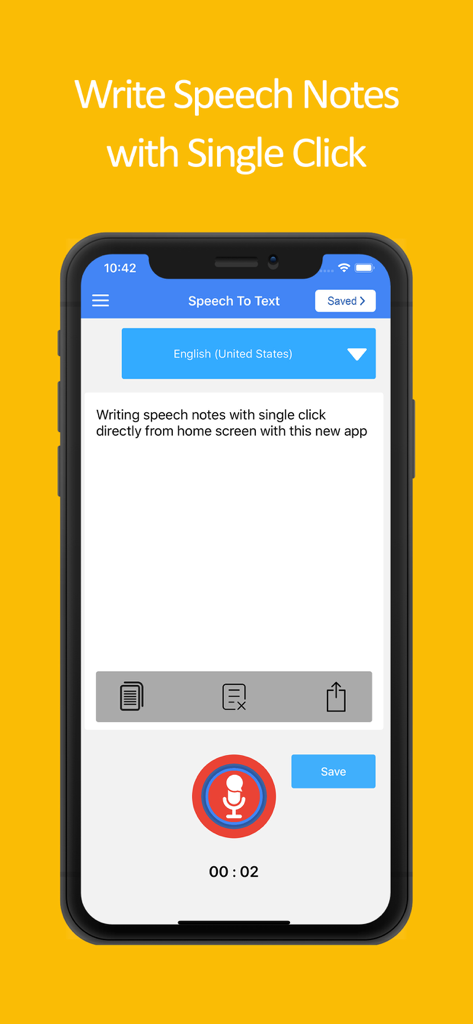
Speech to Text Voice Typing - Interface of the Speech to Text Voice Typing app showing a voice-to-text transcription for writing notes
Interface of the Speech to Text Voice Typing app showing a voice-to-text transcription for writing notes

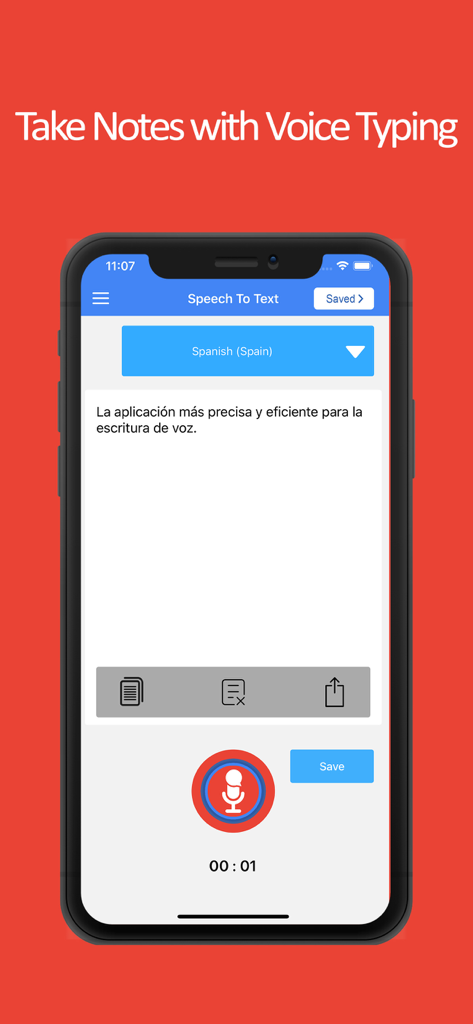
Speech to Text Voice Typing - iPhone interface of a speech to text app transcribing Spanish voice notes
iPhone interface of a speech to text app transcribing Spanish voice notes

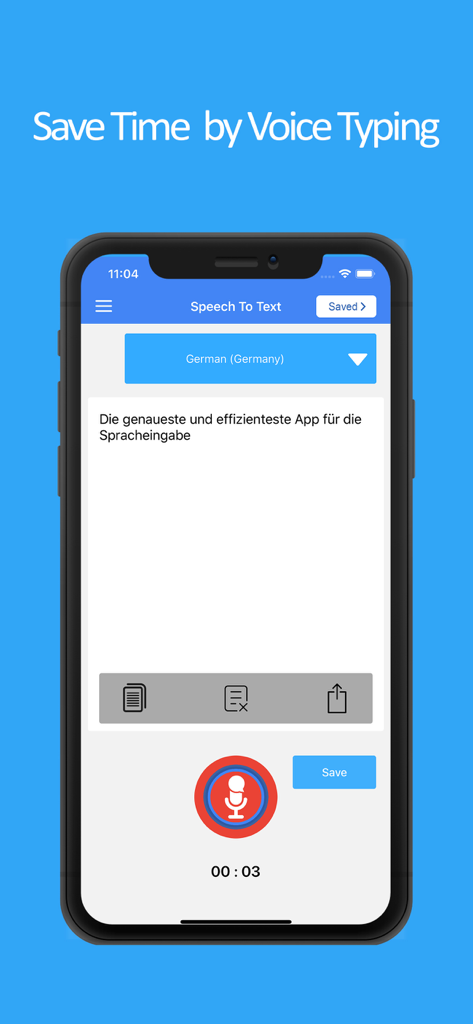
Speech to Text Voice Typing - Mobile app interface showing speech to text transcription in German language
Mobile app interface showing speech to text transcription in German language

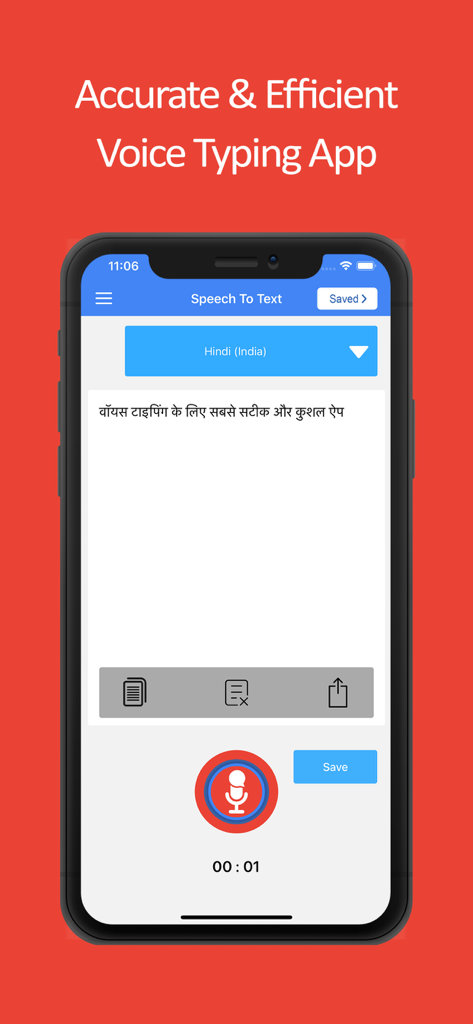
Speech to Text Voice Typing - Mobile app interface showing speech to text transcription in Hindi on a smartphone screen.
Mobile app interface showing speech to text transcription in Hindi on a smartphone screen.

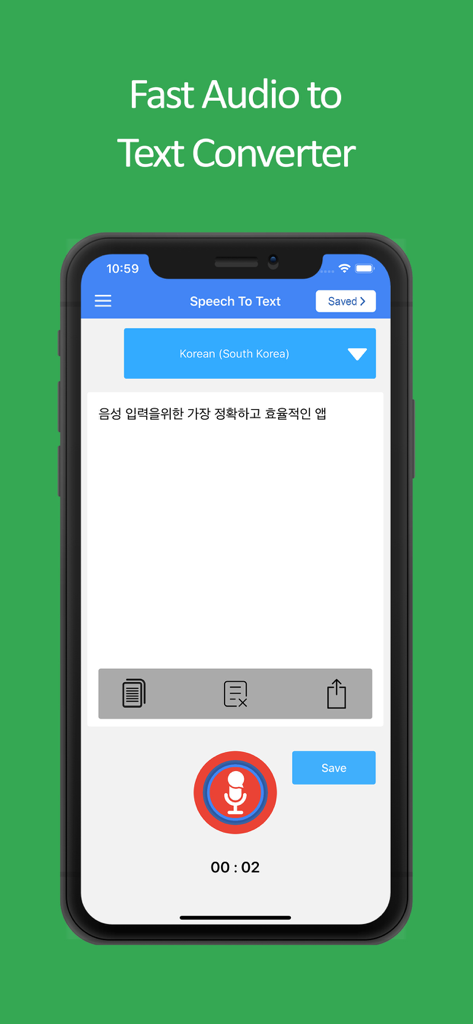
Speech to Text Voice Typing - Speech to Text app interface showing audio to text conversion in Korean with a microphone button and sharing options.
Speech to Text app interface showing audio to text conversion in Korean with a microphone button and sharing options.

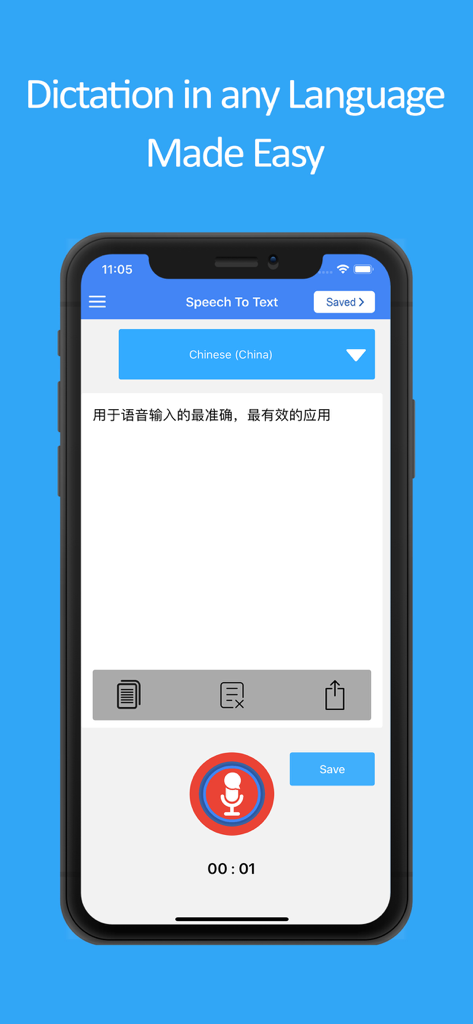
Speech to Text Voice Typing - Speech to Text app interface showing Chinese language dictation and recording features
Speech to Text app interface showing Chinese language dictation and recording features

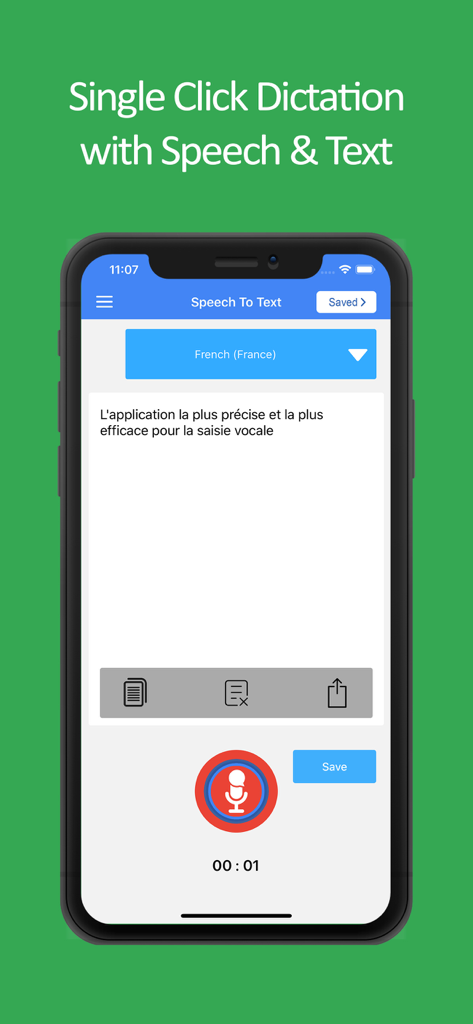
Speech to Text Voice Typing - Mobile interface of the Speech to Text app showing a voice recording button and transcribed text in French.
Mobile interface of the Speech to Text app showing a voice recording button and transcribed text in French.

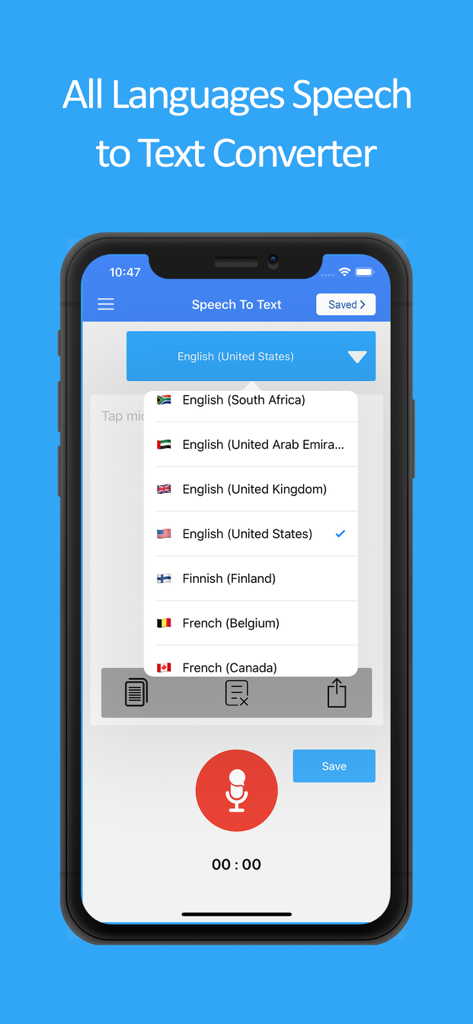
Speech to Text Voice Typing - Interface of the Speech to Text app showing a dropdown menu with multiple languages for voice typing.
Interface of the Speech to Text app showing a dropdown menu with multiple languages for voice typing.

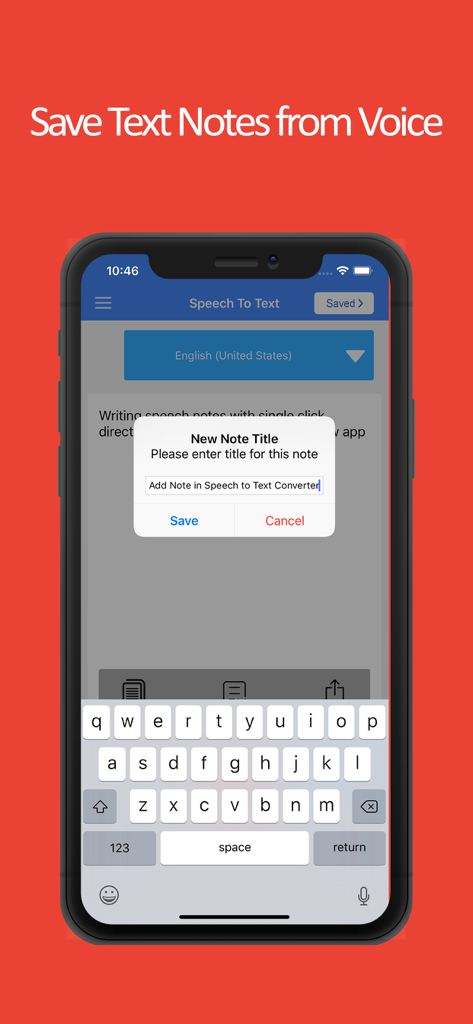
Speech to Text Voice Typing - A smartphone interface showing a pop-up to name and save a voice-transcribed note in the Speech to Text app.
A smartphone interface showing a pop-up to name and save a voice-transcribed note in the Speech to Text app.

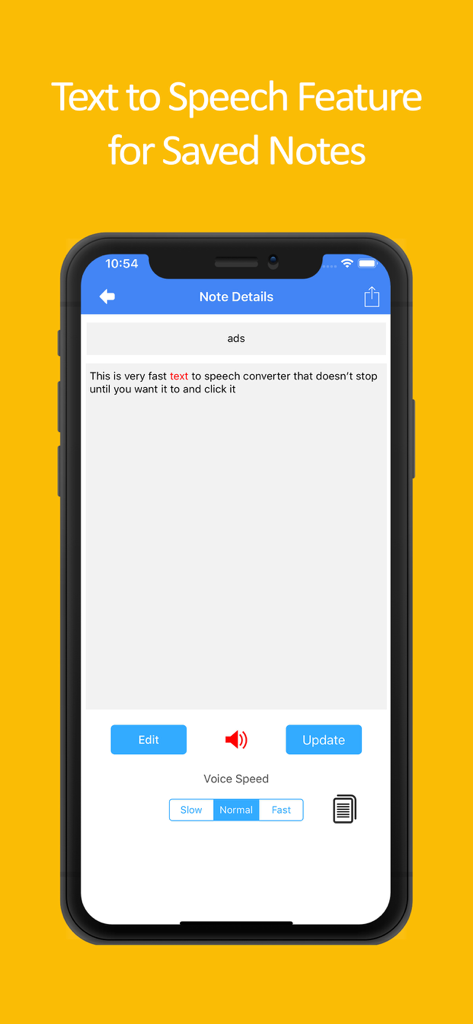
Speech to Text Voice Typing - Smartphone screen displaying the text to speech feature for saved notes in the Speech to Text Voice Typing app.

Smartphone screen displaying the text to speech feature for saved notes in the Speech to Text Voice Typing app.

Description

Speech to text and text to speech app brings you the best audio recognizer that detects your speech in various languages and converts audio to text. This audio to text feature helps you create accurate voice notes that can then be used as texts and shared across different chat and text platforms. This audio talk recognizer and text to speech converter comes with various options and features. The major features of this audio to text transcription app are as follows: Speech to Text: The primary offering of this free audio to text converter app is the speech to text feature. With this audio conversion feature, all you have to do is speak text and it converts it into notes. The audio notes can be copied and used for voice text chat purposes. This way this easy text converter can help you convert your voice into speech text. Text to Speech: The other major offering of this audio converter app is text to speech. With this feature of audio transcriber app is to take your text and then convert it into audio. You can easily use this audio converter feature to help convert text to audio. In addition to converting dictated text into audio you can also paste text and convert it into audio form. Speak Notes: The speech to text converter can also work best for speak notes. You can dictate audio, and it converts it into notes. This way you can avoid all the text typing hassle and easily speak notes, and it converts them into text form. This is especially beneficial for students and professionals who like to take speech notes and convert them into text for later use. Voice Text Chat: The third use of this speech to text and text to speech transcription app is that it can be used as a voice text chat app. If you do extensive chatting then you can do away with the worry of typing for longs hours, all you need to do is simply speak text and it converts voice to chat. You can easily take the converted audio text and paste it on your multiple chat platforms. Voice Notes: This free text to speech transcription and voice recognition app can also be used for the sake of voice notes. Working professionals want to convert audio to text notes to share with their working colleagues. This app allows you to create voice text notes by giving in the audio input and then sharing it in your workspace. Furthermore, if you do not wish to share voice notes, you can easily save your audio transcription in the form of notes and use them as reminders for future references. All Languages Text to Speech Support: The most amazing feature of this free text to speech and speech to text converter app is that it supports all the languages. You can speak in any language, and it detects the audio and converts it into the text of the desired language. So, when you want to convert audio to text, and you have difficulty related to your language you can easily do that by using this app. Download the speech to text and text to speech audio notes writing app and use less of your keyboard in future. You can simply transcribe audio and use the text notes for the purpose of sharing or building up your personal voice notes directory.

Download

Download on App Store

This page is not an official page of the app or its developer, but an independent editorial publication created for informational and commentary purposes. Unless expressly stated otherwise, neither the app nor its developer is affiliated with, endorsed by, sponsored by, authorized by, or otherwise officially connected with MWM, Apple, Google Play, the app publisher, or the app's developer, and nothing on this page implies that the app was developed using MWM's services. Any trademarks, logos, screenshots, and other content remain the property of their respective owners.