
This page is not an official page of the app or its developer, but an independent editorial publication created for informational and commentary purposes. Unless expressly stated otherwise, neither the app nor its developer is affiliated with, endorsed by, sponsored by, authorized by, or otherwise officially connected with MWM, Apple, Google Play, the app publisher, or the app's developer, and nothing on this page implies that the app was developed using MWM's services. Any trademarks, logos, screenshots, and other content remain the property of their respective owners.


Speed Reader for Speed Reading
Conquer information overload with RSVP technology. Boost your focus and hit 750+ words per minute by processing text one word at a time, straight from your favorite apps.
Downloads
100+User Rating
Total Ratings
0Publisher
Category
ProductivityLocales
29Latest Version
1.4.2Size
39.3 MBFirst Released
Apr 18, 2023Read Faster. Achieve More.
Stop wasting hours on long reports and articles. Use the power of RSVP technology to breeze through your reading list at up to 750 words per minute.
Customizable RSVP Technology
Train your brain to process text at record speeds with single-word visual pacing that eliminates distractions and prevents reading regression.
Seamless Content Integration
Clear your backlog instantly by sharing text directly from emails, browsers, or your clipboard for immediate high-speed consumption.
The following screenshots and description are sourced directly from the app's official store listing and are the property of the app developer.
App Store
Screenshots
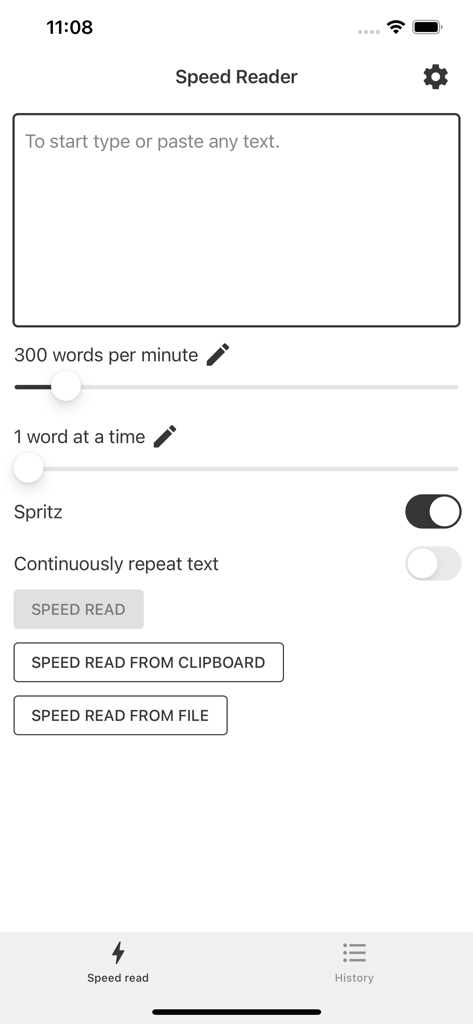
Speed Reader app interface showing words per minute settings and text input area
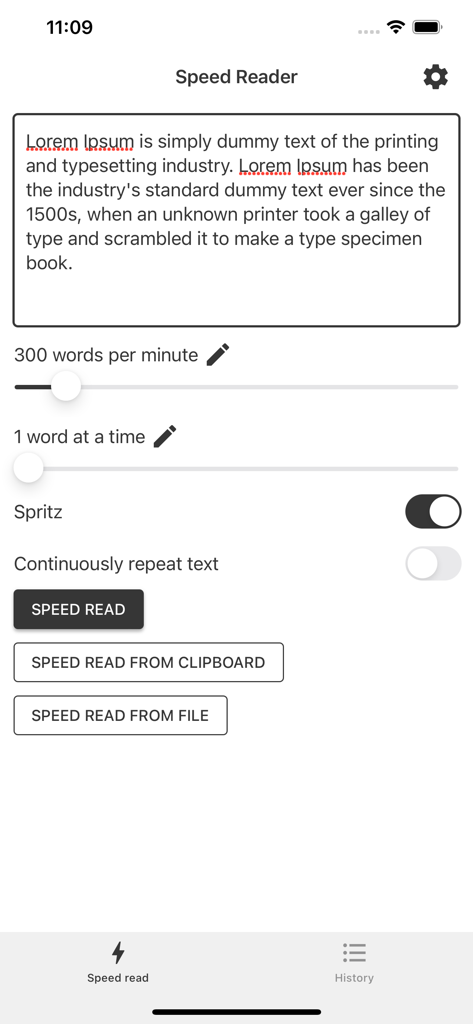
Main screen of the Speed Reader app showing text input area and speed configuration settings.
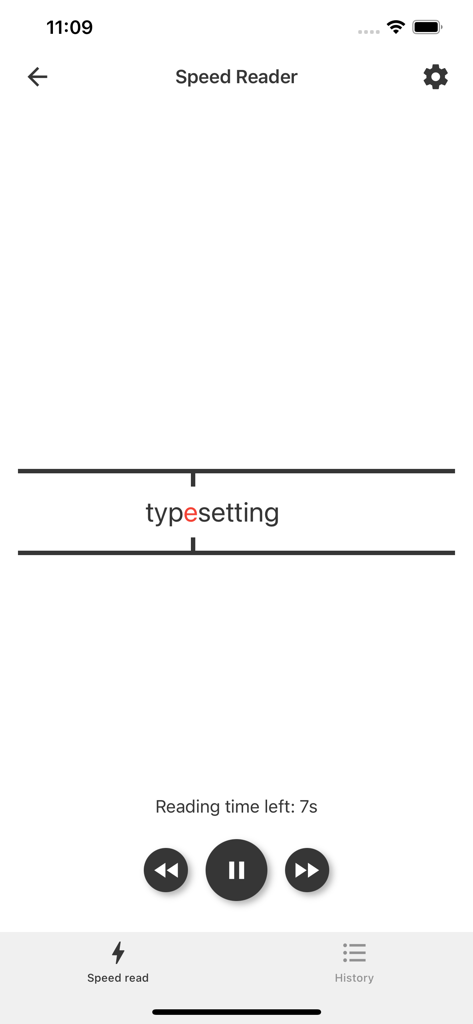
Interface of the Speed Reader app showing a single word displayed with a red focus letter between visual support lines and playback controls.
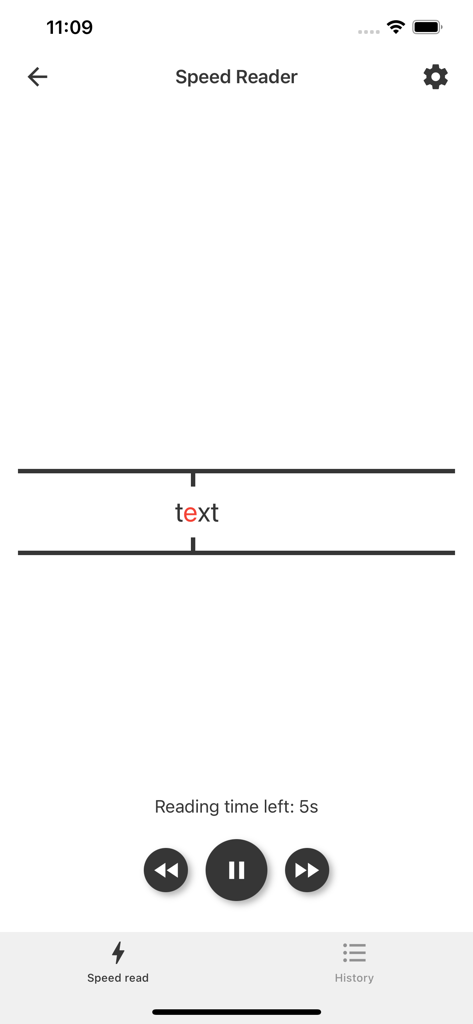
Mobile screen of the Speed Reader app displaying a single word with a highlighted letter between support lines and playback controls.
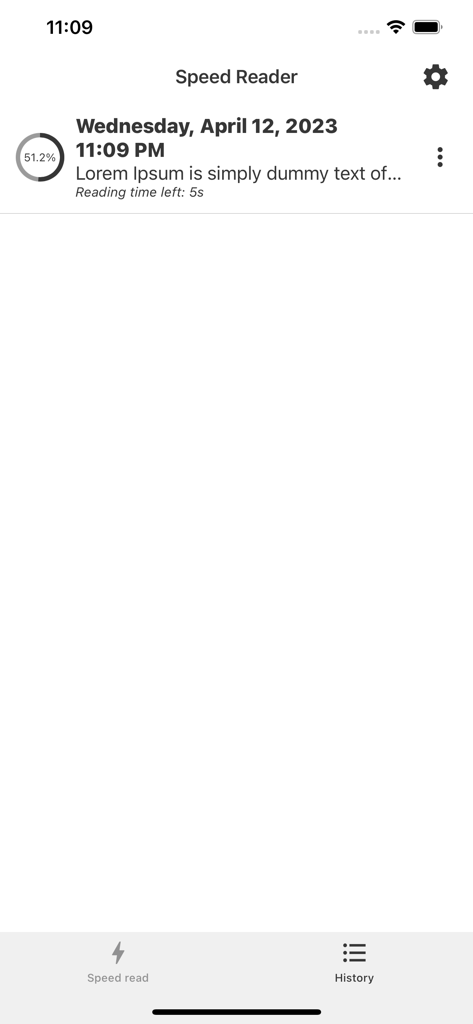
The history screen of the Speed Reader app displaying a list of previously read text with a progress percentage and remaining reading time.
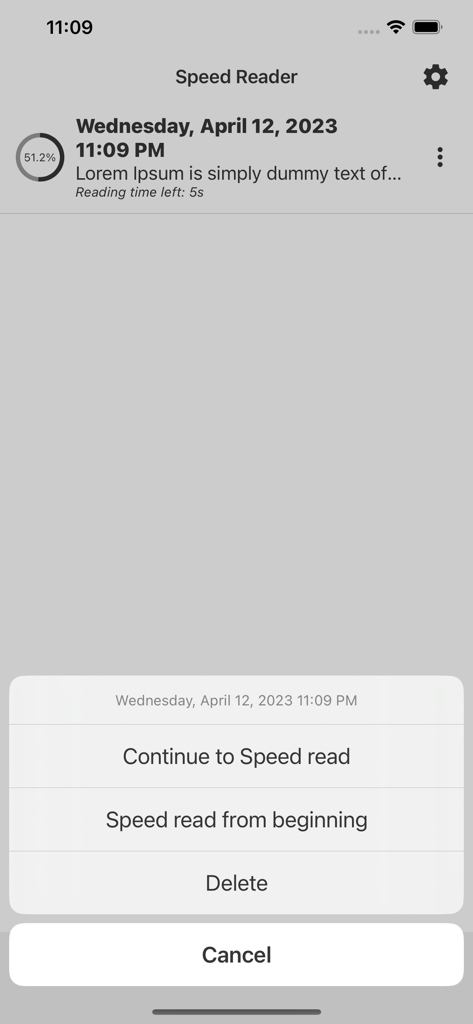
Speed Reader app interface showing a menu with options to continue reading from current progress or restart.
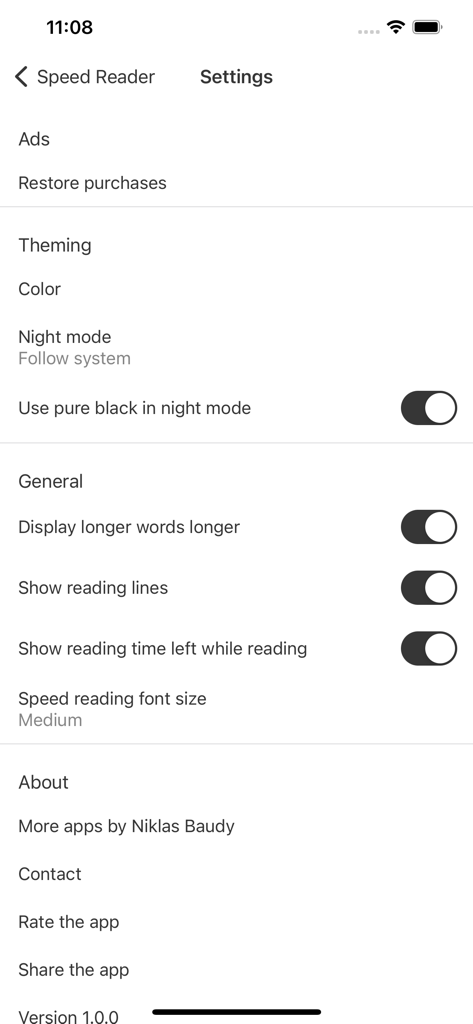
The settings screen of the Speed Reader app showing configuration options for theming and general reading preferences
Description
Download
More Like This
Top-ranked apps in the same category

ChatGPT
OpenAI OpCo, LLC

Google Gemini
Google LLC

Grok
X.AI Corporation

Gmail - Email by Google
Google LLC

千问 - 阿里最强大模型官方AI助手
Shanghai Zhixin Puhui Technology Co., Ltd.

Google Drive
Google LLC

Microsoft Authenticator
Microsoft Corporation

Google Sheets
Google LLC

Google Docs
Google LLC
This page is not an official page of the app or its developer, but an independent editorial publication created for informational and commentary purposes. Unless expressly stated otherwise, neither the app nor its developer is affiliated with, endorsed by, sponsored by, authorized by, or otherwise officially connected with MWM, Apple, Google Play, the app publisher, or the app's developer, and nothing on this page implies that the app was developed using MWM's services. Any trademarks, logos, screenshots, and other content remain the property of their respective owners.