
This page is not an official page of the app or its developer, but an independent editorial publication created for informational and commentary purposes. Unless expressly stated otherwise, neither the app nor its developer is affiliated with, endorsed by, sponsored by, authorized by, or otherwise officially connected with MWM, Apple, Google Play, the app publisher, or the app's developer, and nothing on this page implies that the app was developed using MWM's services. Any trademarks, logos, screenshots, and other content remain the property of their respective owners.


Splitteroo: Vocal Remover
Transform any song into high-quality stems in seconds. Isolate vocals, drums, or bass for practice, karaoke, and content creation with free unlimited uploads and exports.
Downloads
143K+User Rating
Total Ratings
700Publisher
Category
MusicLocales
7Latest Version
1.31Size
35.0 MBFirst Released
May 3, 2023Professional-Grade Audio Isolation
Harness the power of advanced AI to extract stems, create backing tracks, and deconstruct any song in seconds.
Advanced AI Stem Splitting
Split any song into 2, 4, or 6 tracks, isolating vocals, drums, bass, and guitars with studio-quality precision.
Perfect Backing Tracks
Instantly create 'minus-one' tracks for practice or high-quality instrumentals for your next viral social media cover.
Frequently Asked Questions
Everything you need to know about Splitteroo: Vocal Remover
What is Splitteroo: Vocal Remover?
Splitteroo: Vocal Remover is an advanced AI application that extracts vocals or instruments from any song. It generates high-quality stem audio files in seconds for musicians.
Can Splitteroo remove specific instruments like drums or guitar?
Yes, Splitteroo can remove vocals, drums, guitar, and bass from songs. It also offers a general instrumental remover for comprehensive audio separation.
How can users import songs into the Splitteroo app?
Users can import songs into Splitteroo from their music library, cloud services, camera roll, or by pasting a public URL. It supports various audio and video file formats.
Are there any limitations on exporting audio tracks with Splitteroo?
No, Splitteroo offers free unlimited audio tracks exports. Users can export high-quality stem audio files as separate audio tracks. Exporting an audio mix is a premium feature.
Does Splitteroo: Vocal Remover offer a free version or trial?
Splitteroo offers free unlimited songs and unlimited audio track exports. It also mentions a free trial period, where any unused portion is forfeited upon purchasing a subscription.
How can a user manage their Splitteroo subscription?
Users can manage their Splitteroo subscriptions and turn off auto-renewal through their Account Settings. This must be done at least 24 hours before the current period ends.
How many tracks can Splitteroo split a song into?
Splitteroo can split a song into 2, 4, or 6 separate tracks. This feature allows for granular control over different musical components.
What technology does Splitteroo: Vocal Remover use for audio separation?
Splitteroo utilizes advanced AI technology to extract vocals or instruments. This artificial intelligence processes audio in seconds, ensuring high-quality stem file generation.
The following screenshots and description are sourced directly from the app's official store listing and are the property of the app developer.
App Store
Screenshots
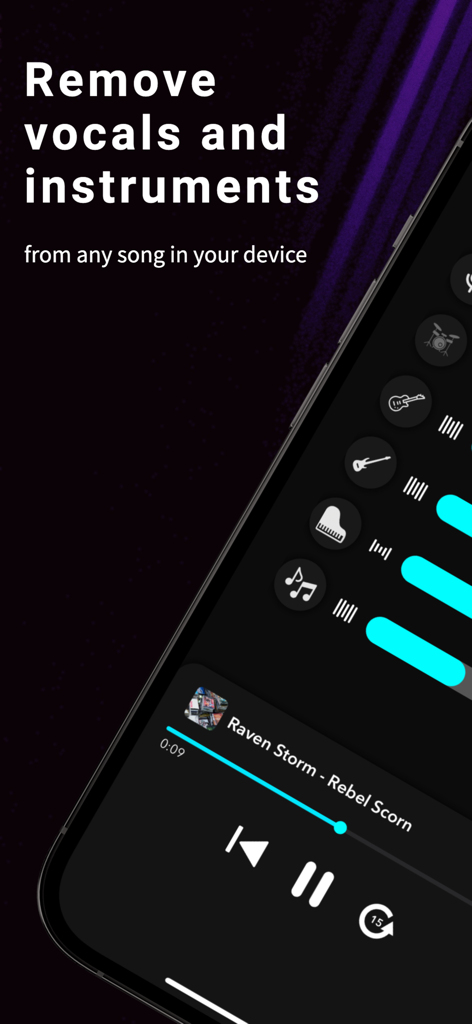
Splitteroo app showing vocal and instrument removal features
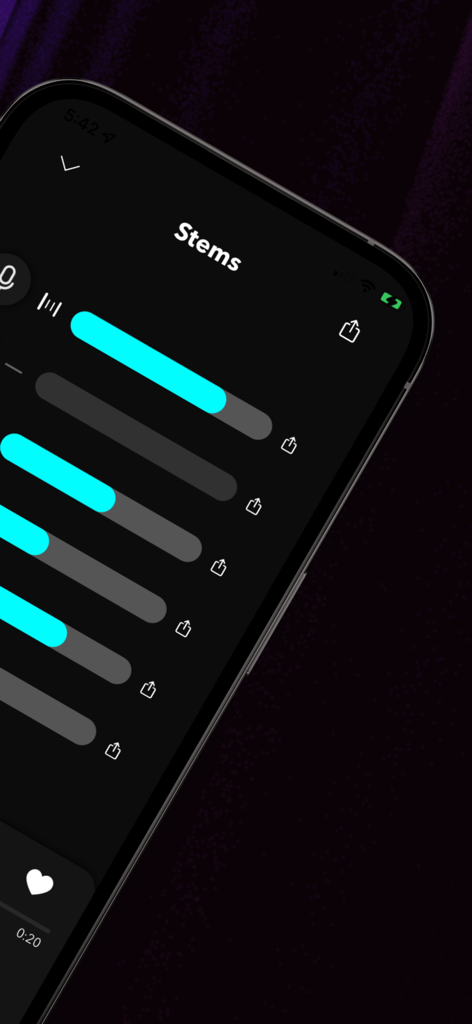
Interface of Splitteroo app showing six separated audio tracks or stems ready for export
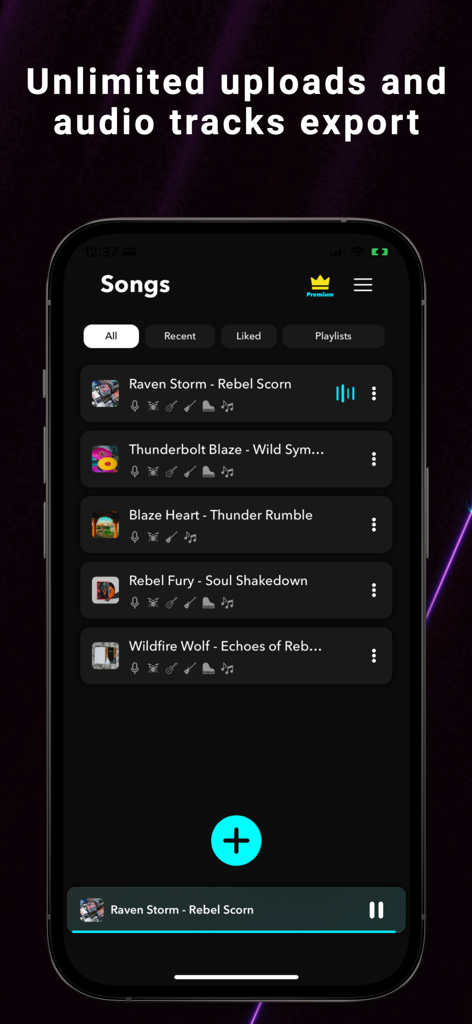
Interface of the Splitteroo app showing a list of songs with the headline unlimited uploads and audio tracks export.
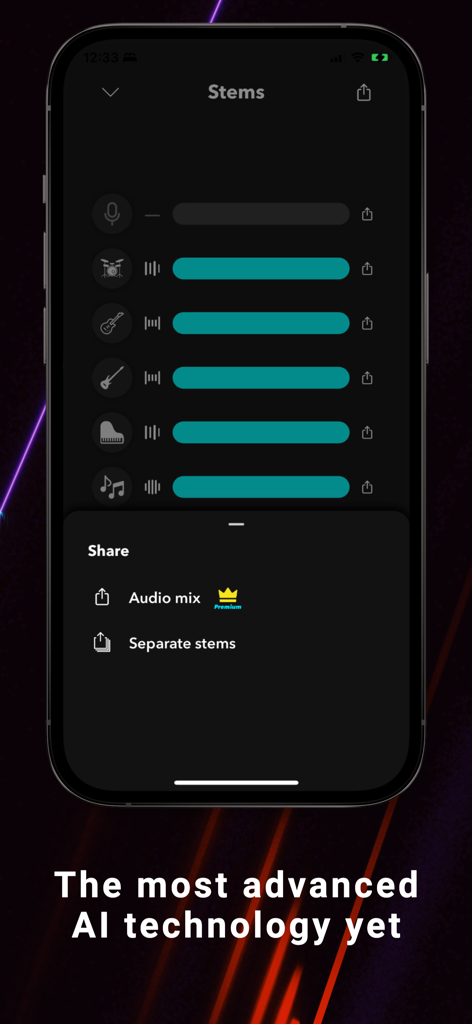
Splitteroo app interface showing separated audio tracks and sharing options
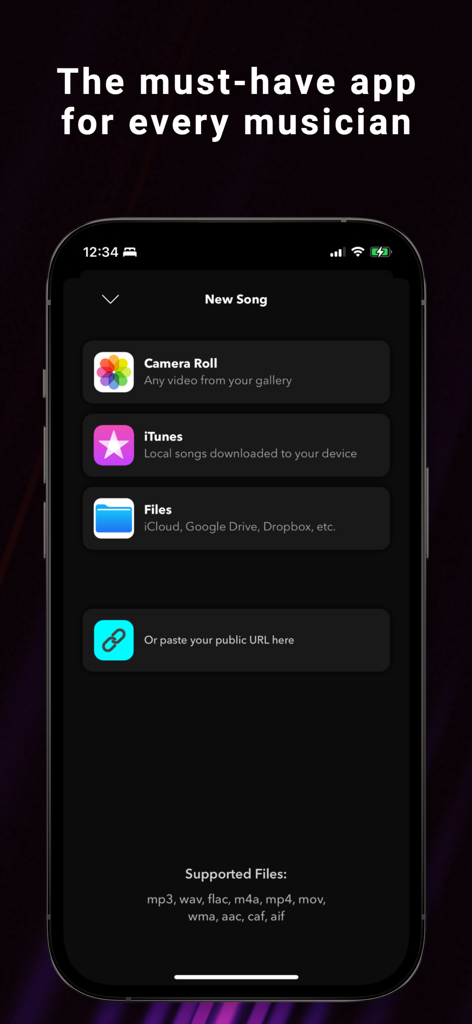
Splitteroo app interface showing song import sources including Camera Roll iTunes and cloud files
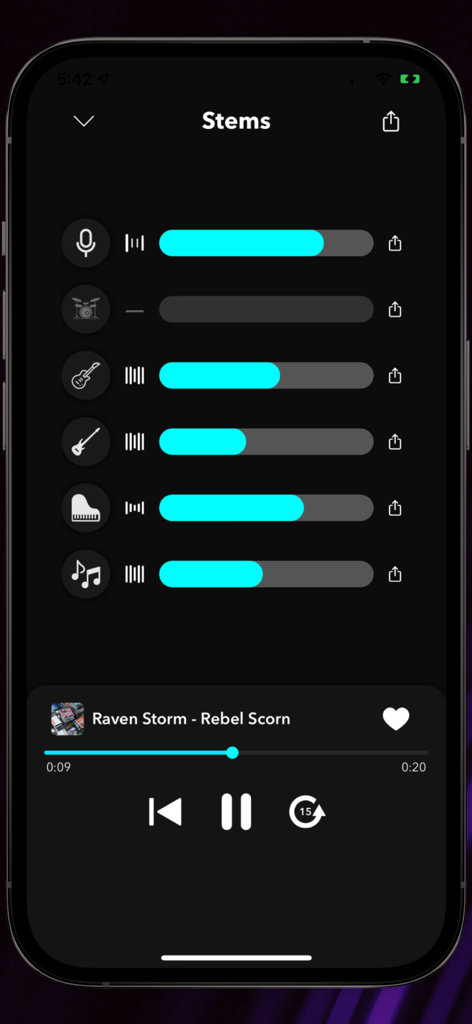
Splitteroo app interface showing isolated audio stems for vocals drums guitar and bass with volume sliders
Description
Download
More Like This
Apps with similar features and user experience

Music Speed Changer ▶▶▶
Single Minded Productions, LLC

Vocal Remover - Musiclab
CHENGDU Yiwo Tech Development Co., Ltd

Audio Fusion
景睿 文

Audio Jam: AI for musicians
Kiraku Tech Co., Ltd.

Anytune Pro+: Studio Tools
Anytune Inc.

Moises: The Musician's App
Moises Systems Inc

Strum - Play Guitar
W185 Holdings LLC

Chordify: Songs, Chords, Tuner
Chordify BV

Chord ai - Play any song!
Nomad AI OU
This page is not an official page of the app or its developer, but an independent editorial publication created for informational and commentary purposes. Unless expressly stated otherwise, neither the app nor its developer is affiliated with, endorsed by, sponsored by, authorized by, or otherwise officially connected with MWM, Apple, Google Play, the app publisher, or the app's developer, and nothing on this page implies that the app was developed using MWM's services. Any trademarks, logos, screenshots, and other content remain the property of their respective owners.