
This page is not an official page of the app or its developer, but an independent editorial publication created for informational and commentary purposes. Unless expressly stated otherwise, neither the app nor its developer is affiliated with, endorsed by, sponsored by, authorized by, or otherwise officially connected with MWM, Apple, Google Play, the app publisher, or the app's developer, and nothing on this page implies that the app was developed using MWM's services. Any trademarks, logos, screenshots, and other content remain the property of their respective owners.


Star Stacker
The ultimate mobile workflow for astrophotographers. Transform high-resolution RAW sequences into stunning trails and cinematic videos with advanced effects like Javelin, Faded, and Warp mode.
Downloads
60K+User Rating
Total Ratings
200Publisher
Category
Photo & VideoLocales
1Latest Version
3.0Size
4.1 MBFirst Released
Mar 1, 2021Professional Star Trails Made Simple
Turn your night sequences into breathtaking star trails and cinematic time-lapses directly on your iPhone or iPad without needing a desktop.
Advanced Artistic Effects
Go beyond basic stacks with specialized modes like Javelin, Shooting Star, and Warp to create unique, eye-catching visual signatures.
Pro-Grade RAW Support
Process high-resolution RAW files directly from your SD card with support for up to 62MP images, preserving every detail of the cosmos.
The following screenshots and description are sourced directly from the app's official store listing and are the property of the app developer.
App Store
Screenshots
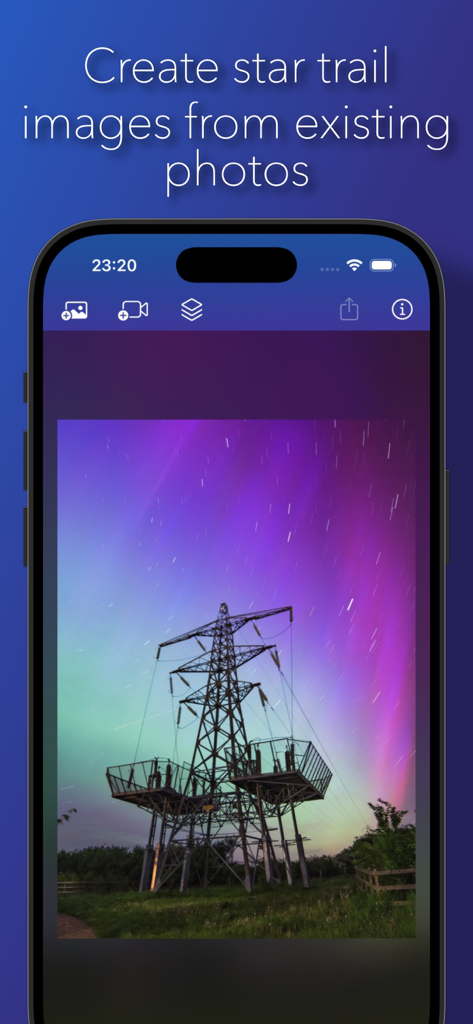
iPhone screen showing the Star Stacker app interface with a photo of star trails behind an electricity pylon and aurora sky
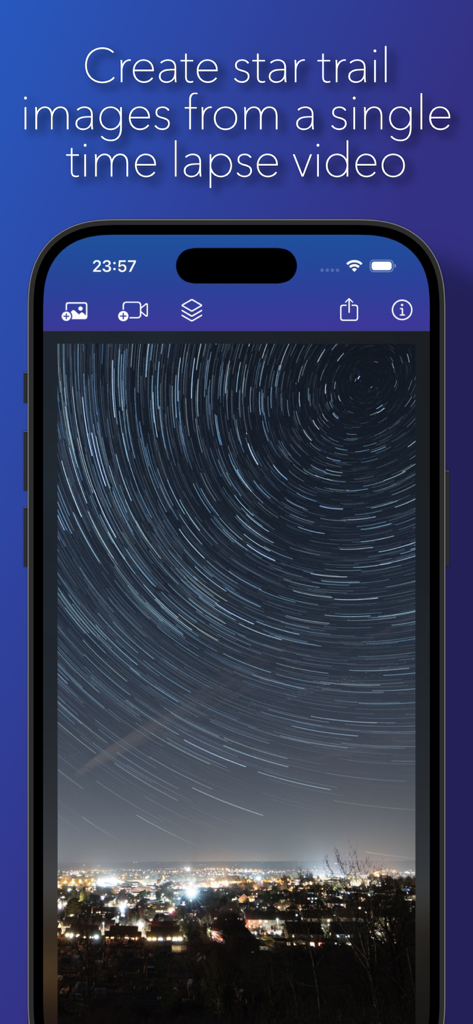
iPhone displaying the Star Stacker app interface with a circular star trail photo over a city skyline
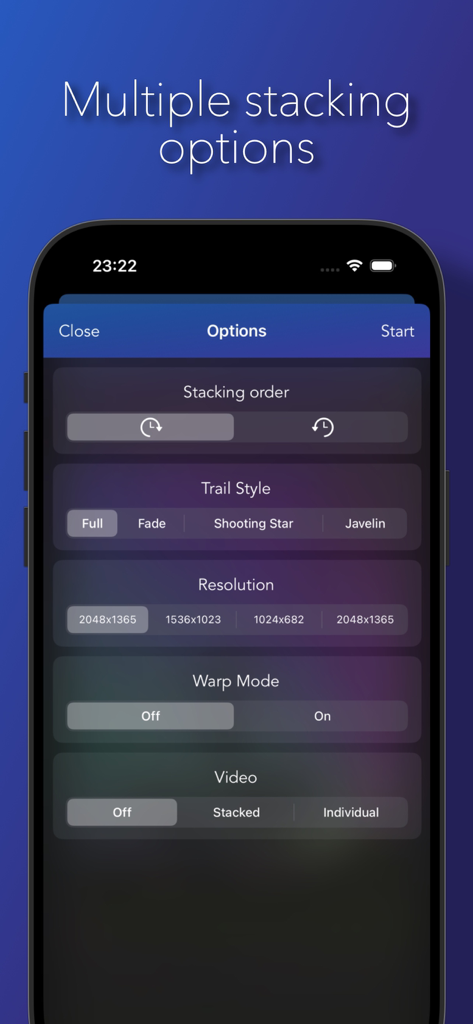
Mobile app interface showing star trail stacking options including style, resolution, and warp mode.
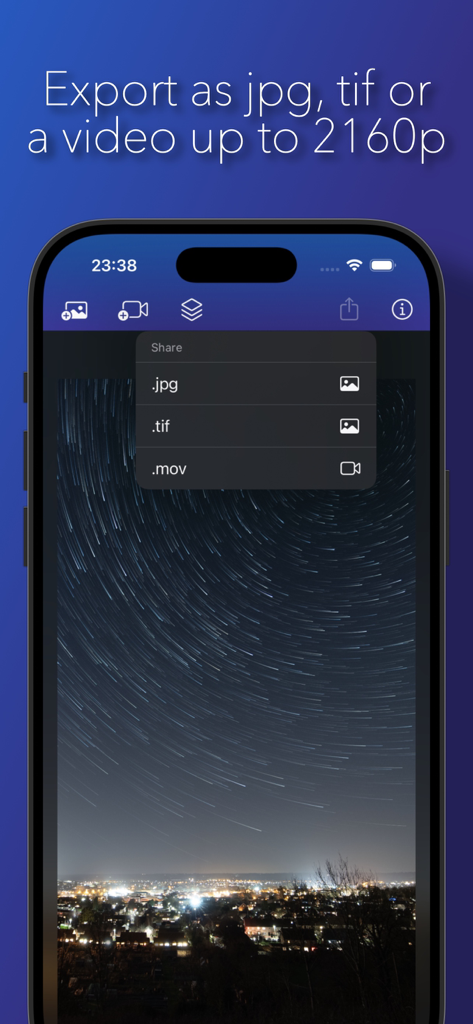
iPhone screen showing export options for star trail photos in jpg, tif, and mov formats within the Star Stacker app.
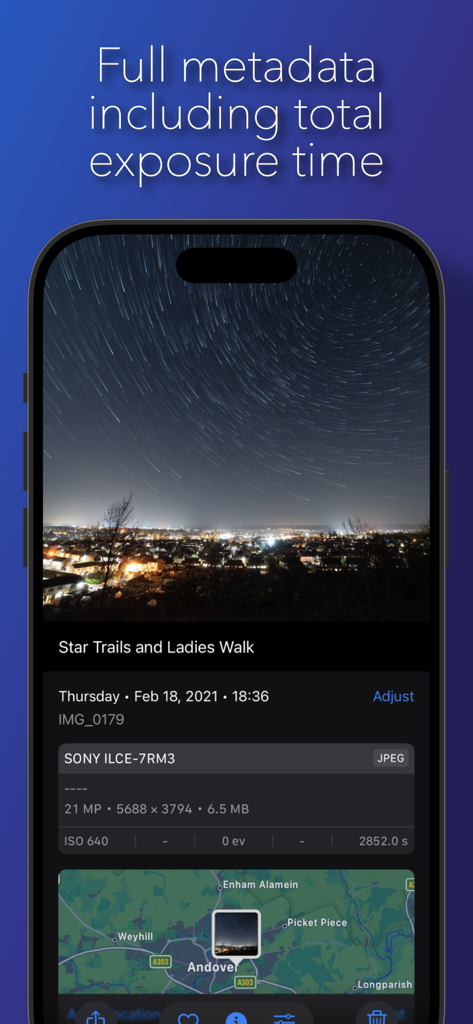
Star Stacker app screenshot displaying photo metadata and exposure details.
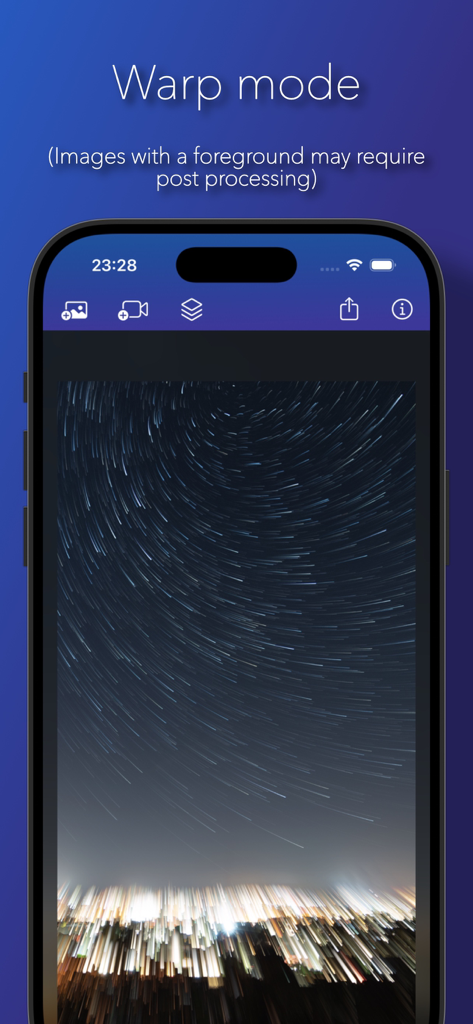
Star Stacker app showing the warp mode effect on star trails
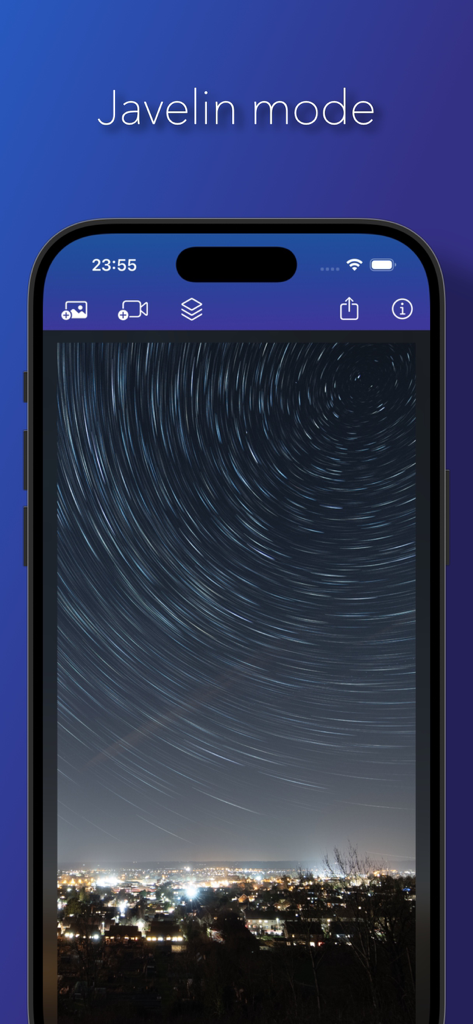
iPhone screen showing Star Stacker app with Javelin mode effect on circular star trails above a night city
Description
Download
More Like This
Top-ranked apps in the same category

CapCut: Photo & Video Editor
BYTEDANCE PTE. LTD.

Instagram, Inc.

YouTube
Google LLC

Canva: AI Photo & Video Editor
Canva Pty Ltd

Snapchat
Snap, Inc.

快手
Beijing Kwai Technology Co., Ltd.

Edits: Video Editor
Instagram, Inc.

Meitu- AI Photo & Video Editor
Xiamen Meitu Technology Co., Ltd.

Google Photos: Backup & Edit
Google LLC
This page is not an official page of the app or its developer, but an independent editorial publication created for informational and commentary purposes. Unless expressly stated otherwise, neither the app nor its developer is affiliated with, endorsed by, sponsored by, authorized by, or otherwise officially connected with MWM, Apple, Google Play, the app publisher, or the app's developer, and nothing on this page implies that the app was developed using MWM's services. Any trademarks, logos, screenshots, and other content remain the property of their respective owners.