
This page is not an official page of the app or its developer, but an independent editorial publication created for informational and commentary purposes. Unless expressly stated otherwise, neither the app nor its developer is affiliated with, endorsed by, sponsored by, authorized by, or otherwise officially connected with MWM, Apple, Google Play, the app publisher, or the app's developer, and nothing on this page implies that the app was developed using MWM's services. Any trademarks, logos, screenshots, and other content remain the property of their respective owners.
Stash Anything: Save & Sort
Reclaim your camera roll from the clutter. Automatically organize recipes, Amazon finds, and Reddit threads into smart collections you’ll actually use—all in just two taps.
Downloads
0User Rating
Total Ratings
0Publisher
Category
ProductivityLocales
1Latest Version
6.0Size
21.1 MBFirst Released
Feb 26, 2026Stop Screenshotting. Start Stashing.
The ultimate digital bucket for your recipes, shopping finds, and travel inspo. Clean up your camera roll and organize your internet discoveries in two taps.
Save from Any App in 2 Taps
Instantly stash Instagram Reels, Amazon products, or Reddit threads using the native Share Sheet. No copy-pasting or switching apps required.
Smart Automatic Sorting
Your finds are automatically organized into smart collections like Recipes, Travel, and Inspo. Stop scrolling through thousands of photos and start finding.
The following screenshots and description are sourced directly from the app's official store listing and are the property of the app developer.
App Store
Screenshots
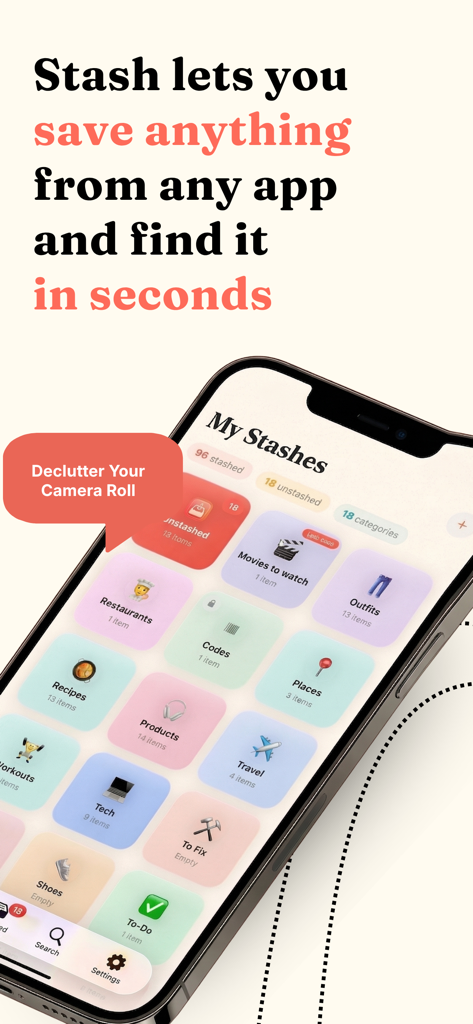
Stash Anything app interface showing organized categories like recipes products and outfits to declutter your camera roll
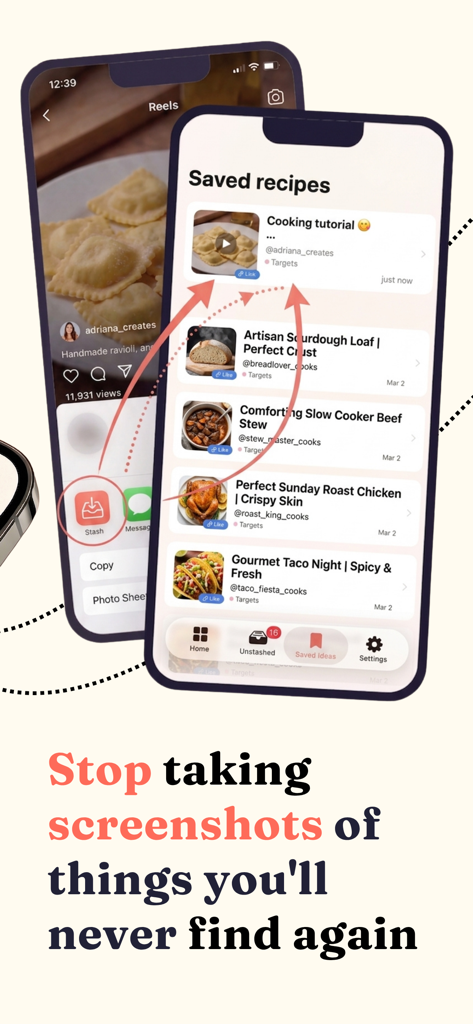
Interface of Stash Anything app showing how to save social media recipes into organized collections instead of screenshots
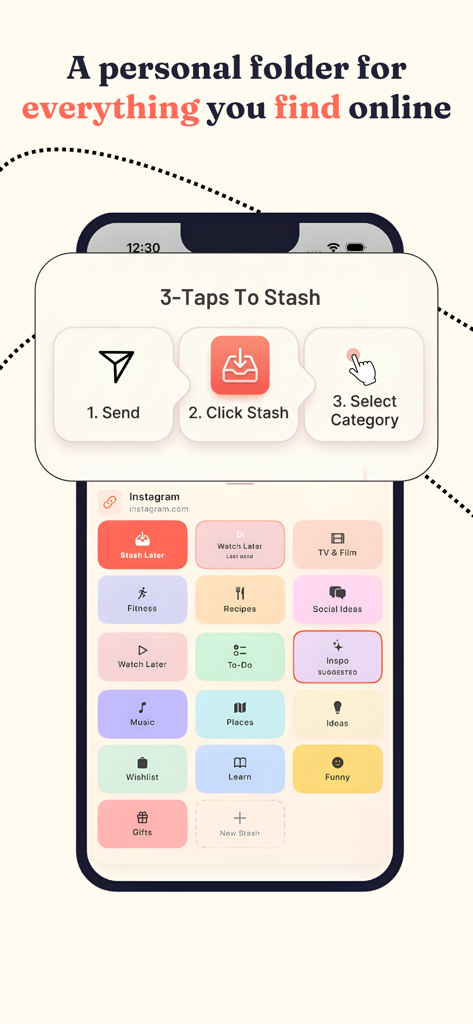
A screenshot showing the 3-tap process to save online content into organized categories like recipes, fitness, and wishlist in the Stash Anything app.
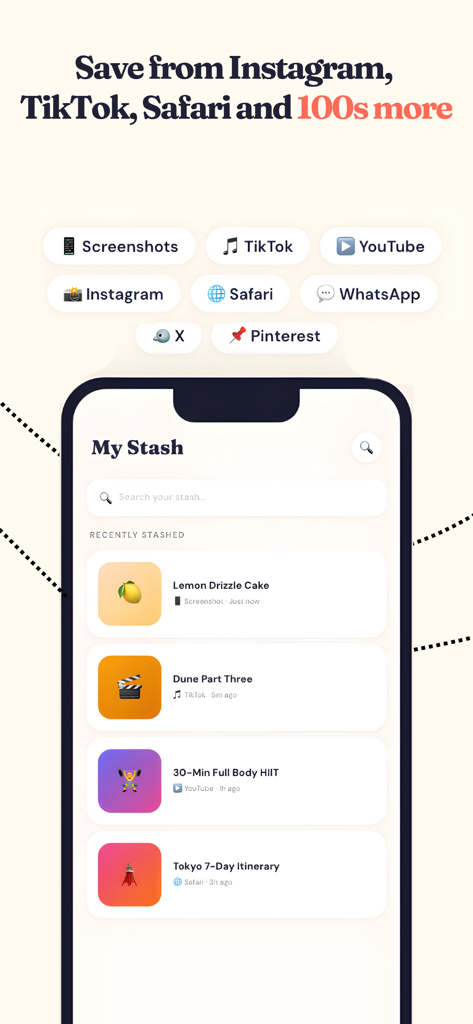
Stash Anything app interface showing recently stashed items like recipes and travel itineraries from different social platforms
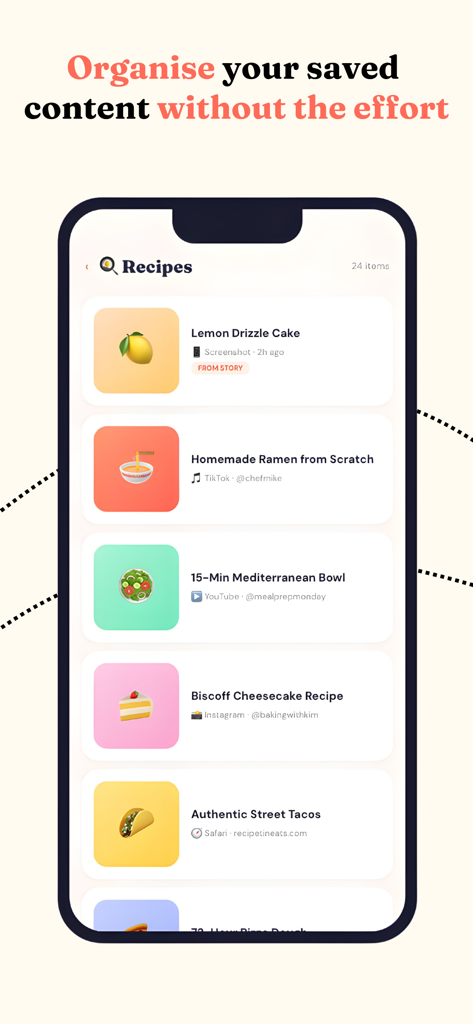
A mobile screen showing a list of saved recipes organized within the Stash Anything app
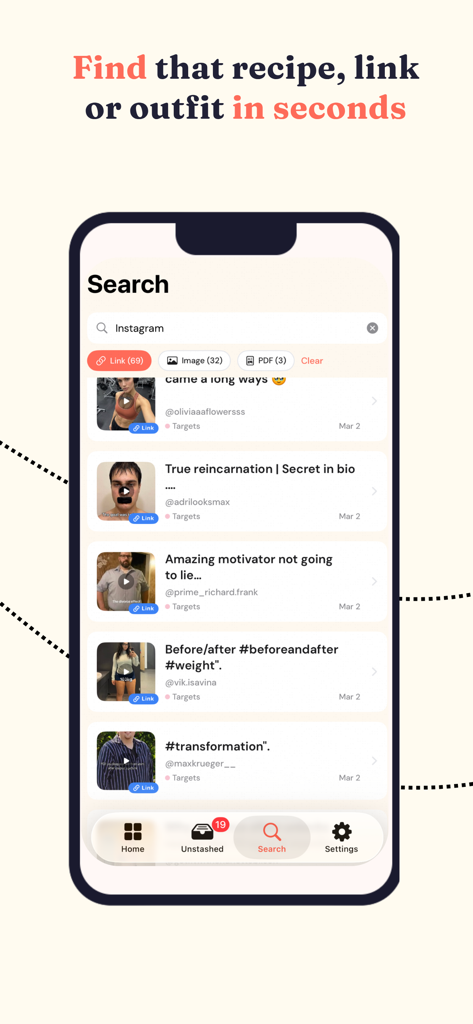
A mobile app interface showing search results for Instagram stashed links and videos with filter options.
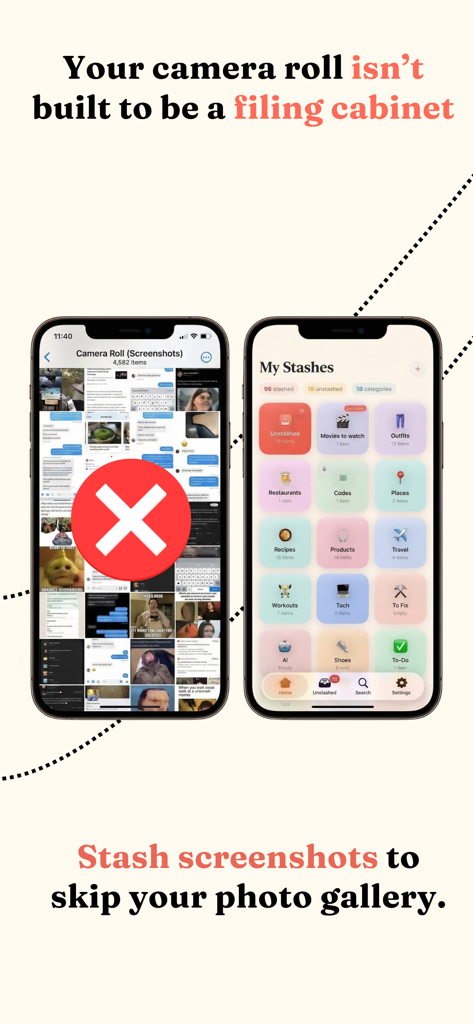
A side by side comparison showing a cluttered iPhone camera roll marked with a red X versus the clean organized category grid of the Stash Anything app
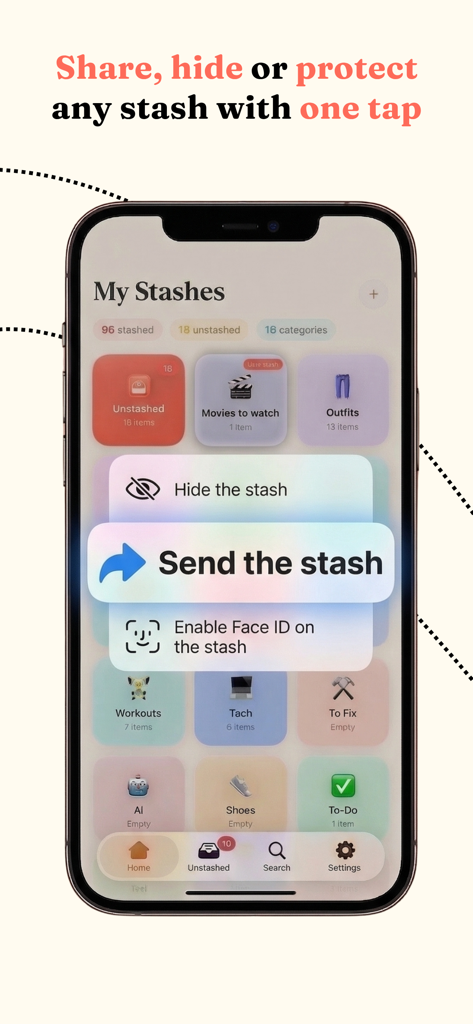
Stash Anything app interface showing a menu to share hide or protect collections using Face ID
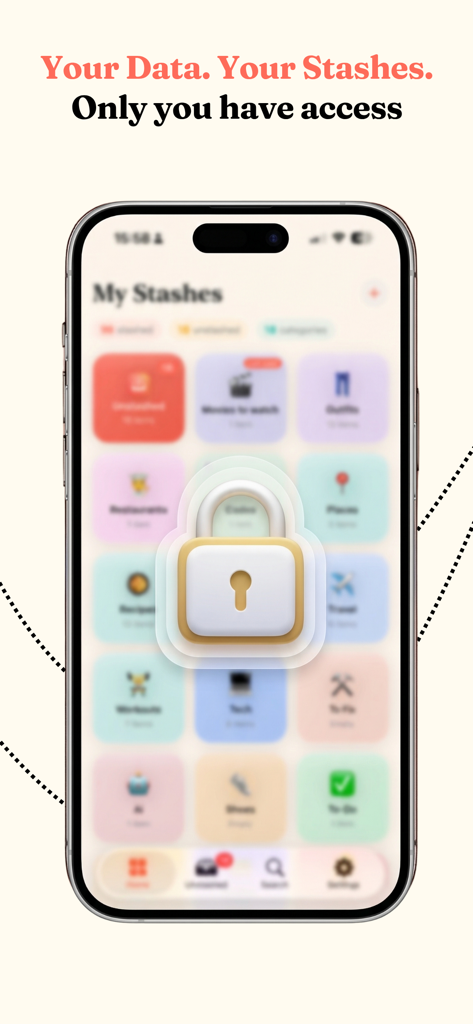
Smartphone display showing the Stash Anything app with a large lock icon to represent secure and private data access.
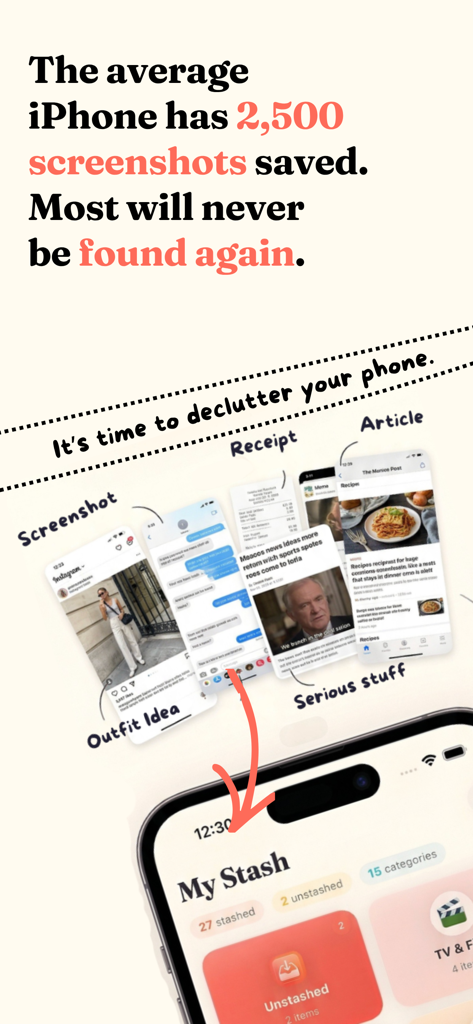
Stash Anything app screen showing how to organize screenshots and declutter your phone
Description
Download
More Like This
Top-ranked apps in the same category

ChatGPT
OpenAI OpCo, LLC

Google Gemini
Google LLC

Claude by Anthropic
Anthropic PBC

Gmail - Email by Google
Google LLC

千问 - 阿里最强大模型官方AI助手
Shanghai Zhixin Puhui Technology Co., Ltd.

Grok - AI Chat & Video
X.AI Corporation
Google Drive
Google LLC

Microsoft Authenticator
Microsoft Corporation
Google Sheets
Google LLC
This page is not an official page of the app or its developer, but an independent editorial publication created for informational and commentary purposes. Unless expressly stated otherwise, neither the app nor its developer is affiliated with, endorsed by, sponsored by, authorized by, or otherwise officially connected with MWM, Apple, Google Play, the app publisher, or the app's developer, and nothing on this page implies that the app was developed using MWM's services. Any trademarks, logos, screenshots, and other content remain the property of their respective owners.