
This page is not an official page of the app or its developer, but an independent editorial publication created for informational and commentary purposes. Unless expressly stated otherwise, neither the app nor its developer is affiliated with, endorsed by, sponsored by, authorized by, or otherwise officially connected with MWM, Apple, Google Play, the app publisher, or the app's developer, and nothing on this page implies that the app was developed using MWM's services. Any trademarks, logos, screenshots, and other content remain the property of their respective owners.

Sticky Note Widget - Cute Memo
Transform your Home and Lock Screens with adorable, customizable widgets. Design your perfect digital space with cute fonts, patterns, and photos while keeping your to-dos right at your fingertips.
Downloads
1M+User Rating
Total Ratings
22K+Publisher
Category
ProductivityLocales
11Latest Version
3.3.6Size
214.2 MBFirst Released
Sep 17, 2020Productivity Meets Your Aesthetic
Transform your Home and Lock Screens into a beautiful, organized space that keeps your most important tasks and creative ideas front and center.
Pin Your Priorities
Keep your to-dos, reminders, and goals right on your Home and Lock Screens for instant visibility without even unlocking your phone.
Customized to Your Style
Express yourself with aesthetic fonts, cute patterns, and your own photos to create a digital space that perfectly reflects your personality.
Frequently Asked Questions
Everything you need to know about Sticky Note Widget - Cute Memo
What is Sticky Note?
Sticky Note is a memo app that allows users to pin customizable notes directly to their Home and Lock Screens for task management, to-do lists, and reminders.
Can I pin Sticky Note memos to my Lock Screen?
Yes, Sticky Note allows users to pin memos directly to their Lock Screen for quick access to important tasks, reminders, or schedules.
How can I customize the background of my Sticky Note memos?
Sticky Note memos offer extensive background customization, including selecting from various colors, patterns, or uploading personal photos.
Does Sticky Note display a character count for notes?
Yes, Sticky Note displays the character count. This feature is helpful for referencing social media posts and writing assistance.
What are the premium features of Sticky Note?
Premium features for Sticky Note include no ads, the ability to use personal photos as note backgrounds, and unlocking the Note List Widget.
Does Sticky Note support Apple Watch?
Yes, Sticky Note supports Apple Watch. Users can pin notes directly to their Apple Watch for quick access.
How do I add a Sticky Note widget to my Home Screen?
To add a Sticky Note widget, open the app after installing, then add the widget to your Home Screen. Afterward, customize its look and content.
Can I organize tasks by category in Sticky Note?
Yes, Sticky Note enables users to organize tasks, reminders, and to-do lists effectively by category for better management.
Does Sticky Note provide a privacy policy and terms of use?
Yes, Sticky Note provides links to its Privacy Policy and Terms of Use within the application description for user reference.
Is Sticky Note suitable for managing daily to-do lists?
Yes, Sticky Note is ideal for managing daily to-do lists and reminders, offering a simple interface to keep important tasks visible.
The following screenshots and description are sourced directly from the app's official store listing and are the property of the app developer.
App Store
Screenshots
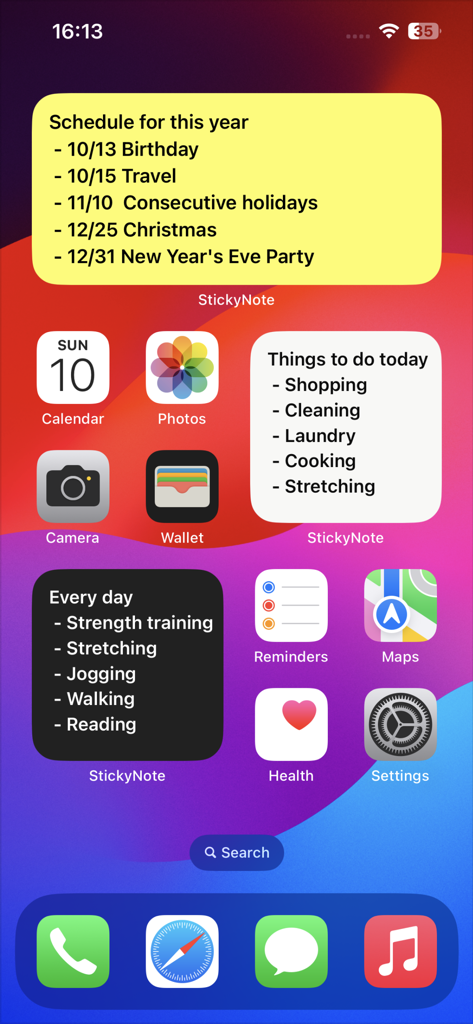
A screenshot of an iPhone home screen featuring various colorful sticky note widgets for organizing tasks and schedules
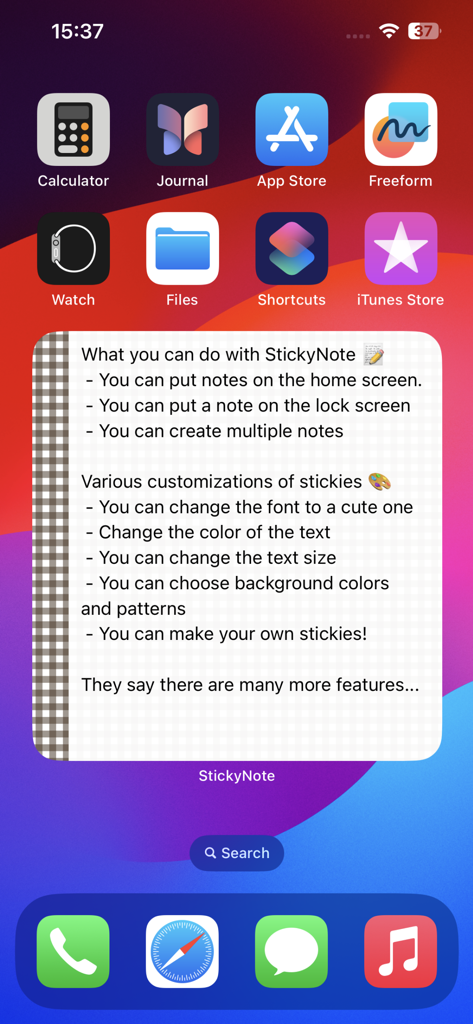
An iPhone home screen displaying a customizable sticky note widget with a checkered border and descriptive text.
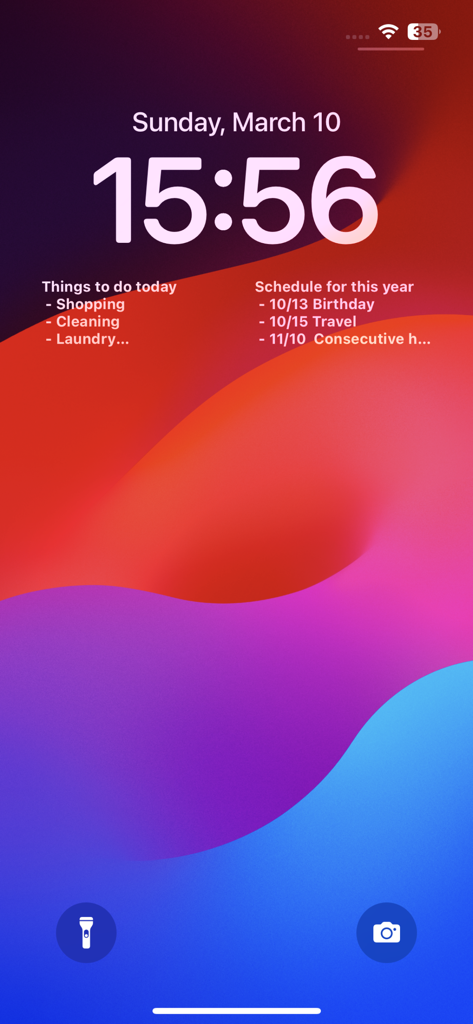
iPhone lock screen displaying two sticky note widgets for tasks and schedule
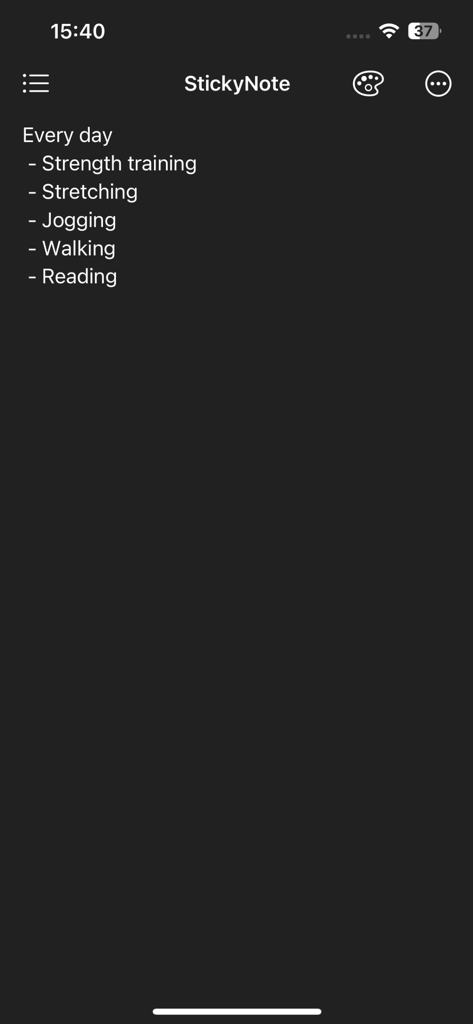
Dark mode interface of Sticky Note app showing a bulleted daily routine list including strength training, jogging, and reading
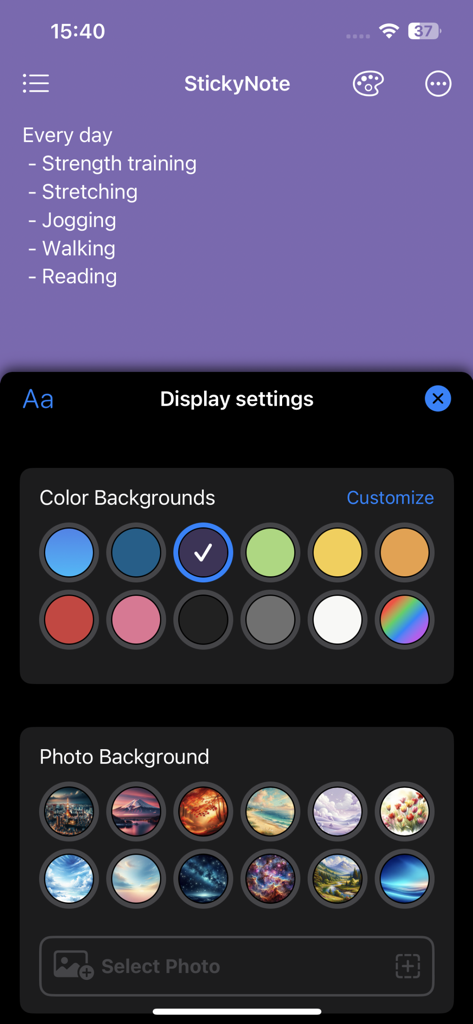
Display settings screen showing background color and photo options for personalizing a sticky note memo
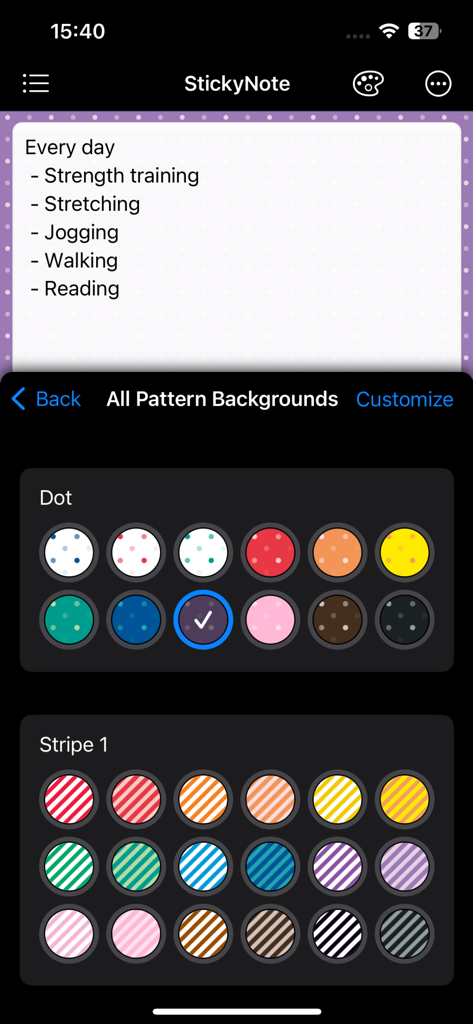
Interface of a memo app showing various colorful dot and stripe patterns to customize the background of a sticky note widget
Description
Download
More Like This
Apps with similar features and user experience
Planit - To-Do List & Calendar
BeomJoon Kim

Smile Todo - Time Management
EMMO Corp.

That Shopping List
Markus Liebschner

Lists To do
Thomas Tsopanakis

To Do List Widget
TAPUNIVERSE LLC

Daily Planner & Task Manager
Konstantin Bolgar

DailyTodo - To-Do List & Tasks
SEOLHEE LEE
Table Notes Spreadsheet maker
WEBDIA INC.

Minimal Tabbed ToDo List
App Palette LLC
This page is not an official page of the app or its developer, but an independent editorial publication created for informational and commentary purposes. Unless expressly stated otherwise, neither the app nor its developer is affiliated with, endorsed by, sponsored by, authorized by, or otherwise officially connected with MWM, Apple, Google Play, the app publisher, or the app's developer, and nothing on this page implies that the app was developed using MWM's services. Any trademarks, logos, screenshots, and other content remain the property of their respective owners.