Stop Motion Animation Maker
Download on App Store

This page is not an official page of the app or its developer, but an independent editorial publication created for informational and commentary purposes. Unless expressly stated otherwise, neither the app nor its developer is affiliated with, endorsed by, sponsored by, authorized by, or otherwise officially connected with MWM, Apple, Google Play, the app publisher, or the app's developer, and nothing on this page implies that the app was developed using MWM's services. Any trademarks, logos, screenshots, and other content remain the property of their respective owners.


Logo of Stop Motion Animation Maker
Download on App Store

Stop Motion Animation Maker

The easiest way for kids and parents to create cartoons together. Turn everyday toys into professional-grade animations and share your child's creativity with the world.

Key Figures

Downloads

32K+

User Rating

4.6/5

Total Ratings

300

Publisher

VISPER ARTS OOO

Category

Photo & Video

Locales

43

Latest Version

5.4.2

Size

100.8 MB

First Released

Apr 15, 2022
Features

Turn Your Toys Into Movie Masterpieces

The easiest way for kids and parents to create high-quality stop-motion cartoons and time-lapse videos together, turning active playtime into professional results.

Ghost Frame Alignment

Our translucent overlay shows your previous shot, helping you position objects perfectly for smooth, professional-looking movement every time.

Built for LEGO & DIY Crafts

The ultimate tool for 'brickfilms' and claymation. Whether it's drawings or blocks, we turn physical play into digital storytelling.

The following screenshots and description are sourced directly from the app's official store listing and are the property of the app developer.

App Store

Screenshots
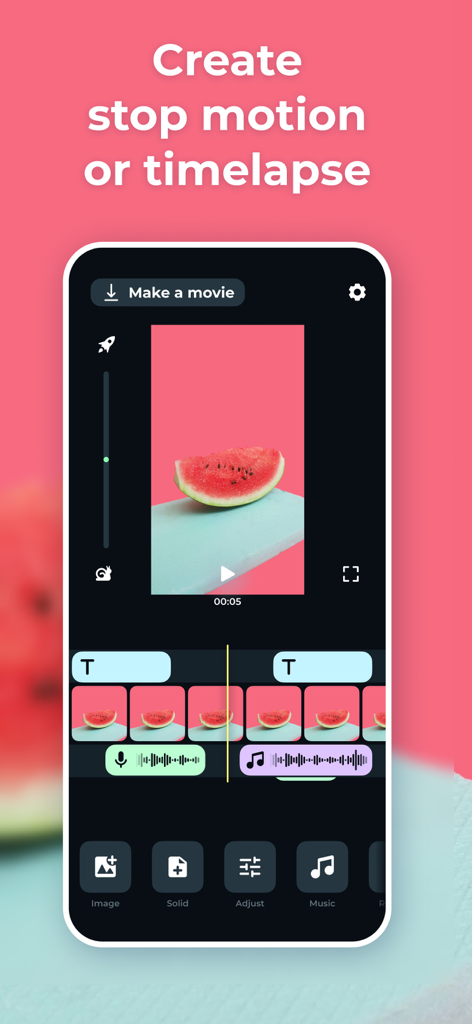
Stop Motion Animation Maker - Stop Motion Animation Maker app interface with a video timeline and editing tools for creating animations
Stop Motion Animation Maker app interface with a video timeline and editing tools for creating animations

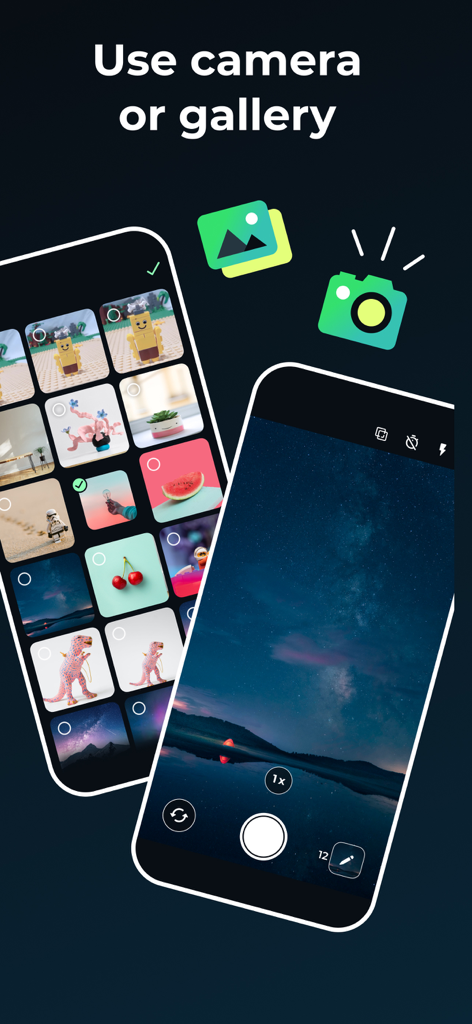
Stop Motion Animation Maker - Interface showing the option to use a camera or photo gallery to create stop motion animations

Interface showing the option to use a camera or photo gallery to create stop motion animations
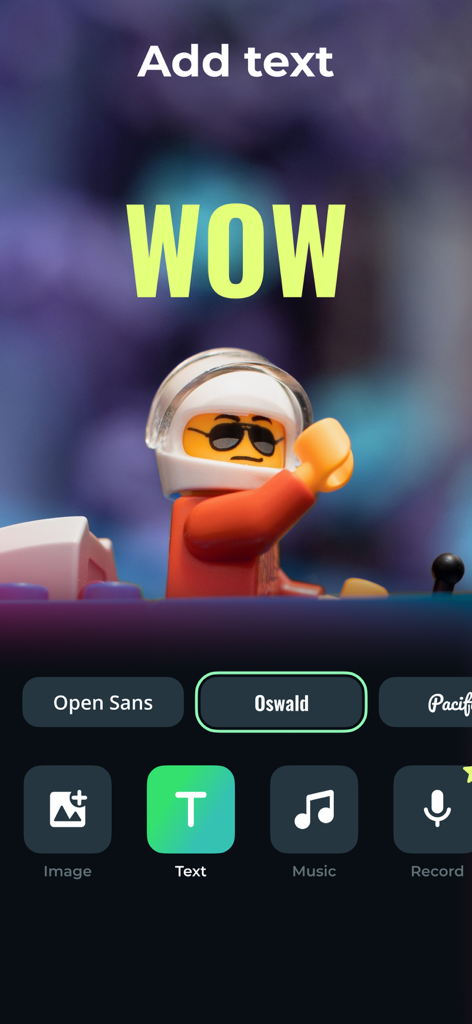
Stop Motion Animation Maker - Mobile app interface showing how to add text overlays to a LEGO stop motion video
Mobile app interface showing how to add text overlays to a LEGO stop motion video

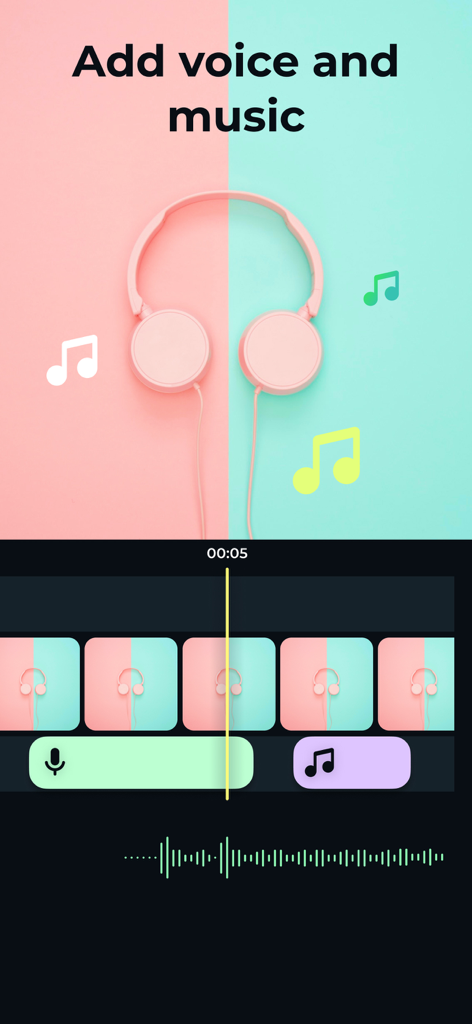
Stop Motion Animation Maker - Interface of the stop motion app showing tools to add voiceovers and background music to animation frames
Interface of the stop motion app showing tools to add voiceovers and background music to animation frames

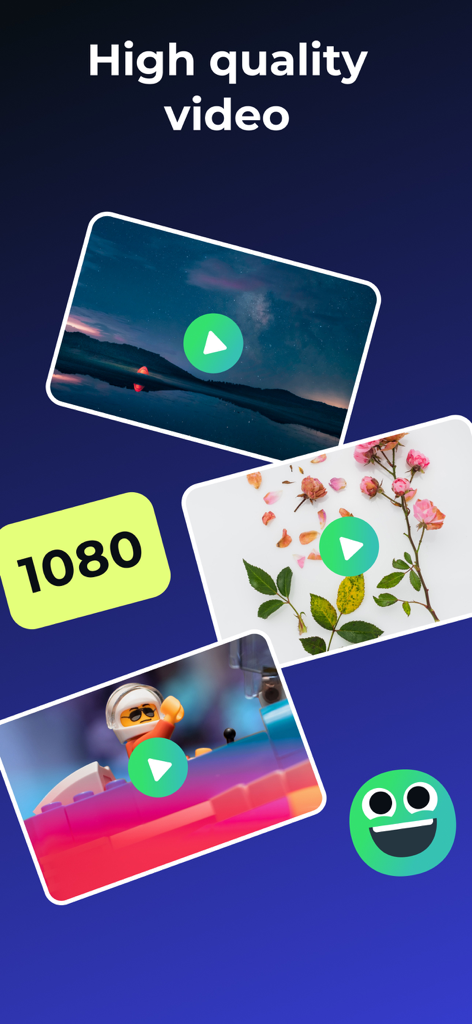
Stop Motion Animation Maker - High quality 1080p video export options for stop motion animations and Lego movies
High quality 1080p video export options for stop motion animations and Lego movies

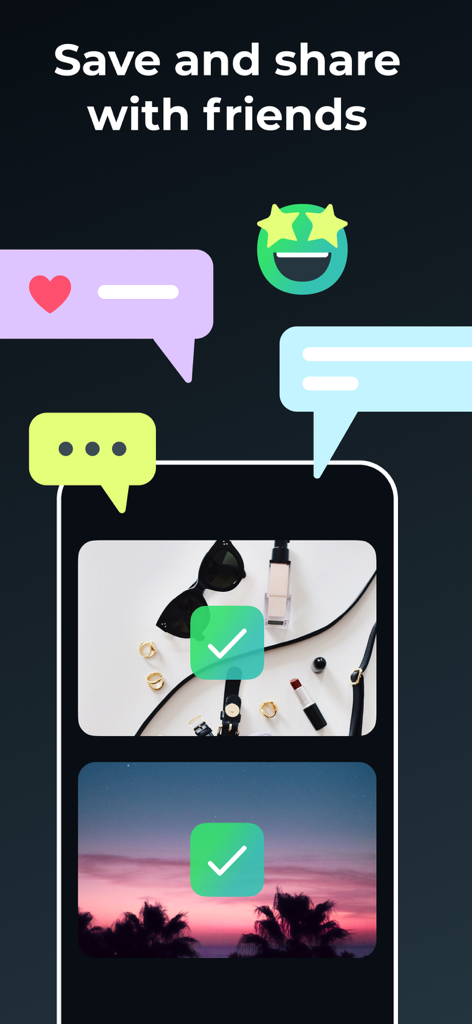
Stop Motion Animation Maker - Interface of the Stop Motion Animation Maker app showing options to save and share videos with friends

Interface of the Stop Motion Animation Maker app showing options to save and share videos with friends

Description

The app creates a series of photographs that can be combined into a video and get finished cartoon, animation, or time-lapse at the output. With the Stop Motion app, You can easily create your cartoon or stop-motion animation just like the pros do! Easy shooting and editing even for beginner animators. Creating cartoons Take photos of your plasticine, Lego, drawings, and create your cartoons. Time-lapse photography can be done with anything: Lego, plasticine crafts, drawings, sketches, objects etc. The application provides a special mode of translucent overlay on the current frame in the camera: you can align objects and determine exactly how to position objects to get the right movement in the frame. We tried to make intuitive navigation in the app so even 5-years old child could create his cartoon. Stop motion videos Easily turn your photos into amazing videos. Use a photo gallery or take photos frame by frame to create movement. Then simply select the photos you want to include in your animation, set the speed, and create your video! You can save the finished video to your smartphone or share it on social networks directly from the Stop Motion app. The main functionality of the application: - frame-by-frame photo shooting with further combining the captured photos into a video; - horizontal and vertical screen orientation; - image zoom and transparency setting of the previous frame; - choice of vocalization during the scheme: manual or auto - viewing the footage; - the ability to set the frame rate; - stream export to video format; The app is ideal for creating cartoons and spending time together between parents and children, as well as creating interesting content on a personal blog! Time Lapse is a photography technique that allows you to accelerate a video and watch slowly changing events much faster. We offer subscription plans in the app that unlock premium functions of the app: - Payment will be charged to iTunes Account at confirmation of purchase - Subscription automatically renews unless auto-renew is turned off at least 24-hours before the end of the current period - Account will be charged for renewal within 24-hours prior to the end of the current period, and identify the cost of the renewal - Subscriptions may be managed by the user and auto-renewal may be turned off by going to the user's Account Settings after purchase - Any unused portion of a free trial period, if offered, will be forfeited when the user purchases a subscription to that publication, where applicable - Price can depend on location For more information please visit the link https://support.apple.com/HT202039 Privacy Policy: https://doc.whisperarts.com/policy/stopmotion/ios/ Terms of Use: https://doc.whisperarts.com/terms/stopmotion/ios/ Want to receive the latest news about the application? Subscribe to the newsgroup https://www.facebook.com/WhisperArts

Download

Download on App Store

This page is not an official page of the app or its developer, but an independent editorial publication created for informational and commentary purposes. Unless expressly stated otherwise, neither the app nor its developer is affiliated with, endorsed by, sponsored by, authorized by, or otherwise officially connected with MWM, Apple, Google Play, the app publisher, or the app's developer, and nothing on this page implies that the app was developed using MWM's services. Any trademarks, logos, screenshots, and other content remain the property of their respective owners.








